






Four days after launch, Rockstar Games has begun rolling out the first post-launch update for Grand Theft Auto VI. The patch is 1.6GB on Xbox Series X|S and 603.8MB on PS5, with sizes varying slightly by region. It isn't going out to everyone at once. Rockstar is staging it in three phases to manage demand on gaming networks.
Download sizes and version numbers
The build is version 1.0.2.2 on Xbox and 01.002.002 on PS5, an incremental change from the previous build. GTA VI's install size on Xbox stays at 211.9GB. The PS5 patch is the smaller of the two, as with earlier updates. The pre-launch patch from November 16 was 602.5 MB on PS5, against a reported 1.59 GB on Xbox.
When you'll get it
According to GTA community member @PLTytus, 33% of users have already received the update. A further 33% will get it at 1pm GMT, and the remaining players will get it at 4pm GMT.
For most of the audience, that works out as follows:
1pm GMT: 8am ET / 5am PT
4pm GMT: 11am ET / 8am PT
The staged rollout also matches earlier patches. Dataminers tracked the PS5 rollout of the previous update in three waves spaced 12 hours apart. If the patch isn't in your queue yet, that's most likely why.
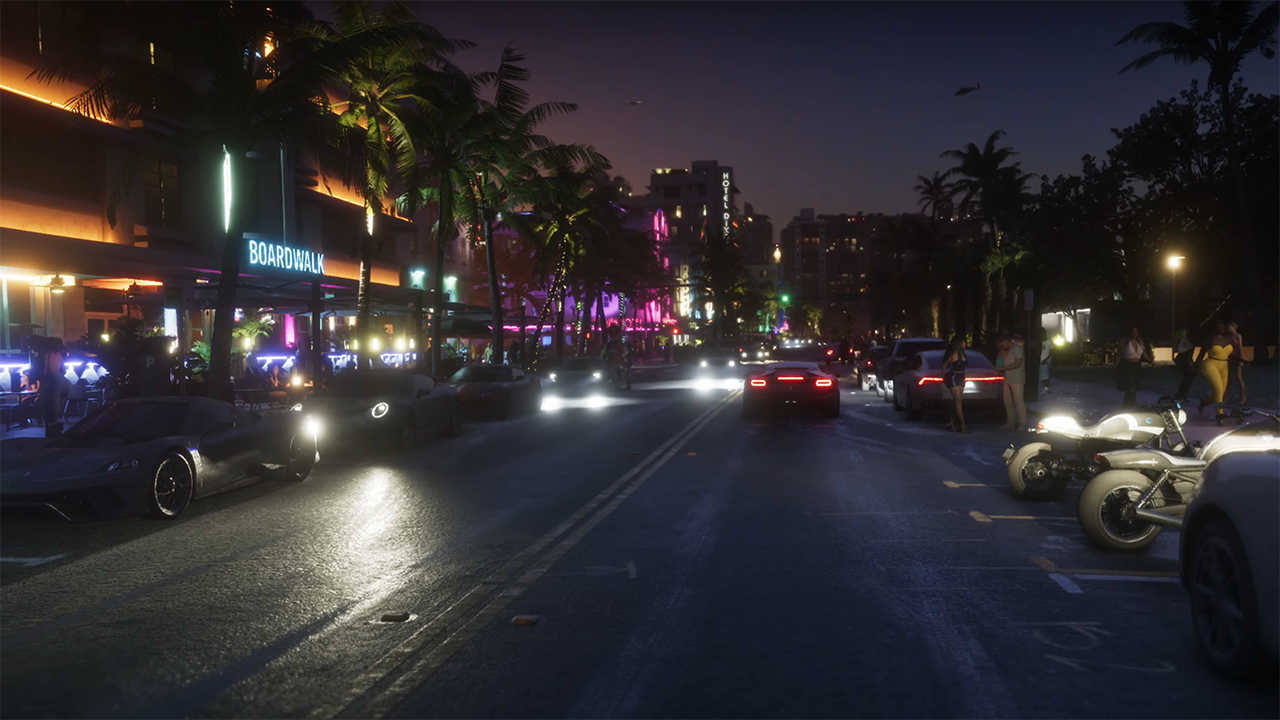
What's in the update?
That's still unknown. As of this writing, Rockstar has not published patch notes for this update. It also didn't publish any for the two pre-launch patches, 01.002.000 on November 13 and 01.002.001 on November 16. Rockstar hasn't said what the new build fixes or changes. Updates of this size often cover stability fixes and general performance tweaks, but that's an assumption, not a confirmed detail.
Should you update?
Yes, once it appears. Expect the Xbox download to be nearly three times the PS5 one, and make sure you have the free space before you start. If you want to play right away, leave automatic updates on. Otherwise, check your download queue around the times above.
We'll update this story if Rockstar publishes official patch notes.
Recommended Comments