




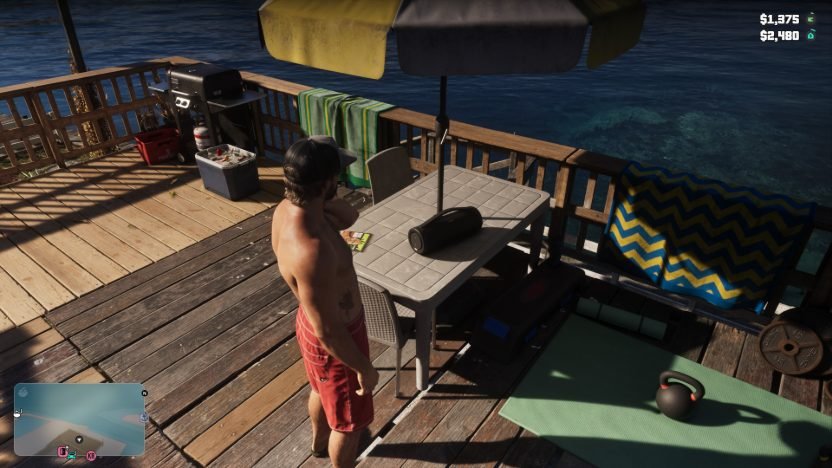

For more than two decades, Grand Theft Auto's radio has had one rule: the music stops the moment you step out of the car. GTA 6 finally breaks it. Jason and Lucia can now keep a station or podcast running while they walk around Leonida, but you have to buy the gear first. Nothing in the game points you toward it, so here is where to get it, how to use it, and the one catch to know about.
Why You Can't Just Press a Button
Rockstar describes the feature as radio and podcasts "in vehicles or on foot" through headphones and earbuds connected to your character's smartphone. That wording is the key. The audio travels through the phone, and the phone needs something to play it through, so the hardware is an item you buy rather than a setting you toggle.
There is one exception early on. Jason's first safehouse in the Leonida Keys has a radio on the decking. You can switch it on and choose any station while you repair the house or work out, no headphones required. It only works at that spot, though, so it is a stopgap, not a replacement.
Where to Buy Headphones
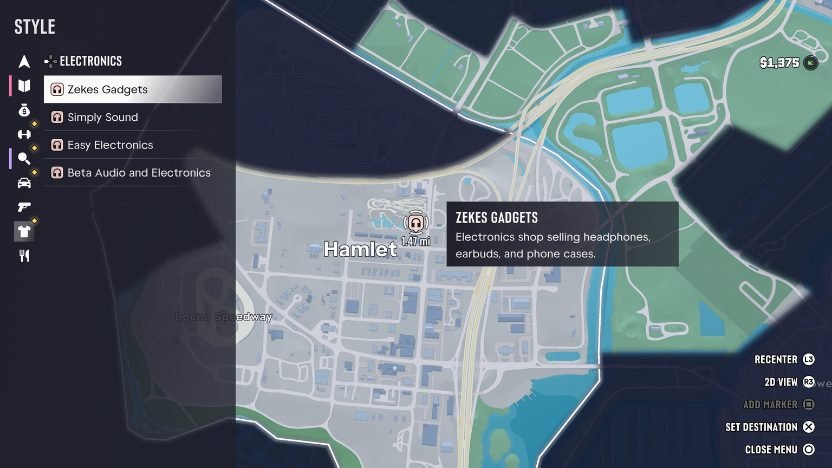
Look for electronics shops. Once you reach a part of Leonida that has one, a headphones icon appears on your map. Until then, the map shows nothing, so a bare map early in the story does not mean the feature is missing.
Closest to the start: Zeke's Gadgets in Hamlet, the built-up area outside Key Lento, is the first shop that stocks headphones. It is roughly three miles from Jason's first safehouse. Inside, the headphones sit in a display cabinet.
Elsewhere on the map: There are 15 electronics shops across Leonida, mostly in Vice City and the larger towns. If you are already in the city, you do not have to backtrack to Hamlet.
Other retailers: A pre-launch Game Store leak showed Jason browsing earbuds and headphones in six colors at a store in Port Gellhorn, so game shops may carry audio gear too. One guide also lists Simply Sound in Vice City. Treat these as extra options and rely on the map icon instead.
Zeke's Gadgets charges $119 for white or black headphones and $139 for the other colors. If you only want music and don't care about the look, take the cheaper pair.
How to Equip Them and Start Listening
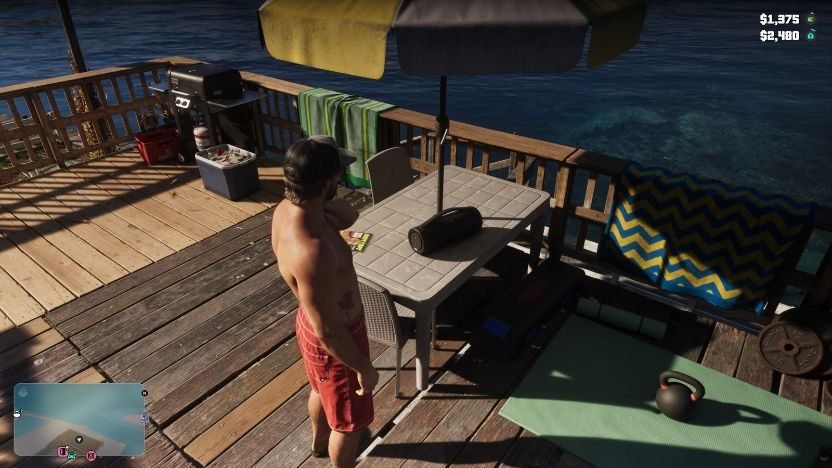
Buy a pair at any electronics shop.
Open the weapon menu and switch to the items section.
Equip the headphones.
Open the radio station menu the same way you do in a vehicle, then choose a station.
Some players report that on console you can hold left on the D-pad to bring up the station wheel while walking. Rockstar hasn't published an on-foot control list, so if that doesn't work for you, fall back on the menu route above. The radio menu itself has an on-demand section for podcasts, which is where you find episodes rather than live broadcasts.
What You Can Listen To
Rockstar has formally revealed six stations so far, with more to find in the game:
Flash FM: the returning Vice City favorite, now hosted by Robyn and Alex, with a pop focus
Cocoteo FM: Latin music
Back Country Radio: country
AfroBank FM: African music
The Chamber 106.6: metal
Dirty South Classics: southern hip-hop, hosted by Tick and Trina
Podcasts are new to the series. Unlike a station, they are on demand, so you pick what to play and can keep it going through a long walk or a stakeout.
The Trade-Off: You Won't Hear Anything Else
This is the part that catches people out. The headphones block nearly all ambient sound, which means you can't hear NPC dialogue while they're on. Taking them off, or avoiding them in the first place, is the sensible move for any side quest where you need to listen to what's happening around you: conversations, footsteps, a car pulling up behind you.
A good rule of thumb: wear them for travel, errands and downtime, and take them off whenever you're about to talk to someone or sneak around.
FAQ
Can you listen to music on foot in GTA 6?
Yes, once you buy and equip headphones or earbuds. Rockstar has confirmed it.
Do you start the game with headphones?
No. You have to buy them from an electronics shop after the opening.
Can I hear NPCs while wearing them?
No. They block almost all ambient sound, including dialogue.
Are phones or other devices an alternative?
Rockstar says the headphones and earbuds connect to your smartphone, so they are the way in. No other audio device is documented.
Recommended Comments