




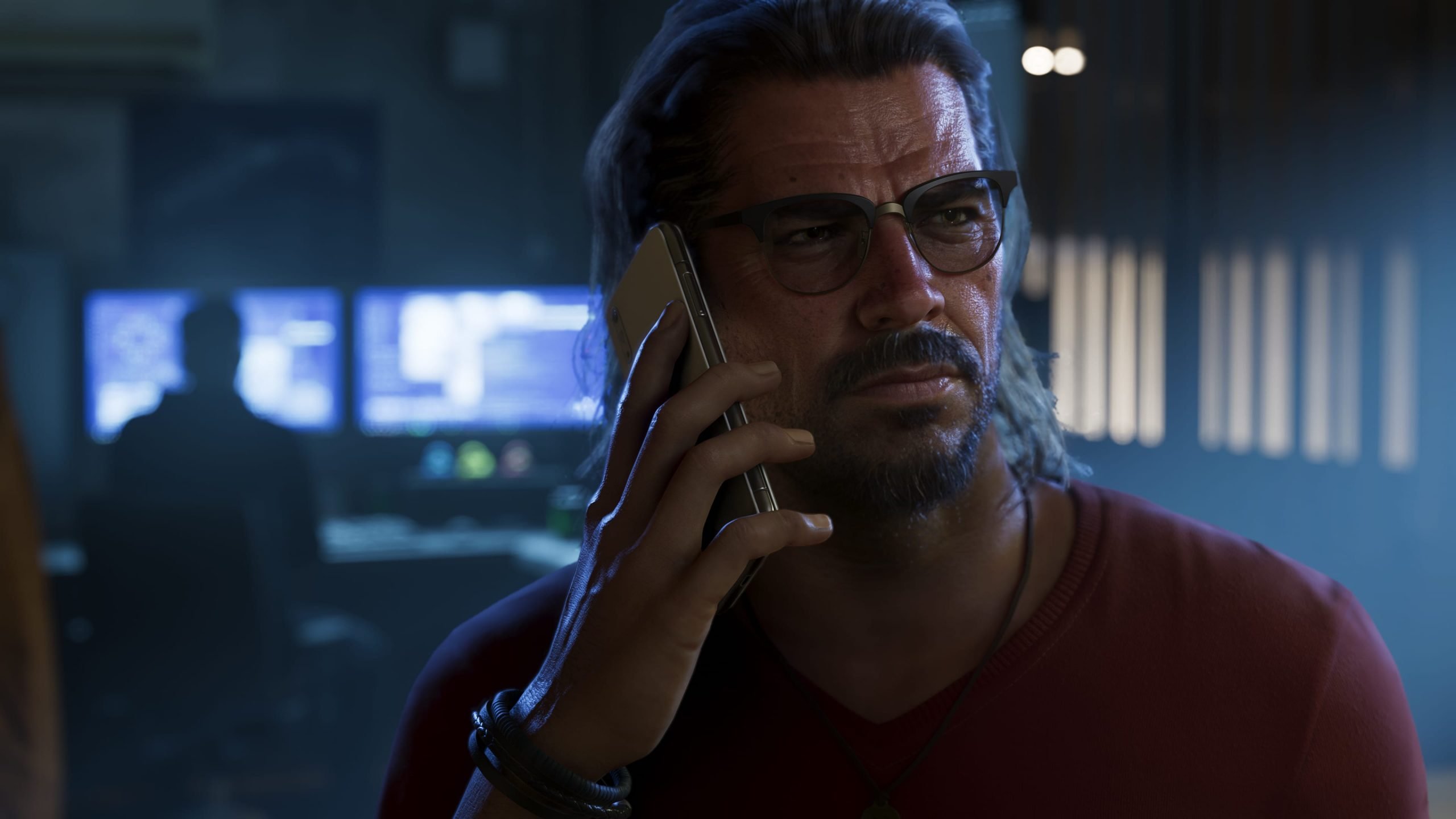

Dutch police have arrested a 24-year-old man from Amsterdam as part of an investigation into ShinyHunters, the hacking collective that breached Rockstar Games earlier this year. The case has taken a serious turn, with the suspect also under investigation for the attempted incitement of two murders. Police stress that this suspicion is separate from the ShinyHunters inquiry.
What police say
The man was arrested on September 15 and appeared in court on Tuesday. He is suspected of participating in a criminal organization, which is the basis for his arrest.
According to Dutch police, investigators found a large amount of information on his laptop after the arrest, including details about two murders that were to be committed abroad. Police say there are indications the suspect gave the order for them. He is being held in complete isolation while the investigation continues.
In their statement, police said the murder allegation is a separate matter from the ShinyHunters investigation.
Who is the suspect?
Reuters, citing a statement from Neo Security, reported that the man is Pepijn van der Stap, an offensive security lead at the Amsterdam-based firm. Neither the police statement nor the reporting available so far establishes that he has been charged with any specific offense, and all of the allegations remain unproven.
The report states that he was previously convicted of data theft and extortion but has since disavowed cybercrime. ShinyHunters, for its part, denies that he is associated with the group.
A quick recap of the Rockstar breach
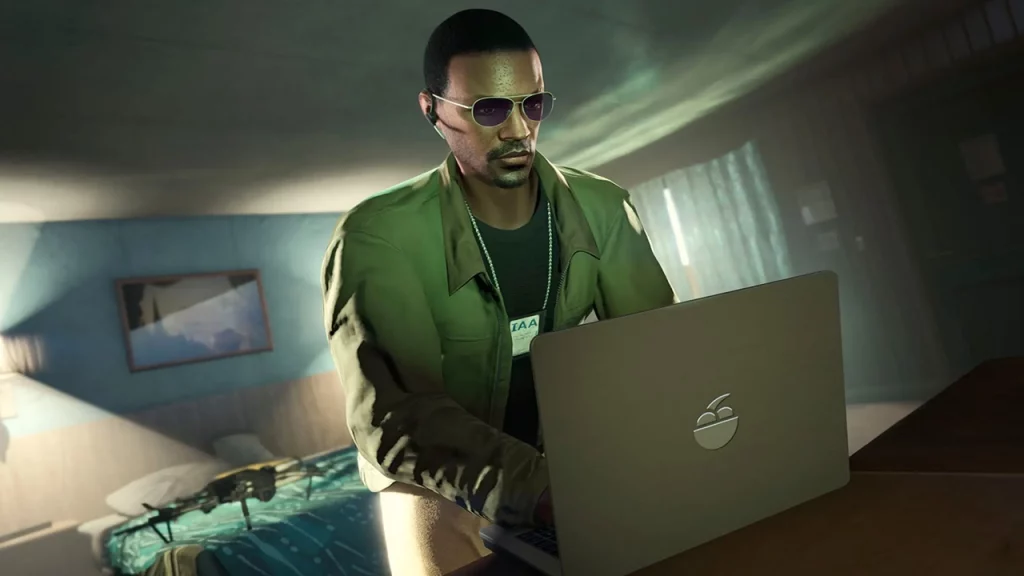
Earlier this year, Rockstar was hacked and held to ransom by ShinyHunters. The group reportedly got in through a third-party software service used by the company and claimed to have taken around 80 million files. It demanded payment under threat of releasing the data.
Rockstar did not pay. The leaked material gave the public an unusually detailed look inside the company, including figures on how much revenue GTA Online generates and how many players it has across platforms.
At the time, Rockstar acknowledged the incident, saying a limited amount of non-material company information was accessed in connection with a third-party data breach, and that the incident had no impact on its organization or players.
ShinyHunters' wider record
Rockstar is far from the group's only target. ShinyHunters has claimed responsibility for a long list of breaches, with Ticketmaster, SoundCloud, Google and even the FBI among the names attached to its recent activity.
What comes next
With the suspect held in isolation and police describing the investigation as thorough, further details may emerge as the case moves through the Dutch courts. For now, the link between this arrest and the Rockstar breach rests on the broader ShinyHunters investigation, a connection the group itself rejects.
We'll update this story as more information becomes available.
Recommended Comments