




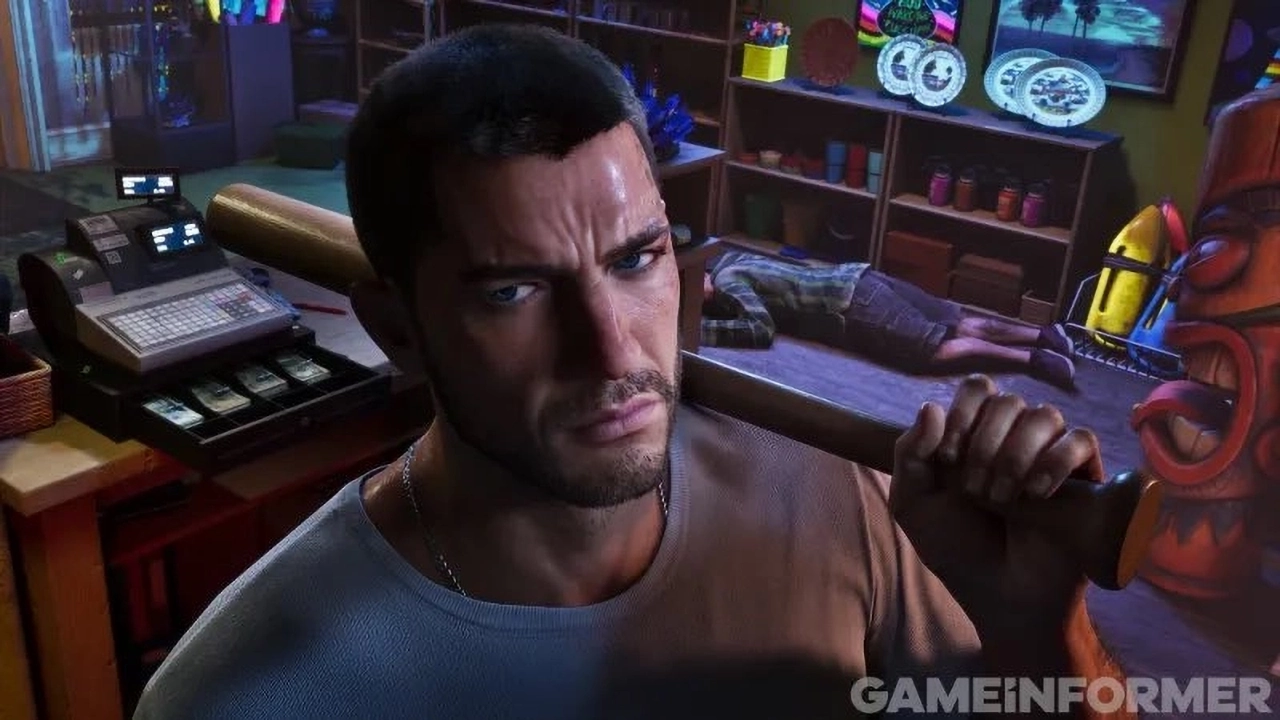

Rockstar Games has finally opened up on how Leonida will actually feel to live in. Game Informer's long-awaited GTA VI cover story, published in issue 382, is a 14-page deep dive with senior Rockstar designers. It reveals confirmed hurricanes, a re-engineered weather system, more than 170 animal species and a long list of activities spread across the studio's largest map to date.
A weather system that evolves Red Dead 2's
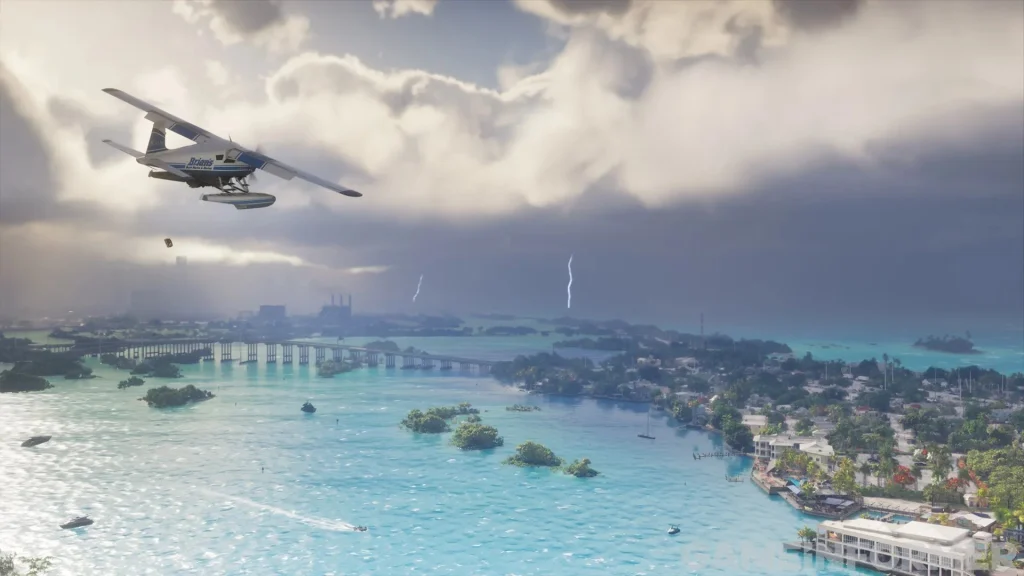
According to Game Informer, GTA VI runs on a re-engineered, localized and persistent weather system. It draws on the technology behind Red Dead Redemption 2 but is described as an evolution rather than a carbon copy.
Rain is a major focus. Storms can produce rainbows, and puddles and wet surfaces linger well after the downpour ends. Tropical storms and full hurricanes are also confirmed, fitting for a game set in a Florida-inspired state.
Wind gets its own new system too. Offshore breezes, convectional updrafts and wind occlusion from buildings all shape how hair, debris, water and vegetation move. Because weather is localized, conditions can differ across the map: one district may be hit by torrential rain while the player stands in clear sunshine elsewhere. The dynamic clouds seen in Red Dead 2 return, drifting across Leonida to drive changing conditions and lighting.
Leonida is Rockstar's biggest map yet
Art Director Aaron Garbut says the map is roughly twice the size of GTA V's, with a big jump in detail, density, interactivity and enterable interiors.
Confirmed activities include:
Base jumping
Billiards
Gyms
Kayaking
Mini golf
Scuba diving
Street and off-road racing
Zoos
Air boating
Jet skiing
The map itself spans ATV trails, mud parks, demolition derbies, mountain biking and motocross routes, alongside farms, ranches, golf courses, bass fishing spots, swamps and beaches. Players will also find abandoned tourist attractions, industrial zones and a northern countryside region.
More than 170 animal species
Wildlife is a headline feature. GTA VI includes over 170 species, among them more than 60 types of birds and over 30 land mammals. Confirmed animals include alligators, manatees, flamingos, pelicans, sharks, whales, rays, turtles, jellyfish, iguanas and macaques.
Some animals can be tracked and are sorted into Rare, Discoverable and Legendary categories. Rockstar is keeping the specific creatures in each tier under wraps for now. The studio also reports extensive work on fur, feathers and movement, in both visuals and simulation.
Where to read it
Issue 382 is shipping to subscribers and appearing at bookstores and newsstands, with delivery expected over the coming weeks. The digital edition is available now. The feature also came with 12 new screenshots of the game.
The bigger picture
The cover story lands amid a busy stretch for GTA VI. Pre-orders are reportedly setting records on Xbox, and the roughly $400 collector's edition has sold out in the UK and other regions despite the controversy around it.
Taken together, the details point to a game that wants Leonida to feel alive and unpredictable, with weather, wildlife and activities all layered on top of a much bigger map. Rockstar has more to show before launch, but this is the most concrete look yet at the world the studio has built.
Recommended Comments