




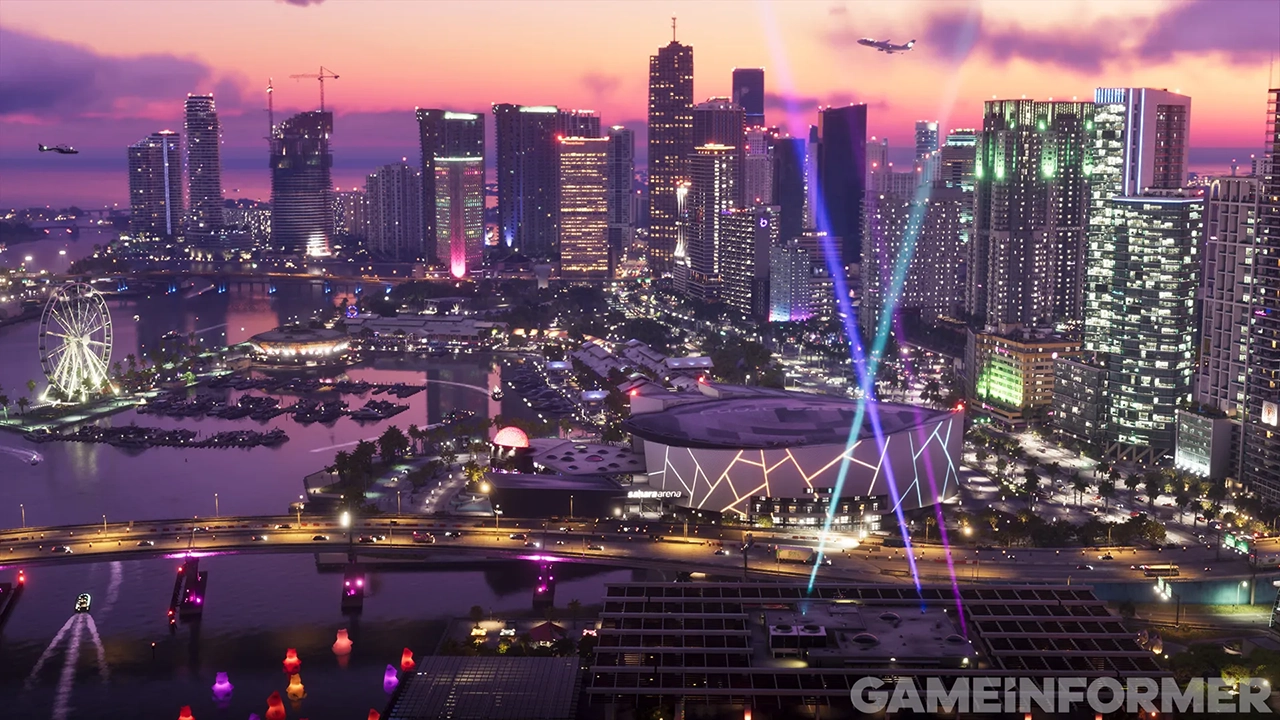

A dozen new GTA 6 screenshots have been released by Rockstar Games, separate from the 20-plus images that arrived last month alongside the Extended Look. With launch now on the horizon, Rockstar is continuing to show more of the game.
Where the images come from

The screenshots are part of Game Informer's October 2026 issue, number 382, which is available digitally now ahead of a print release next month. The digital issue is the centerpiece of a 14-page cover story built from interviews with several lead designers at Rockstar.
The cover itself is new Jason and Lucia artwork. It appears to continue the artwork from the Grand Theft Auto VI soundtrack vinyl releases revealed last week.
What the screenshots show

The images show the dense streets of Vice City, the wider state of Leonida, and the characters who live there. Wildlife, NPCs the player will interact with, and fresh looks at protagonists Jason and Lucia all feature. Insider Gaming's rundown lists a beach, a bar, hunting, wildlife, a bike, a dock, a plane, hiking and a coastal scene, alongside dedicated shots of Jason and Lucia.
The weather stands out. One screenshot appears to show a hurricane, which fans took as evidence of the advanced weather system Rockstar has been building. The coastal shot shows a shoreline under a thunderstorm. Game Informer's story also confirms hurricanes and storms in the game.
Beyond the images
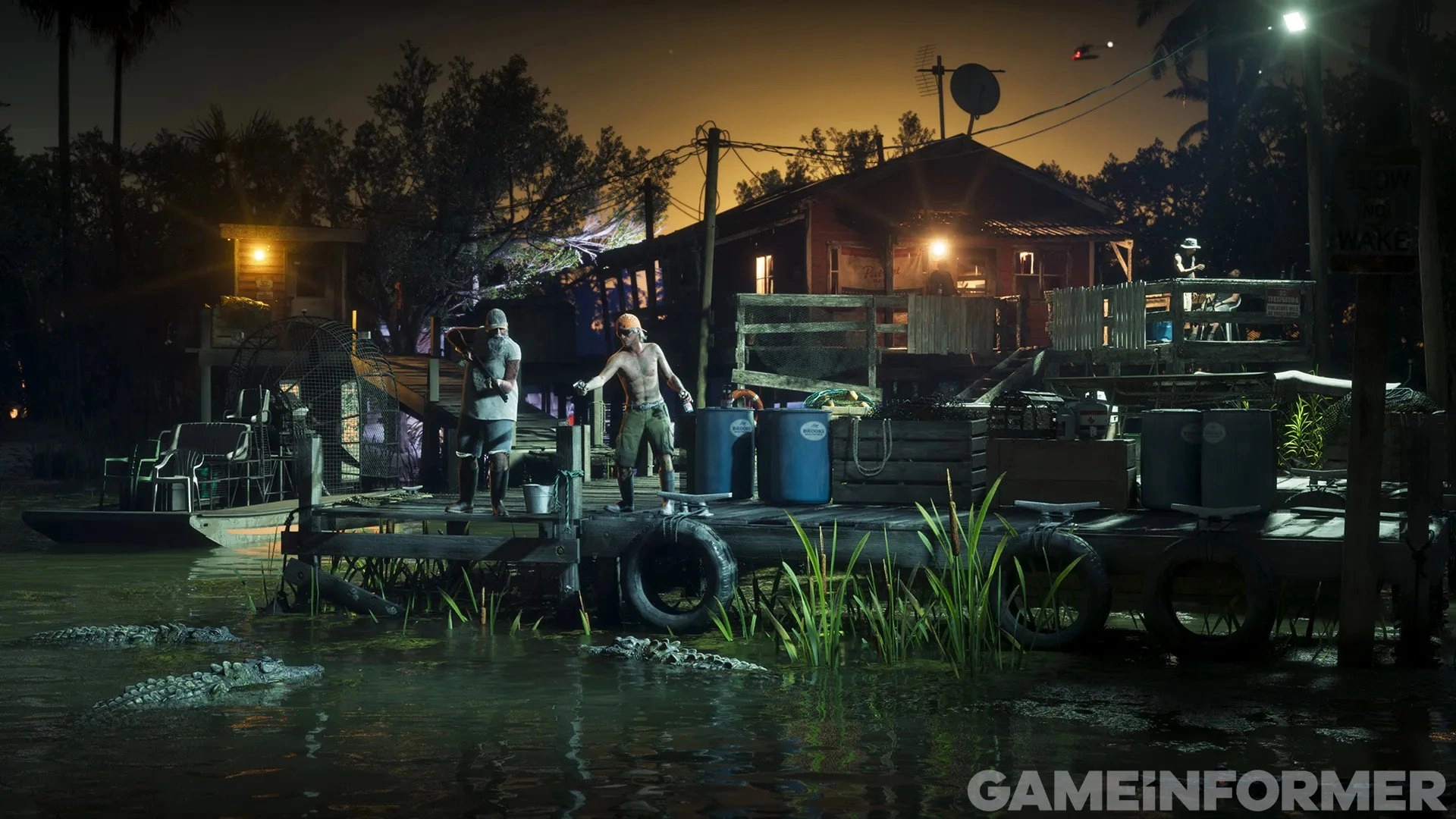
The feature adds detail about the world itself. Reports point to a map roughly twice the size of GTA V's, along with more than 170 animal species and detailed NPCs. Game Informer also covers Rockstar's research into Miami and Florida, which shaped the game's design.
Fans overwhelm Game Informer

Demand caused problems. Game Informer's website and app were overwhelmed by a surge of users, and login issues were still being reported. Some readers still got into the free story and collected the screenshots. Social media users then began posting the images.
What it means

This is not the 30-minute gameplay deep dive some fans have wanted. It is a steady drip of material as the launch nears. Grand Theft Auto VI is scheduled to launch on November 19, 2026. Given the pace of recent reveals, fans can expect more before then.
Recommended Comments