




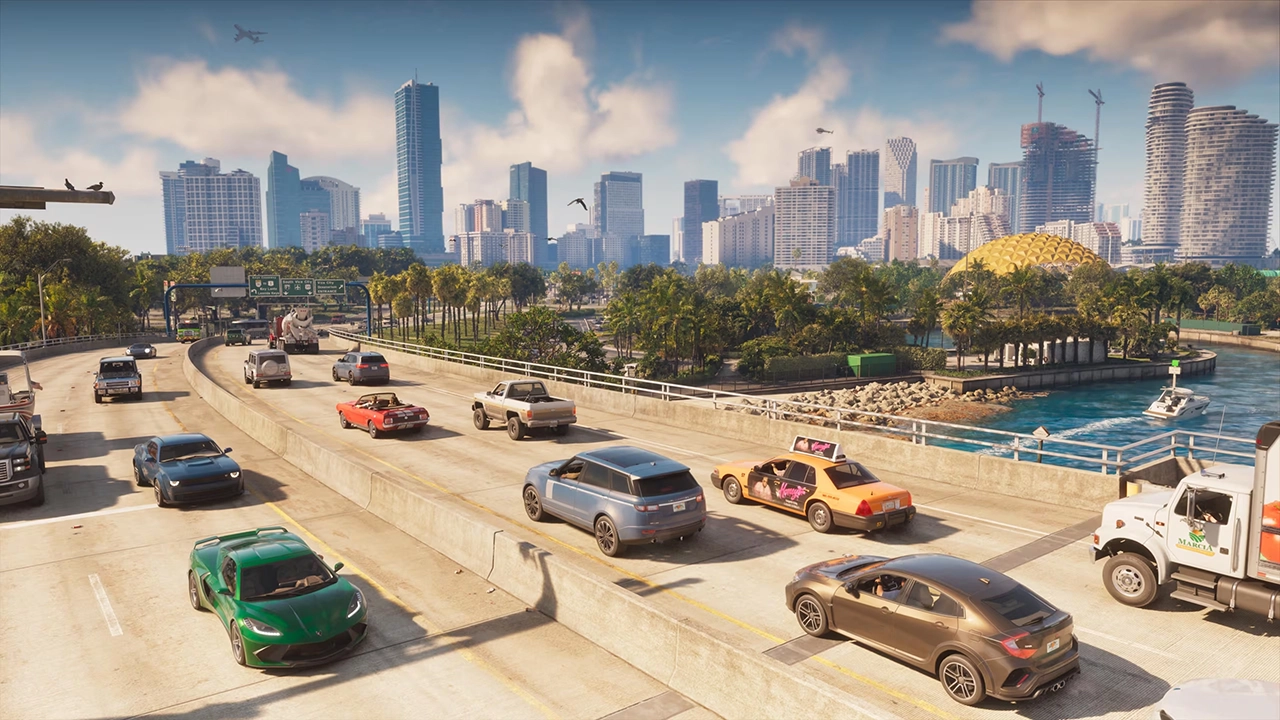

Rockstar Games has pulled back the curtain on the sound of Grand Theft Auto VI, and the lineup is stacked with real-world music names. A new music page on the official site confirms six in-game radio stations, each with celebrity hosts and a short sample of what players can expect to hear in Leonida.
Radio and podcasts, on foot or on wheels
Rockstar describes the lineup as the biggest and most varied collection of in-game radio and podcasts the series has offered, spanning everything from classic rock to talk radio.
The bigger gameplay news is that listening is no longer tied to the driver's seat. Rockstar confirmed that Jason and Lucia can use headphones and earbuds linked to their in-game smartphones, so radio and podcasts will play both in vehicles and while walking around. The game will also include on-demand podcasts that go beyond what's broadcast over the airwaves. Fans have asked for this kind of feature for years.
Meet the stations
Cocoteo FM covers modern Latin music, from bachata and merengue to dembow and reggaeton. The hosts are El Martillo, played by Bad Bunny, and La Gata, played by RaiNao. Rockstar's tagline for the station promises a party that never shuts off.
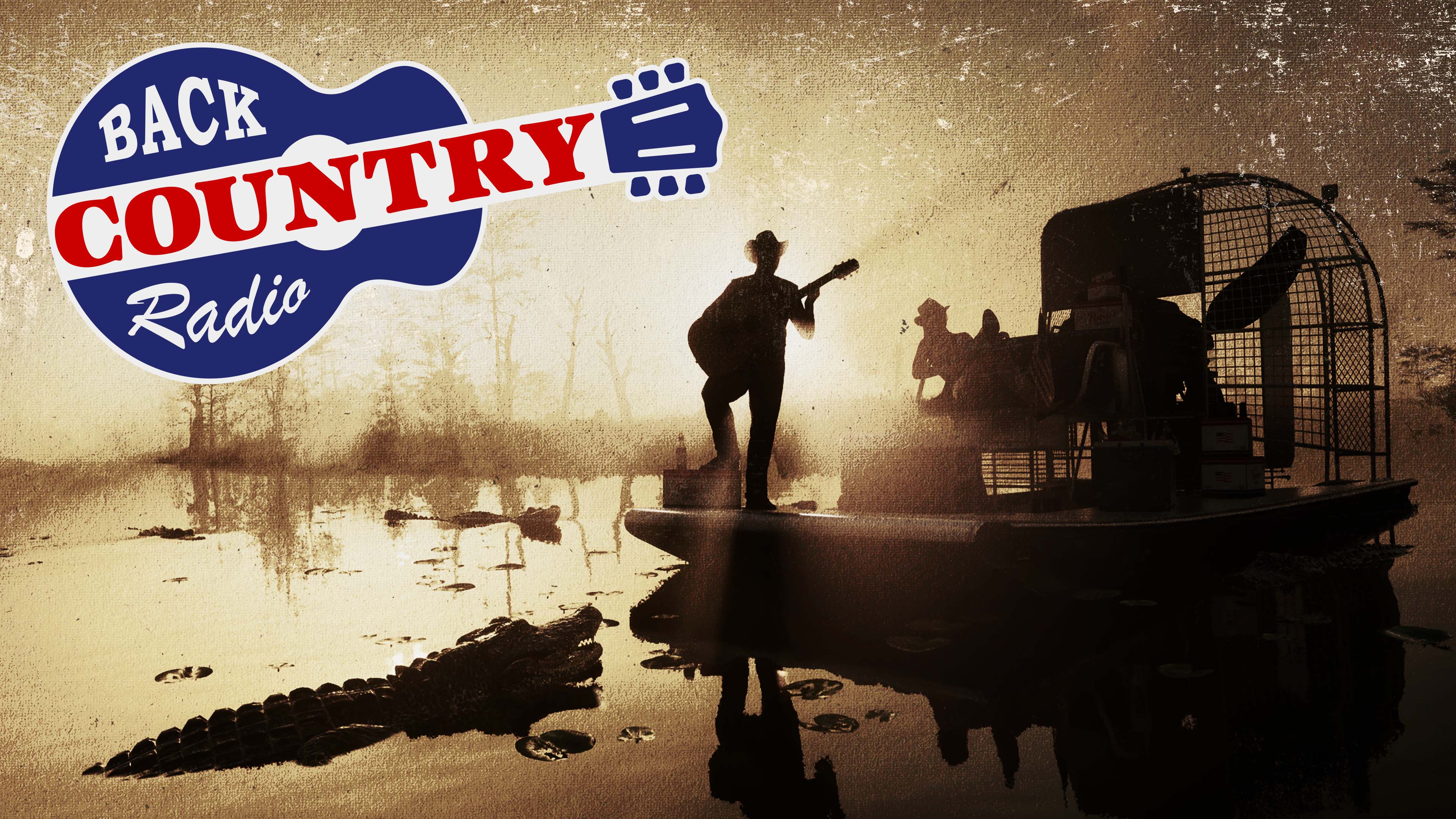
Back Country Radio is the home of renegade country. It's hosted by MW (Morgan Wallen) and Delta Dawne (Lana Del Rey), and it broadcasts across the Grassrivers, Port Gellhorn and beyond. The station also features a roving reporter and "swamp meteorologist" named Mud Dog Mike, who is Delta's not-so-secret lover and checks in from an airboat in the Grassrivers. He's voiced by Jeremy Dufrene, Del Rey's real-life husband.
AfroBank FM is run by Burna (Burna Boy) and Palmsy (Palms Trax). The pair play African music from 20th-century classics and lesser-known gems through to amapiano and 3-step.
The Chamber 106.6 is the metal station, hosted by DJ Kerry (Kerry King) and DJ Tom (Tom Araya). Expect classic metal from the '80s onward, with a nod to Leonida's deep metal roots.
Flash FM returns as the Vice City pop institution, now hosted by Robyn and Alex Consani.
Dirty South Classics is hosted by Trick and Trina and focuses on regional rap and hip-hop classics, repping Leonida and the South.
What the talent is saying
RaiNao said Cocoteo FM captures Latin culture, including its slang, traditions and pride. She said she was never an extreme gamer, but that GTA was a favorite, and that being part of it is "mind-blowing."
Why it matters
Radio has always been a defining part of Grand Theft Auto, and this reveal suggests Rockstar is expanding that idea rather than just repeating it. Between the genre spread, the big-name hosts and the new headphone and podcast options, the soundtrack looks set to be part of how players spend time in Leonida, not just background to the driving.
Recommended Comments