




Guides
Strategy Guides and Walkthroughs
61 articles in this category
-
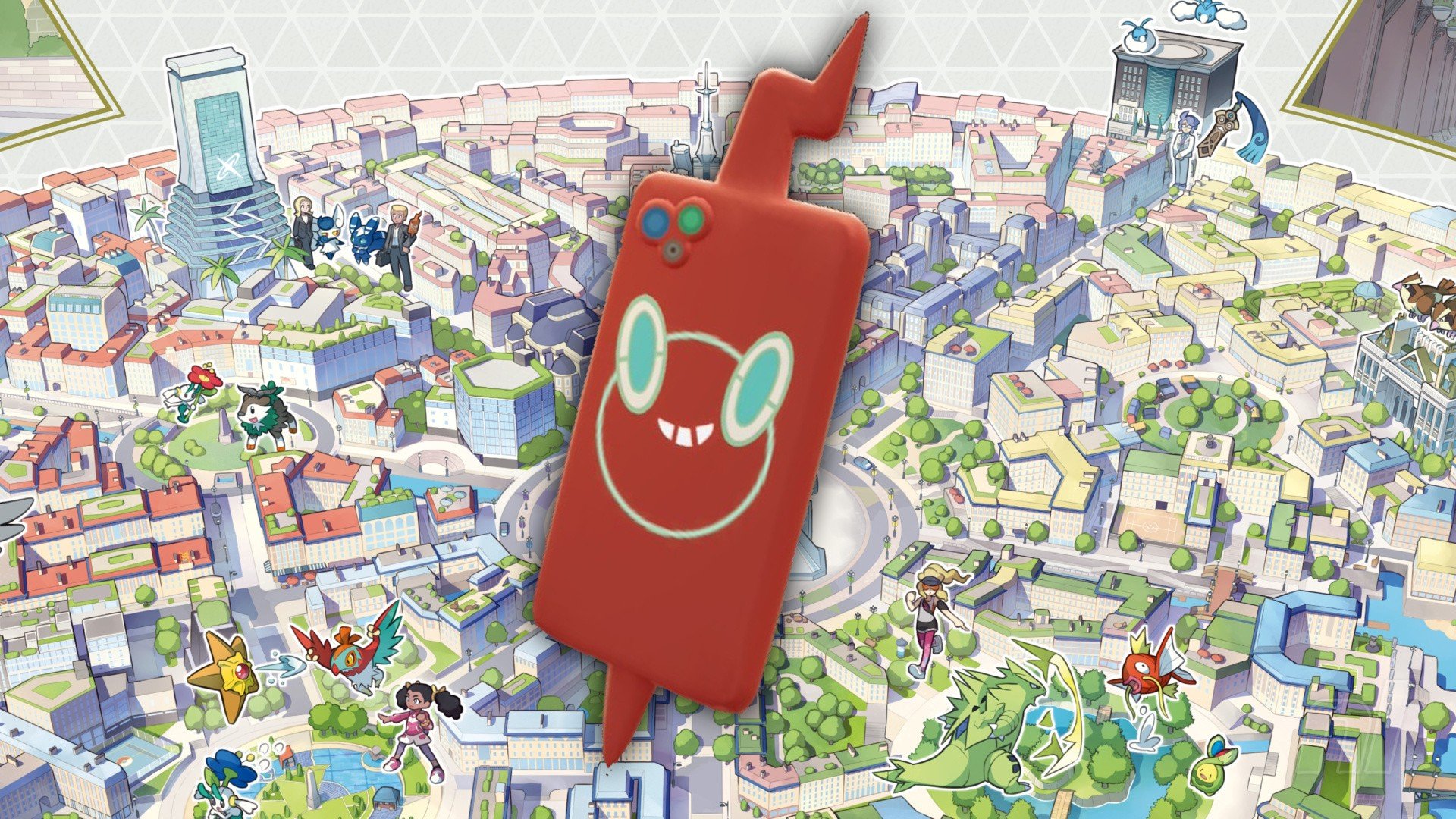
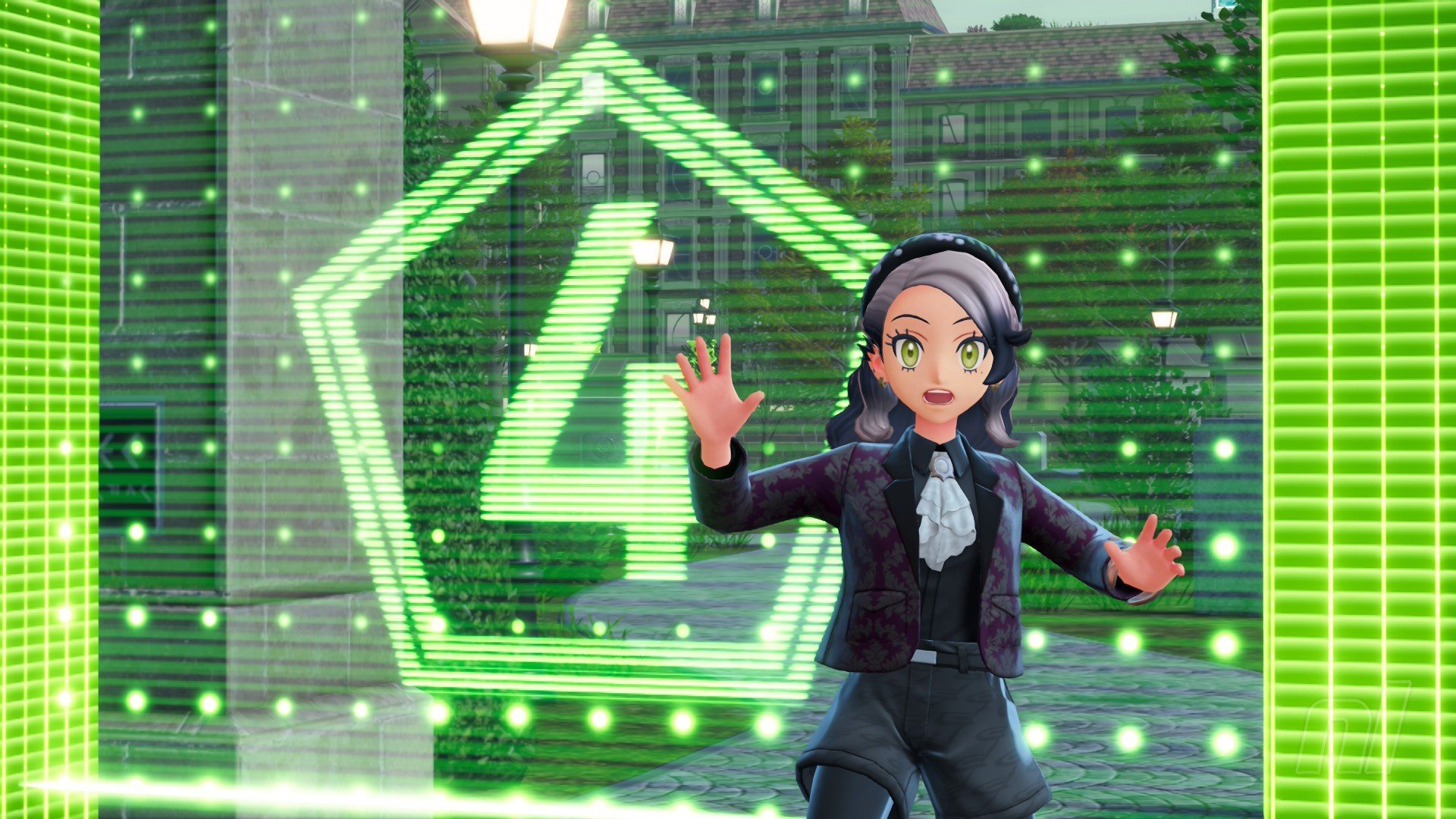
Taking the action straight into the city, Pokémon Legends: Z-A certainly doesn't skimp on the Pokémon available to catch! With a big range of familiar 'mons to collect in Kalos' Lumiose City, we've got a complete list on where to find every single Pokémon across Lumiose City for you, as well as every Pokémon confirmed for the Mega Dimension DLC. Lumiose Pokédex and Pokémon Locations - Where to find every Pokémon We've listed all 230 Pokémon you can collect for the Lumiose Pokédex below. Note tha
-
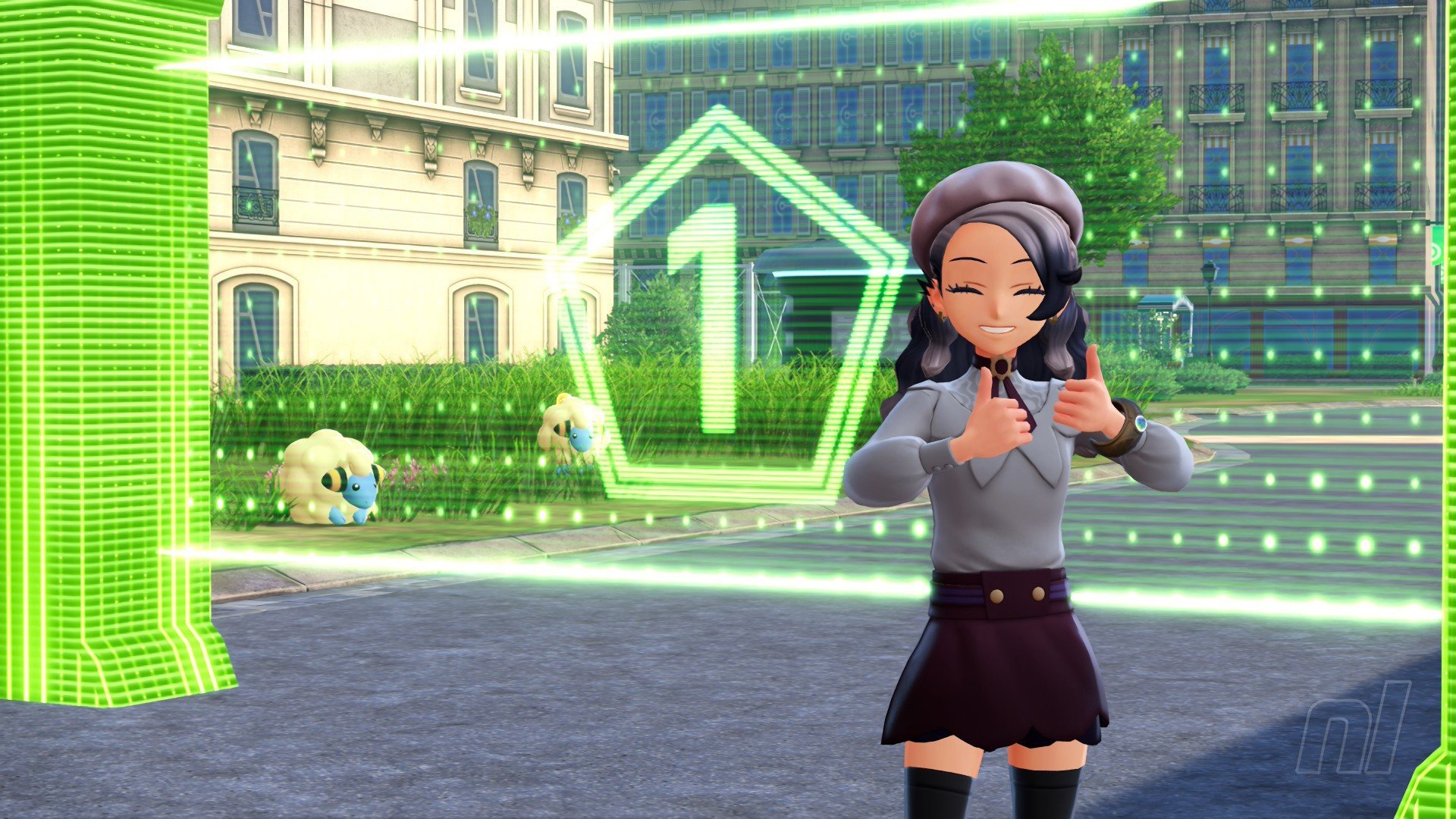
Wild Zone 1 will be your introduction to Pokémon Legends: Z-A's abundance of closed-off areas: there are specifically designed to keep Pokémon and people safe, and allow you to catch some 'mons for your team. There's a healthy selection of early companions for you to collect here, so we'll be covering every single Pokémon you can catch in Wild Zone 1, including guaranteed Alpha Pokémon spawns. Wild Zone 1 Location Wild Zone 1 is very close to Hotel Z, and as you'd expect, it's the very first Wi
-
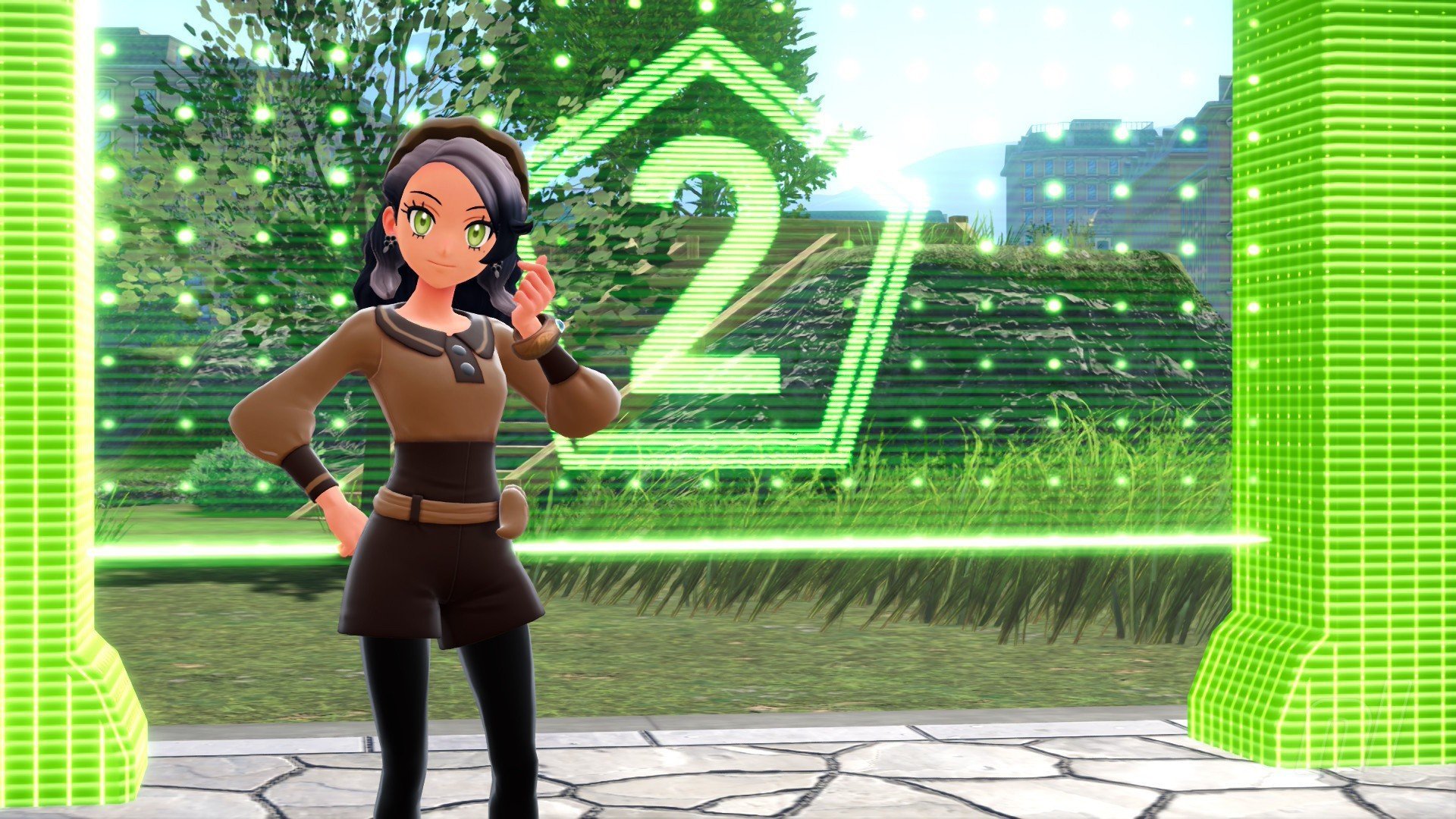
We're moving on up in the world! Wild Zone 2 introduces some Water-type Pokémon, which may well be helpful for building your Pokémon Legends: Z-A team. This guide covers everything you need to know about Wild Zone 2, which Pokémon to catch, and what Alphas are available. Wild Zone 2 Location You'll find Wild Zone 2 off of Vernal Avenue. Head about halfway up (to Café Woof) and the head down the eastern path (next to some water) to reach a large circular plaza. This is Vert Plaza, which is surro
-
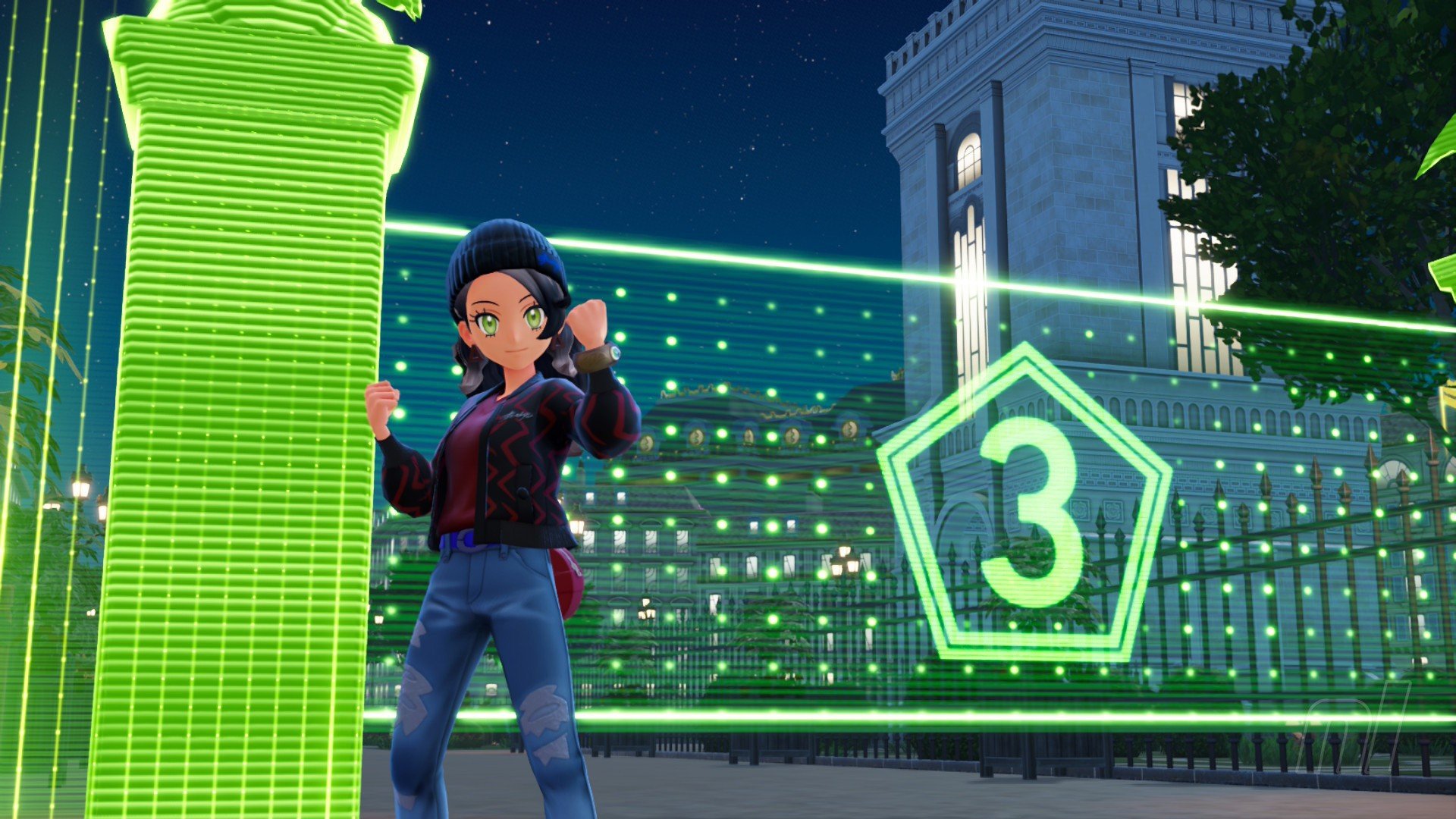
One of the many circular Wild Zones in Pokémon Legends: Z-A, Wild Zone 3 is an entirely flat park with a handful of fun Pokémon. But what Pokémon, you ask? Well, we'll tell you exactly what you can catch in Wild Zone 3 in this guide below. Wild Zone 3 Location Wild Zone 3 is another big plaza, this time Rouge Plaza. You'll hey there by coming up from Rouge Street. Places of interest nearby include the Looker Bureau, the Sushi High Roller restaurant, and the Galerie de la Lune shopping plaza. Yo
-
Ahh, a cemetery — totally normal to be catching Pokémon here, right? Well, in Pokémon Legends: Z-A, the answer is yes. Wild Zone 4 is likely your first taste of Ghost-type Pokémon, so it's a good time to stock up! Here's all the Pokémon you can expect to find in the cemetery, along with Alpha Pokémon. Wild Zone 4 Location Wild Zone 4 is just north of Wild Zone 3 on the other side of Sushi High Roller restaurant. It's also right below the Rouge Pokémon Center and the Passage du Palais shopping c
-
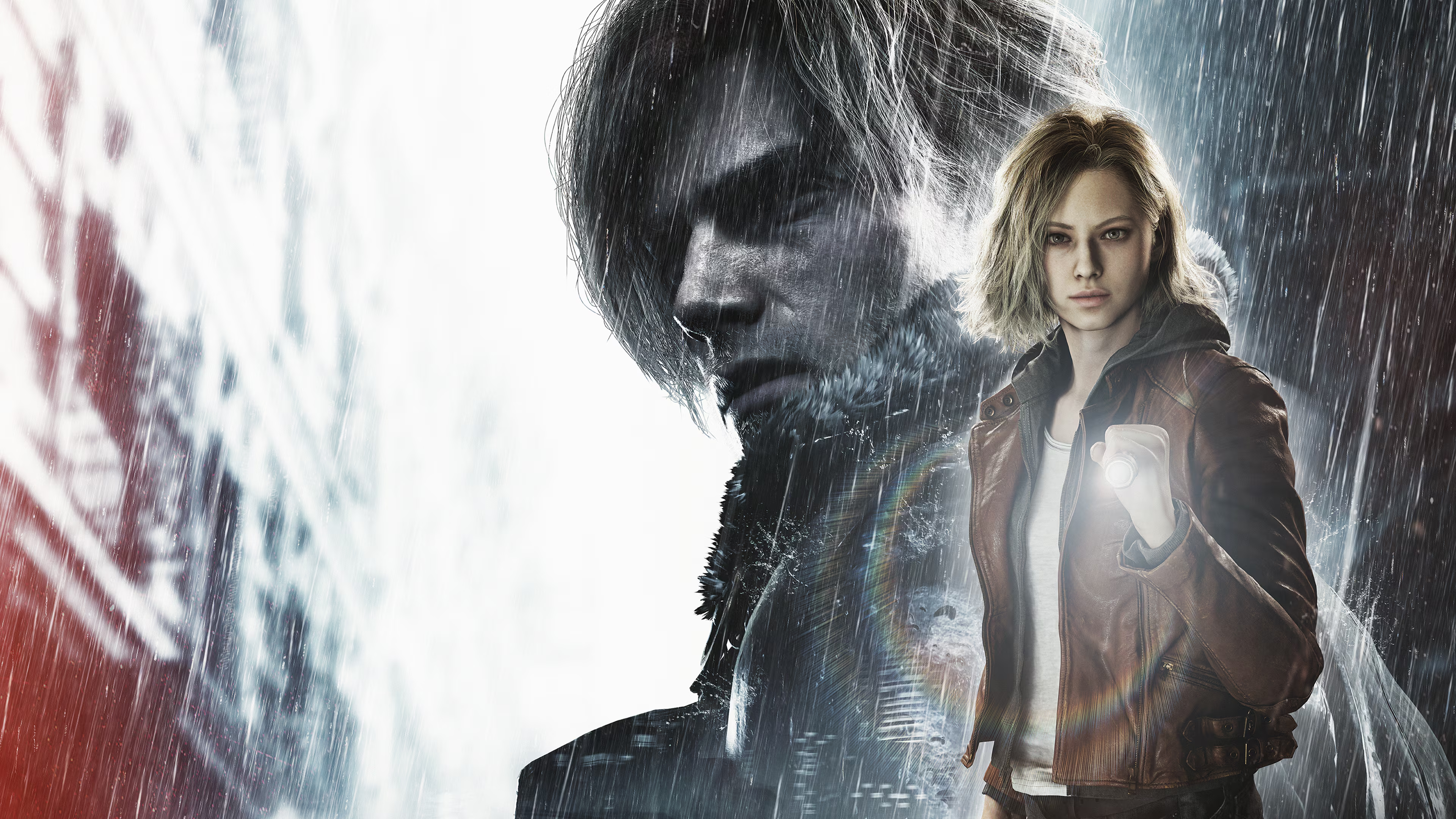
Spoiler Warning: This is a complete story walkthrough with every major puzzle solution, key item location, enemy tip, and collectible note. It covers the entire main campaign (approx. 12-15 hours on Standard). The game alternates between two protagonists: Grace Ashcroft (new FBI analyst) – First-person survival horror (RE7/Village style). Limited inventory (8 slots), focus on evasion, crafting, and resource management. Leon S. Kennedy – Third-person action (RE4 Remake style). Larger inventory,
-
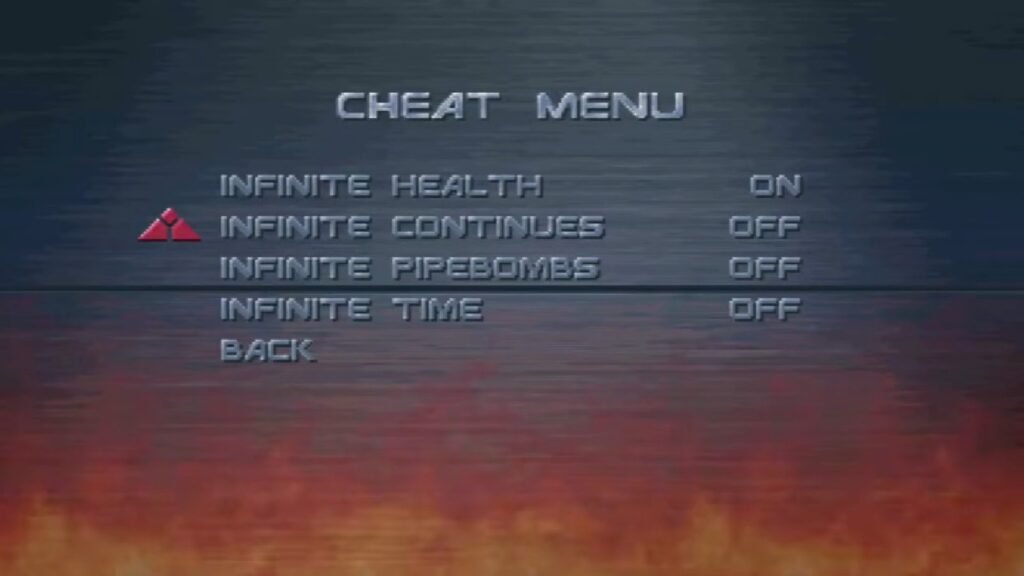
You don't need to enter a button combination on the title screen. Instead, you have to "hack" the options menu. Go to the Options menu from the main title screen. Select Accessibility. Highlight the CRT Shader option (usually the top option). Toggle it Left and Right repeatedly. Do this quickly for about 5-10 seconds. Keep going until you hear a voice say: "Access Granted." Back out to the main Options menu. You will now see a new Cheats option at the bottom. The Cheats Available Once unl
-
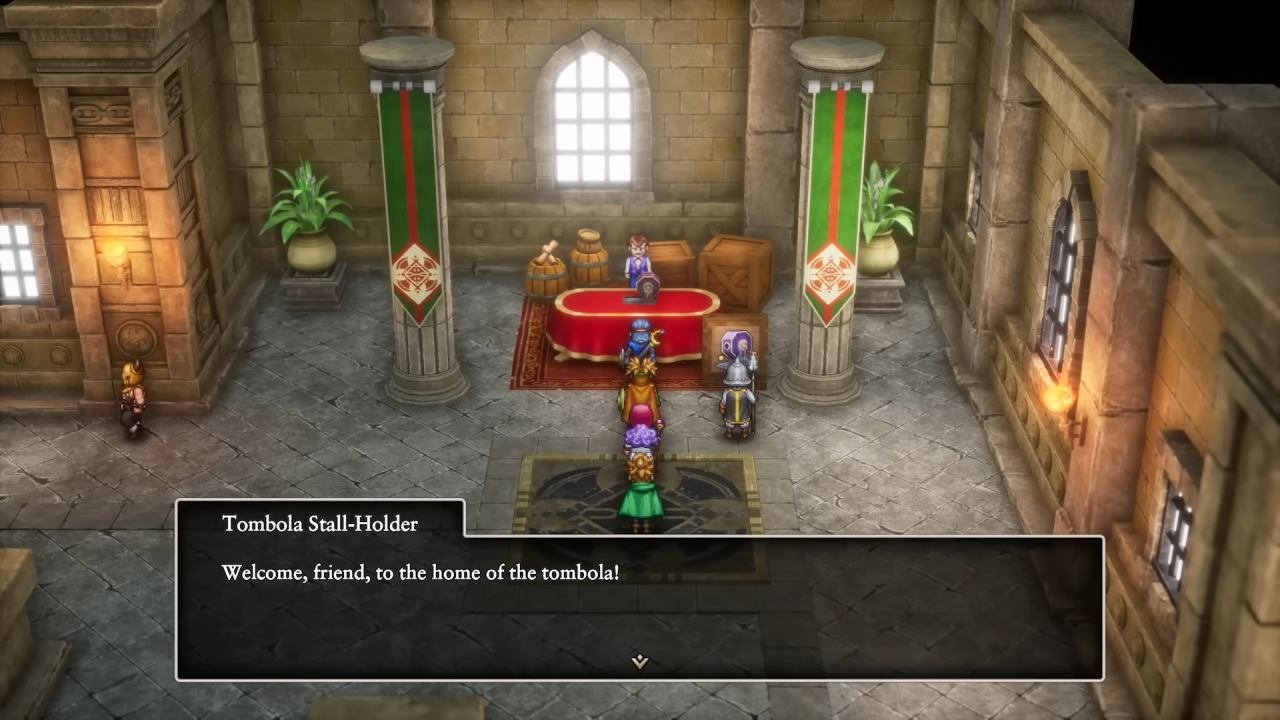
In this remake, the Tombola (Lottery) is far more generous than in the NES original, and there are now multiple locations to play, each with slightly different prize pools for the mid-tier rewards. How to get Tickets: Shops: You still get a free ticket roughly every ~500-1000 Gold spent at Item Shops. Mersea (Post-Game): The most important addition. In the post-game, a merchant in the southeast corner of Mersea will simply sell you Tombola Tickets for roughly 600G each. This effectively lets yo
-
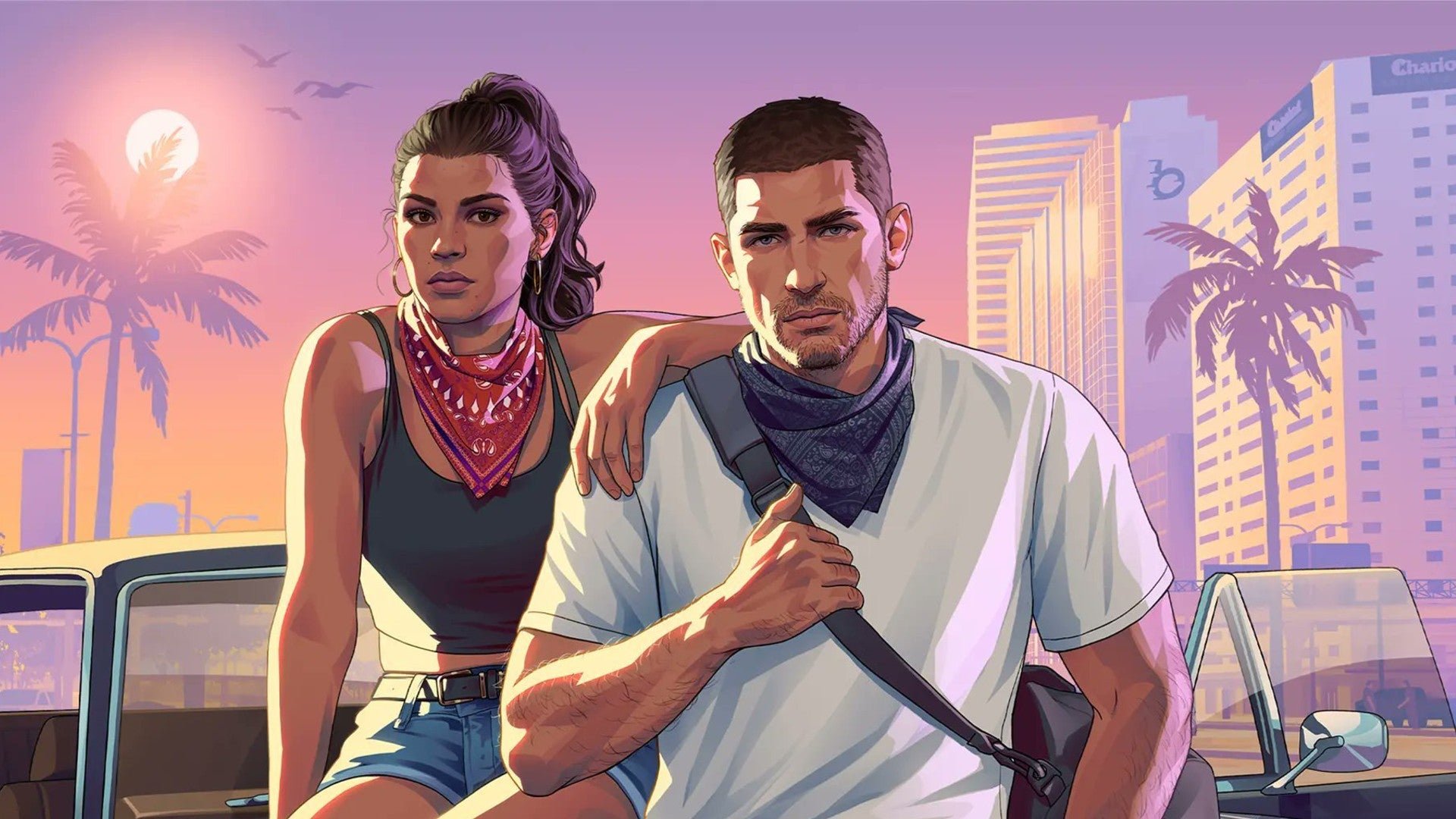
Grand Theft Auto VI is finally here. Whether you're a longtime Los Santos veteran or you've never touched a Rockstar game, this is everything you need to know before you step into Vice City: what to install, who you're playing, how the world works, and how to survive your first hours. After two delays, more than a decade of silence between numbered entries, and one of the most intense marketing runs in entertainment history, Grand Theft Auto VI has arrived. The game launched on November 19, 202
-
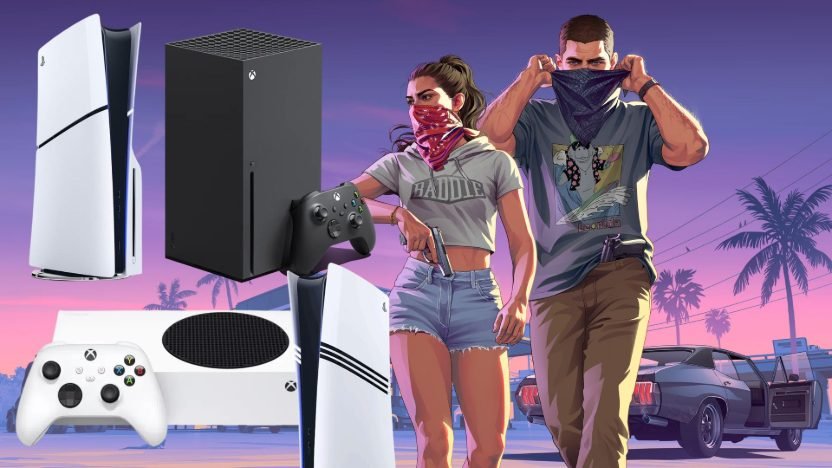
All four versions are capped at 30 FPS and share the same core look, including ray-traced lighting, volumetric clouds and strand-based hair. The real differences are how sharp the image is, how often the frame rate wobbles, and a few extras like Pro-only ray-traced shadows and 120Hz VRR. What actually separates the consoles PS5 Pro PS5 Xbox Series X Xbox Series S Internal resolution 1440p 1440p 1440p 720p Upscaling to output PSSR (AI-based) TAA TAA FSR 4.1 (to 1080p) Frame rate Mostly steady 30
-
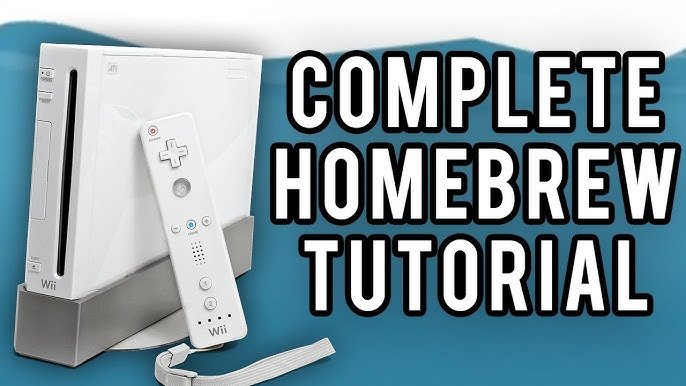
Here’s a simple way to install the Homebrew Channel on your Wii: Check your Wii system version and mac adress Download LetterBomb and put it on an SD card Insert the SD card into your Wii Start the red LetterBomb message Done! If you have any questions, please join my Discord server: https://discord.gg/33XXzdXVT9 Note: The server is mainly in German. All tutorials and live help are in German. English can be used, but it is not the main language.


Forum Statistics
- Total Topics 1.2k
- Total Posts 1.6k