




Guides
Strategy Guides and Walkthroughs
44 articles in this category
-
Paradox Junction is a time-bending Nuketown remake in Black Ops 7 Zombies. You constantly switch between two timelines: Present (Destroyed/Ruined Nuketown): Post-nuke chaos with cysts, black goo walls, fire tornadoes, and ruined structures. Past (Clean/1950s Nuketown): Pristine 1950s version with intact buildings and different item spawns. Time travel is automatic after Round 6–7 (usually on a dog/special round) or manual via Temporal Conduits (1,500 Essence each, marked on your map). The East
-
Hello girls and guys, Having a Wii U and wanting to play the compatible Wii games with a Gamecube controller, using the wup-028-bslug by Chadderz121 was a way to do it, but I had two problems. -My first problem was that I launch my Wii games from USB Loader GX but I couldn't manage to make brainslug work with it. After some research on the web I found a solution, you can load an alternative .dol when launching the game from USB Loader GX. In my case, this alternative dol is brainslug. Combini
-
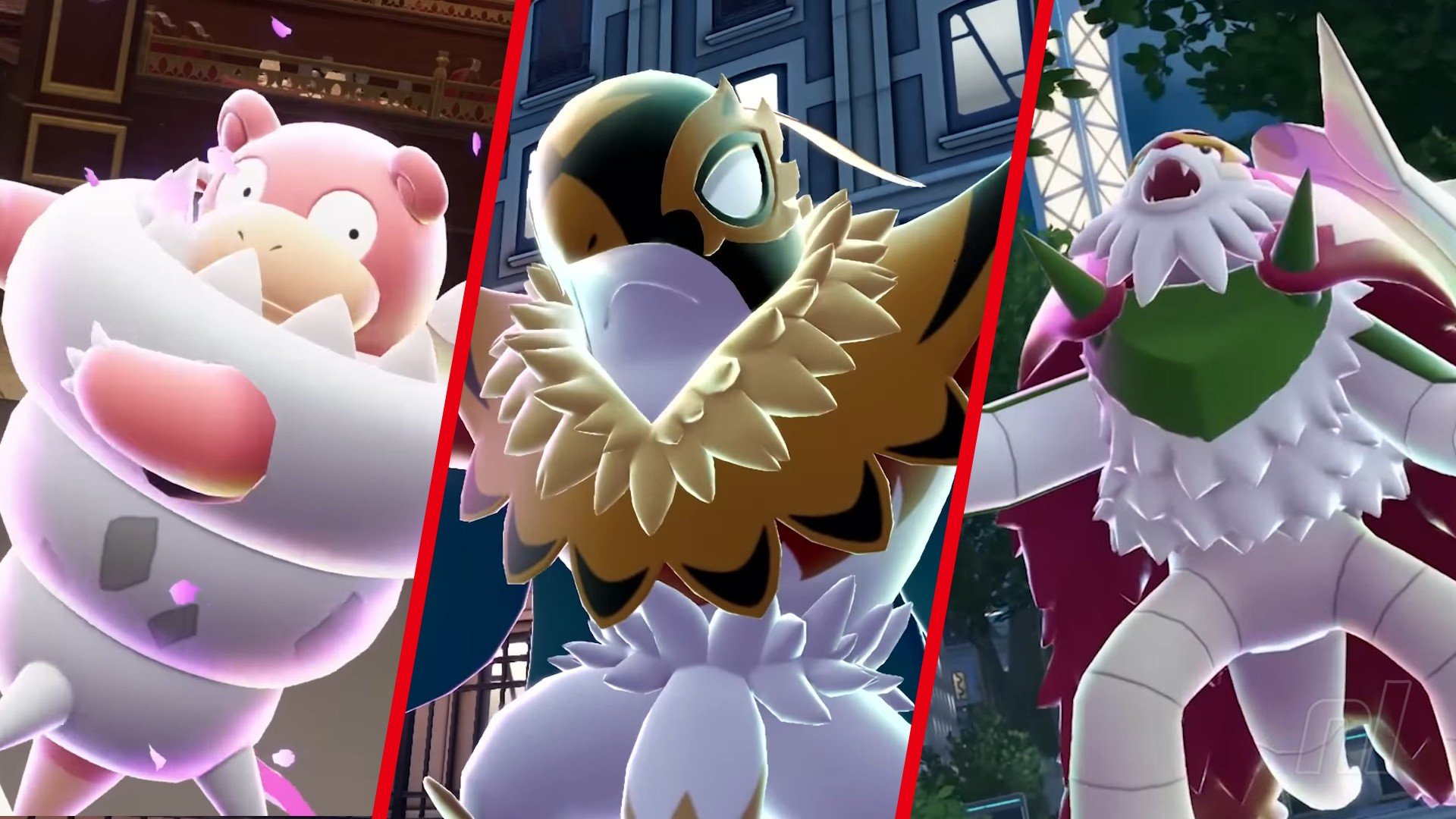
Mega Evolutions return! Pokémon Legends: Z-A brings this fan-favourite mechanic back; not seen since Omega Ruby & Alpha Sapphire, this ability allows your favourite 'mons to get an extra power boost and a snazzy new look to boot. All previous Mega Evolutions have returned in Z-A, but we've also got some brand new ones to sink our teeth into. But before you jump in, you'll also want to know how to get that 'mon's Mega Stone. So we've got every single Mega Evolution in Pokémon Legends: Z-A and
-
Mega Evolutions return! Pokémon Legends: Z-A brings this fan-favorite mechanic back; not seen since Omega Ruby & Alpha Sapphire, this ability allows your favorite 'mons to get an extra power boost and a snazzy new look to boot. All previous Mega Evolutions have returned in Z-A, but we've also got some brand new ones to sink our teeth into. But before you jump in, you'll also want to know how to get that 'mon's Mega Stone. So we've got every single Mega Evolution in Pokémon Legends: Z-A and t
-
With a new real-time battle system, Pokémon Legends: Z-A has upgraded Pokémon battles to a whole new level, and with it comes a bit of a learning curve. If you want to get to grips with the basics, or become a pro, then this guide will help you understand everything you need in order to get through the game. Pokémon Legends: Z-A: Battle System - Beginner Tips Moving to real-time doesn't just change things from turn-based to action-based, it's a bit deeper than that! You can now fully move around
-
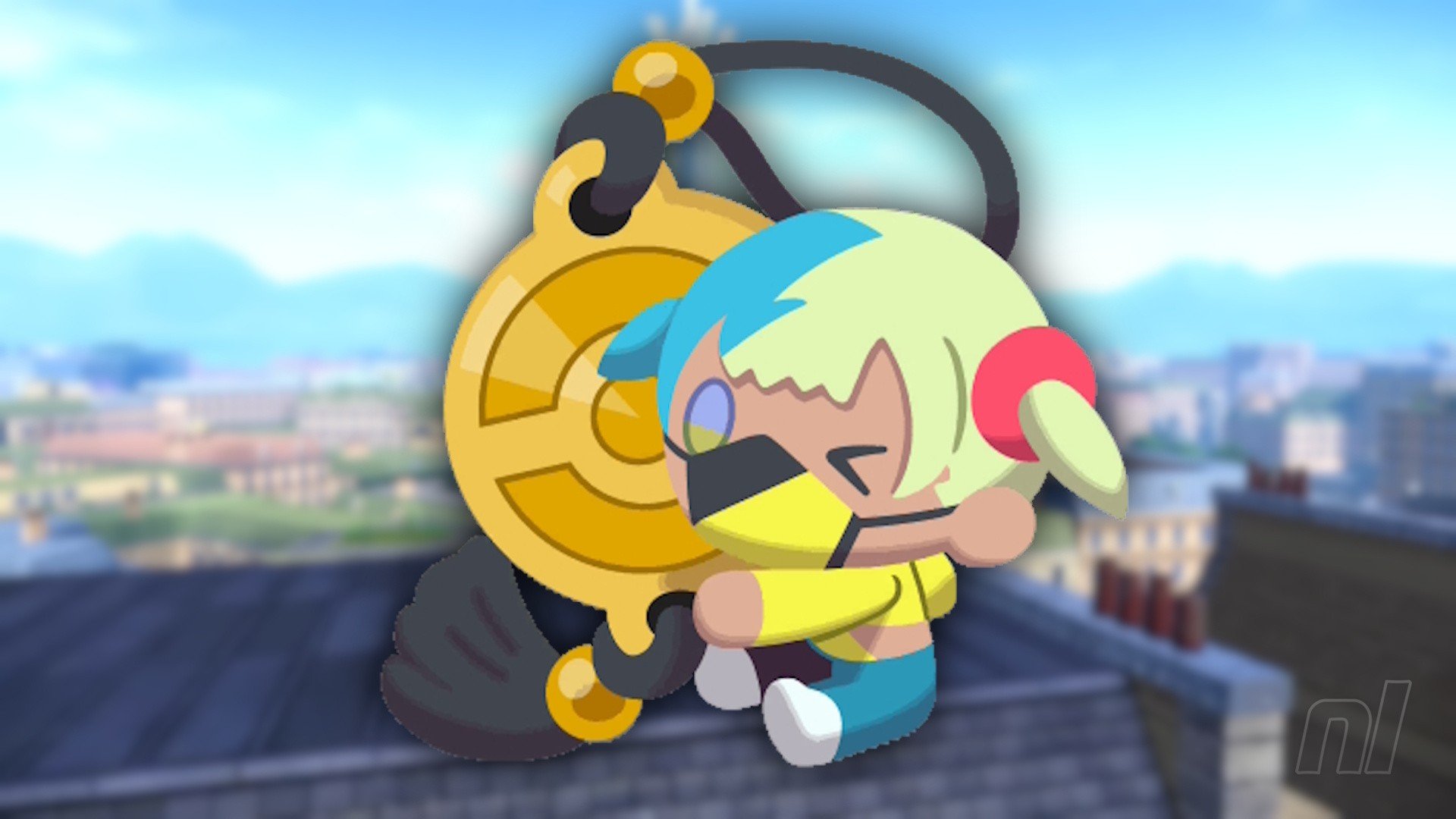
Canari is a name you'll become all too familiar with in Pokémon Legends: Z-A, but you won't actually meet her for a few hours. Instead, you'll get acquainted with her rather adorable plush dolls. This guide will explain everything you need to know about the Canari Plush Dolls, what they do, where to get them, and just how to get them. Canari Plush Dolls explained - Pokémon Legends: Z-A Canari Plush dolls are key items that sit in your inventory and provide a handful of boosts to you throughout t
-
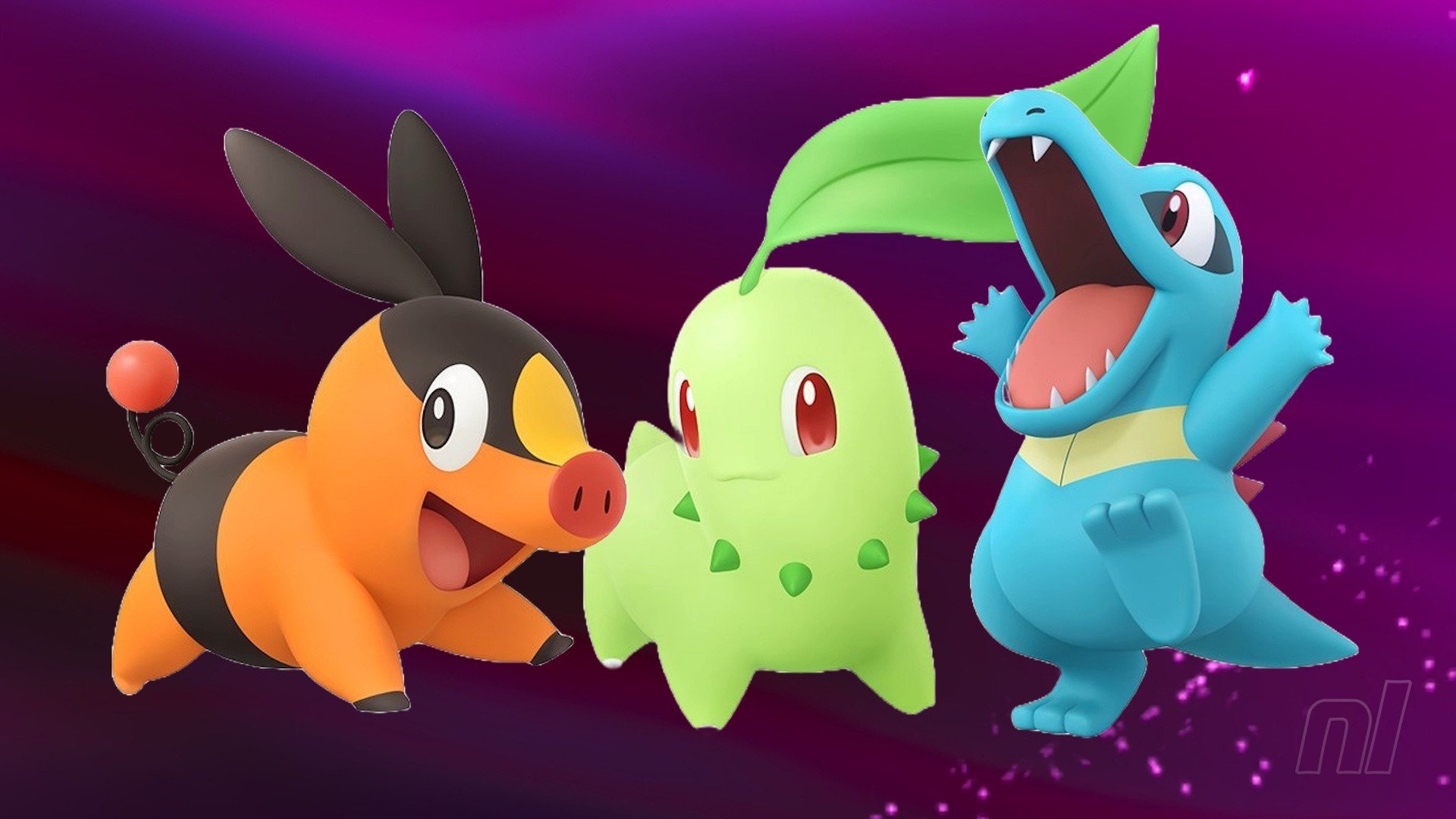
So, you've started Pokémon Legends: Z-A, you've picked your partner Pokémon (and it was an agonizing decision), but now you're doubting yourself. All three are irresistible, after all! Fear not, you're can still get all three starters in-game regardless of your first choice. Still, here's our guide on what the best Starter is in Legends: Z-A and how to get Chikorita, Tepig, and Totodile all in one playthrough, without relying on friends and trading. What's the best Starter Pokémon in Legends: Z-
-
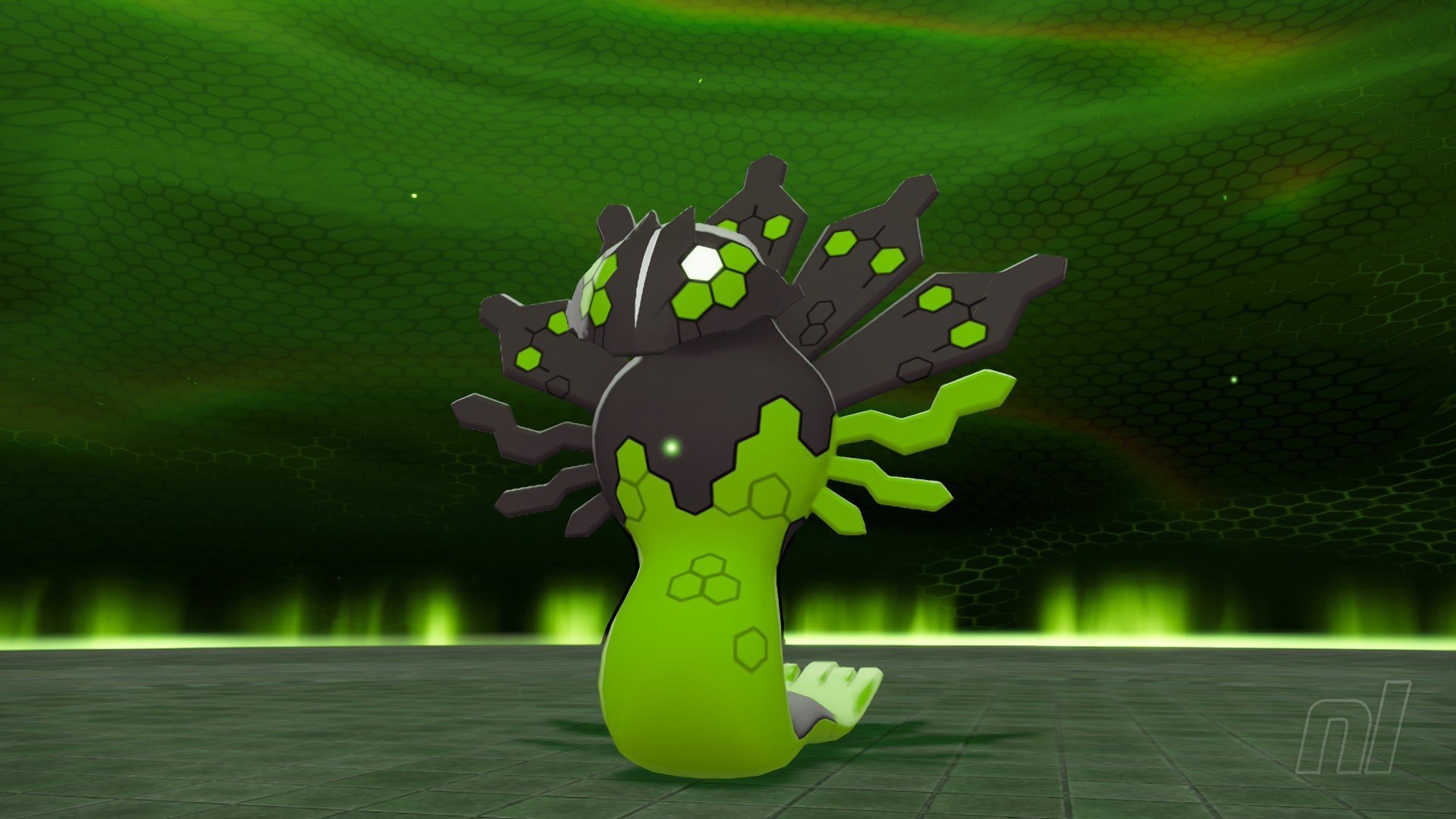
Zygarde is an integral part of Pokémon Legends: Z-A; basically think of this Legendary as the equivalent of Arceus in Legends: Arceus, and you're not far off. That, of course, means you can catch this unusual Pokémon. It takes a few steps, but we'll outline just what you need to do to catch Zygarde in the game. Note: This should go without saying, but this guide contains major spoilers for Legends: Z-A. So you've been warned! To Keep the World in Balance Main Mission - How to get Zygarde in Poké
-
The Friendship stat is back in Pokémon Legends: Z-A, along with many Pokémon that need to be best buds with you to evolve. Raising it is very simple — if you know where to go! Here's our guide on how to raise Friendship levels in Pokémon Legends: Z-A, where to get the Soothe Bell, and which Pokémon require high friendship to evolve. Friendship Guide - Pokémon Legends: Z-A Friendship is a hidden stat that every single Pokémon has. Basically, it determines how much they like you. In previous games
-
Pokémon Legends: Z-A's Lumiose City is based on Paris, France, and while Prism Tower might be the most-recognizable comparison between the two locations, there's a bigger similarity — it's an expensive town, especially if you have a taste for fashion. You'll always need a lot of cash on you if you want to splurge on clothes, Mega Stones, and tons of potions. So here are a few quick and easy tips on making Poké Dollars in the city of fashion and coffee. How to make money in Pokémon Legends: Z-A T
-
Taking the action straight into the city, Pokémon Legends: Z-A certainly doesn't skimp on the Pokémon available to catch! With a big range of familiar 'mons to collect in Kalos' Lumiose City, we've got a complete list on where to find every single Pokémon across Lumiose City for you, as well as every Pokémon confirmed for the Mega Dimension DLC. Lumiose Pokédex and Pokémon Locations - Where to find every Pokémon We've listed all 230 Pokémon you can collect for the Lumiose Pokédex below. Note tha
-
Wild Zone 1 will be your introduction to Pokémon Legends: Z-A's abundance of closed-off areas: there are specifically designed to keep Pokémon and people safe, and allow you to catch some 'mons for your team. There's a healthy selection of early companions for you to collect here, so we'll be covering every single Pokémon you can catch in Wild Zone 1, including guaranteed Alpha Pokémon spawns. Wild Zone 1 Location Wild Zone 1 is very close to Hotel Z, and as you'd expect, it's the very first Wi
-
We're moving on up in the world! Wild Zone 2 introduces some Water-type Pokémon, which may well be helpful for building your Pokémon Legends: Z-A team. This guide covers everything you need to know about Wild Zone 2, which Pokémon to catch, and what Alphas are available. Wild Zone 2 Location You'll find Wild Zone 2 off of Vernal Avenue. Head about halfway up (to Café Woof) and the head down the eastern path (next to some water) to reach a large circular plaza. This is Vert Plaza, which is surro
-
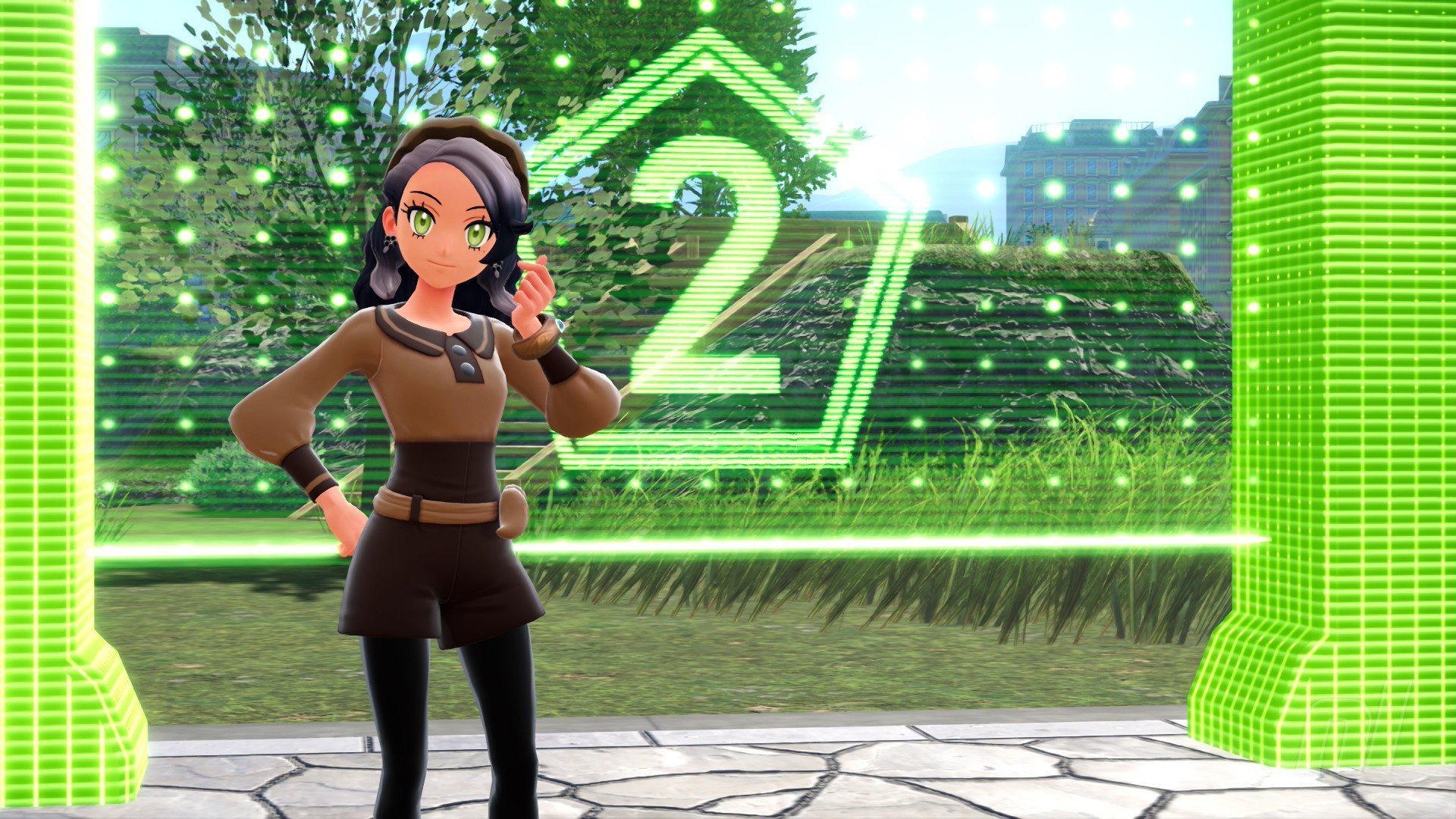
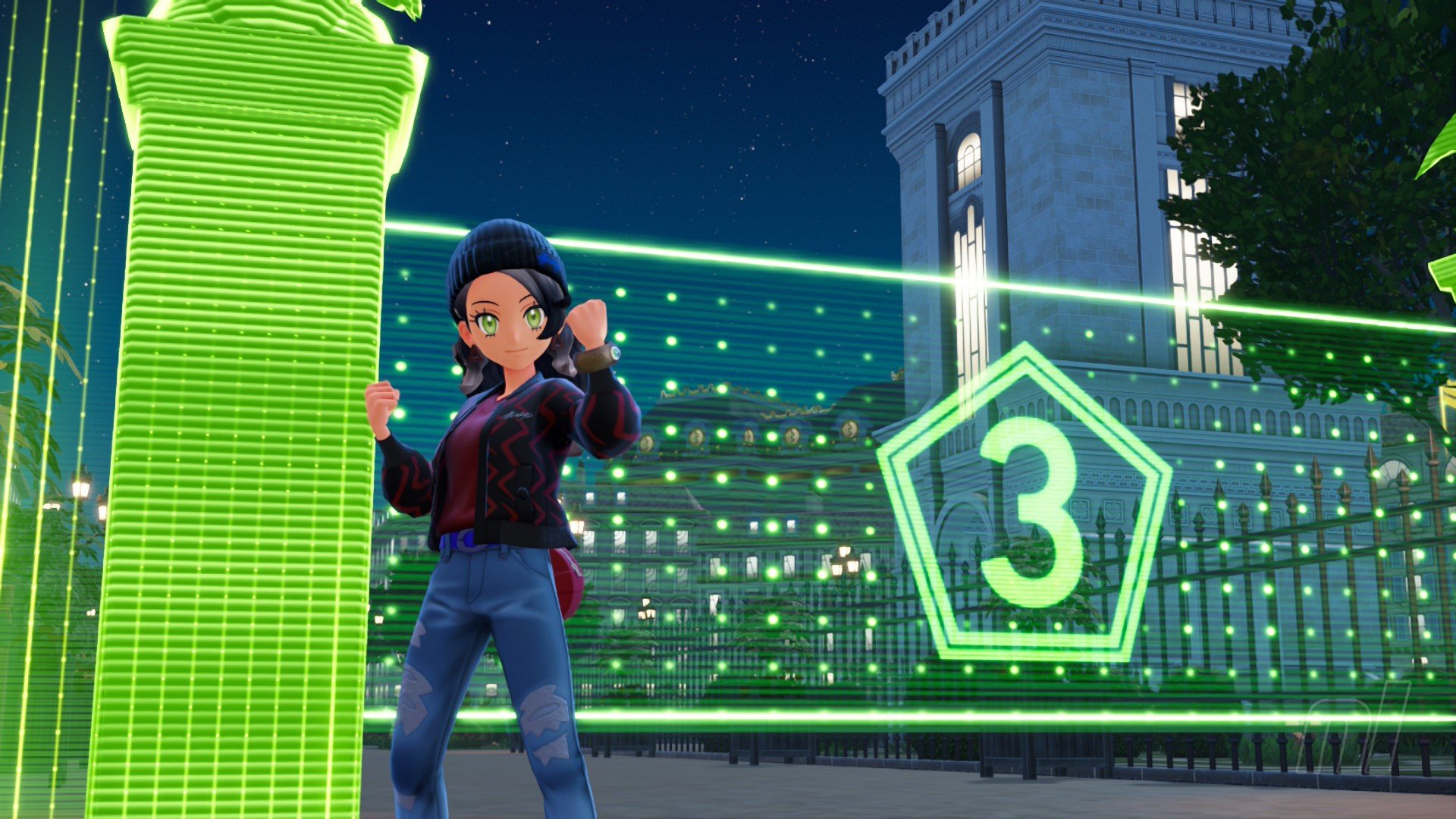
One of the many circular Wild Zones in Pokémon Legends: Z-A, Wild Zone 3 is an entirely flat park with a handful of fun Pokémon. But what Pokémon, you ask? Well, we'll tell you exactly what you can catch in Wild Zone 3 in this guide below. Wild Zone 3 Location Wild Zone 3 is another big plaza, this time Rouge Plaza. You'll hey there by coming up from Rouge Street. Places of interest nearby include the Looker Bureau, the Sushi High Roller restaurant, and the Galerie de la Lune shopping plaza. Yo
-
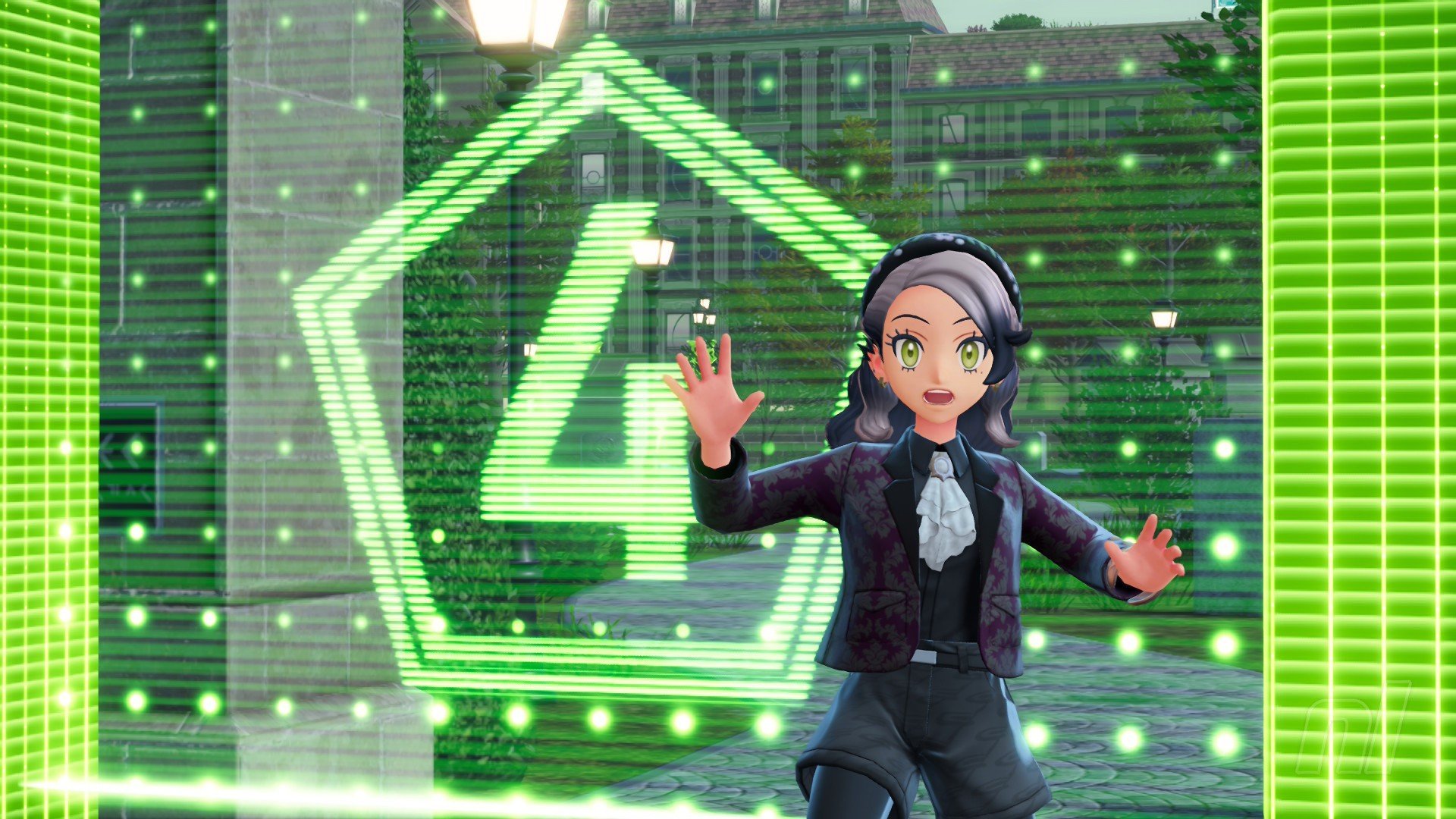
Ahh, a cemetery — totally normal to be catching Pokémon here, right? Well, in Pokémon Legends: Z-A, the answer is yes. Wild Zone 4 is likely your first taste of Ghost-type Pokémon, so it's a good time to stock up! Here's all the Pokémon you can expect to find in the cemetery, along with Alpha Pokémon. Wild Zone 4 Location Wild Zone 4 is just north of Wild Zone 3 on the other side of Sushi High Roller restaurant. It's also right below the Rouge Pokémon Center and the Passage du Palais shopping c
-
Spoiler Warning: This is a complete story walkthrough with every major puzzle solution, key item location, enemy tip, and collectible note. It covers the entire main campaign (approx. 12-15 hours on Standard). The game alternates between two protagonists: Grace Ashcroft (new FBI analyst) – First-person survival horror (RE7/Village style). Limited inventory (8 slots), focus on evasion, crafting, and resource management. Leon S. Kennedy – Third-person action (RE4 Remake style). Larger inventory,
-
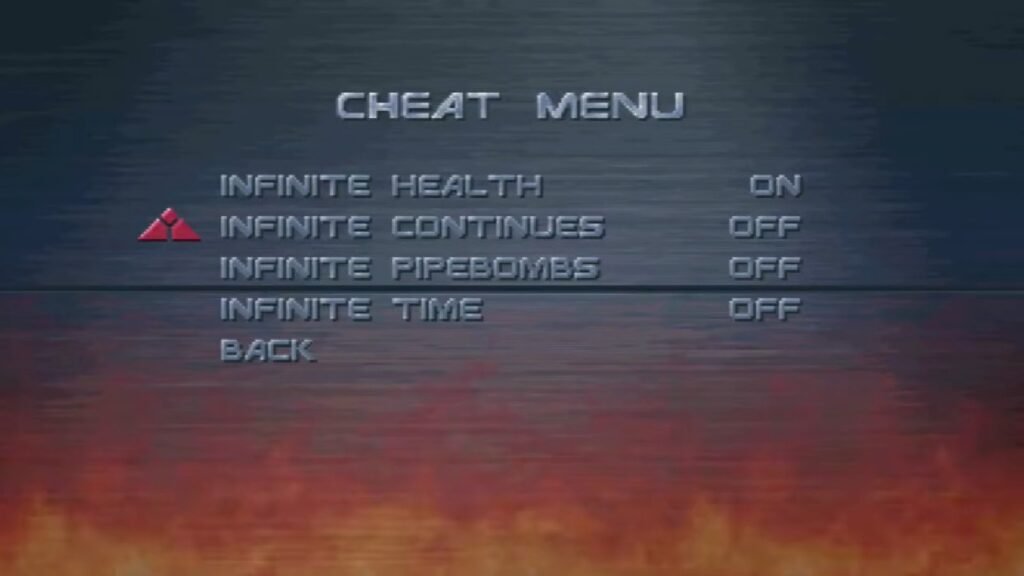
You don't need to enter a button combination on the title screen. Instead, you have to "hack" the options menu. Go to the Options menu from the main title screen. Select Accessibility. Highlight the CRT Shader option (usually the top option). Toggle it Left and Right repeatedly. Do this quickly for about 5-10 seconds. Keep going until you hear a voice say: "Access Granted." Back out to the main Options menu. You will now see a new Cheats option at the bottom. The Cheats Available Once unl
-
In this remake, the Tombola (Lottery) is far more generous than in the NES original, and there are now multiple locations to play, each with slightly different prize pools for the mid-tier rewards. How to get Tickets: Shops: You still get a free ticket roughly every ~500-1000 Gold spent at Item Shops. Mersea (Post-Game): The most important addition. In the post-game, a merchant in the southeast corner of Mersea will simply sell you Tombola Tickets for roughly 600G each. This effectively lets yo
-
Here’s a simple way to install the Homebrew Channel on your Wii: Check your Wii system version and mac adress Download LetterBomb and put it on an SD card Insert the SD card into your Wii Start the red LetterBomb message Done! If you have any questions, please join my Discord server: https://discord.gg/33XXzdXVT9 Note: The server is mainly in German. All tutorials and live help are in German. English can be used, but it is not the main language.


.jpg.230165af6ed86585087f8cfb03616021.jpg)
.jpg.86da6be693ee0643c8873936ae275e7e.jpg)



.jpg.df4cce182562c24949e425e57ba4e164.jpg)
.jpg.3ff679a9c1e02d36ce20bf7648c9a950.jpg)
Forum Statistics
- Total Topics 1k
- Total Posts 1.4k