




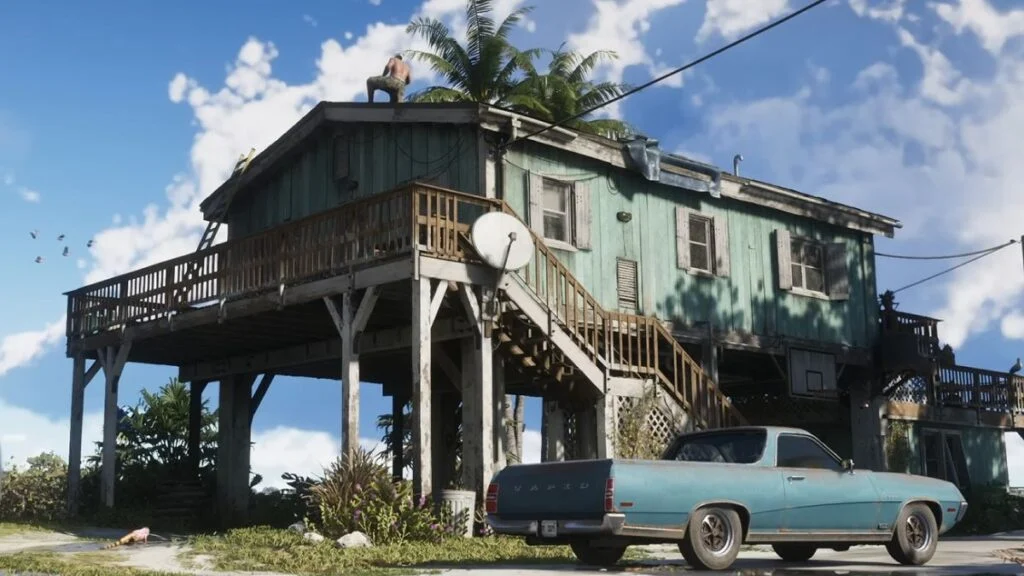

Here is a breakdown of everything we know so far about safehouses in GTA 6.
The Known Locations
Based on mapping projects and trailer footage, we already have a glimpse at a few places the protagonists will call home:
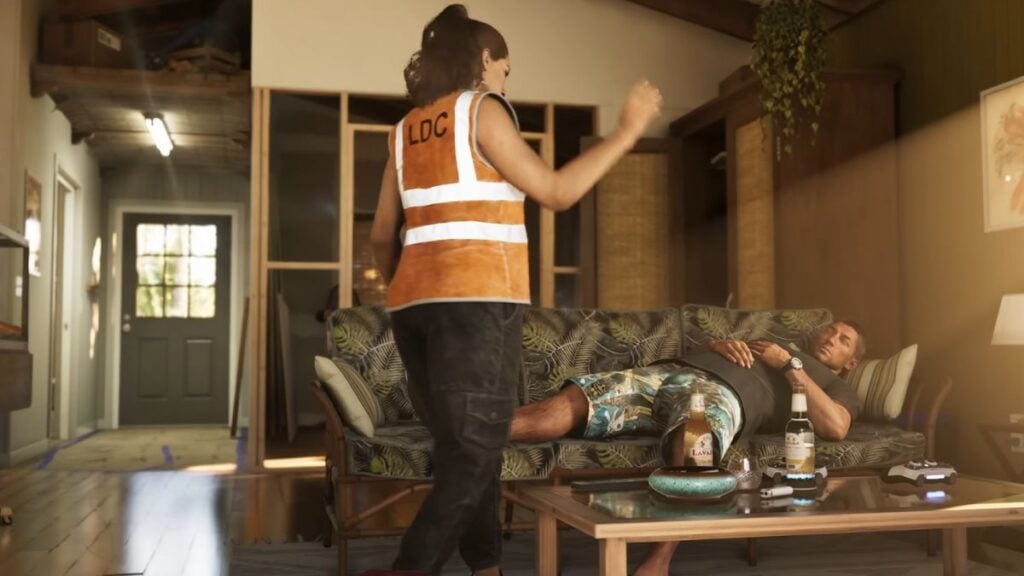
The Keys Safehouse: The trailer heavily features a moderately run-down house where Jason and Lucia are seen relaxing and plotting. The mapping community identified the view outside the window as matching a location in the game's equivalent of Key Largo (the first island just off the mainland bridge).
The Port Gellhorn Motel: Leaked development footage showed the player walking out of a motel room in Port Gellhorn (a city on the western side of the map). It is highly likely this serves as a temporary safehouse while the duo is on the run or pulling jobs away from Vice City.
The Mansion / High-End Properties: While not officially seen in the trailers, datamines suggest players will eventually upgrade to luxury mansions, specifically tied to hosting social events and managing larger criminal enterprises.
Dynamic Customization and Upgrades

One of the biggest changes coming to GTA 6 safehouses is that they won't be static. Fans closely analyzing the second trailer noticed that the background of Jason and Lucia's house actually changes over time.
In different frames showing the same room, the window coverings change from a haphazard green sheet hung up like a curtain, to nothing, to properly installed roll-up bamboo blinds. There are also renovation tools (like painting extension poles) visible in the background of certain shots. This heavily implies a system similar to Red Dead Redemption 2's camp upgrades—where you actively invest money to repair, upgrade, and decorate your safehouse as the story progresses.
The GTA Online Testing Ground
In December 2025, Rockstar released the "A Safehouse in the Hills" update for GTA Online. Dataminers and players quickly realized this update wasn't just new content—it was a live testing ground for GTA 6 safehouse mechanics.
Here is what Rockstar has been testing for Leonida:
AI Security Patrols: Safehouses can now be guarded by advanced AI. Rockstar is testing how guards respond to threats, patrol perimeters, and how players can exploit their patterns. Your safehouse in GTA 6 will likely be a fortress that needs actual defending.
Social Hubs & Mansion Parties: The update introduced the ability to throw massive parties where both NPCs and real players fill your property. This is directly tied to the modern "influencer and social media" culture heavily teased in the GTA 6 trailers. Your safehouse will act as a social hub where streaming in-game events can increase your reputation.
Interactive Environments: The properties feature interactive gyms, pet sanctuaries, and fully functioning bars, hinting that safehouses will offer far more activity than just saving your game and changing clothes.
Recommended Comments