




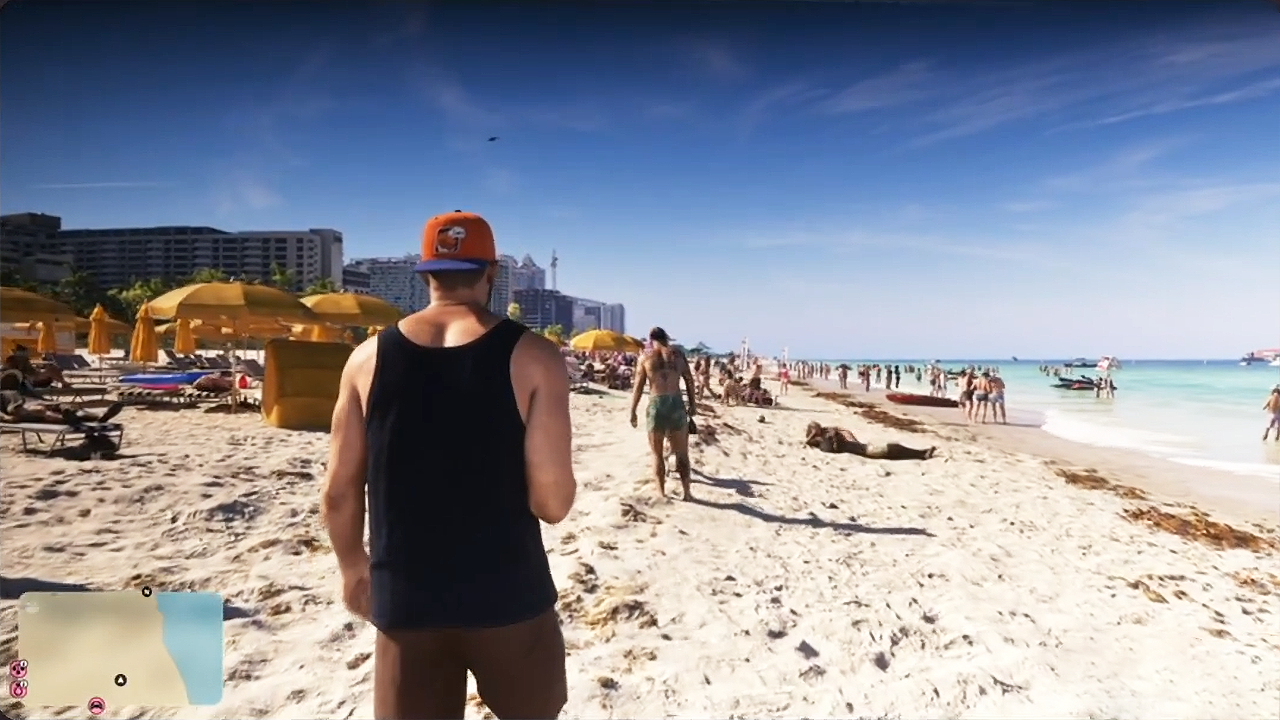

Rockstar Games has shown off new Grand Theft Auto VI footage in an unlikely place: a cartoon. The latest episode of South Park included a gameplay clip that has fans talking, mostly because of what the player does in it.
The footage appeared in the episode titled "Guinea Pig on a Stick," which aired Wednesday, October 28. The episode is part of Season 29, during which the show has rebranded itself as South America.
What the clip shows
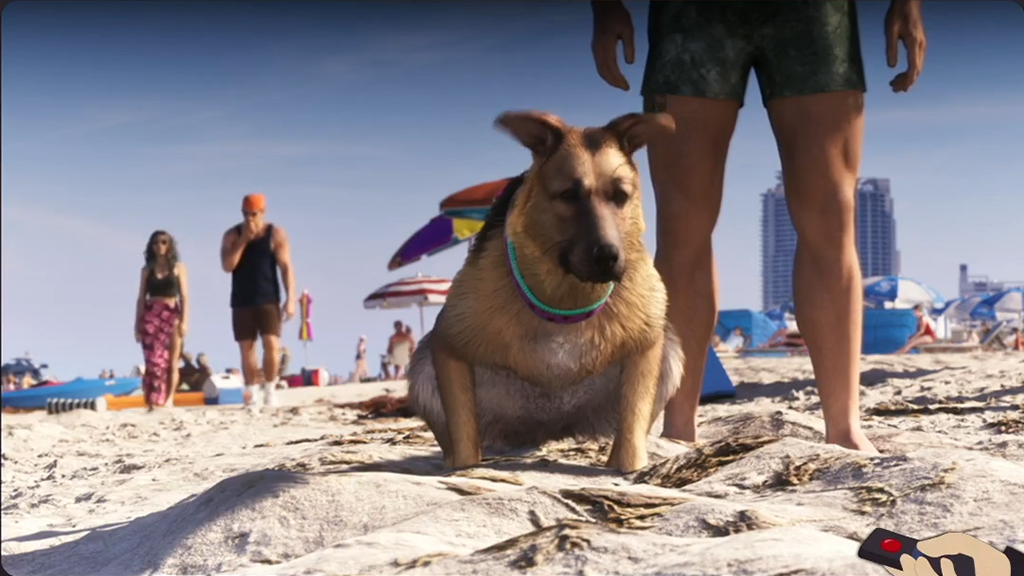
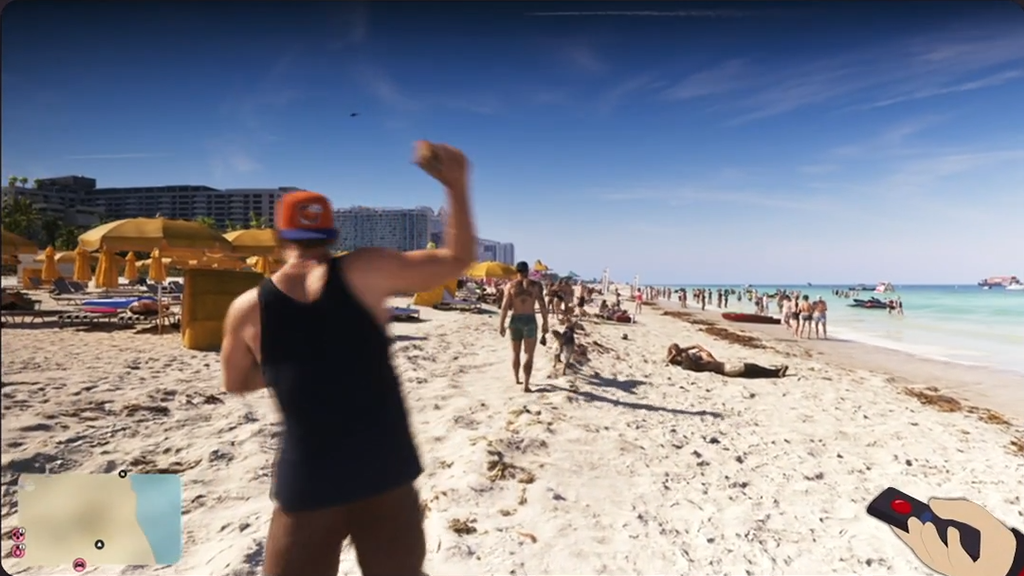
In the episode, the kids visit a local cattle ranch and get a sneak peek at the game, with a smug insider pitching the footage to them. The clip, shown on a television inside the show, opens on a dog squatting on a sunny beach, then cuts to a third-person view of a character walking past beachgoers and starting a confrontation. The character appears to be Jason, one of the game's two protagonists, and a minimap is visible in the corner of the screen.
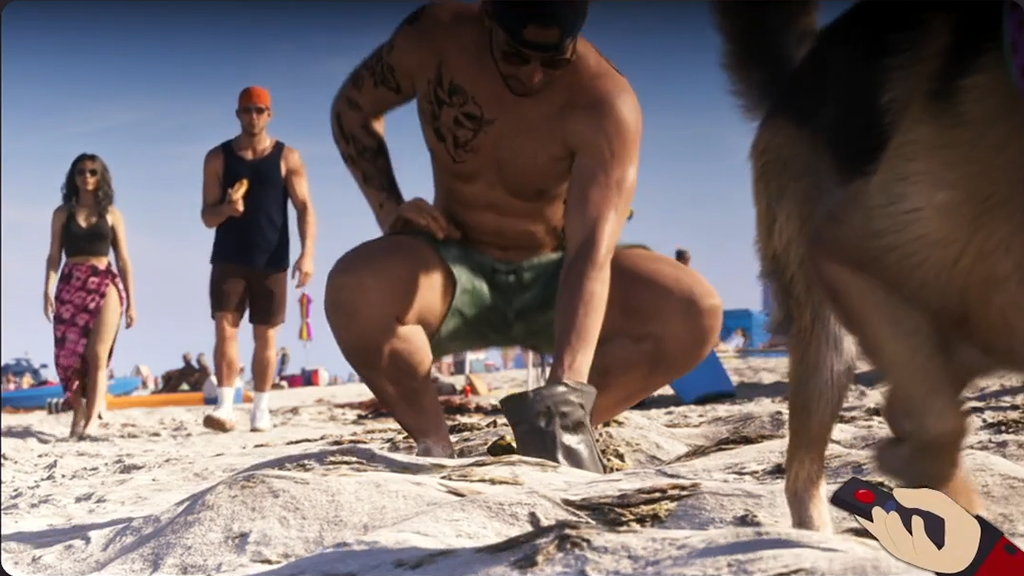
The punchline is the mechanic itself. Players can pick up the dog waste and throw it at an NPC, and if that NPC fights back, the poop can be used as a melee weapon. The insider sells it as proof of the game's world-building and says this is "what's coming in November." Cartman, naturally, is sold. He calls the game "fucking tits."
Beyond the joke, the scene shows a busy Vice City beach packed with NPCs, a detail that fits the crowd density Rockstar has been promoting.
It's official footage
Early on, it wasn't clear whether the sequence was real or something South Park's animators had recreated. The credits settle it. They read: "Grand Theft Auto VI footage courtesy of Rockstar Games, Inc." The narration was also voiced by Tish Hicks, who previously narrated a GTA V trailer.
One caveat: Rockstar's credit points to an official collaboration, but it doesn't establish whether the sequence was previously unseen. Rockstar hasn't commented publicly on the appearance, and how the mechanic works elsewhere in Vice City, or what happens after an NPC is hit, is unknown.
A running joke all season
This isn't the show's first GTA 6 gag. In the Season 29 premiere, "South American Biker Gangs," on September 16, characters believe the game's release date will improve the country. That episode followed the kids as they got high-powered e-bikes that escalated into a biker-gang war with their parents. The "things will get better in November" bit has now run through multiple episodes, with the show using the game's release as shorthand for the "big change" coming in November, while also nodding at the November 3 midterm elections.
South Park has history here. It has worked with developers before to put real game footage on screen, including Blizzard's help on 2006's "Make Love, Not Warcraft."
What's next
Grand Theft Auto VI launches November 19 from Rockstar Games, the first GTA installment since 2013. It arrives on PlayStation 5 and Xbox Series X|S. With three weeks to go, Rockstar's marketing push has moved well beyond the usual trailers and into mainstream pop culture, and a dog poop fight on Comedy Central is the latest proof.
Recommended Comments