




Jump to content
View in the app

A better way to browse. Learn more.

GTA Forum

A full-screen app on your home screen with push notifications, badges and more.

To install this app on iOS and iPadOS
  1. Tap the Share icon in Safari
  2. Scroll the menu and tap Add to Home Screen.
  3. Tap Add in the top-right corner.
To install this app on Android
  1. Tap the 3-dot menu (⋮) in the top-right corner of the browser.
  2. Tap Add to Home screen or Install app.
  3. Confirm by tapping Install.

Register

Interested in GTA ? Join our community on the GTA Forum ! Exchange knowledge, learn about new things, use guides, and stay up to date with GTA Online and FiveM.

Rockstar Opens GTA 6 “Launch Gallery” With 39 New Screenshots

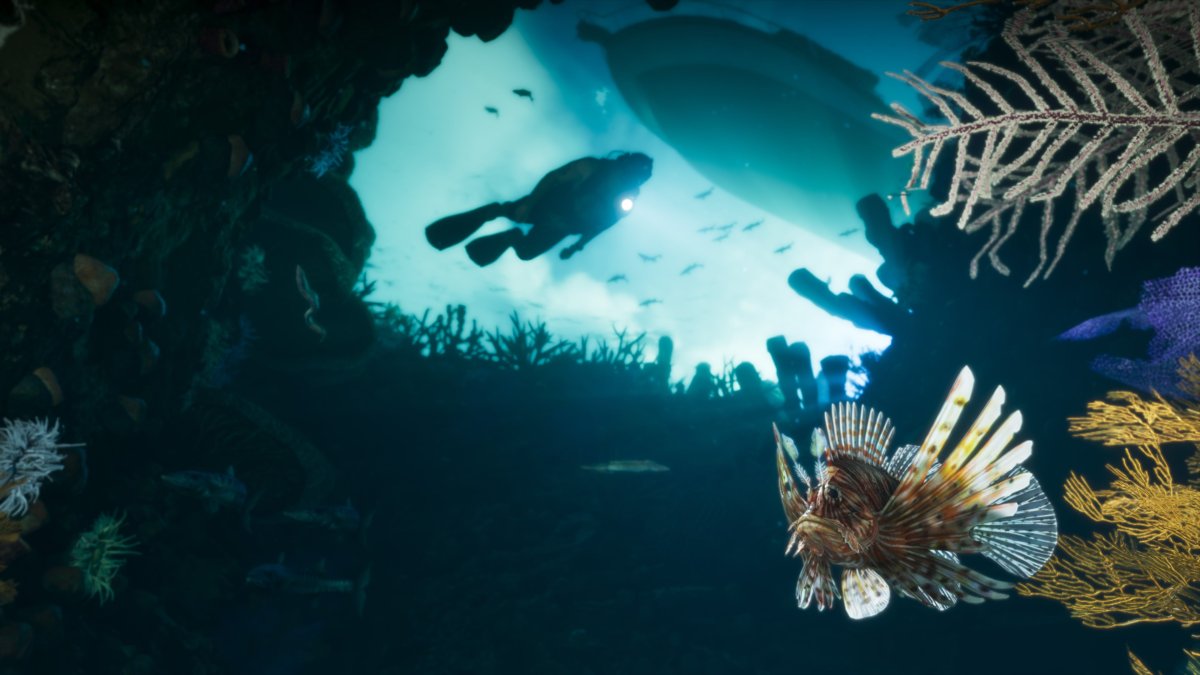
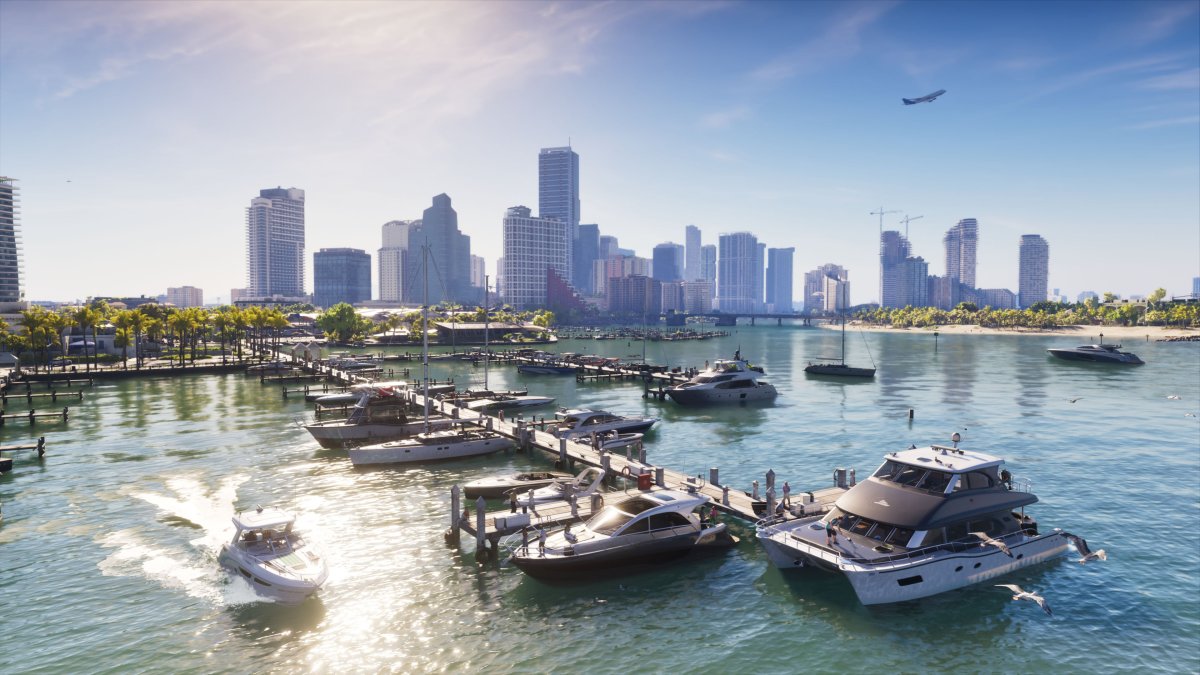
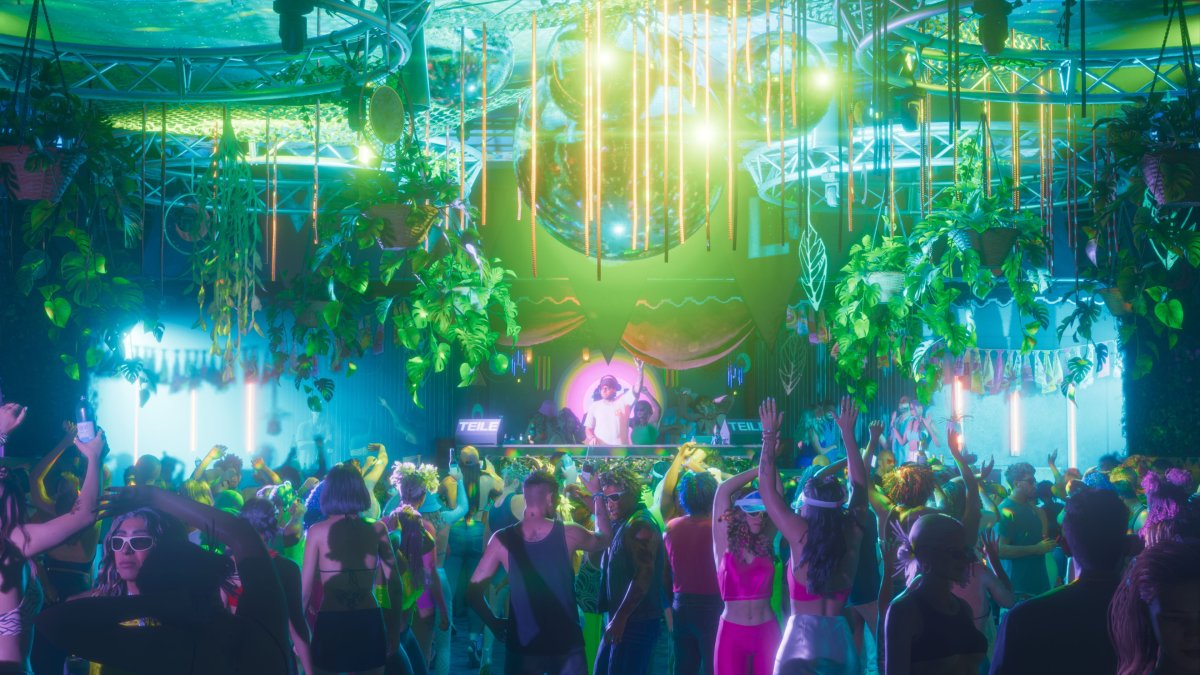
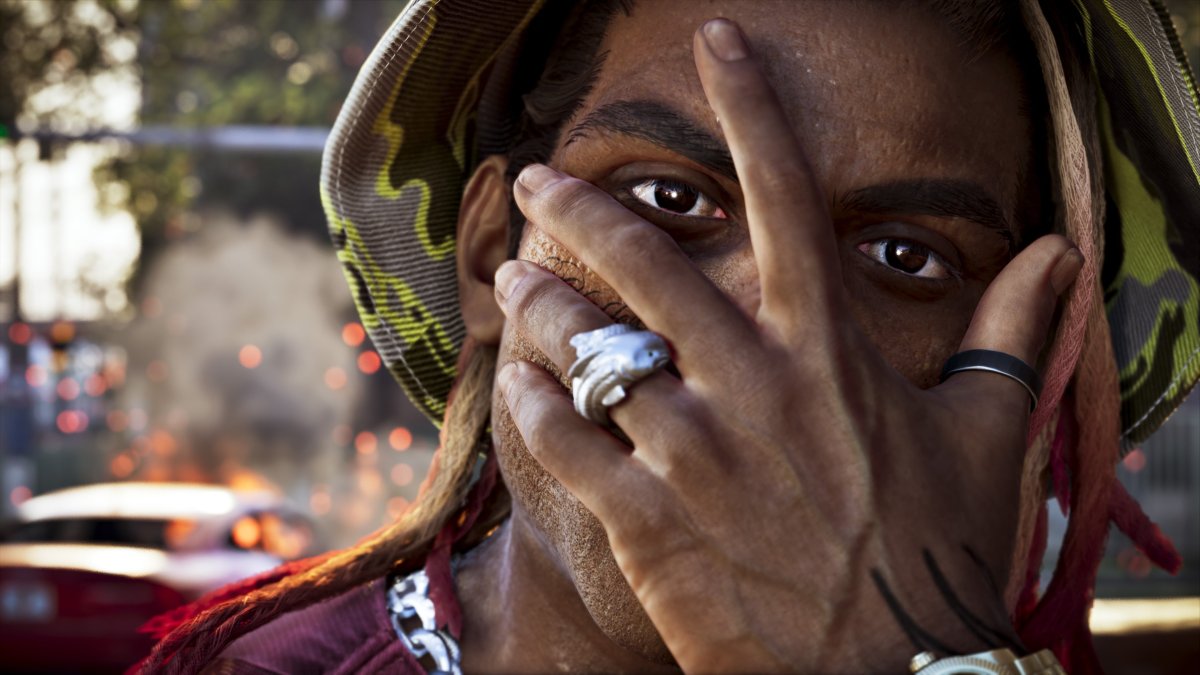
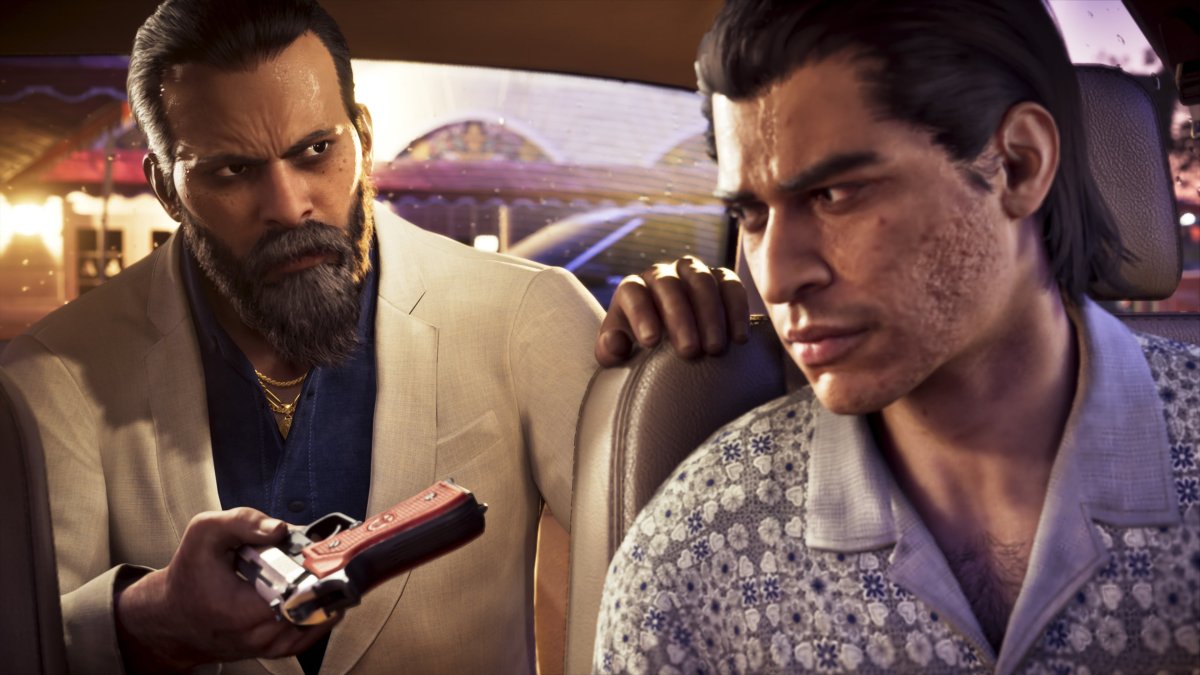
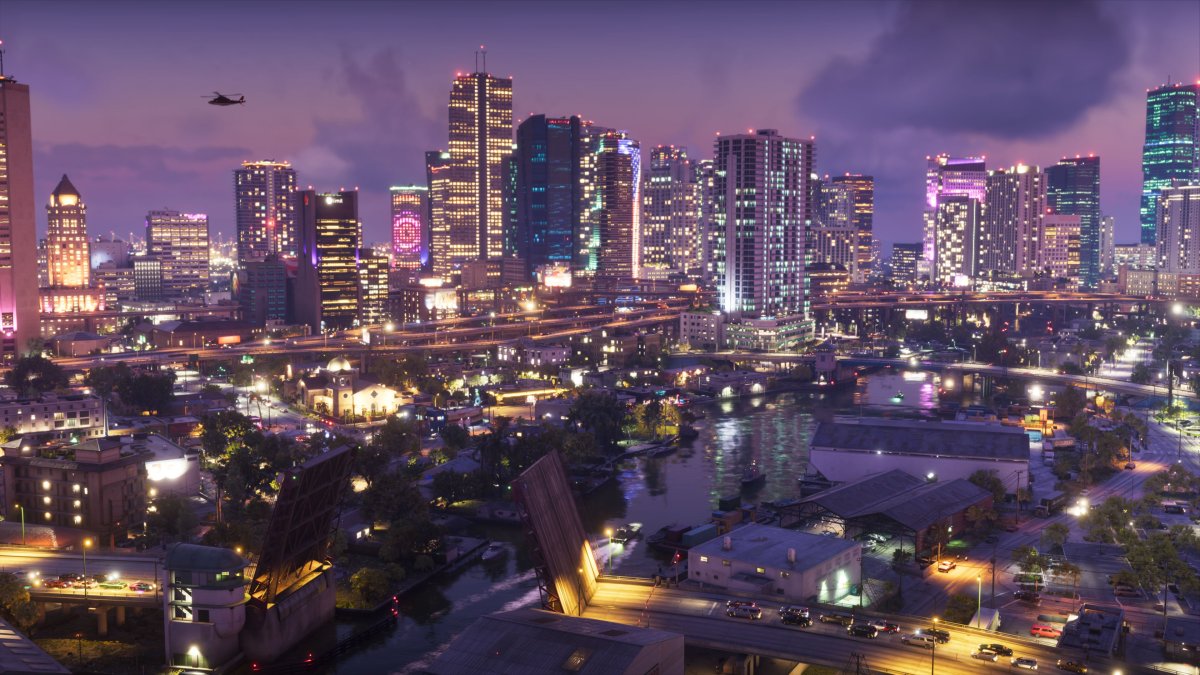
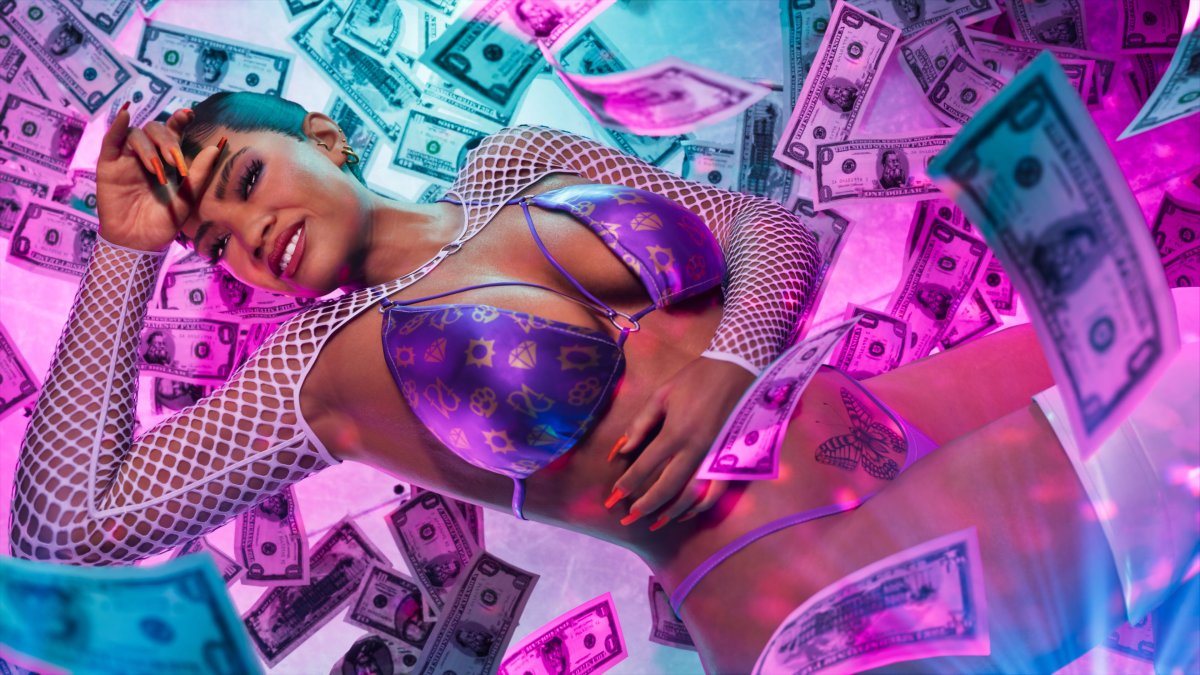
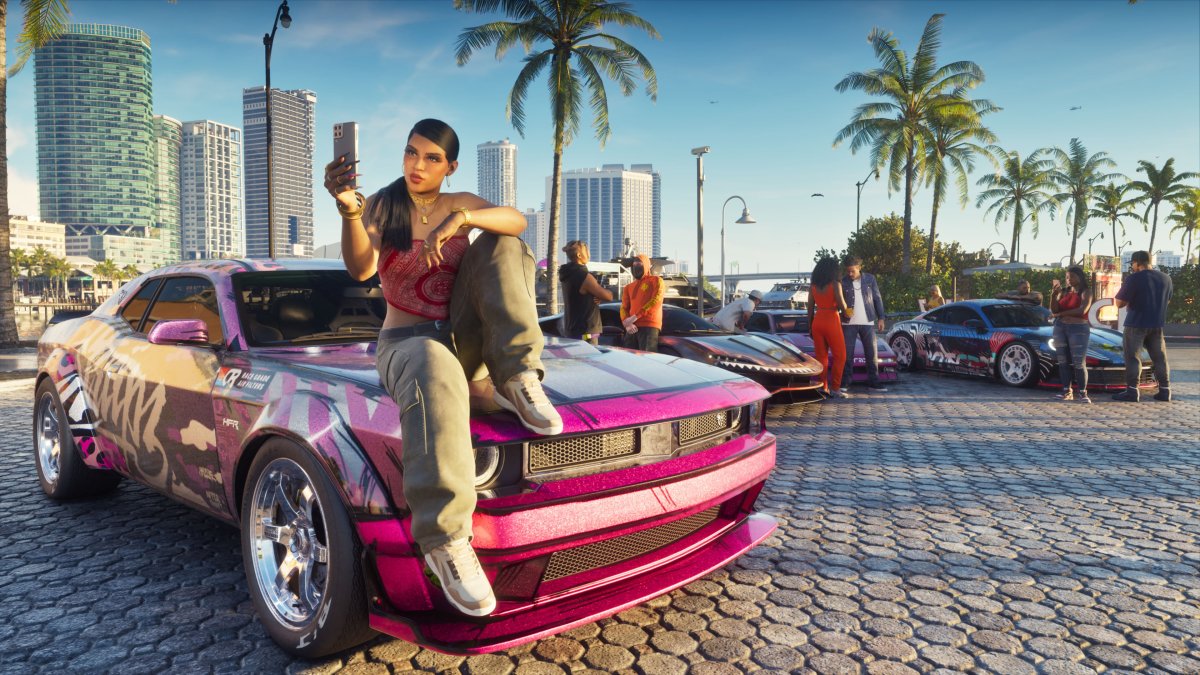
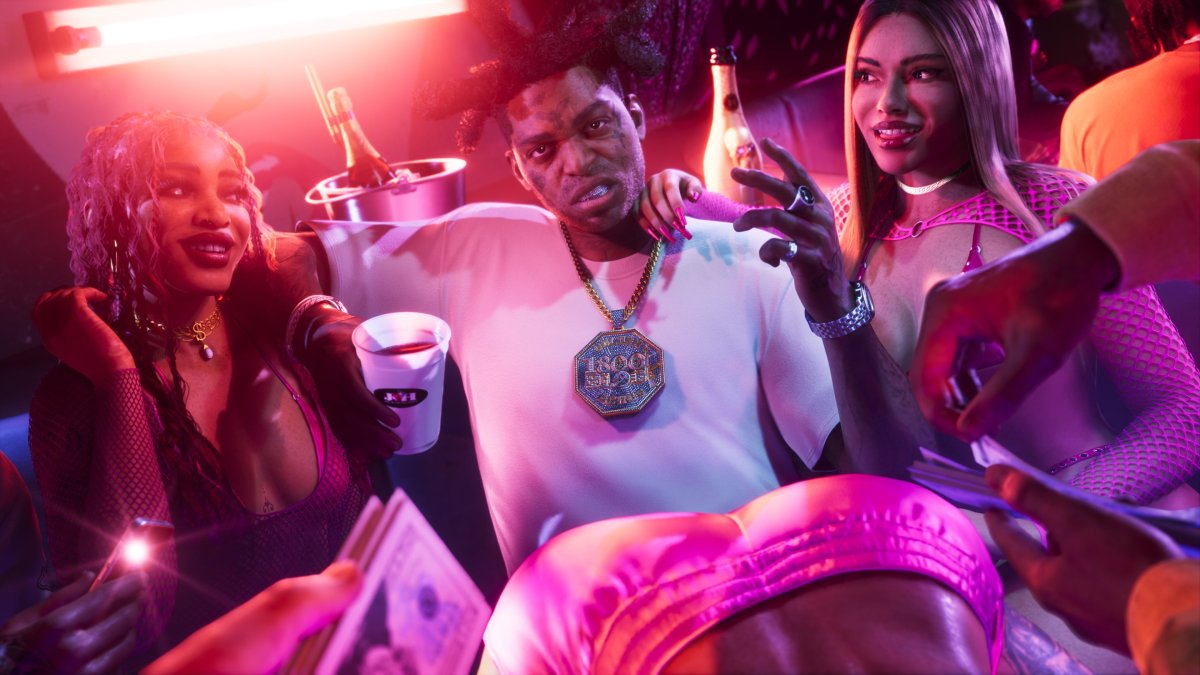
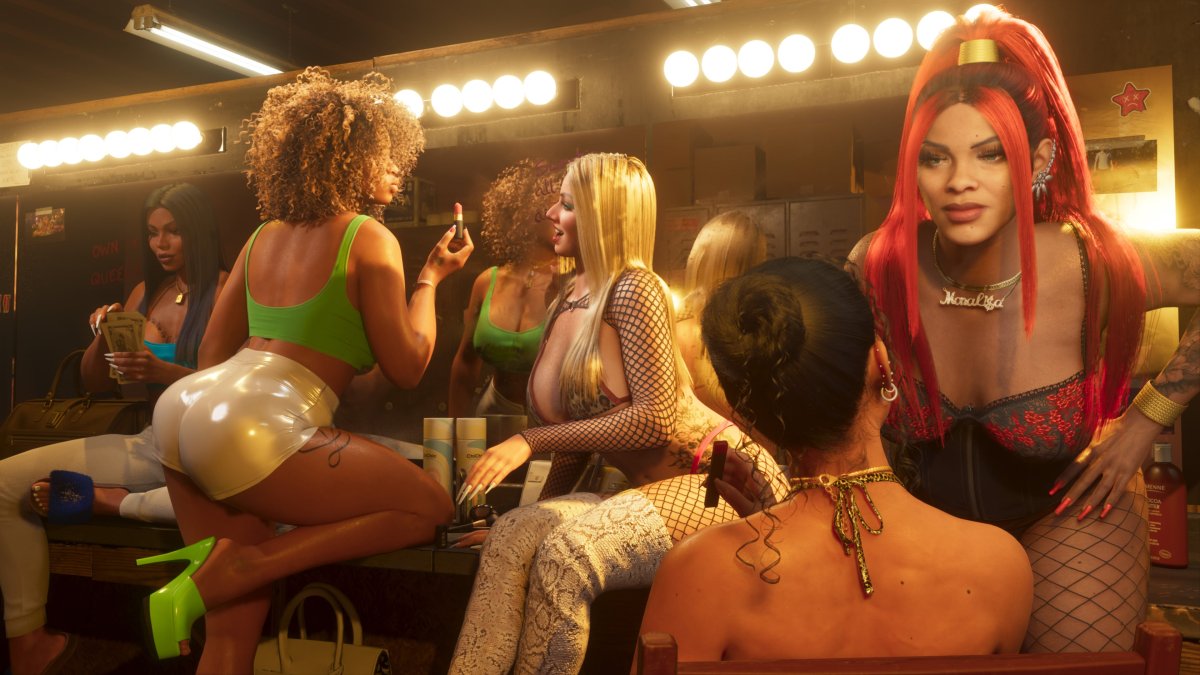
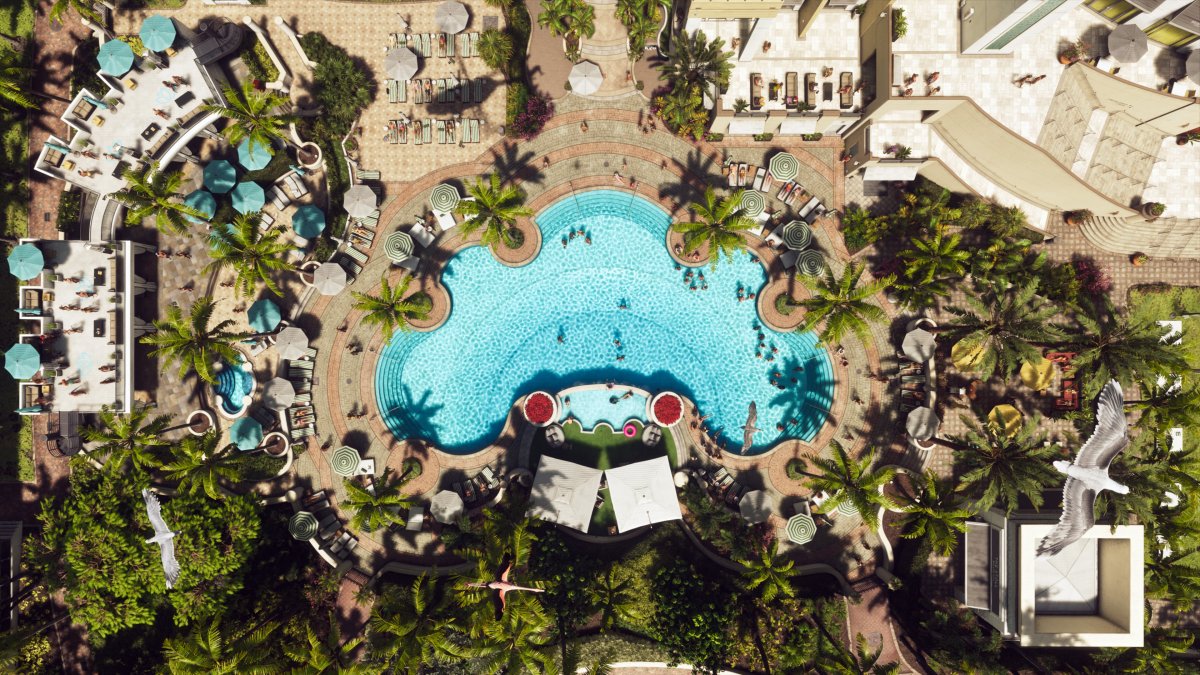
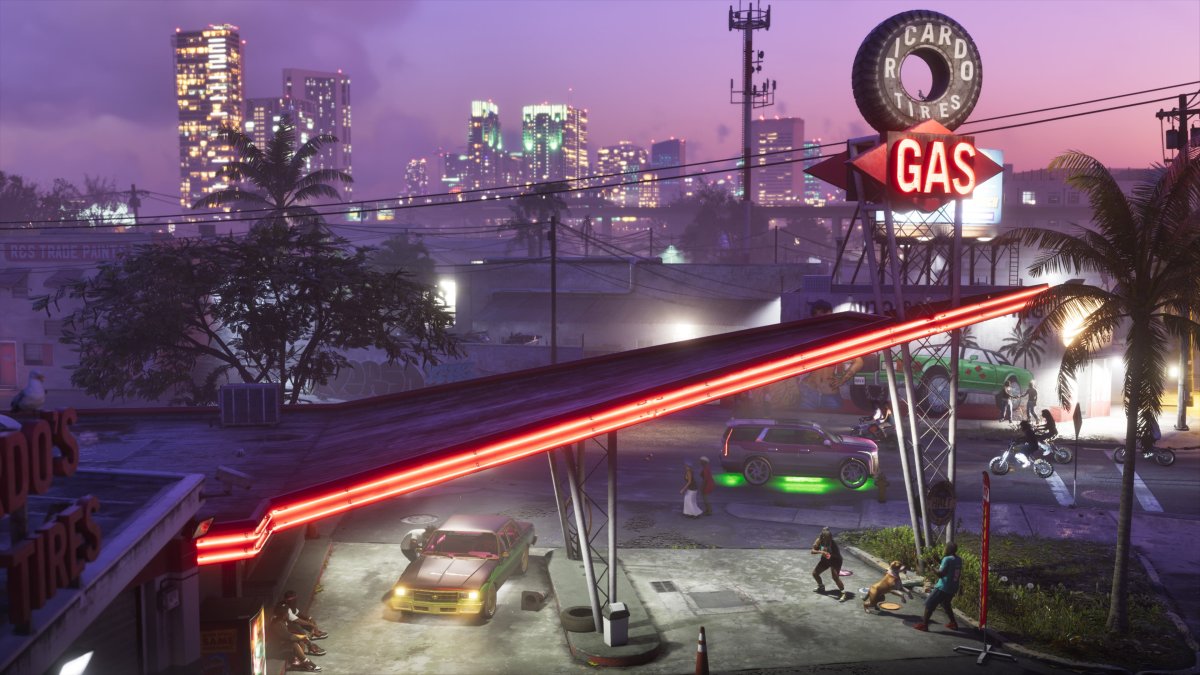
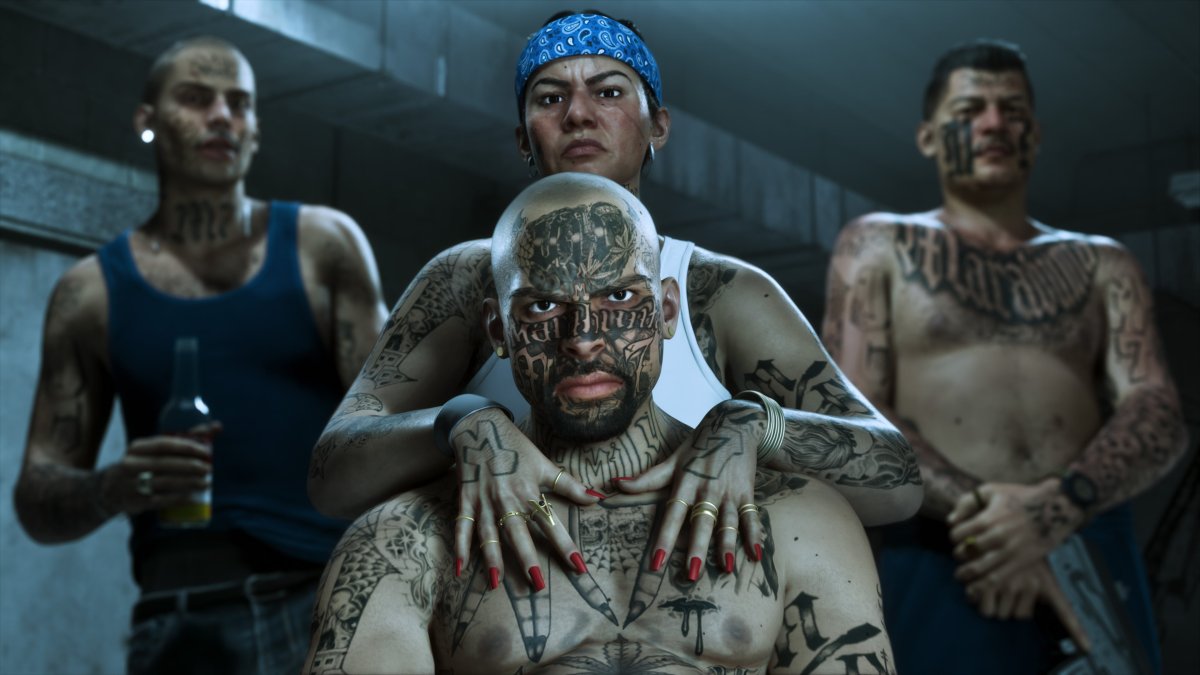
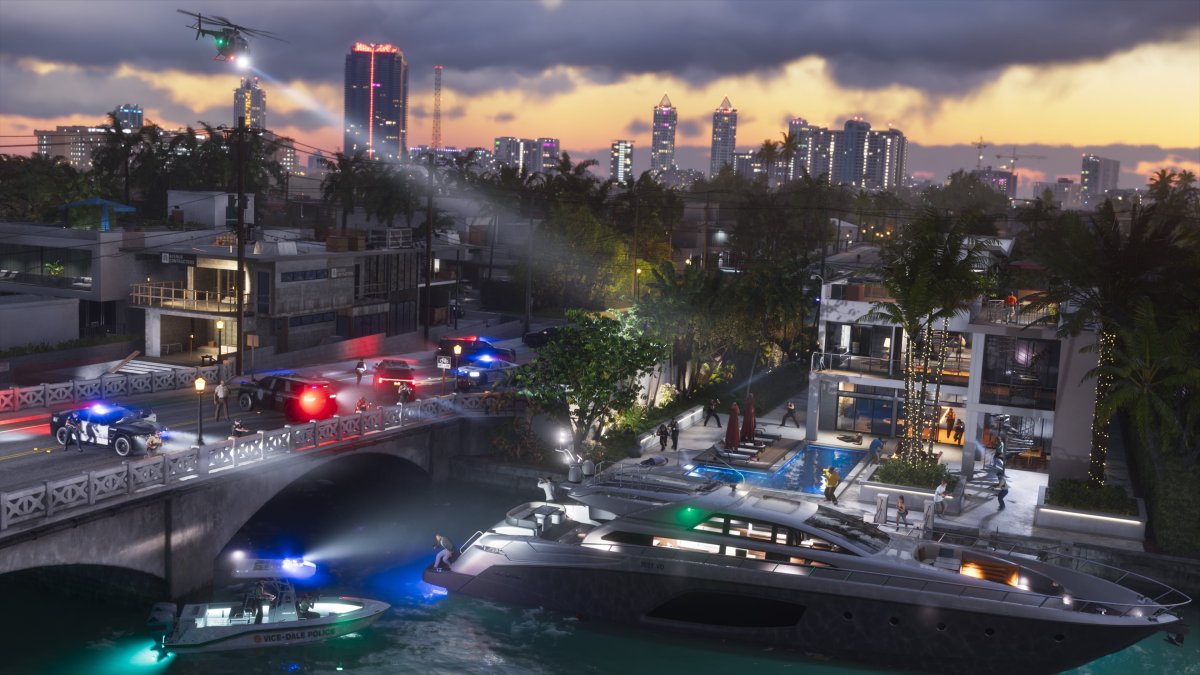
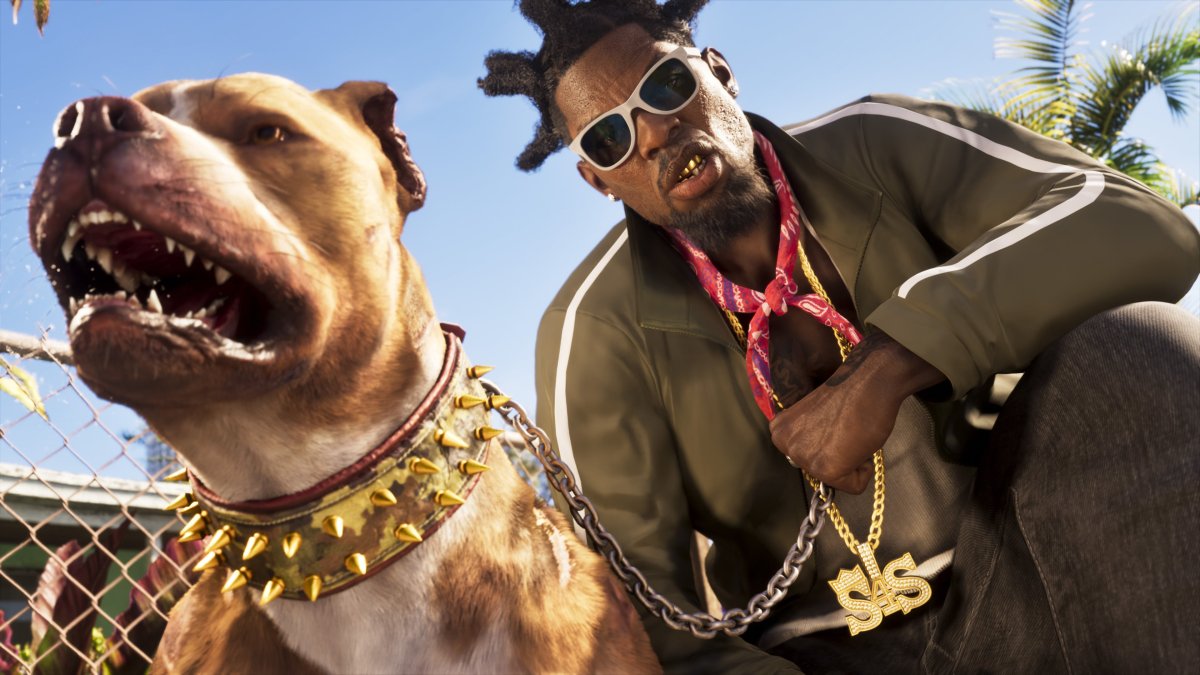
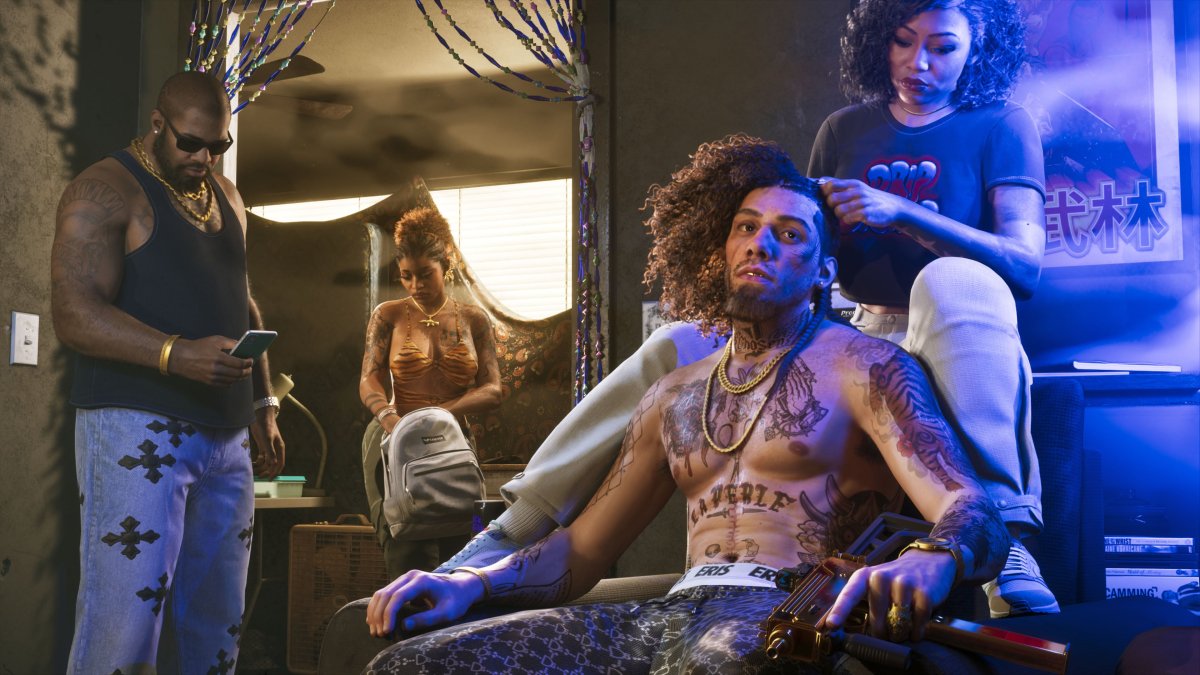
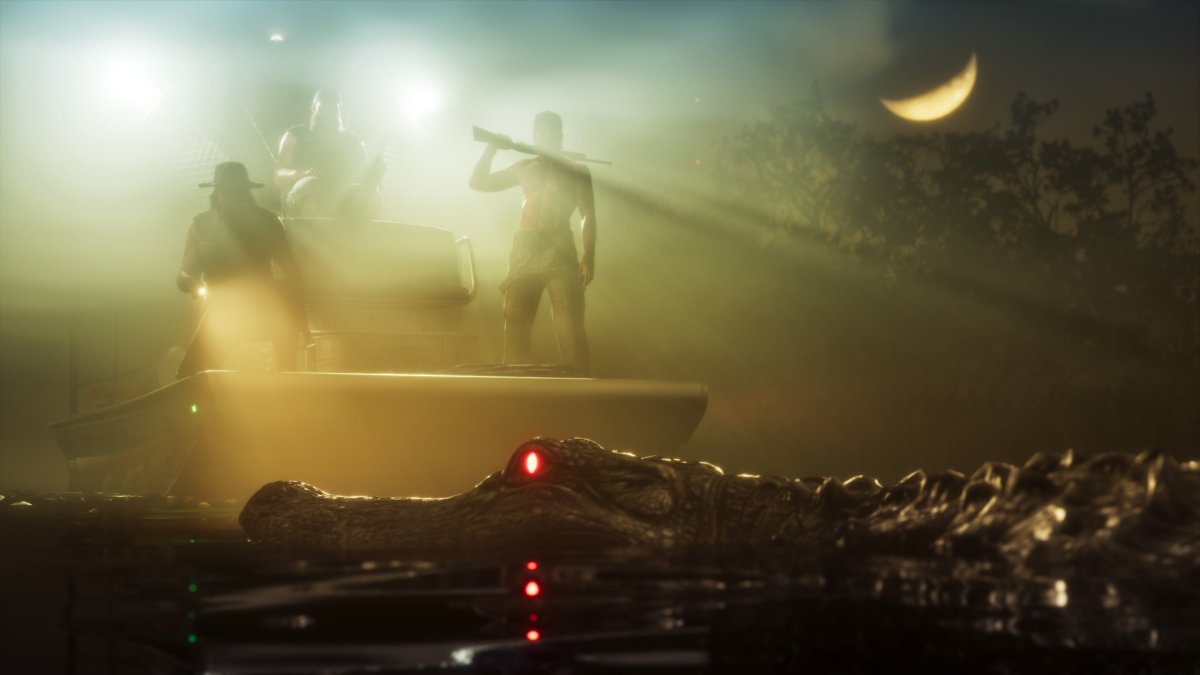
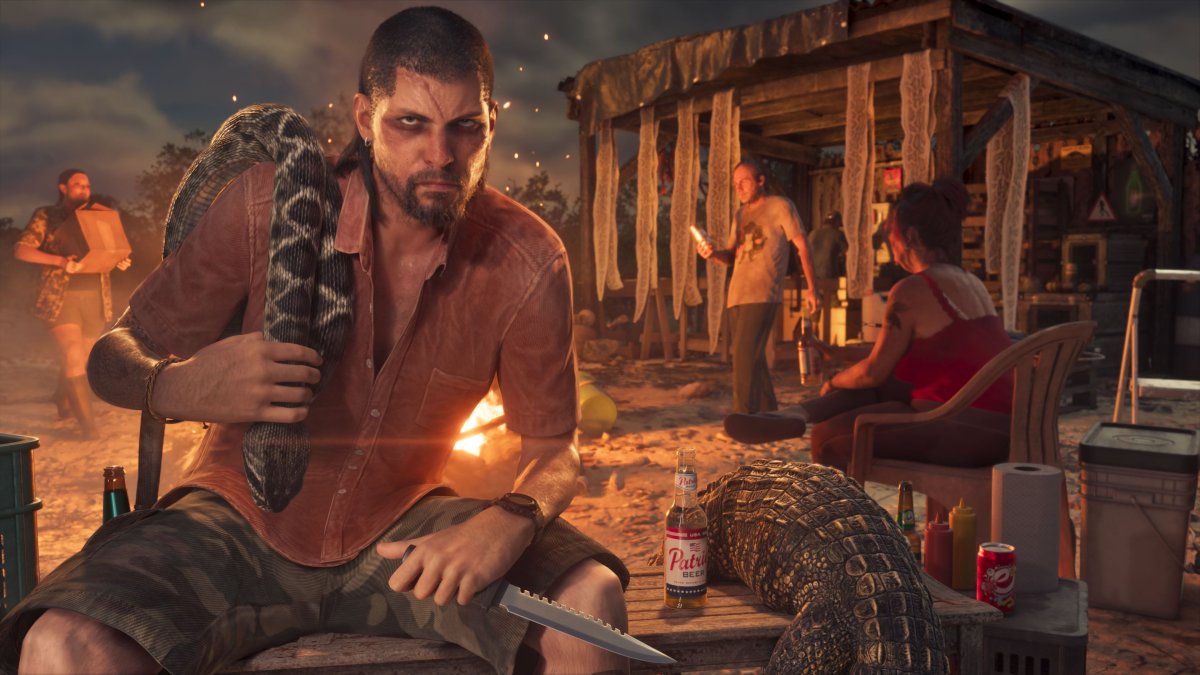
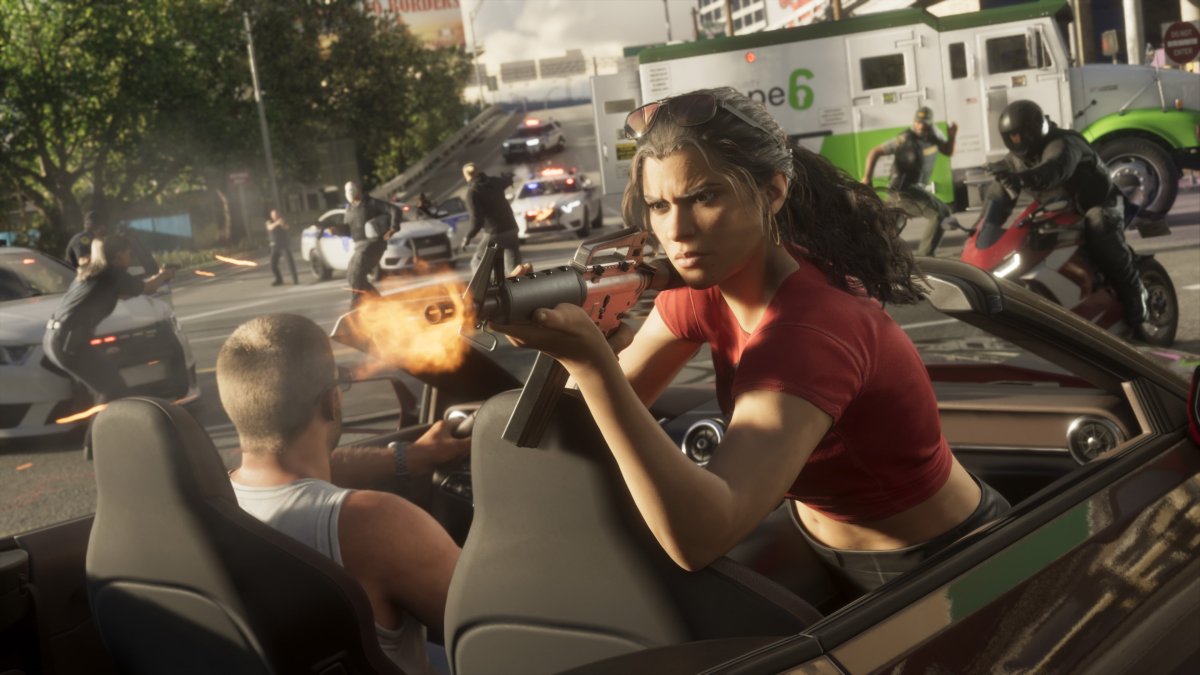
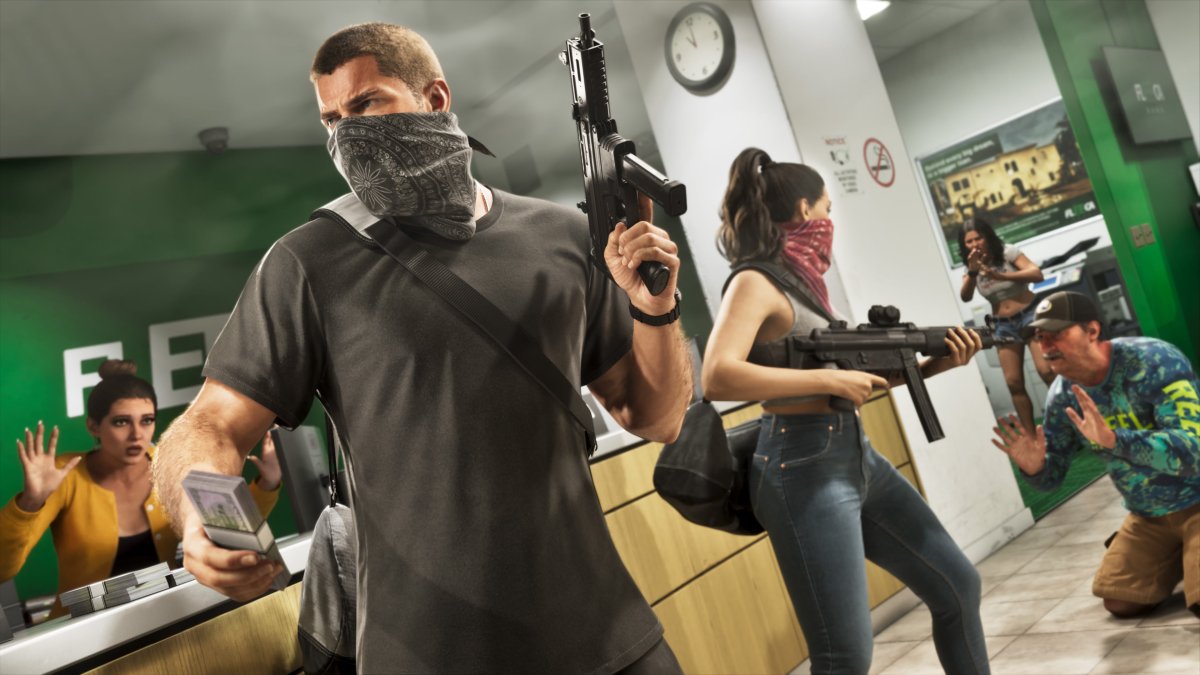
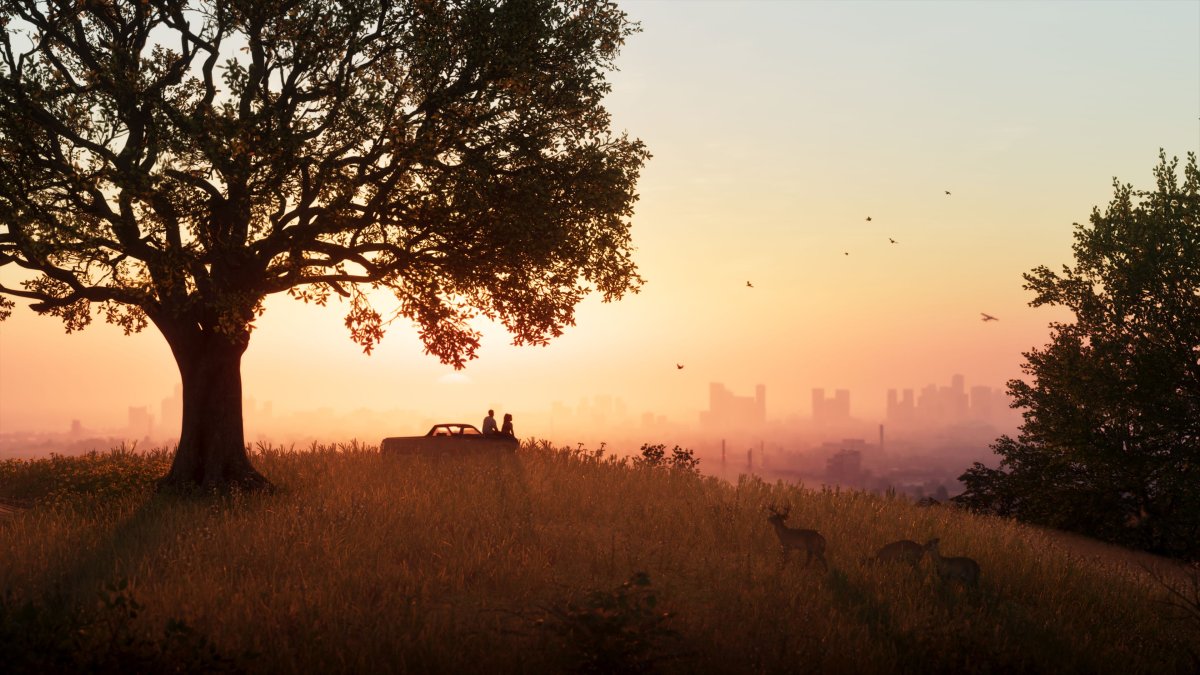
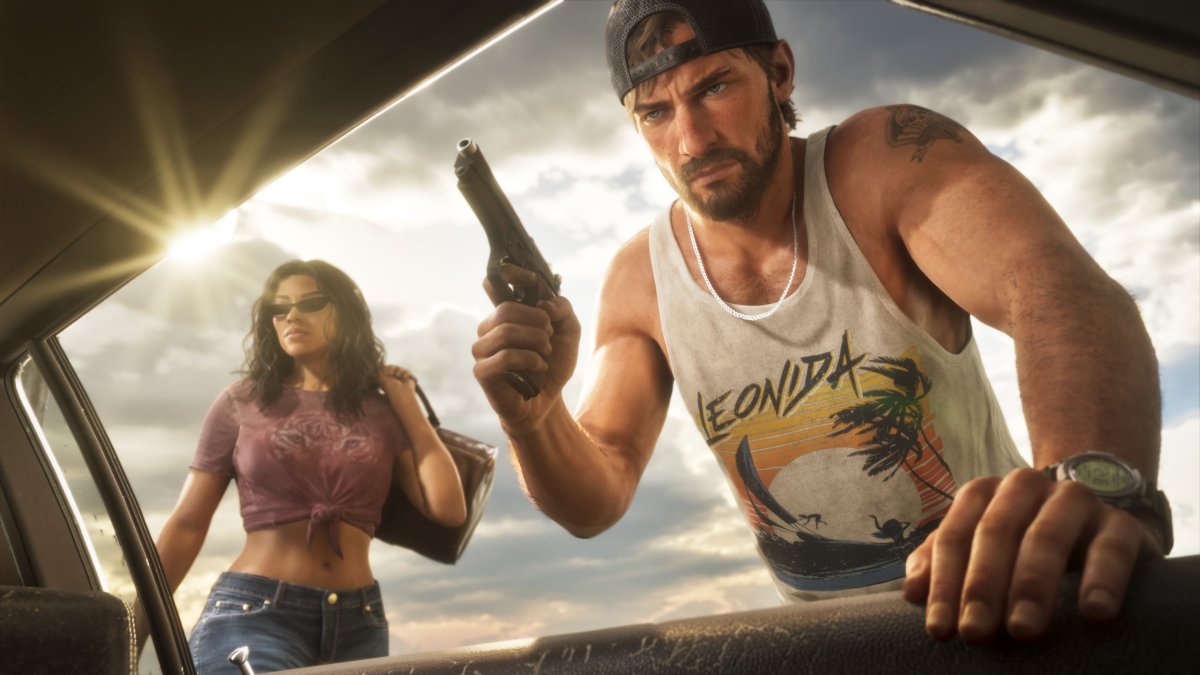
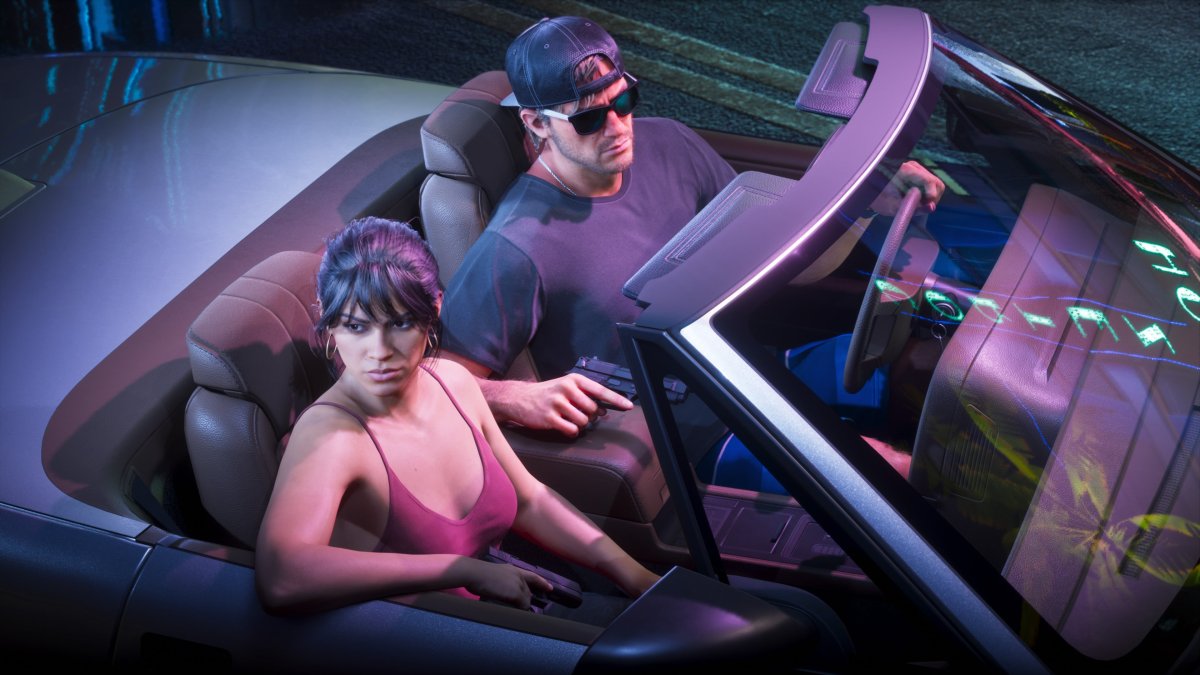
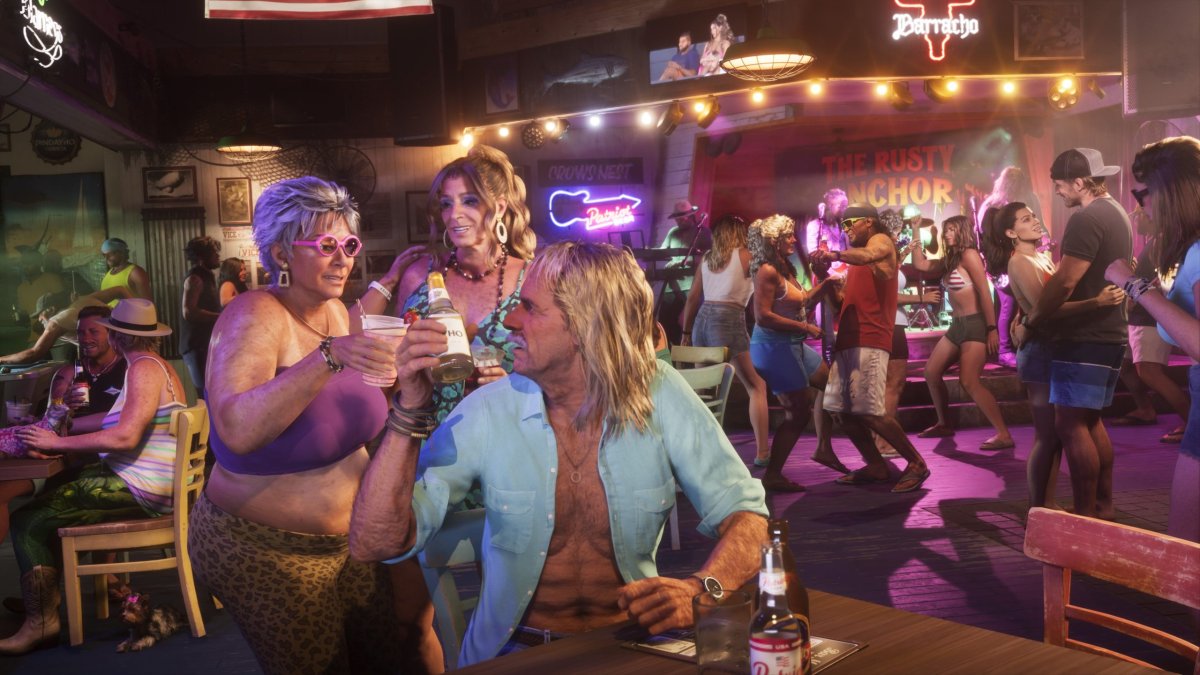
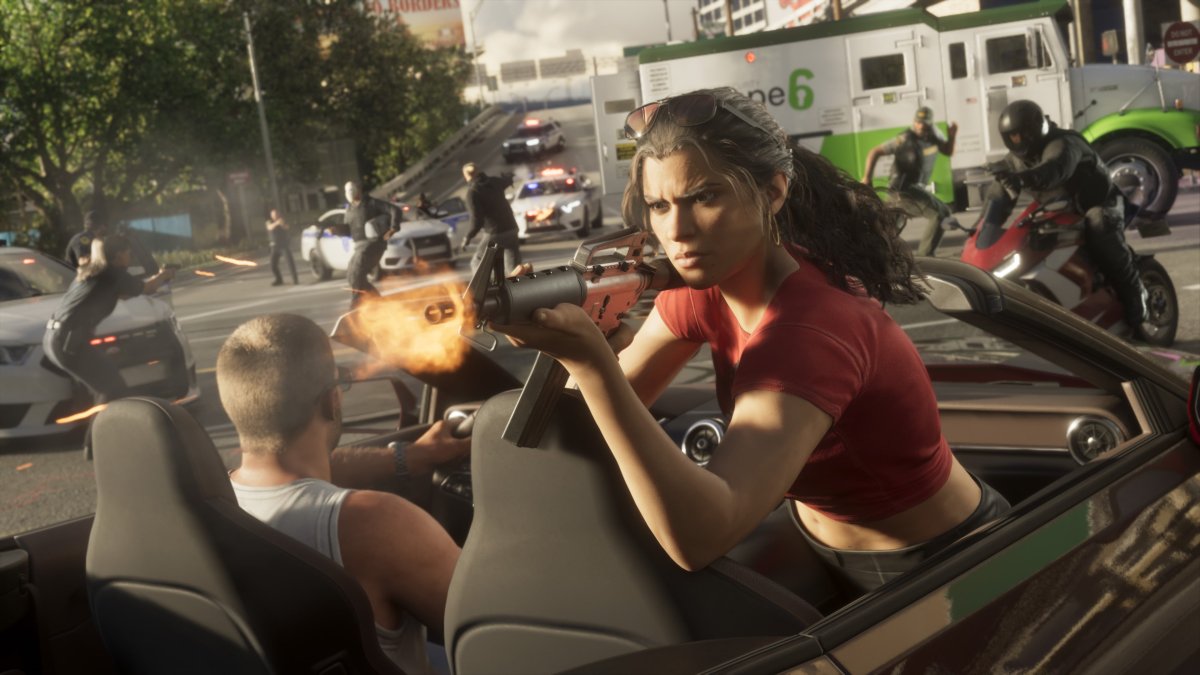
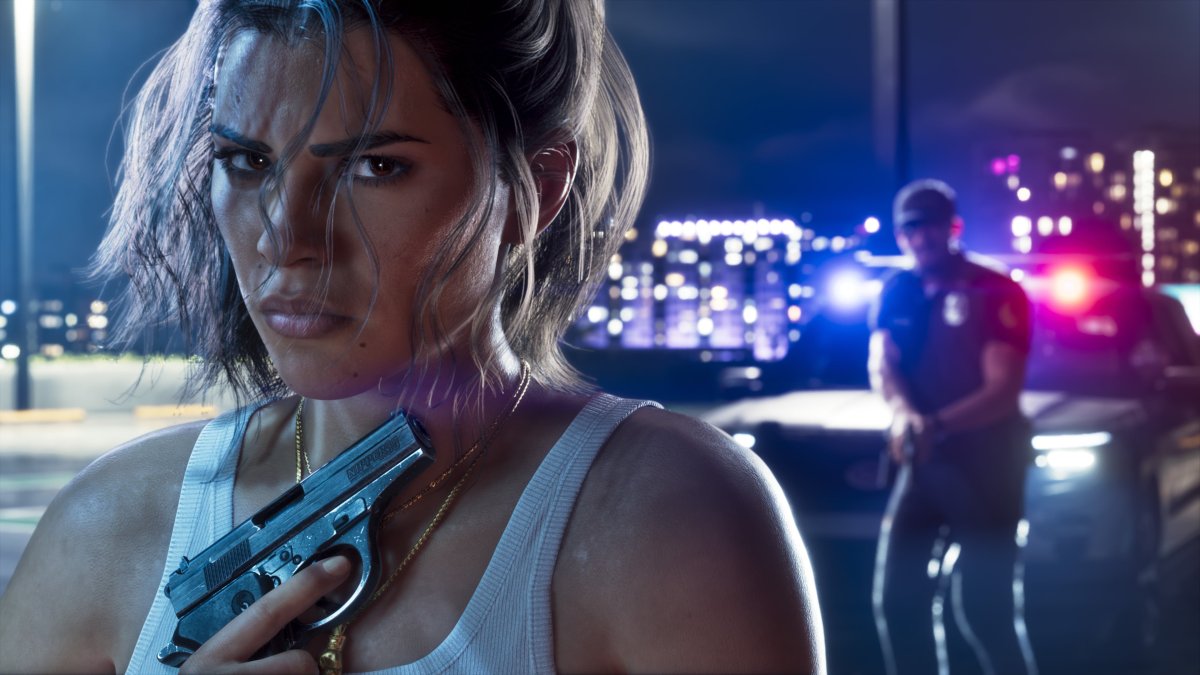
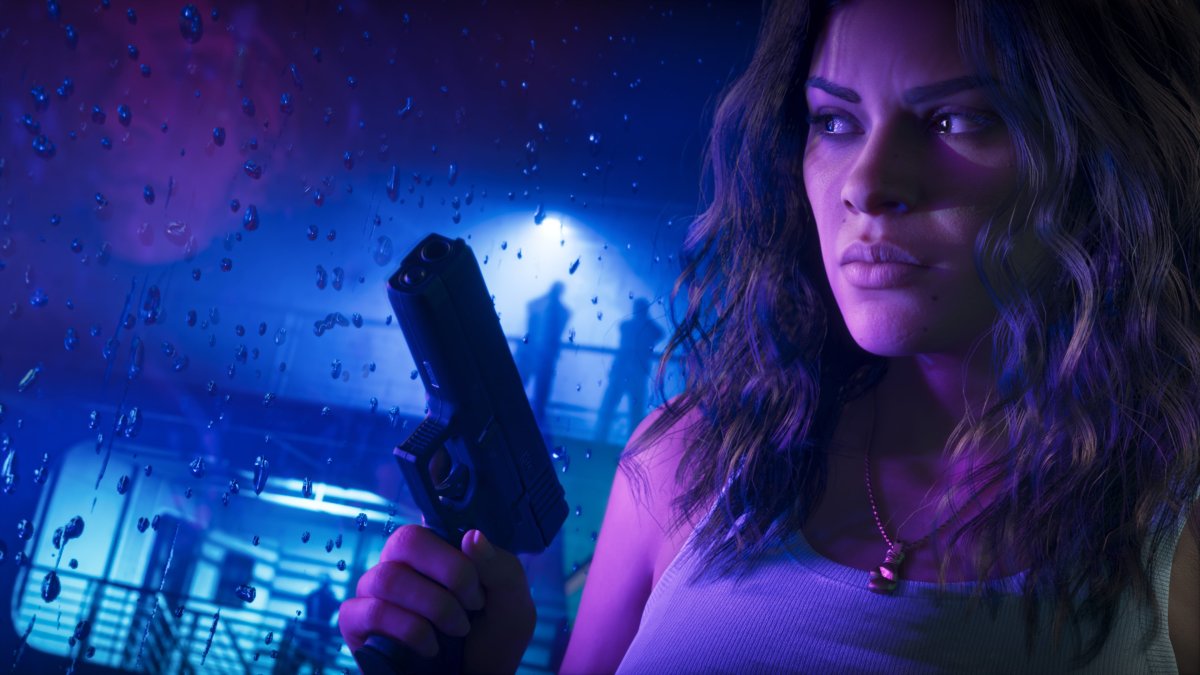
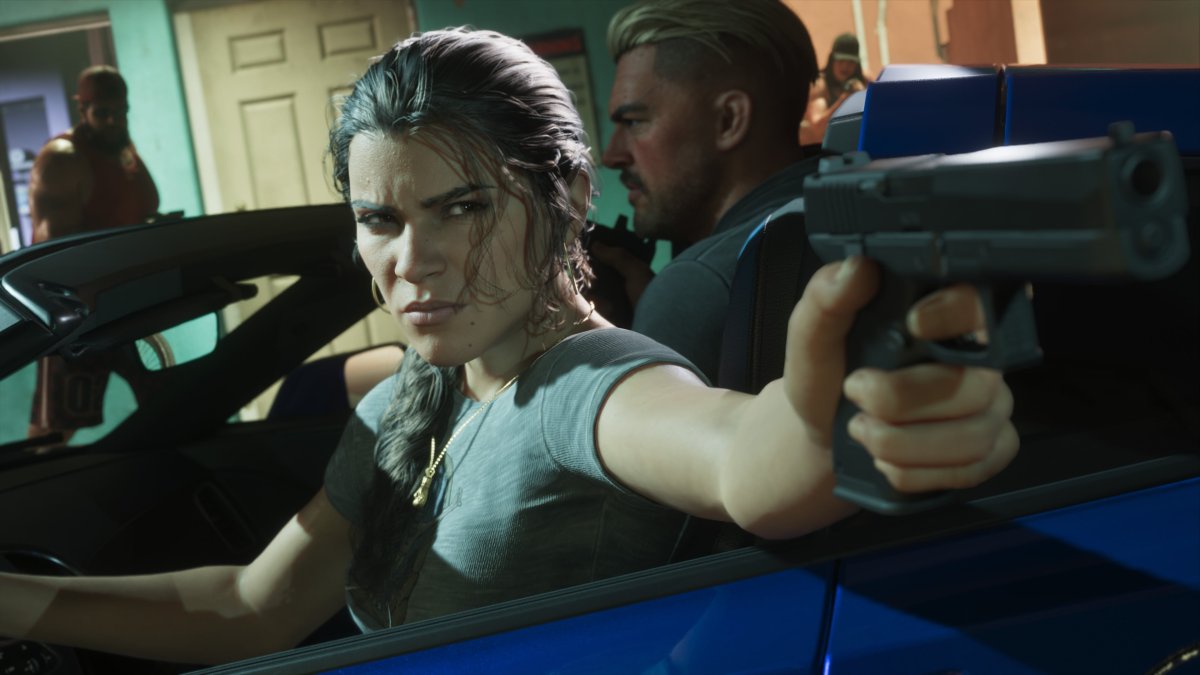
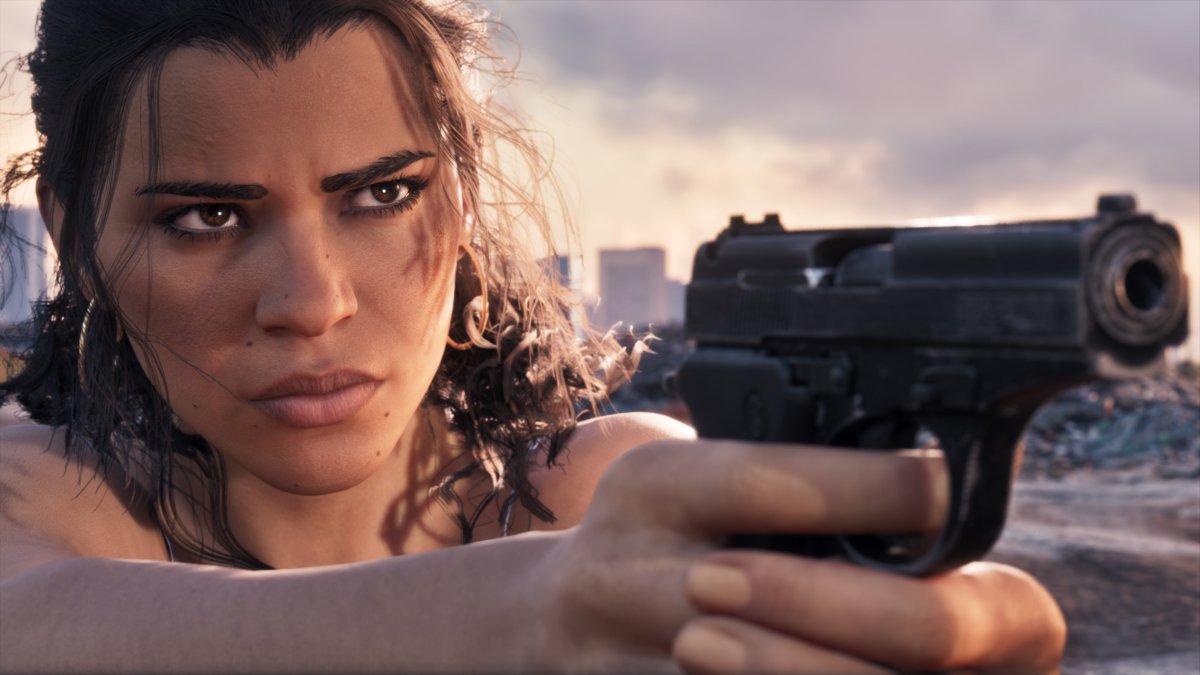
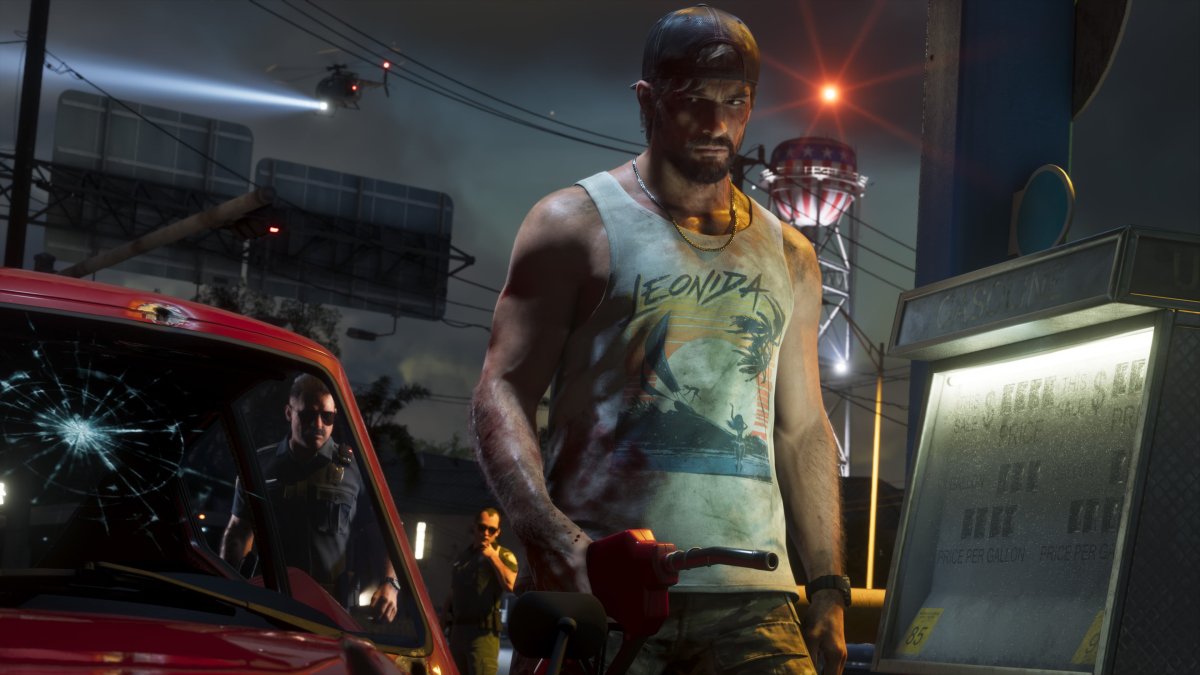
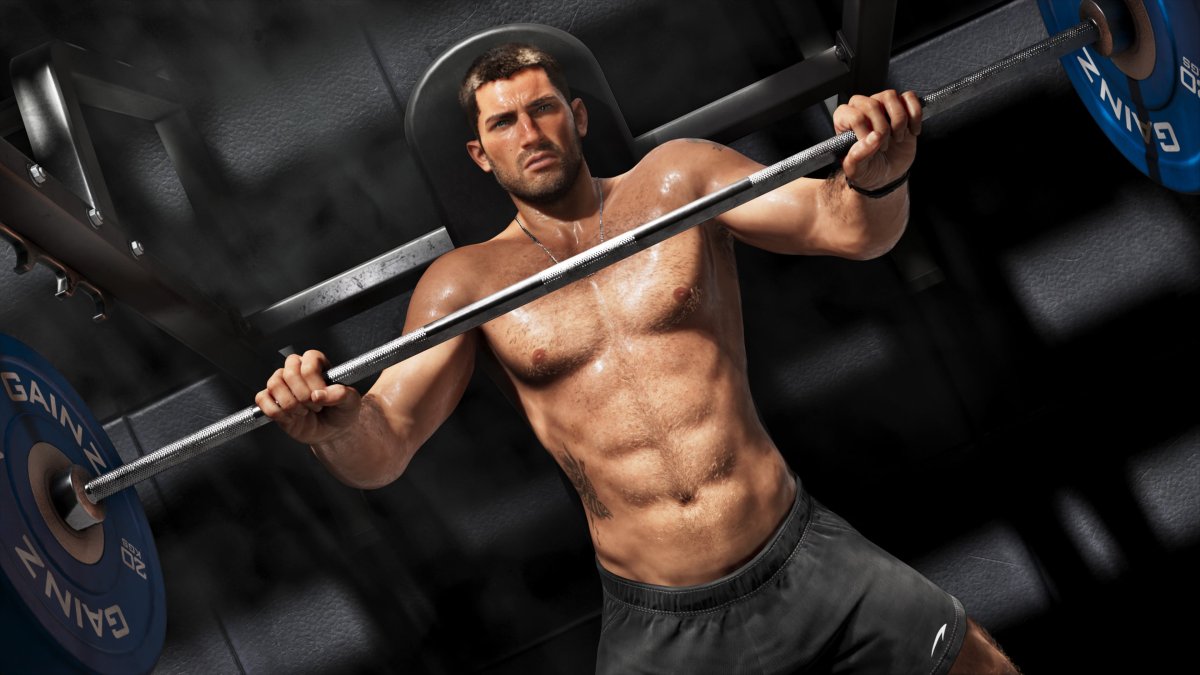
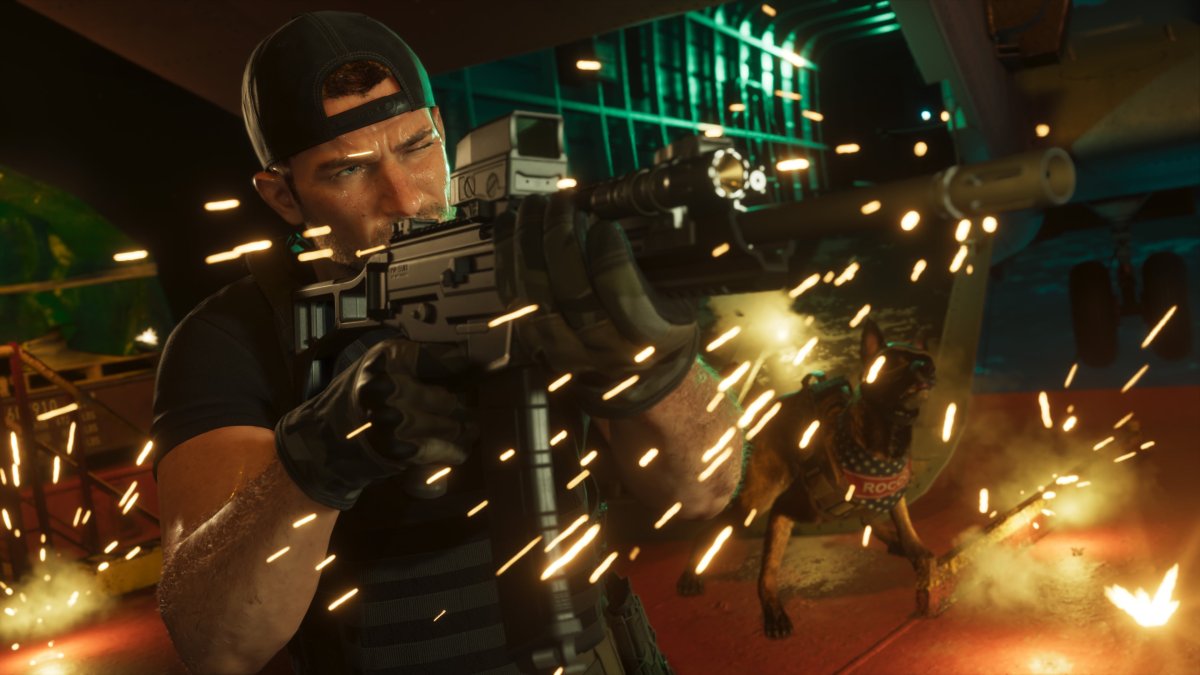
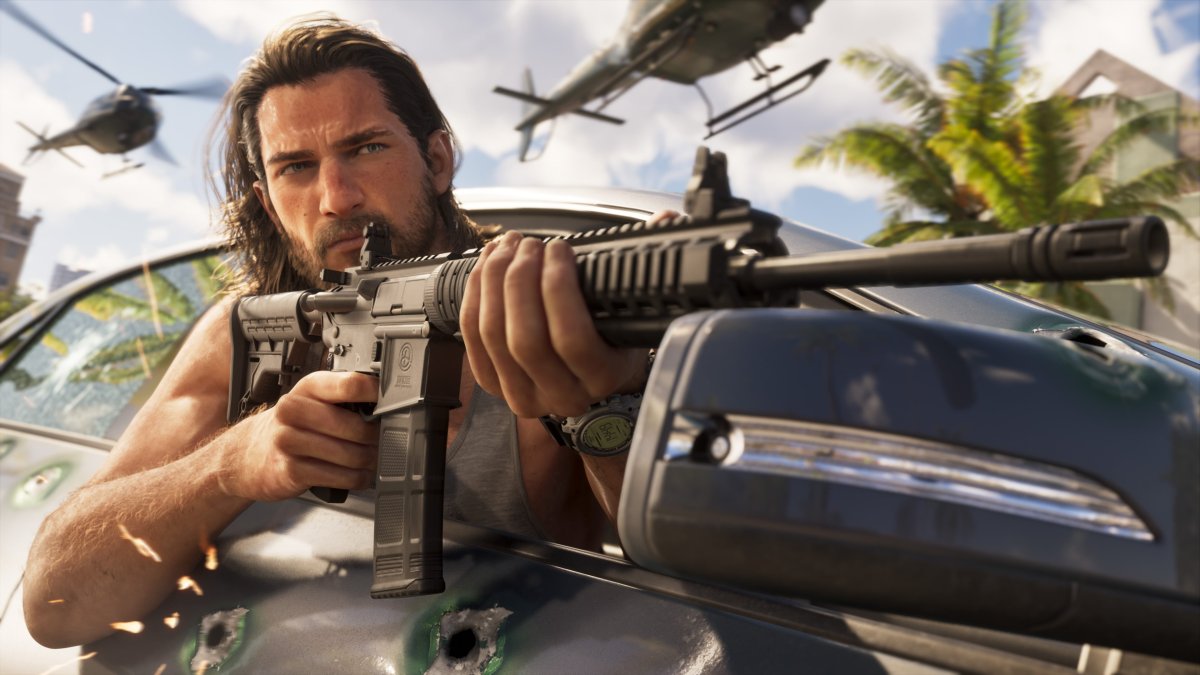
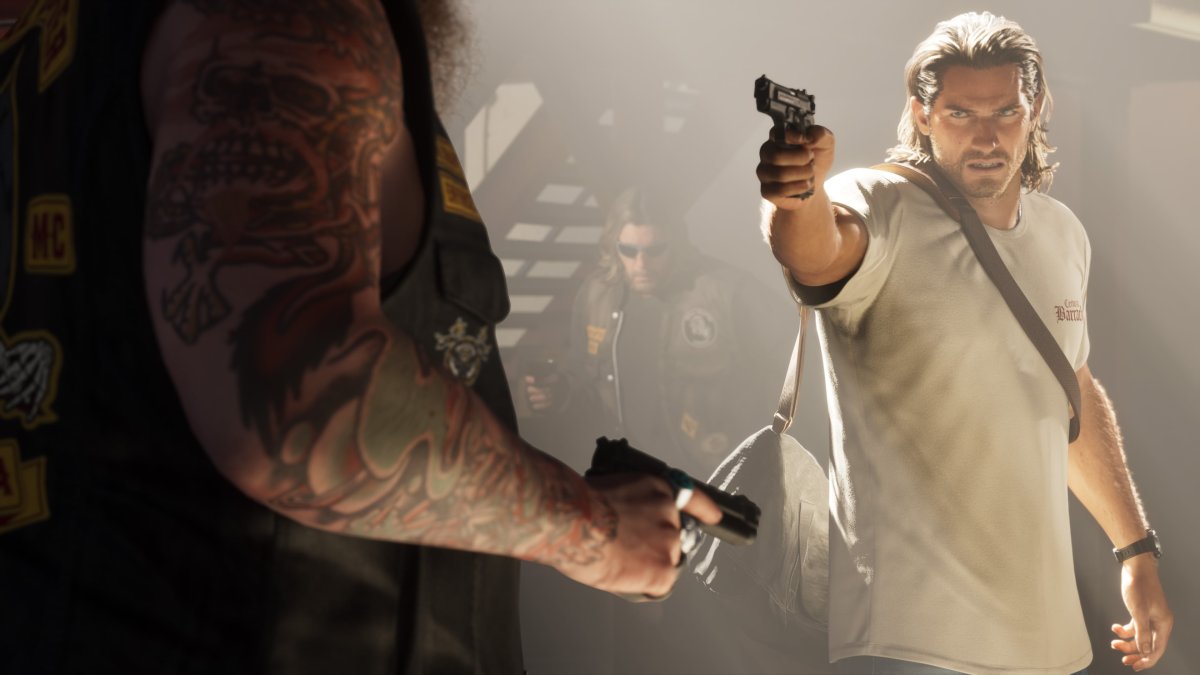
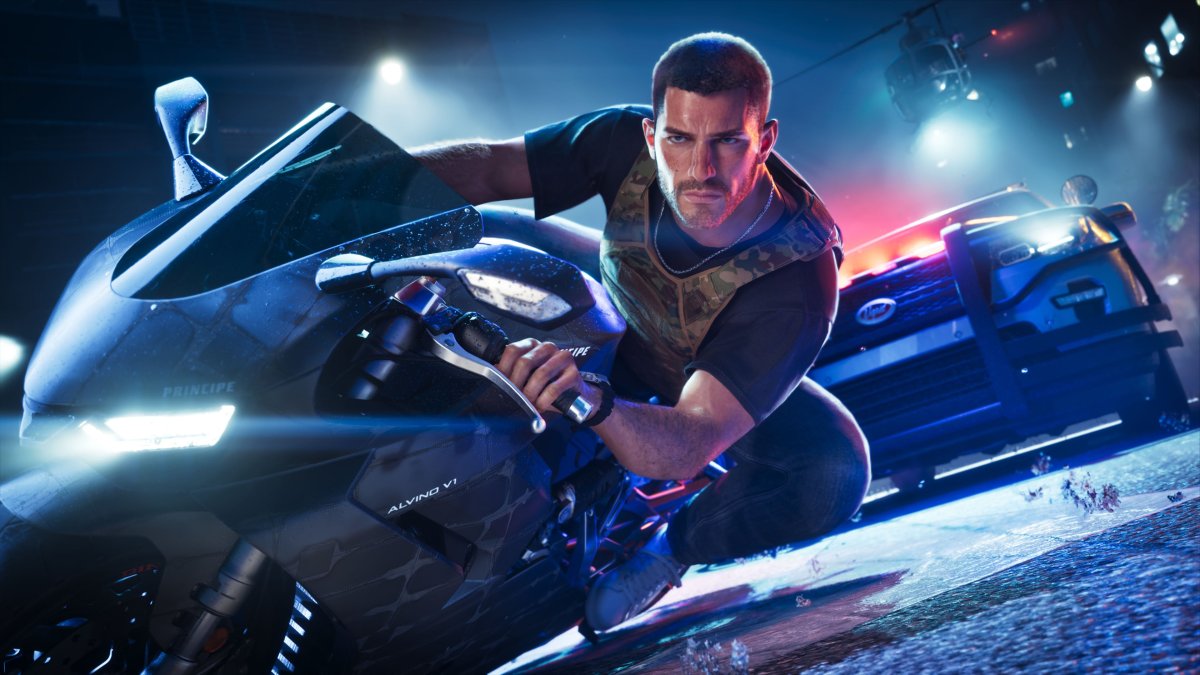
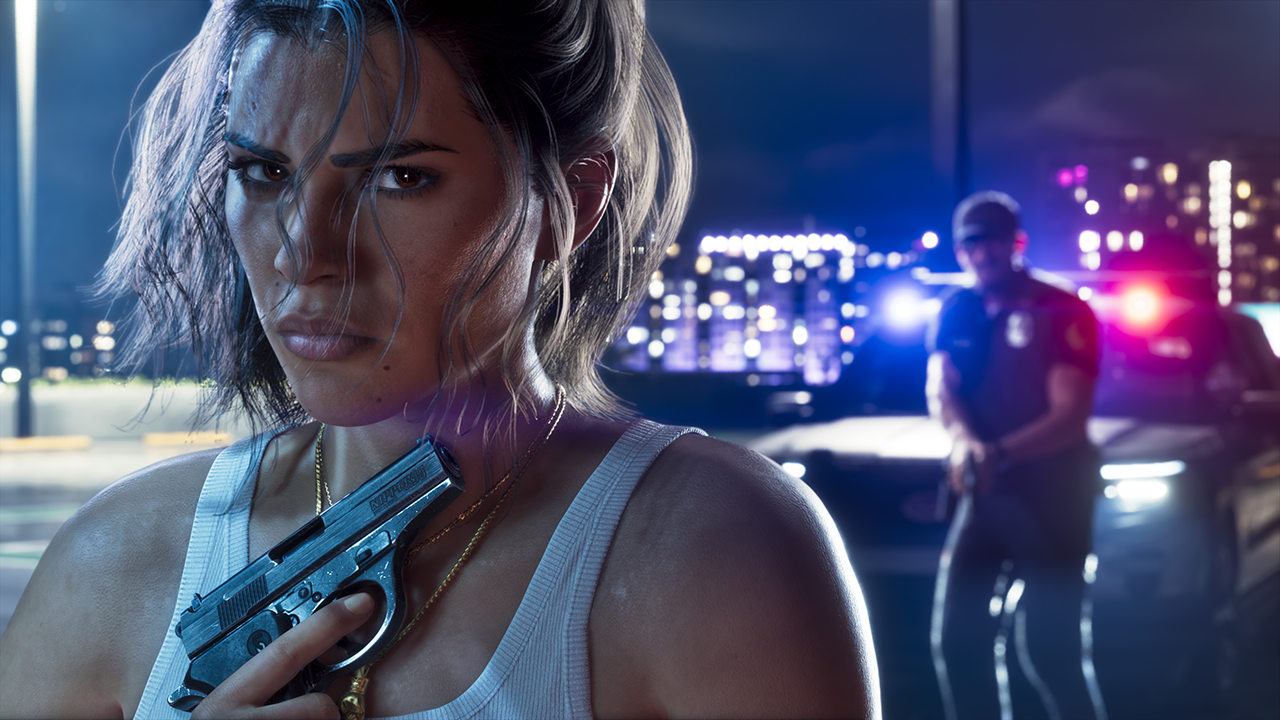
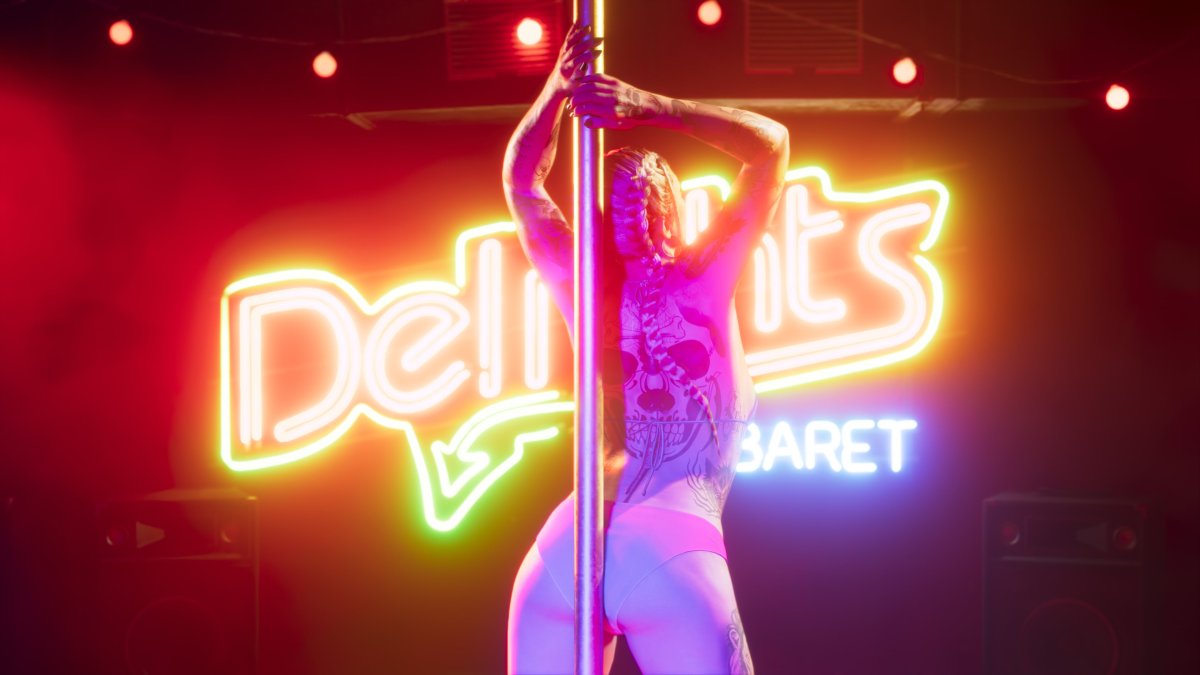
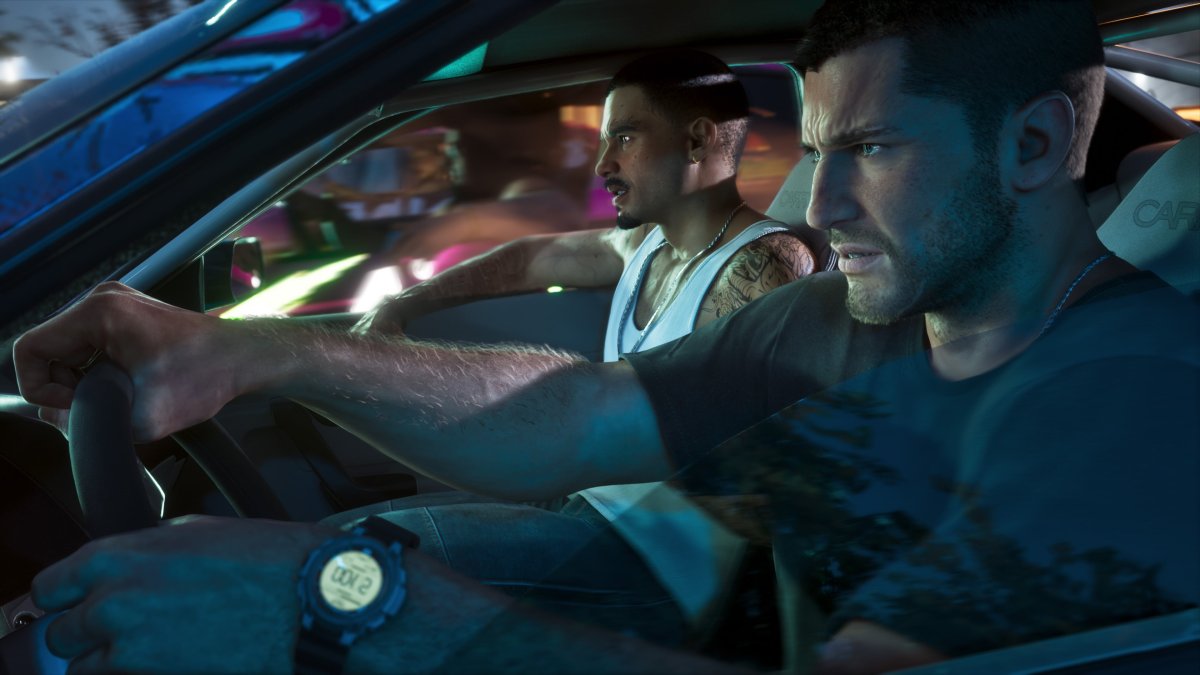
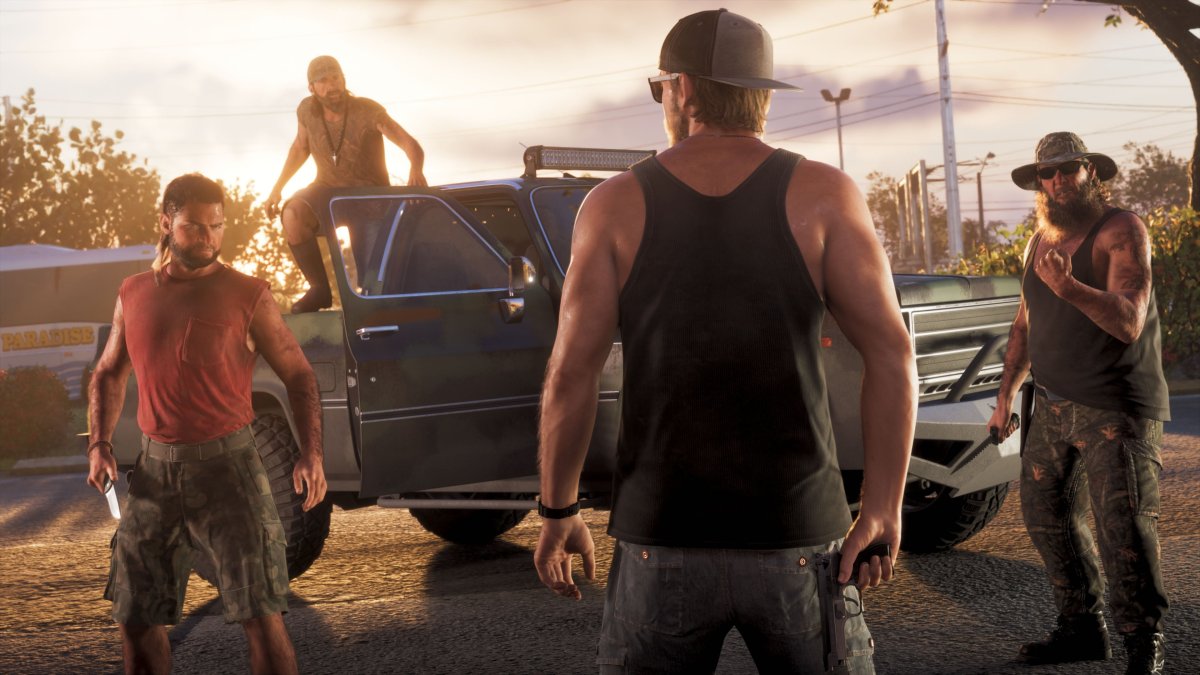
With Grand Theft Auto VI now two weeks from release, Rockstar Games has put out its largest batch of screenshots in some time. The studio is calling the collection "The Launch Gallery," and it holds 39 new images that have not appeared in the steady stream of stills released over the past month or so.

The set is organized by subject. There are dedicated groups for Jason Duval and Lucia Caminos, a group showing the two leads together, and separate sections for Vice City, the Grassrivers, Leonida Keys and Port Gellhorn. Most of the images center on the two protagonists, but the gallery also introduces some new faces. One shot places rapper Kodak Black in the game world.

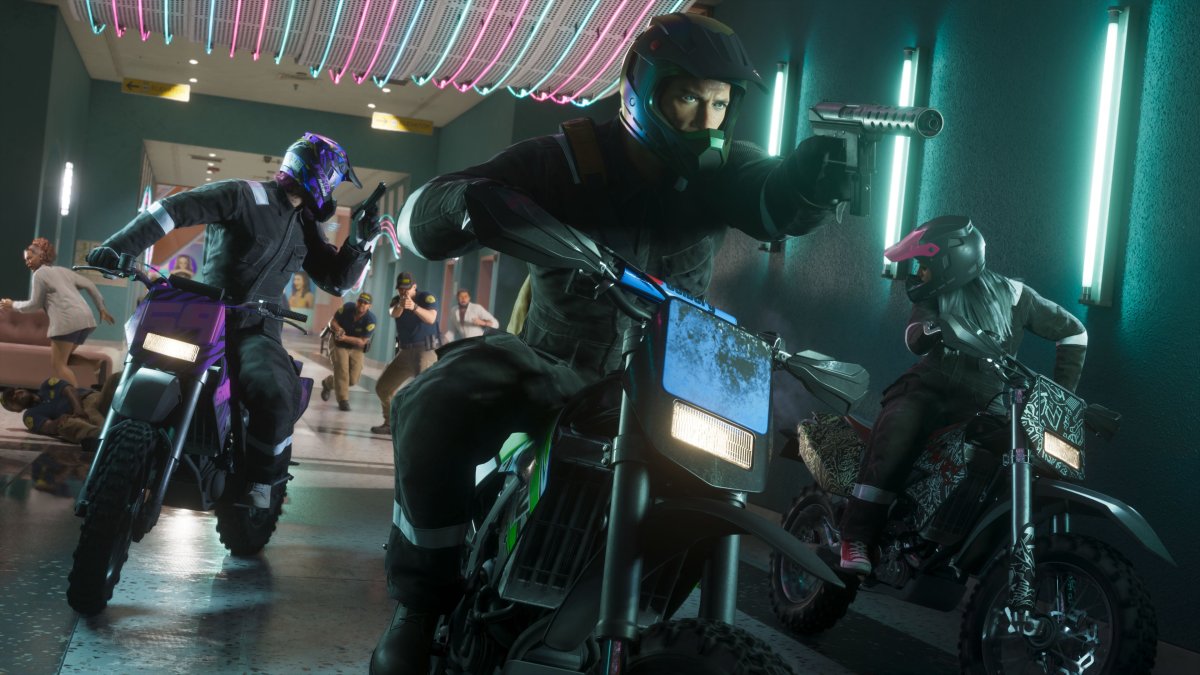
Some of the most interesting images show areas we haven't seen before. One appears to capture a heist inside a shopping mall, with Lucia and Jason making their escape on a motorbike. A few of the other shots also echo ones Rockstar has shared in the past.

Given the timing, this could be Rockstar's last screenshot release before launch. The game arrives on November 19, and the studio has been steadily building toward that date. GTA 6 has a download size of more than 200GB, review copies have already gone out to media outlets, and pre-order data points to enormous demand.

Rockstar has made the full-resolution images available on its official Launch Gallery page, where each can be opened and enlarged.

Which of the new screenshots stands out most to you? Let us know in the comments.
Port_Gellhorn_07-053ldlg0m-2r-.jpg

Leonida_Keys_07-0z9tb69ssp4rq.jpg

Vice_City_15-11tb0mz68edqo.jpg

Vice_City_13-0iq8ff474tsdx.jpg

Vice_City_16-16hjjmnxqg9mv.jpg

Vice_City_14-0fu8u9jh5hkg7.jpg

Vice_City_27-0d2e-w_r93hmh.jpg

Vice_City_18-001ebutl6h-9w.jpg

Vice_City_24-0r9tor5-x-p75.jpg

Vice_City_25-0f72z-5qgyd-v.jpg

Vice_City_23-183sae-altxv3.jpg

Vice_City_26-0-bvvu2216_mj.jpg

Vice_City_22-0-9jlb822n-g.jpg

Vice_City_21-0m5vh15h178-e.jpg

Vice_City_17-0er79m2u3nygs.jpg

Vice_City_19-01ow62-xq-64i.jpg

Vice_City_20-18c75478u52nf.jpg

Grassrivers_08-0x-z0h-he35zo.jpg

Grassrivers_07-0txitddjiq5o1.jpg

Jason_and_Lucia_19-0n_-5s-v-v5je (1).jpg

Jason_and_Lucia_15-0m-_zb-mcy2zr.jpg

Jason_and_Lucia_16-05-d133mx68ku.jpg

Jason_and_Lucia_17-117_b11r13mg5.jpg

Jason_and_Lucia_20-0cd-c7jr-5g9.jpg

Jason_and_Lucia_18-0kjv-et7330m_-scaled.jpg

Jason_and_Lucia_19-0n_-5s-v-v5je.jpg

Lucia_Caminos_14-0-6_io7qeozm6.jpg

Lucia_Caminos_11-0j617-ylicowx.jpg

Lucia_Caminos_12-0saq9ns-xj03.jpg

Lucia_Caminos_13-08dd3_zn0g59u.jpg

Jason_Duval_18-000-jk1plncsr.jpg

Jason_Duval_15-0oze53sounjp2.jpg

Jason_Duval_16-090yj-lyddyrr.jpg

Jason_Duval_13-0xtzlmp0y6mt-.jpg

Jason_Duval_17-0tp7hiuz-e385.jpg

Jason_Duval_12-0zcl2old-t6gf.jpg

Jason_Duval_11-019l5gj6-0-0v.jpg

Jason_Duval_19-0r7a1q04n5-7m.jpg

Jason_Duval_14-0eczq557_iuqo.jpg

User Feedback

Recommended Comments

There are no comments to display.

Forum Statistics

  • Total Topics 1.1k
  • Total Posts 1.5k

Configure browser push notifications

Chrome (Android)
  1. Tap the lock icon next to the address bar.
  2. Tap Permissions → Notifications.
  3. Adjust your preference.
Chrome (Desktop)
  1. Click the padlock icon in the address bar.
  2. Select Site settings.
  3. Find Notifications and adjust your preference.