






If you're a dedicated Grand Theft Auto Online player looking to expand your collection of rare items, you'll want to log in this week. The latest GTA Online Event Week, running from May 21st through May 27th, is offering players the chance to snag an exclusive and highly sought-after item: the Los Santos (LS) Car Meet vanity plate.
Here is everything you need to know to claim this rare cosmetic and score a hefty discount on a classic vehicle in the process.
The Salvage Yard Robberies
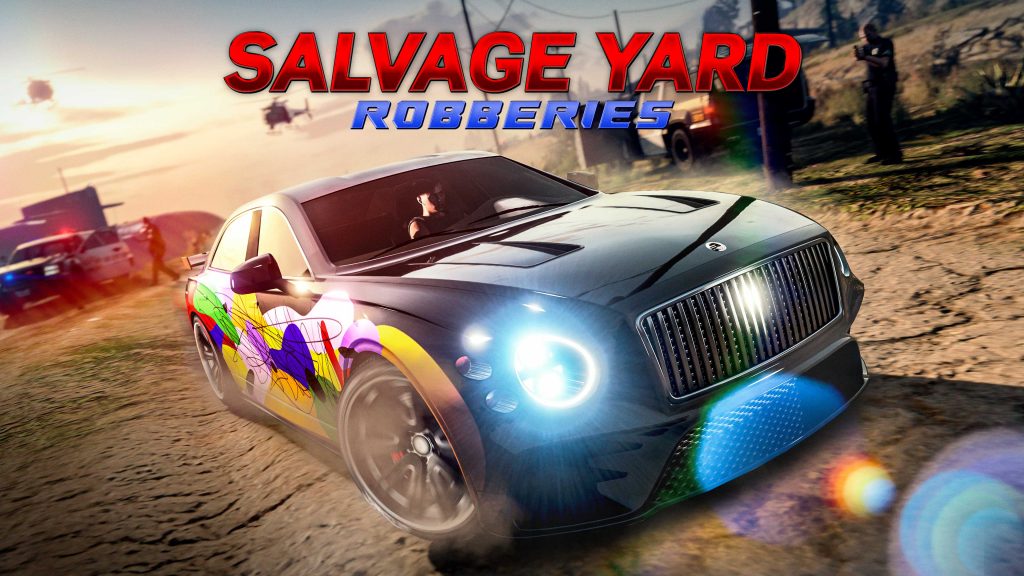
Each week, Rockstar Games rotates the Salvage Yard Robbery missions, providing players with three fresh targets. Occasionally, these robberies feature a unique twist—allowing players to keep the target vehicle as a personal ride, and sometimes, those vehicles come equipped with rare license plates.
This week’s lineup of Salvage Yard Robberies includes:
The Gangbanger Robbery: Obey Omnis (Claimable vehicle)
The Cargo Ship Robbery: Grotti Turismo Omaggio
The McTony Robbery: Vapid Hustler
While you can execute all three robberies for profit, the one you need to focus on for the rare plate is The Gangbanger Robbery.
What Makes the LS Car Meet Plate Special?
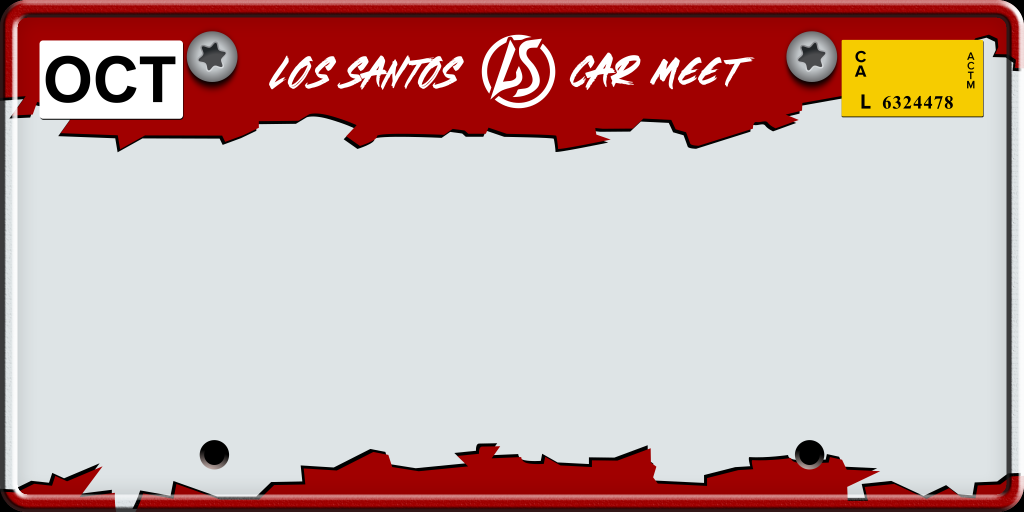
The LS Car Meet plate is a rare cosmetic option that stands out with its distinct red and white color scheme, proudly displaying your affinity for the city's underground racing culture. Plates like these are rarely made available to players to keep natively on their personal vehicles, making it a must-have for car collectors in Los Santos.
How to Claim the Car and the Plate
To get your hands on the LS Car Meet plate, you must successfully complete The Gangbanger Robbery. The target vehicle for this specific job is the Obey Omnis.
Normally, purchasing the Obey Omnis straight from Southern San Andreas Super Autos would set you back a steep $701,000. However, by completing the robbery and opting to claim the vehicle instead of salvaging it, you can make the car your personal vehicle for a heavily reduced salvage fee of just $20,000. The car will be added to your garage, completely outfitted with the exclusive LS Car Meet vanity plate.

How to Get an Even Bigger Discount
Rockstar has thrown in an extra perk for savvy business owners. If you own a Document Forgery office, your salvage fee to claim the Obey Omnis is slashed in half. You will only have to pay $10,000 to make the car yours. The best part? Your Document Forgery business doesn't even need to be active or supplied; merely owning the property is enough to trigger the discount.
Once you claim the vehicle, you can keep it to show off the rare plate, or, if you're strapped for cash, you can turn around and sell the Obey Omnis to Los Santos Customs for $65,000—yielding a quick, tidy profit on your $10k-$20k investment.
With the event week ending on May 27th, make sure you head to your Salvage Yard and start planning your Gangbanger Robbery before this rare piece of Los Santos Car Meet history speeds away!
Recommended Comments