




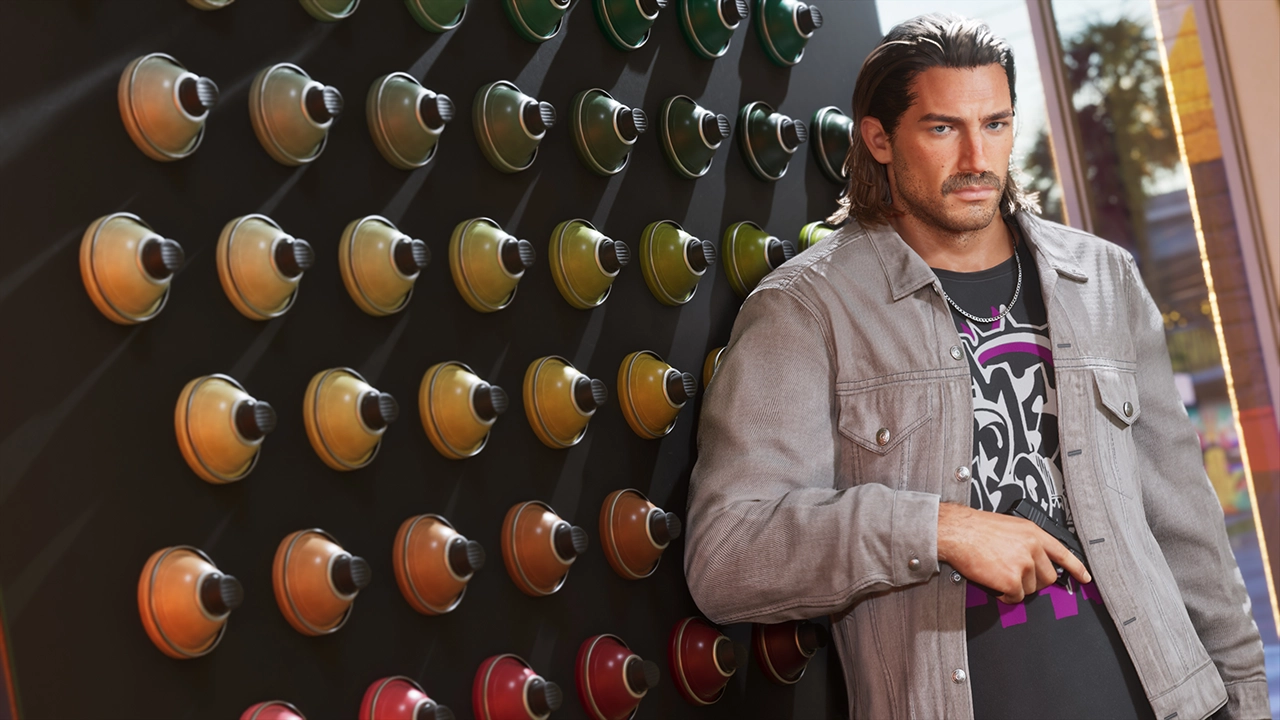

GTA 6 pre-orders opened to enormous fanfare last Thursday, June 25, with online estimates suggesting millions of players have already put down $70-$100 for the most expensive game ever made. But according to reports surfacing from GameStop employees, that excitement isn't translating into foot traffic at physical retail locations — and the reason seems to come down to one decision from Rockstar.
As first noticed by Polygon, GameStop staff have taken to Reddit to share just how badly in-store pre-orders have gone. One employee said their location was expected to hit at least 500 pre-orders on launch day. They got five. Another store had a target of 200 and managed only 11, while a different location closed the day with 30. Corporate reportedly sent out emails urging staff to push hard for 50 pre-orders the following Friday — a number that, in the context of a game this anticipated, sounds almost modest, yet still proved difficult to reach because customers simply weren't showing up.
The root cause, according to the employees, is the physical edition itself. GTA 6's boxed copy doesn't include a disc — just a code to download the game digitally. There's also no physical version of the Ultimate Edition available, removing one of the biggest incentives collectors and bargain hunters typically have for visiting a store on launch day.
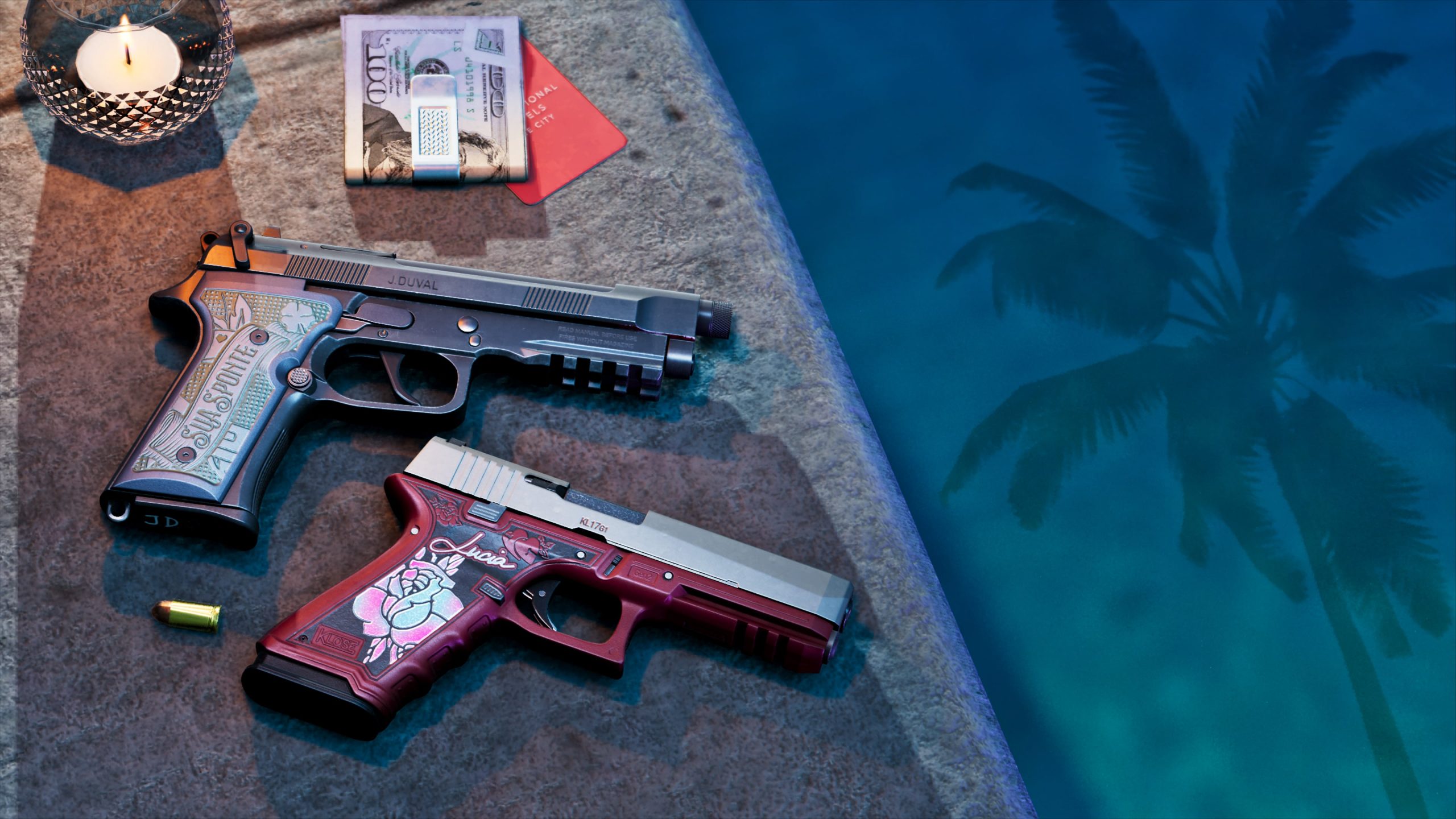
That detail matters more than it might seem. Disc-based copies have traditionally been the backbone of stores like GameStop, not just for the initial sale but for the resale and trade-in economy built around them. Players who buy physical copies can trade them in once they're finished, which is part of what keeps used-game prices low and accessible. With GTA 6's box reduced to a glorified download code, there's nothing left to resell, no secondhand market to feed, and no reason for value-conscious shoppers to prefer the physical version over simply buying digitally from home.
The knock-on effects could be significant. Combined with rising console prices, the lack of a disc edition raises the cost of entry for the game and funnels more of that spending directly to Rockstar and Take-Two rather than through retail intermediaries. For GameStop specifically, a chain that has leaned heavily on used games and in-store pre-order traffic to stay afloat, a disappointing showing for the biggest release in gaming history is a worrying sign — one that could contribute to further store closures and layoffs over the coming year.
It's a stark contrast to how the game appears to be performing elsewhere. Console pre-orders, particularly digital ones on PlayStation and Xbox, have reportedly been record-breaking, and retailers like French electronics chain CDdiscount have reported pre-order volume six times higher than typical launches for franchises like Call of Duty or EA Sports FC. That suggests the disastrous numbers aren't a sign that demand for GTA 6 is weak — quite the opposite — but rather that Rockstar's decision to ditch the disc has pushed buyers away from physical retail and toward digital storefronts almost entirely, leaving stores like GameStop to watch the biggest launch in industry history pass them by.
Recommended Comments