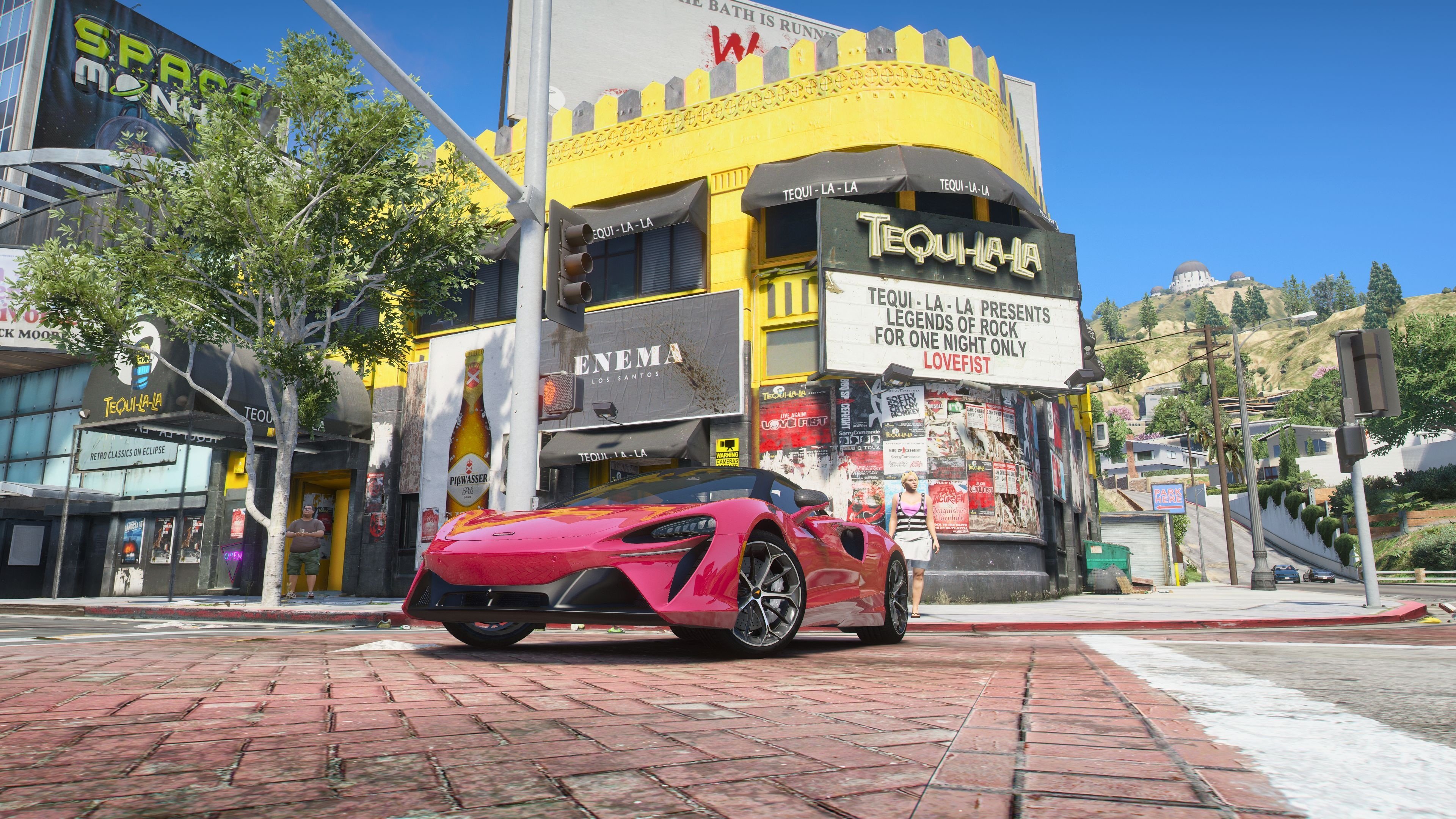
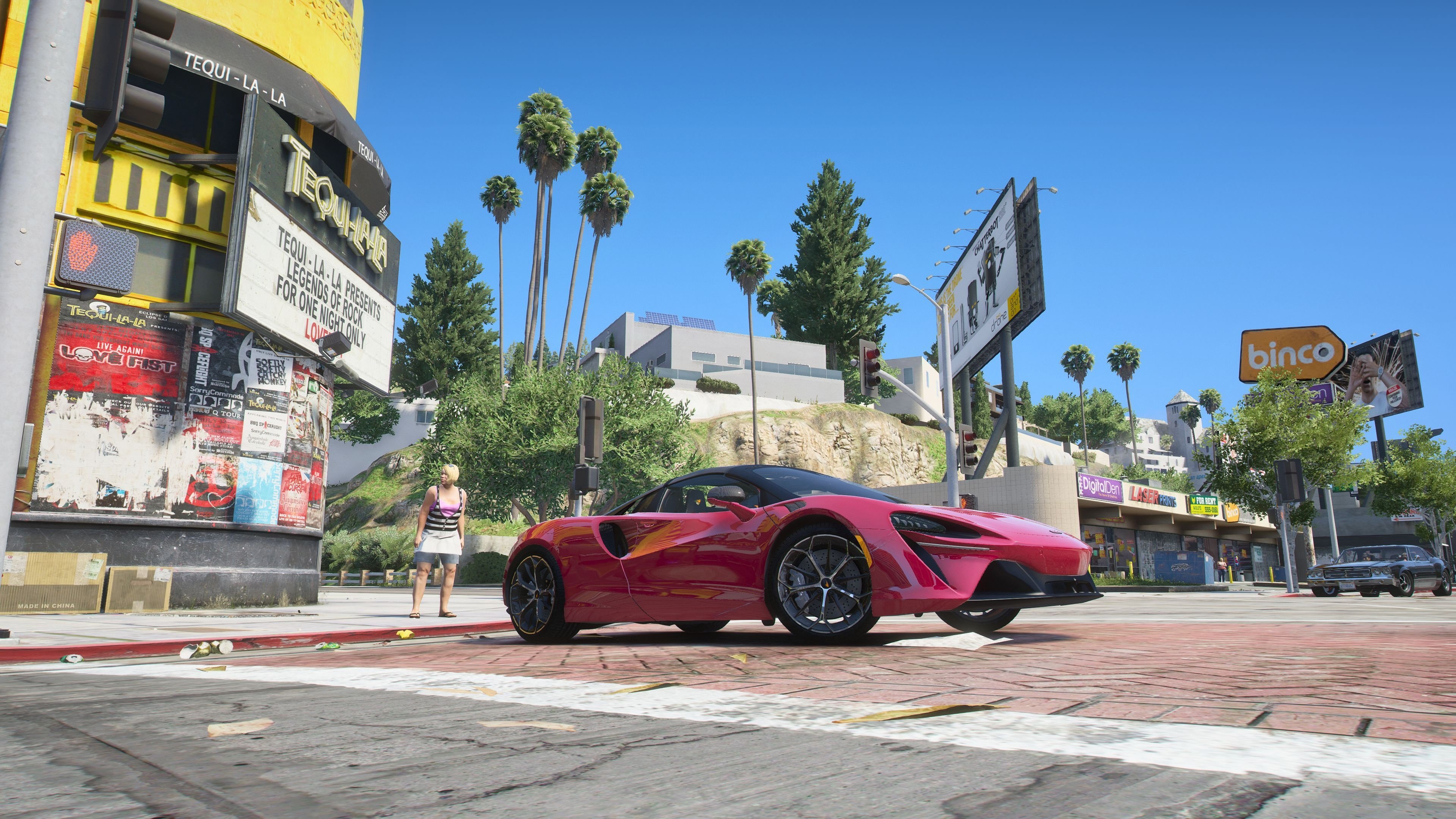
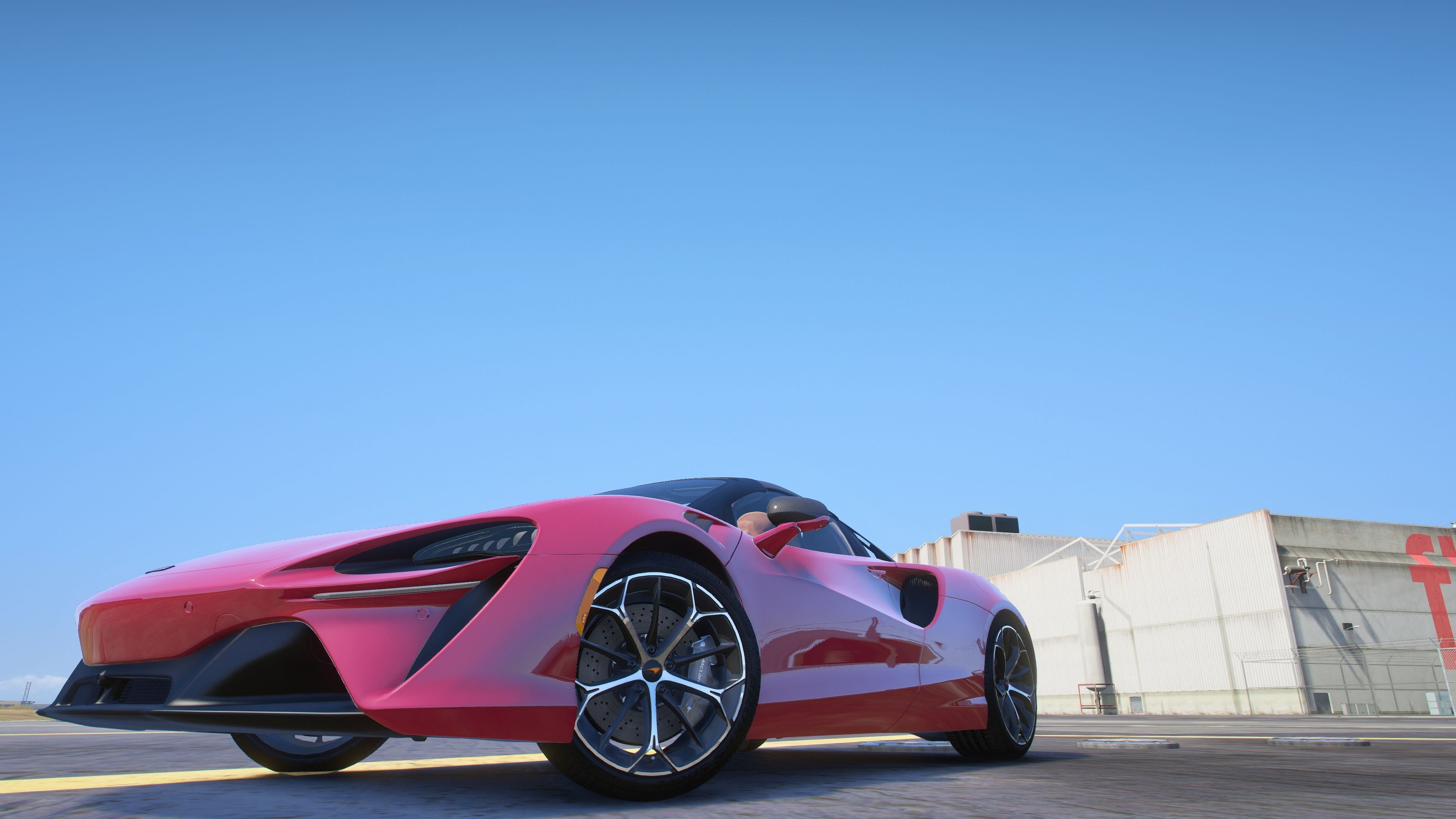
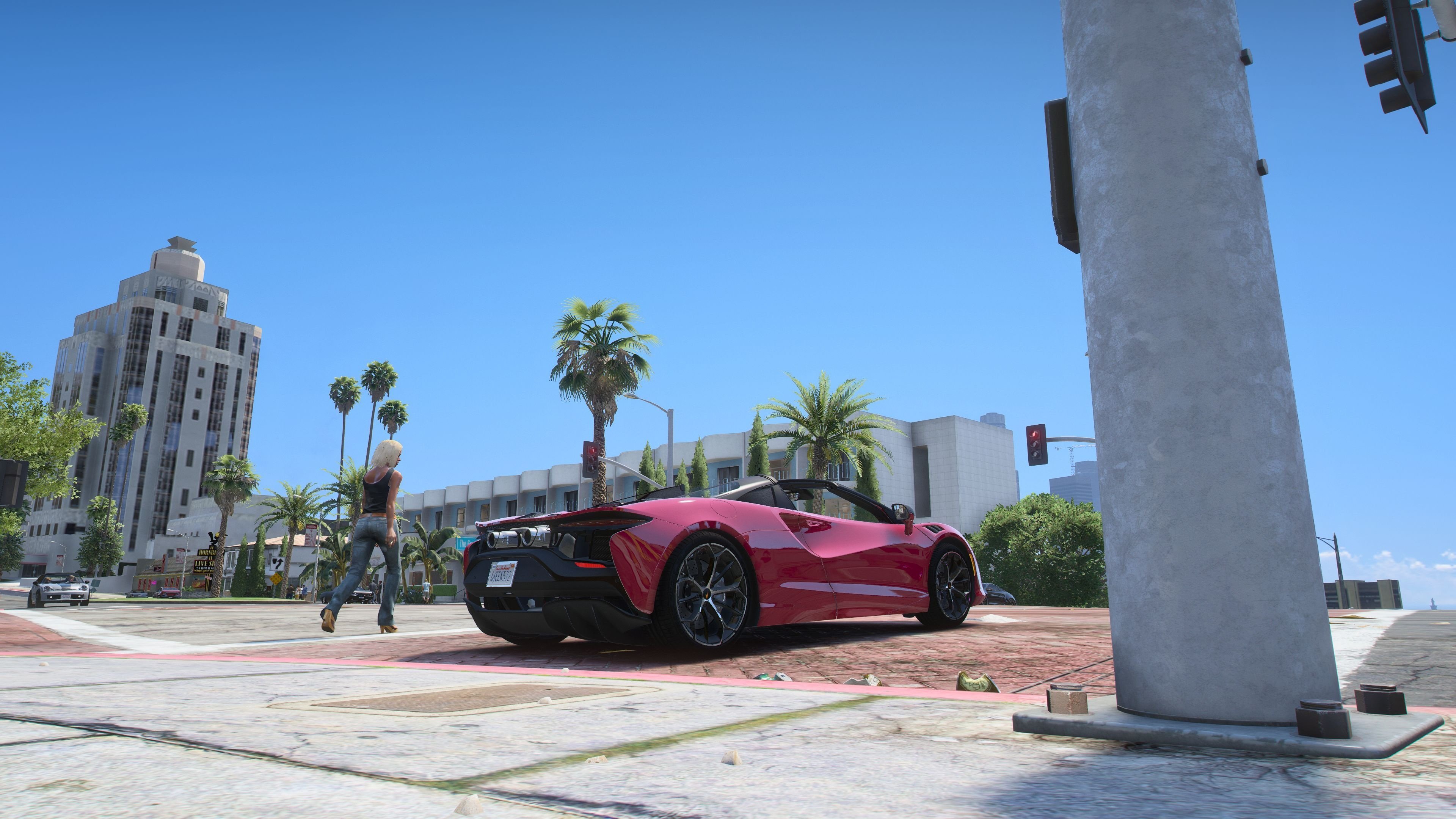
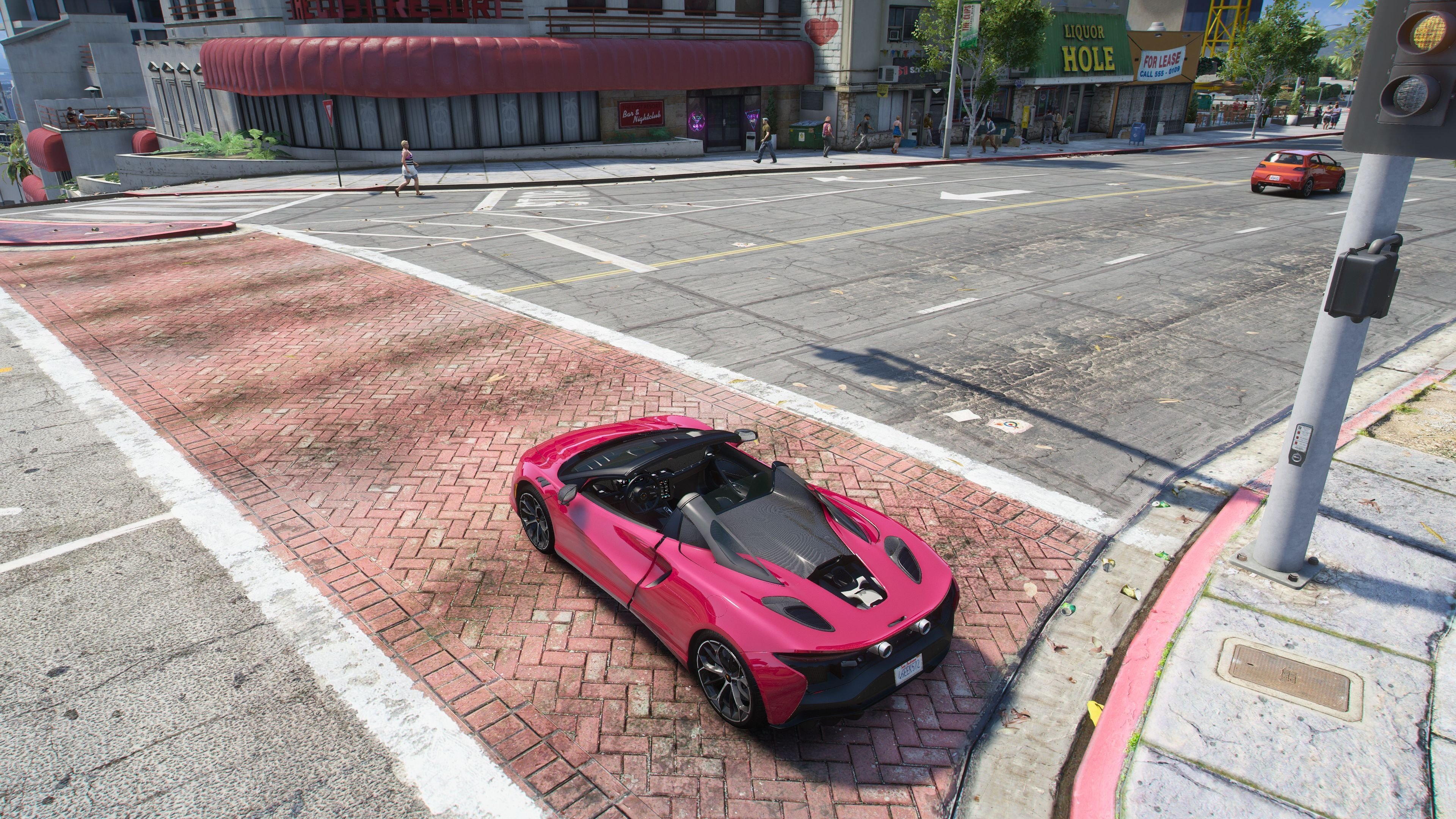
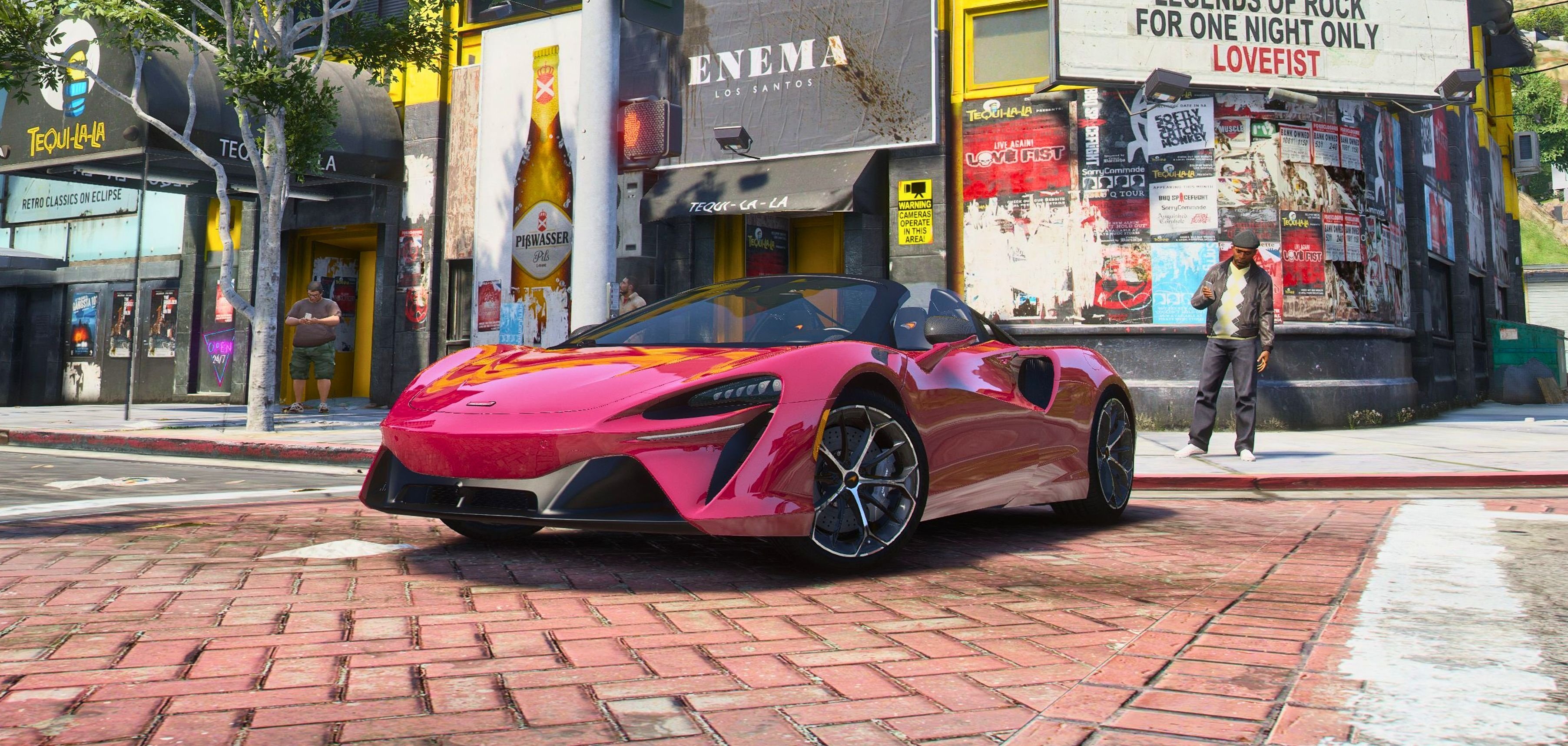
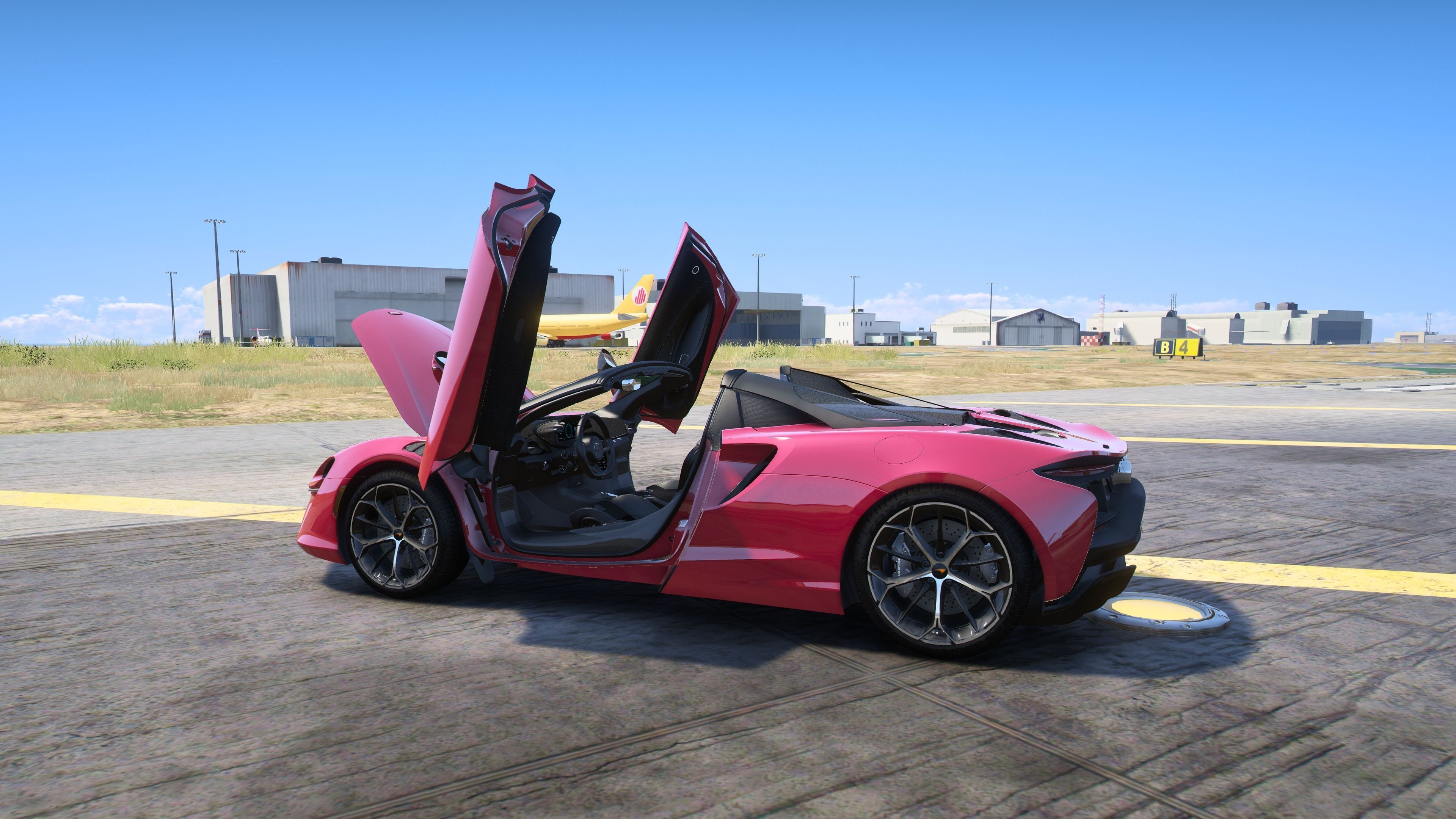
2025 McLaren Artura Spider [Add-On] [Animated Roof]
Base Model from Sketchfab
Car Features:
Animated Roof Keyboard H
Body Paint:1
Calipers Paint:4
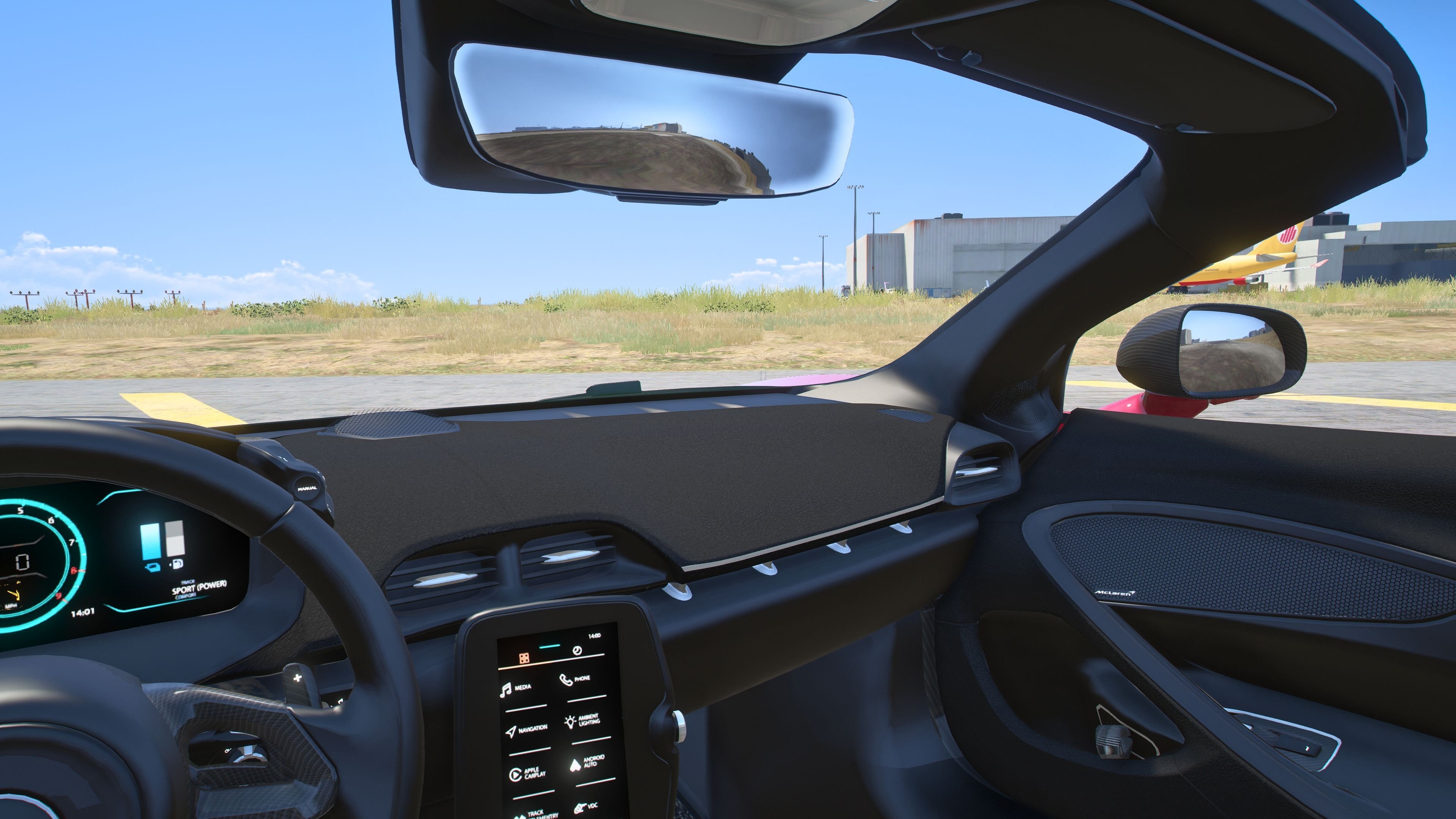
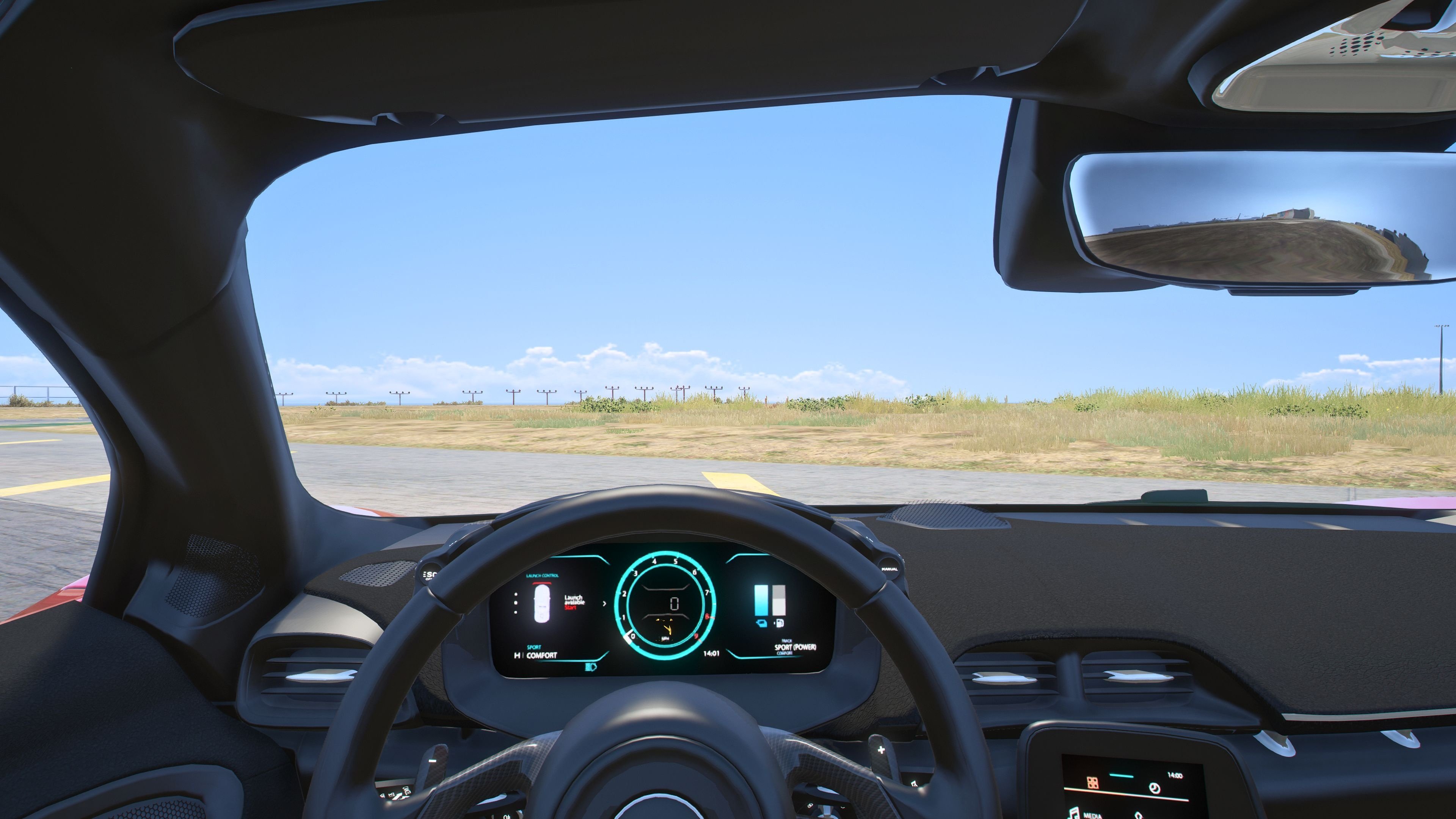
Customized Speedometer
Breakable Glass
Reflective Mirrors
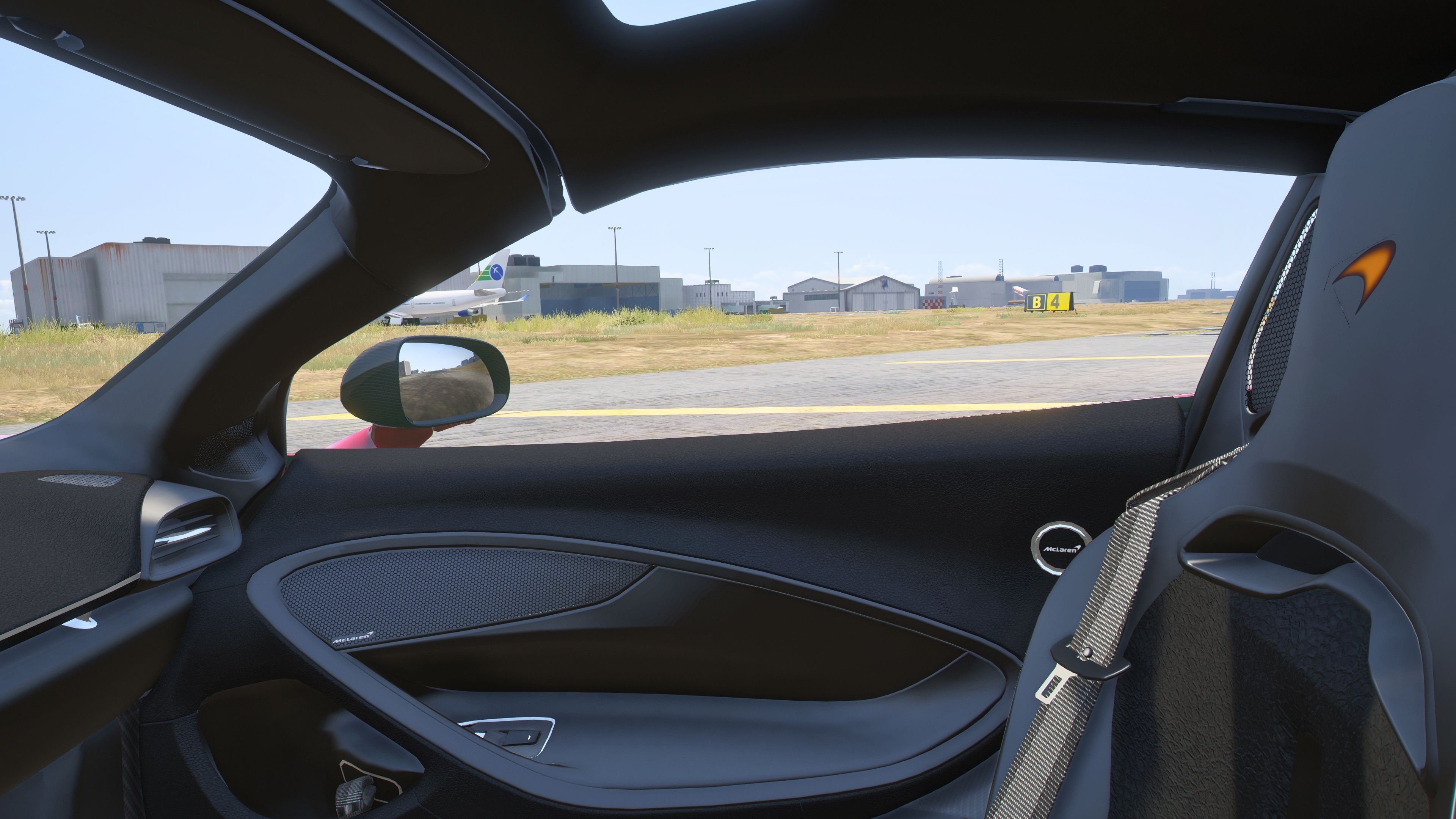
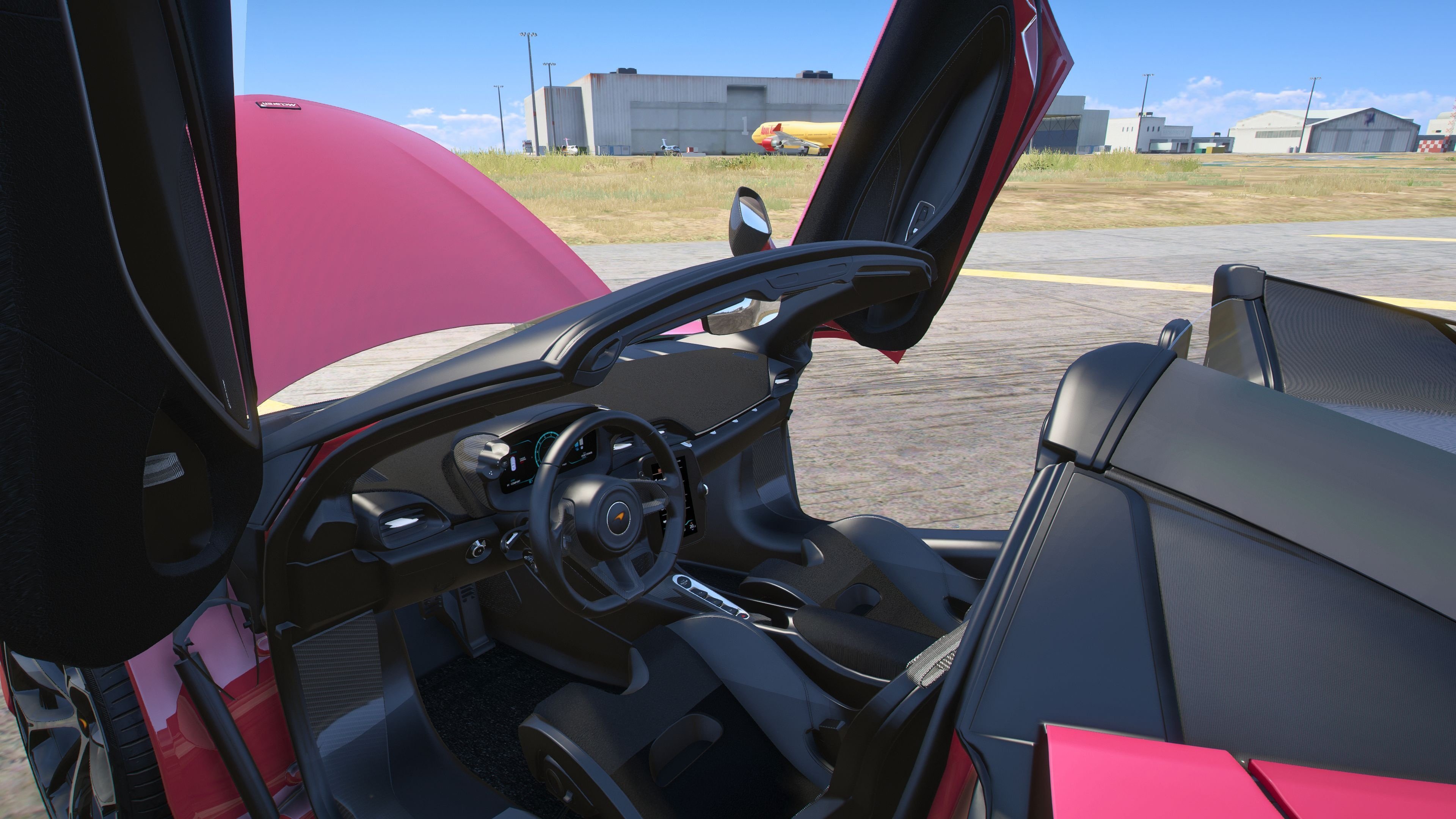
Detailed Interior
All lights work
Working Steering Wheel
Hands on Wheel
Text File in Download:
mlas folder goes to:
gtav/mods/update/x64/dlcpacks
dlclist.xml found at:
mods/update/update.rpf/common/data
Right Click on dlclist.xml then Click on Edit
Then scroll to the bottom and hit Enter to add a empty space.
Add the line dlcpacks:/mlas/
to the dlclist and save then exit.
SPAWN: mlas
Update 1.1: Adjusted camera angle
Update 2.0: Added Enhanced Version.
Update 3.0: Updated Handling for both version, Legacy and Enhanced.
Zip file contains both Updated Handling files, Legacy folder and Enhanced folder, you choose.
2025 McLaren Artura Spider [Add-On | Animated Roof | Legacy| |Enhanced] Legacy / Enhanced Versions
11 Screenshots
User Feedback
0 Reviews
0 Comments