





Jump to content
View in the app

A better way to browse. Learn more.

GTA Forum

A full-screen app on your home screen with push notifications, badges and more.

To install this app on iOS and iPadOS
  1. Tap the Share icon in Safari
  2. Scroll the menu and tap Add to Home Screen.
  3. Tap Add in the top-right corner.
To install this app on Android
  1. Tap the 3-dot menu (⋮) in the top-right corner of the browser.
  2. Tap Add to Home screen or Install app.
  3. Confirm by tapping Install.

Register

Interested in GTA ? Join our community on the GTA Forum ! Exchange knowledge, learn about new things, use guides, and stay up to date with GTA Online and FiveM.

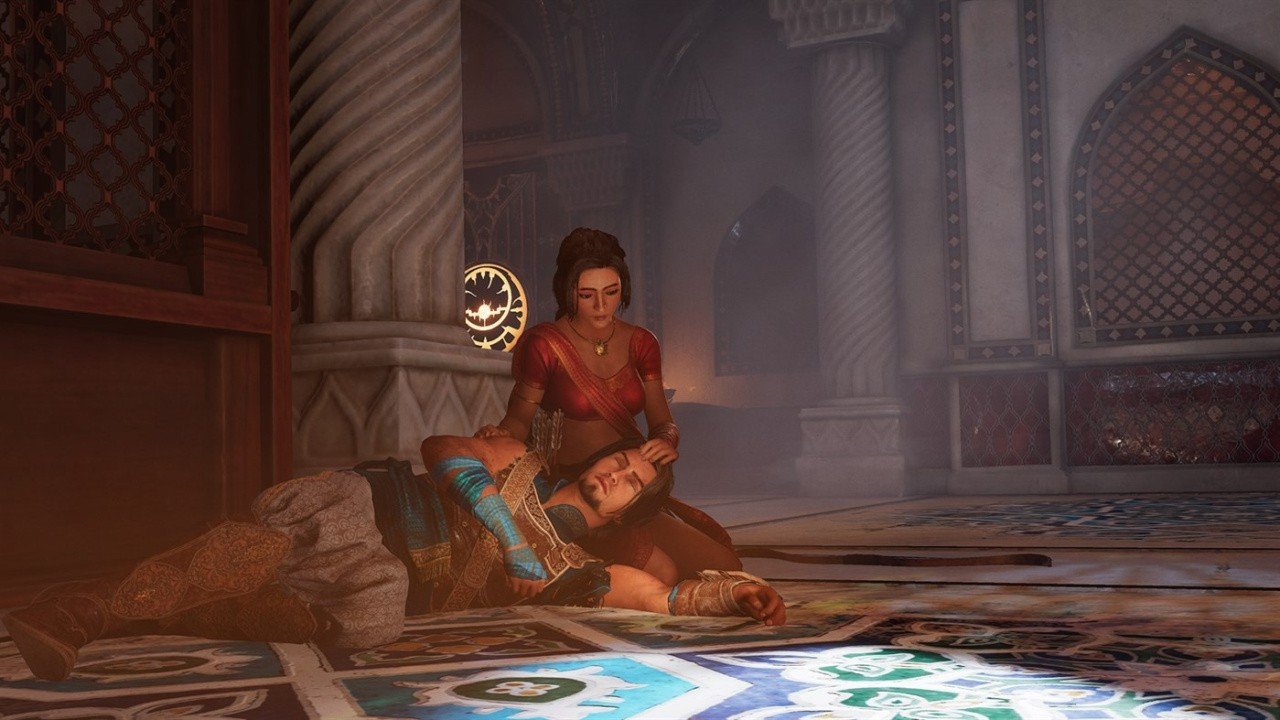
Ubisoft Confirms Prince Of Persia: The Sands Of Time Will Be Skipping The Game Awards

Last month, Ubisoft confirmed that its Prince of Persia: The Sands of Time Remake was set to launch before April 2026, which led to rumours of the game potentially showing up at The Game Awards next week ahead of a reported January release. Well, the team has now confirmed that sadly, the title won't be showing up at TGA 2025.

In a social media response this week, the Prince of Persia team says it's "sorry to disappoint", but "The Sands of Time won't be at TGA this year". We'll share this online exchange down below:

Now, as far as we're aware, this Sands of Time remake is officially set to launch in Ubisoft's current fiscal year, despite this TGA no-show. The company recently revealed that two more of its titles are to launch by April '26, including this Prince of Persia title.

Anyway, we suppose we'll have to wait and see exactly when and where Ubisoft deems it the perfect time to re-re-reveal this PoP project, but we can confirm that The Game Awards on December 11th won't be that time and place.

User Feedback

Recommended Comments

There are no comments to display.

Forum Statistics

  • Total Topics 409
  • Total Posts 430

Configure browser push notifications

Chrome (Android)
  1. Tap the lock icon next to the address bar.
  2. Tap Permissions → Notifications.
  3. Adjust your preference.
Chrome (Desktop)
  1. Click the padlock icon in the address bar.
  2. Select Site settings.
  3. Find Notifications and adjust your preference.