




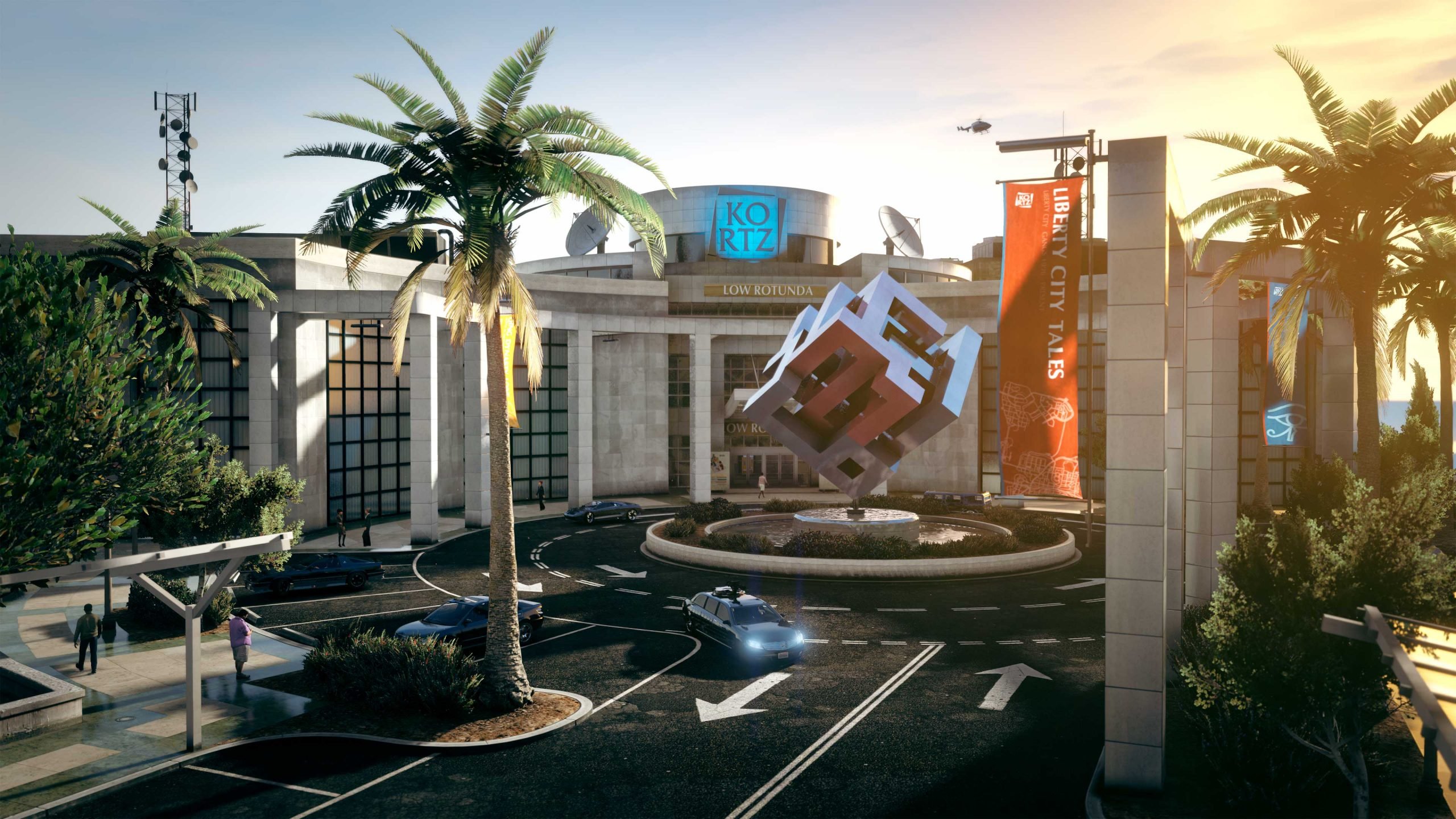

With the next major GTA Online update just around the corner, Rockstar Games is preparing to tweak Los Santos’ real estate in some very interesting ways. Slated for a mid-July release, "The Kortz Center Heist" will not only introduce a thrilling new mission but also bring subtle yet significant changes to both the titular Kortz Center and player-owned mansions.
Here is a breakdown of what the community has discovered so far about the upcoming changes.
A New Way Into the Kortz Center
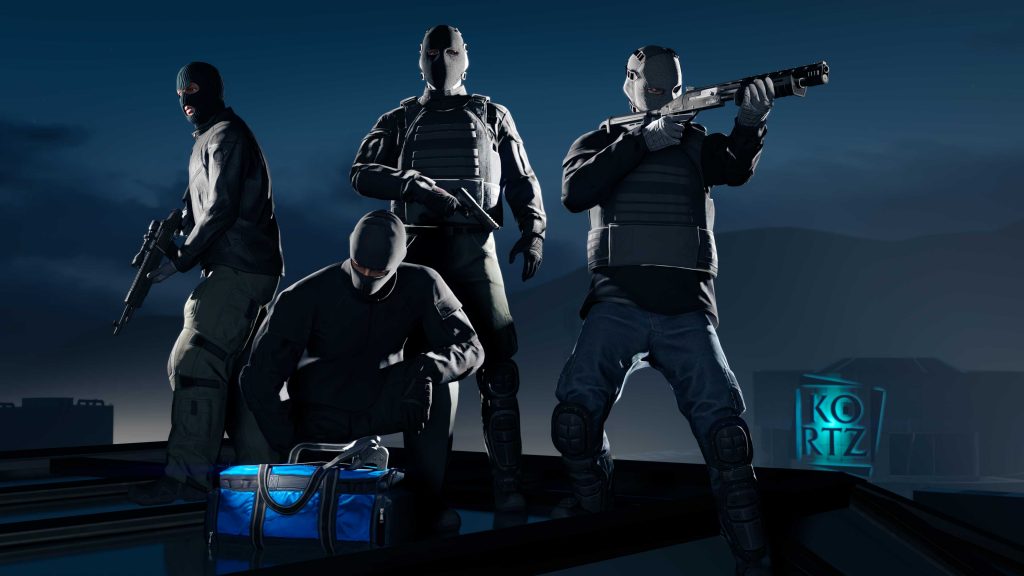
Rockstar officially teased "The Kortz Center Heist" recently, dropping a promotional screenshot that immediately caught the eye of eagle-eyed community members. Insider Tex2 was the first to point out that the building’s layout on the cliffs of Pacific Bluffs has received a structural update.
In the official teaser image, players can be seen standing near a skylight on the roof of the Kortz Center—a feature that does not exist in the current version of the game. Speculation is already running high that this new glass skylight will serve as one of the primary infiltration points for the upcoming heist, allowing players to pull off an action-movie-style descent into the facility.
The Secret Mansion Room and the Art Studio
Perhaps the most intriguing addition for veteran players revolves around the recent Mansion properties (which were added to the game in December). According to Rockstar's Newswire, players will need to purchase an Art Studio for their mansion in order to initiate the Kortz Center Heist.


Given the already cramped floor plans, players immediately wondered where an entire Art Studio was going to fit. The answer, as uncovered by data miners @Lucas7yoshi_RS and @rollschuh2282, is a secret room. Hidden away right next to the mansion's vault, a concealed space behind a wall cover has been sitting right under players' noses since the mansions launched.
It is still unclear whether Rockstar intends to physically alter the mansion's existing assets to allow players to walk through a new door, or if the Art Studio will simply be a separate, teleport-accessed instance.
A Pricey New Venture
As is tradition in Los Santos, launching a high-stakes heist requires a hefty upfront investment. While the base price of the Art Studio hasn't been officially confirmed, it's expected to burn a significant hole in players' virtual wallets.
However, there is a silver lining. Current mansion owners can secure a whopping $1 million discount on the Art Studio upgrade by reaching Tier 3 of the newly launched "Fine Art Collector Program" ahead of the DLC's release. If the discount alone is $1 million, players should brace themselves for an astronomical base price.
Looking Ahead
With GTA 6 looming on the horizon, Rockstar is continuing to support GTA Online with fresh, high-stakes content. The Kortz Center Heist is scheduled to launch in mid-July (aligning with the end of the current GTA+ month).
Will you be grinding the Fine Art Collector Program to get your hands on the Art Studio discount? The Los Santos criminal underworld is about to get a lot more cultured!
Recommended Comments