
Jump to content
View in the app

A better way to browse. Learn more.

GTA Forum

A full-screen app on your home screen with push notifications, badges and more.

To install this app on iOS and iPadOS
  1. Tap the Share icon in Safari
  2. Scroll the menu and tap Add to Home Screen.
  3. Tap Add in the top-right corner.
To install this app on Android
  1. Tap the 3-dot menu (⋮) in the top-right corner of the browser.
  2. Tap Add to Home screen or Install app.
  3. Confirm by tapping Install.

Register

Interested in GTA ? Join our community on the GTA Forum ! Exchange knowledge, learn about new things, use guides, and stay up to date with GTA Online and FiveM.

Secret Of Mana On PC Engine? It's Early Days, But Someone Is Trying To Make It Happen

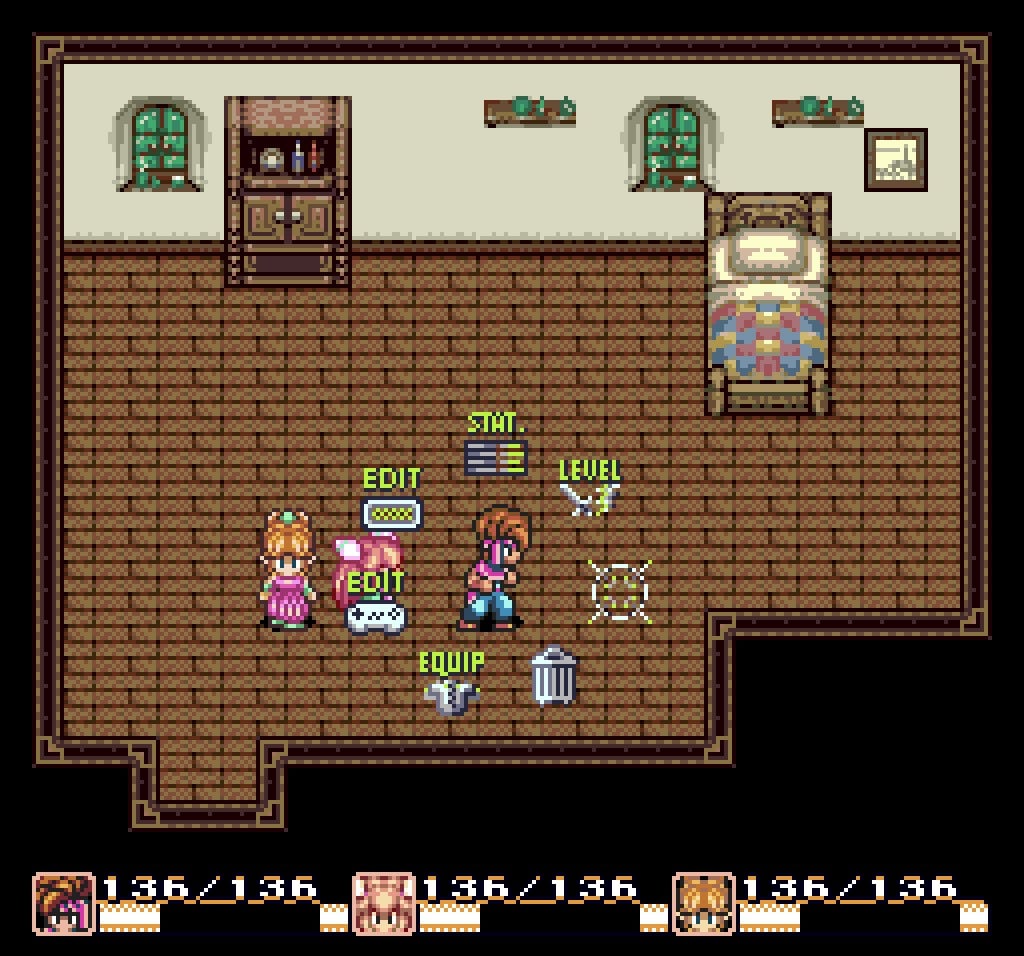
Square's Secret of Mana (known as Seiken Densetsu 2 in Japan) is one of my personal favourites in the SNES library, so when I heard the news that a fan-made attempt to bring it to another of my beloved consoles – the PC Engineis underway, I was understandably excited.

As is the case with many of these unofficial porting projects, it pays to keep expectations in check. Developer kaffeeware / not_again admits this is just a demo at the moment, and they haven't even had the chance to test it on real hardware personally.
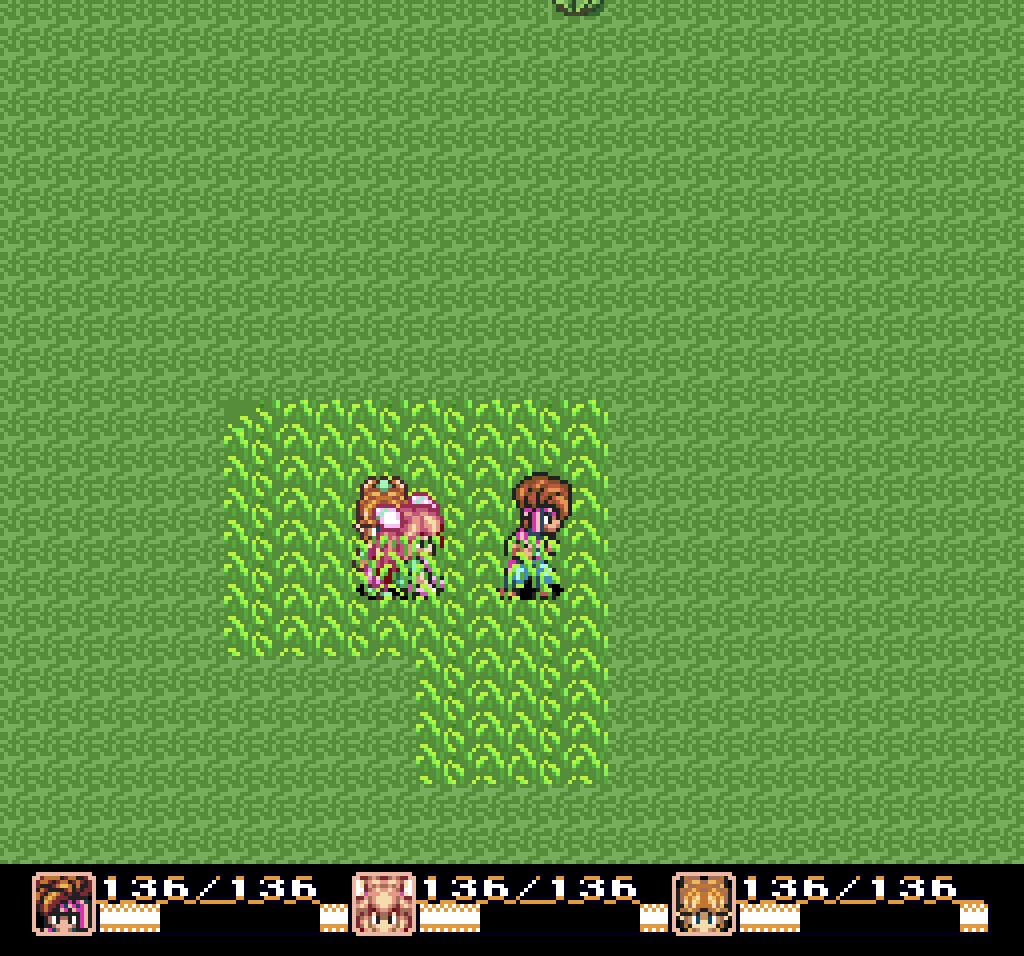
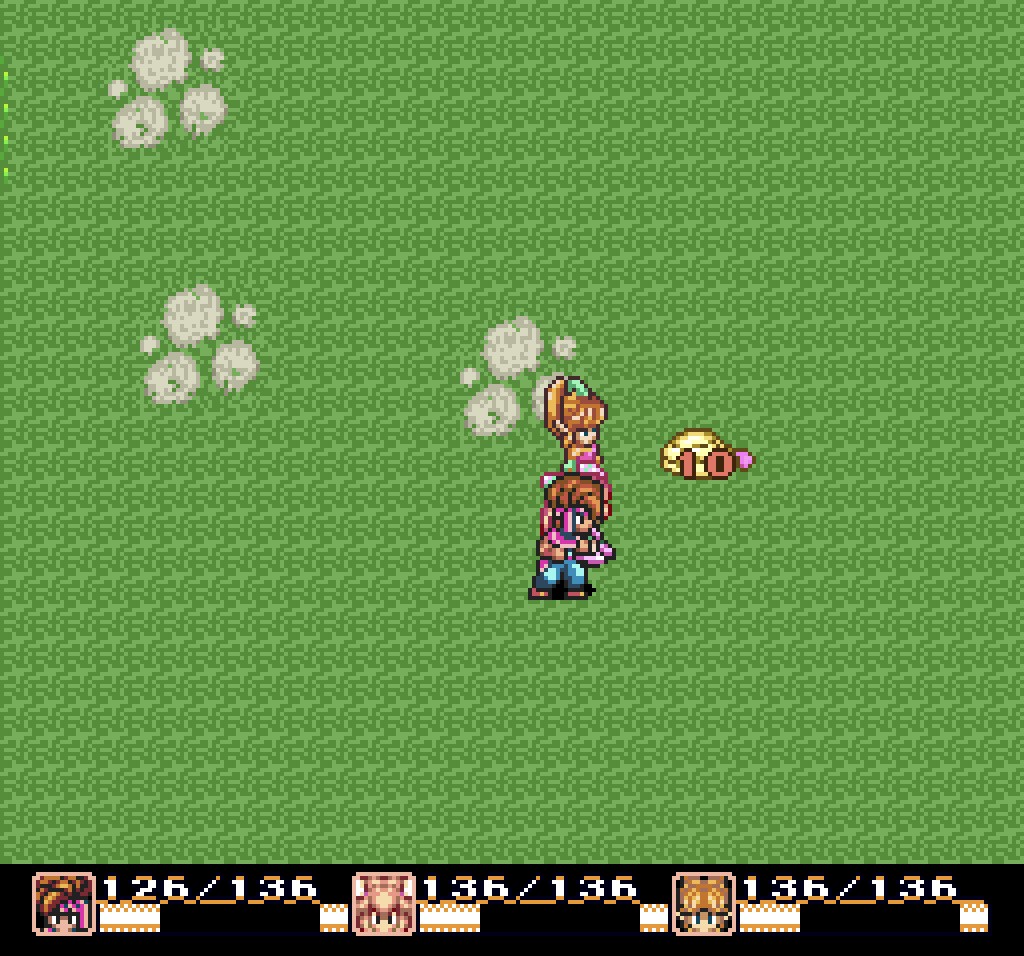
Secret Of Mana On PC Engine? Don't Get Too Excited Yet 1

Secret Of Mana On PC Engine? Don't Get Too Excited Yet 1

Secret Of Mana On PC Engine? Don't Get Too Excited Yet 1

Images: kaffeeware

To that end, they're looking for volunteers to help iron out any early bugs on original PC Engine/TG-16 systems – and early reports are quite positive.

It seems that kaffeeware's main focus at present is ensuring that the character-swapping mechanic and groundbreaking radial menu system are both working as intended, and beyond that, we could potentially see the project grow in scope.

If you'd like to try out the demo and offer feedback, you can download it here.

User Feedback

Recommended Comments

There are no comments to display.

Forum Statistics

  • Total Topics 576
  • Total Posts 608

Configure browser push notifications

Chrome (Android)
  1. Tap the lock icon next to the address bar.
  2. Tap Permissions → Notifications.
  3. Adjust your preference.
Chrome (Desktop)
  1. Click the padlock icon in the address bar.
  2. Select Site settings.
  3. Find Notifications and adjust your preference.