




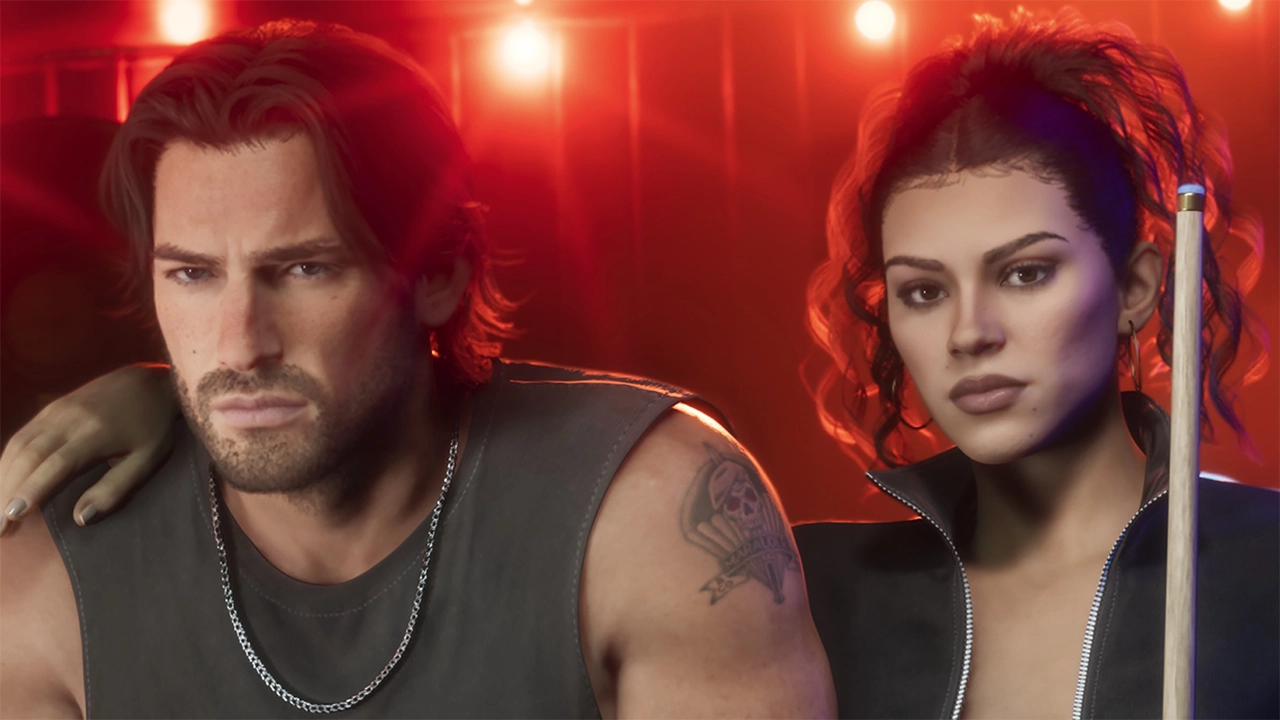

A new Grand Theft Auto VI screenshot and a batch of developer interviews have arrived with the release of issue 27 of LOVE magazine. The French fashion title landed on Monday with an exclusive GTA VI feature and cover. Inside, Rockstar staff discuss how they approached the story, the characters and the world of Leonida.
The magazine's preview earlier this month already produced a few quotes and images. The full issue adds more.
Writing Lucia
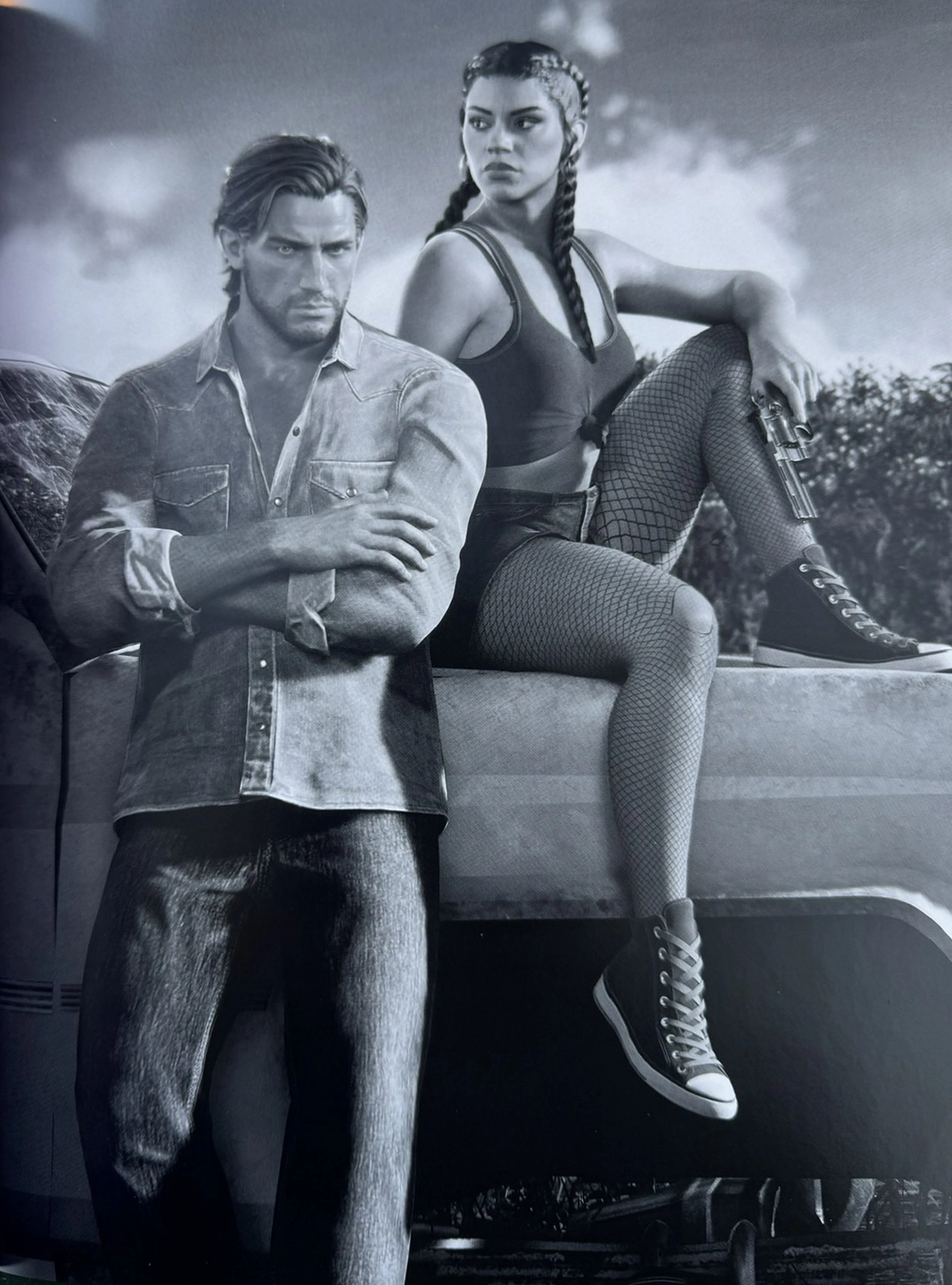
Rockstar writer Alexa D'Agostino explained that she built Lucia from the women she knows, including her own mother, an immigrant who grew up in Newark, New Jersey, not far from Lucia's hometown of Liberty City. D'Agostino said the character came naturally to her. The goal was a fully realised person with her own wants, flaws included, rather than an idealised hero. She said that approach is what lets Lucia stand alongside Arthur Morgan and Niko Bellic.
Elizabeth Gauvey-Kern told LOVE that the actress playing Lucia brought a great deal to the role. Rockstar has still not publicly confirmed who she is. Gauvey-Kern said Lucia needed to be tough and cool, and that the performance helped make her a strong GTA protagonist. Rockstar wanted both leads to be vulnerable and flawed, sometimes right and sometimes wrong, and able to learn from each other.
Raul, meanwhile, serves as the guide. He carries the local and criminal knowledge Jason and Lucia lack when they reach Vice City, filling the "older mentor" role Rockstar wanted.
A world that talks back
Rupert Humphries, Rockstar's Senior Vice President of Narrative, said Leonida is filled with characters and culture wars meant to make it feel alive. Much of that comes through ambient media rather than face-to-face encounters. Players might spot an election sign, get a robocall from a campaign, or catch political talk shows and commercials on the radio.
Humphries contrasted GTA VI with Red Dead Redemption 2, which he described as a historical recreation. GTA VI uses many of the same tools but pushes everything toward the satirical and grotesque. It holds up a mirror to the real world while keeping the series' trademark absurdity.
Writers at scale
To make that work, Rockstar has a dedicated team of pedestrian dialogue writers in Los Angeles. A separate group of advertising and comedy writers is spread across New York, Los Angeles and London. Open-world writer James Horton called the job "profoundly technical," since dialogue has to hook into many interconnected game systems.
Horton said the studio set out to dream bigger this time. Hundreds of writers were brought together to reach a new level of realism. The aim is a city that holds up whether the player sprints past a hundred snatches of conversation or stops to listen closely to just one.
GTA VI is set to launch on November 19. Rockstar has also teamed up with the Miami Heat for a Vice City-themed game on release week, and a GTA VI mural is being painted in New York City.
Recommended Comments