




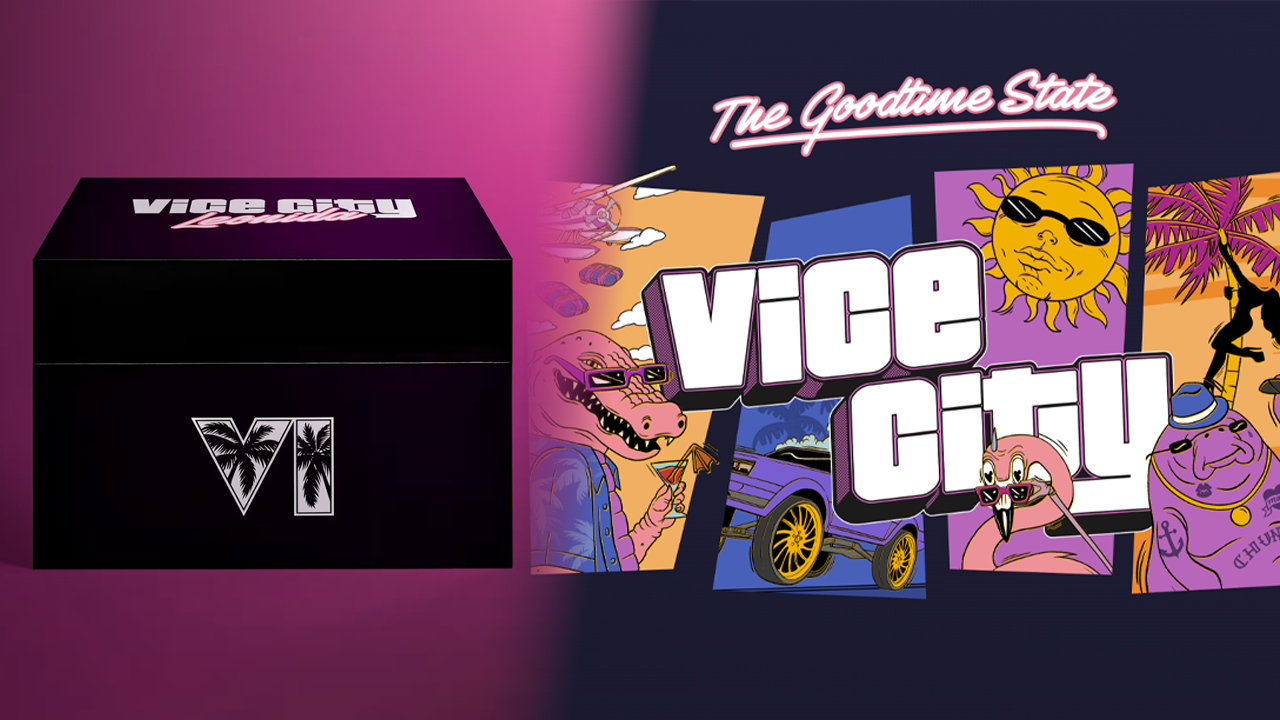

Rockstar Games has officially unveiled its GTA 6 collector's offering, Grand Theft Auto VI: The Goodtime State – Vice City Collection. Anyone expecting a traditional collector's edition should note the catch: the box doesn't include the game. There's no case, disc or download code inside. It's a merchandise bundle, and it stands in for the kind of collector's edition Rockstar has released alongside past titles.
The reveal follows a series of leaks pointing to a wave of GTA VI collectibles, and the listing has now appeared on Rockstar's own webstore. The approach echoes the Red Dead Redemption 2 collector's box: one large package stuffed with themed goodies, sold separately from the game itself.
Price, availability and limits
The Vice City Collection costs $399.99 in the US, £349.99 in the UK, €399.99 in Europe and CA$559.99 in Canada. Pre-orders are live now in North America and Europe. Rockstar says orders in Asia, Latin America and Australia will open at a later date.
Rockstar is capping purchases at one per customer through its store, and stock is listed as limited. The collection is set to ship on November 19, the same day GTA VI launches. The box measures 19 x 13.5 x 12.5 inches, so it's a sizable piece of shelf real estate.
What's in the box
Rockstar's listing includes eleven items, many built around Leonida's in-universe brands and characters:
Macca the Gator figure: a twist-open base doubles as a stash spot, with the gator shown enjoying a smoke and a flamingo blood martini.
Oakley Frogskins sunglasses: matte black frames with Prizm Sapphire lenses and a Vice City pink GTAVI logo.
Leonida Keys crossbody bag: ripstop fabric, patterned black-and-pink lining, woven patches and a custom debossed YKK zipper pull.
New Era 9FORTY snapback hat: an A-frame cap with Vice City Leonida embroidery, embellishments and appliques.
Macca the Gator magnetic mirror: electroplated pink glass that works as a tray or hangs as wall art via two rear magnets.
Chunkee the Manatee shot glass: Chunkee on the front, with a laser-etched Rockstar Games logo on the bottom.
Vice City swizzle spoon: a decorative piece with a debossed enamel Vice City logo and a Rockstar Games logo tip.
Vice City razor blade keychain: metallic, razor-styled, with embossed GTAVI and Vice City logos.
Leonida Keys enamel pin set: nine pins in a custom metal tin.
Leonida Keys sticker pack: nine crack-and-peel vinyl stickers in a stash bag.
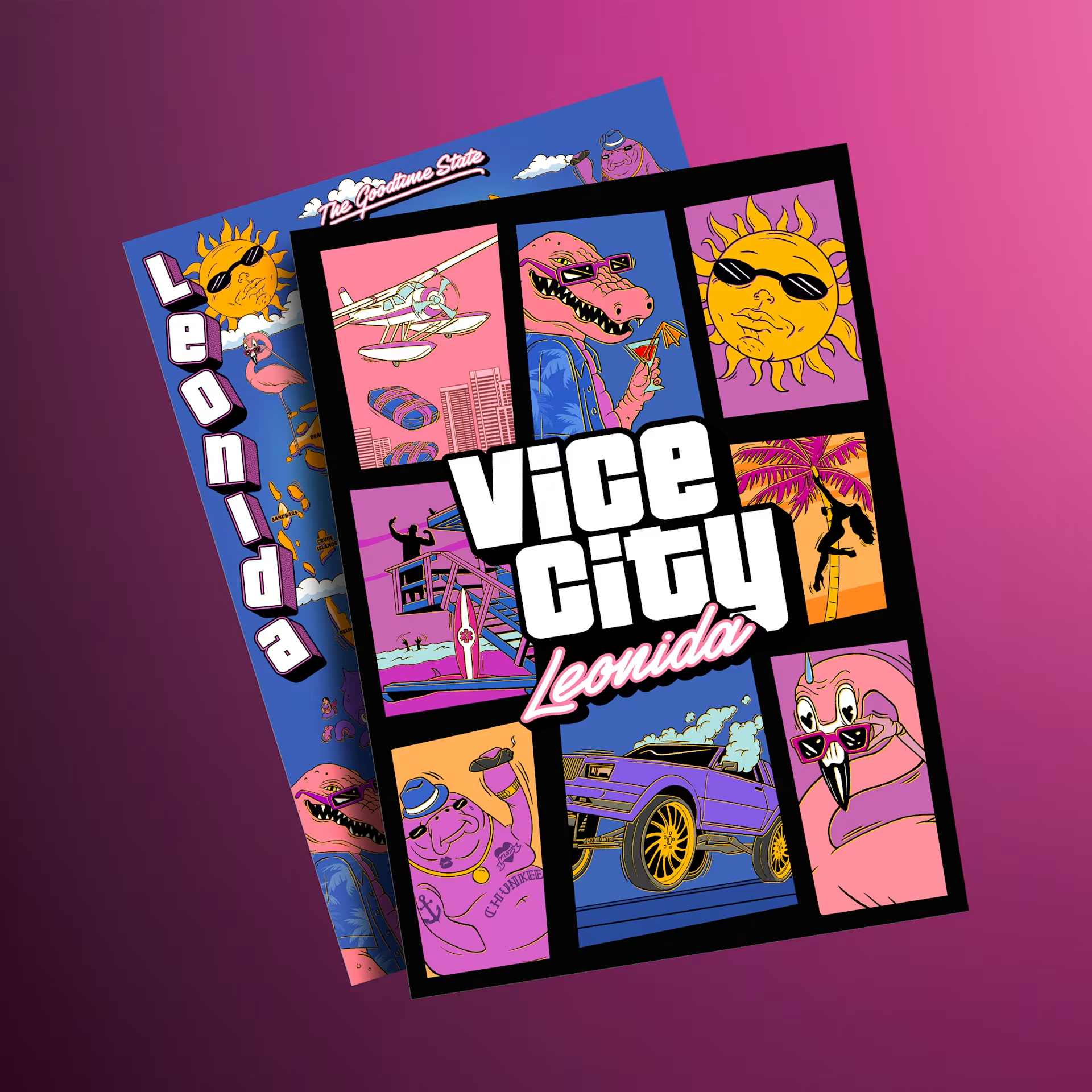
Double-sided souvenir poster: Macca the Gator characters from the Leonida TV show on the front, and a full map of the Goodtime State on the back.
More merch on the way
Rockstar says additional apparel and collectibles from the wider Grand Theft Auto VI Collection will arrive on its store soon, so the box looks like the centerpiece of a larger merchandise push rather than the whole lineup.
Marketing ramps up
The reveal lands as GTA VI promotion spreads into the real world. Posters have begun appearing on buildings, and Rockstar and Miami-Dade County have been putting up large-scale signage in downtown Miami. With launch less than two months away, the marketing rollout is clearly accelerating.
Recommended Comments