




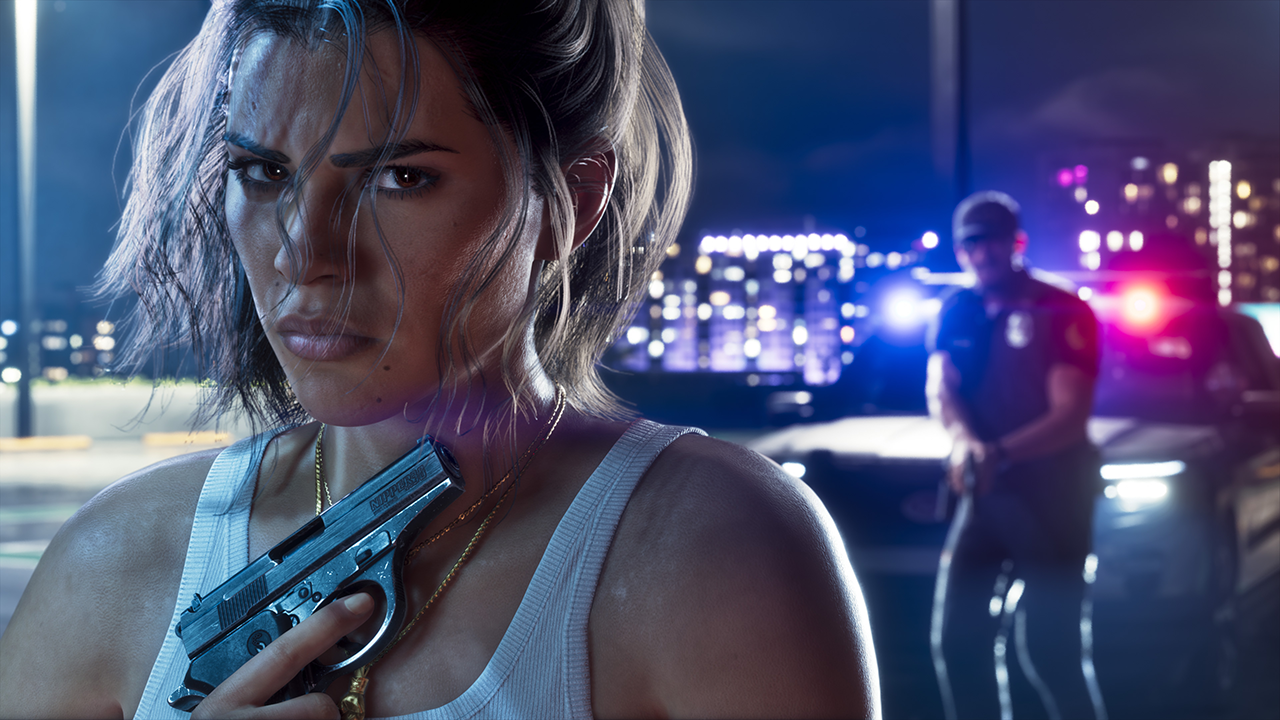

Update 01.002.002 is rolling out now on PS5 and Xbox Series X|S
On November 23rd, Rockstar Games released its first post-launch patch for Grand Theft Auto VI on PlayStation 5 and Xbox Series X|S, four days after the game's launch. It is a small download, but it is the first update for which Rockstar has actually published patch notes.
The two earlier updates, 01.002.000 and 01.002.001, arrived during the pre-load window in mid-November. Rockstar published no patch notes for either, so players had no idea what they contained. This time the studio listed its changes on its support site.
Everything fixed in update 01.002.002
Rockstar lists seven fixes under "General / Miscellaneous":
Fixed several issues that caused the game to crash
Fixed an issue that resulted in the weather not changing for extended periods
Fixed an issue that resulted in autosaves not working correctly
Fixed several issues that resulted in phone calls not triggering correctly, including those that progressed the story or unlocked mission content
Fixed an issue that resulted in players being unable to lose their Wanted Level
Fixed an issue that resulted in players being unable to use the deadlift bar in the Gym
Fixed an issue that resulted in partners not handing over bags so players could sell them to fences
The Wanted Level and phone call bugs are probably the most disruptive. A Wanted Level that never clears can make free roam miserable. A phone call that fails to trigger can leave a player stuck mid-story, waiting on a mission that never unlocks. The weather fix matters because Vice City's dynamic weather is one of the game's showpiece systems, and a sky that stays frozen undercuts it. The autosave fix will reassure anyone worried about losing progress.
Download size and versions
Platform update reports put the download at approximately 603.8 MB on PS5 and 1.6 GB on Xbox Series X|S. The update is version 01.002.002 on PS5 and 1.0.2.2 on Xbox Series X|S. The base install size is essentially unchanged.
A staggered rollout
Rockstar pushed the patch out in waves rather than all at once. Reports describe a three-wave rollout, with some users waiting around six hours to get the update. If you don't see it yet, check your console's download queue or turn on automatic updates. Rockstar has not said whether any of the fixes depend on the wave a player is in.
What the notes don't cover
The patch notes are short. They don't mention performance, the 30 FPS target on current consoles, or the visual issues some players have reported since launch. Rockstar also hasn't said whether bigger content or stability updates are planned. Community members often turn up unlisted changes after a patch lands, so more may surface in the coming days.
For a game that launched to record sales and near-perfect review scores, a first patch focused on progression blockers and annoyances is what players would hope to see. Whether this is the start of a regular patch cadence or a one-off cleanup, Rockstar hasn't said.
Recommended Comments