





Rockstar Games appears to be taking a more hands-on role in the FiveM modding scene, according to a report from RockstarINTEL. The outlet reports that Rockstar has been supporting community-made projects for use on FiveM servers, based on information shared with FiveM content creators.
A Push Beyond GTA Roleplay
Rockstar and Cfx.re, the organization behind FiveM, are reportedly working to elevate "Non-GTA RP" projects within the platform. While most players associate FiveM almost exclusively with GTA roleplay servers, the platform actually hosts a much wider range of server types and content that has nothing to do with RP — and plenty of players simply aren't interested in that format.
The apparent aim is to give server owners more "pick up and go" game modes they can install as a base and then customize further, making it easier to get varied content running quickly.
Enter StreetKings
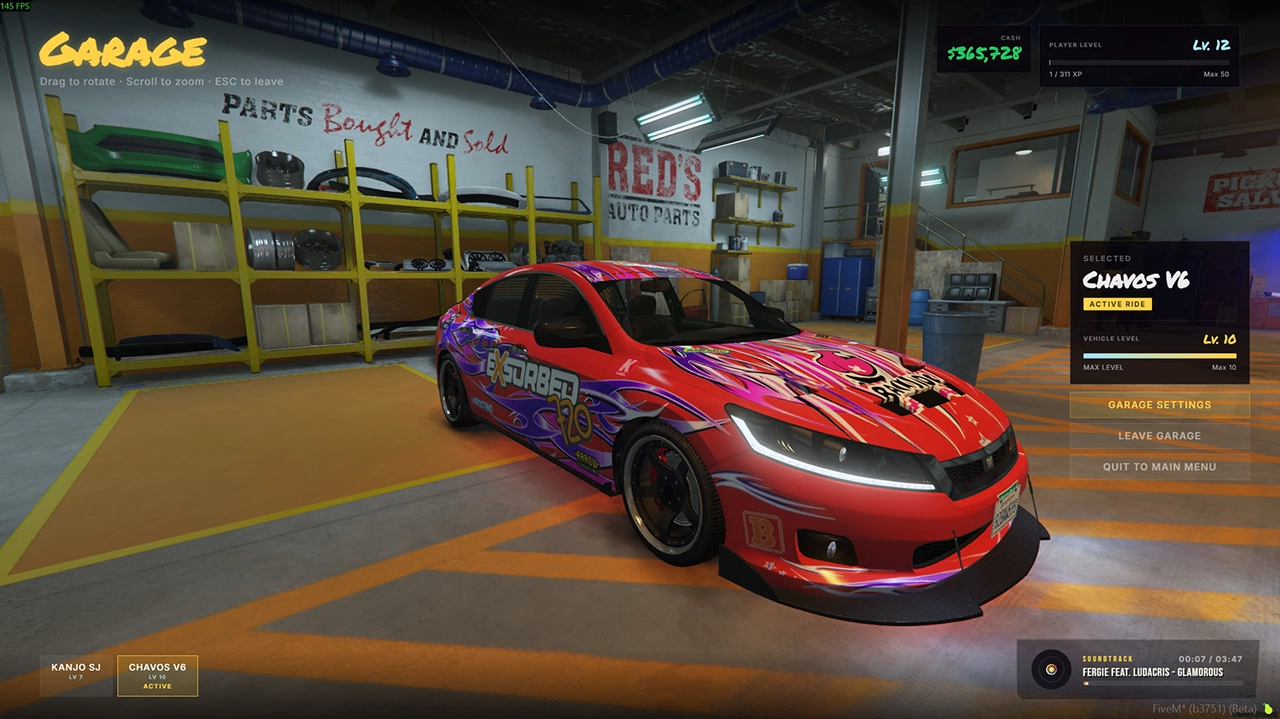
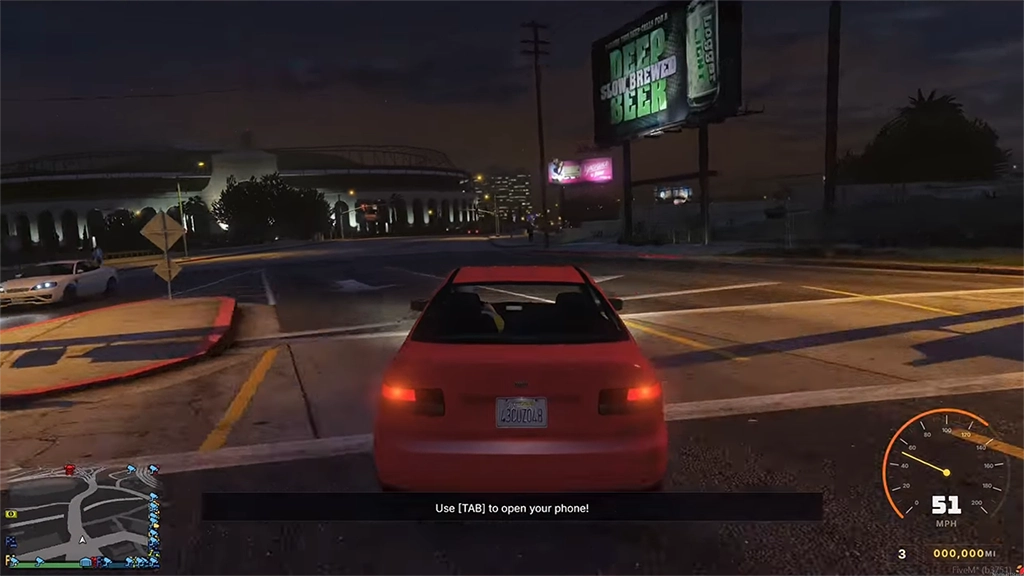
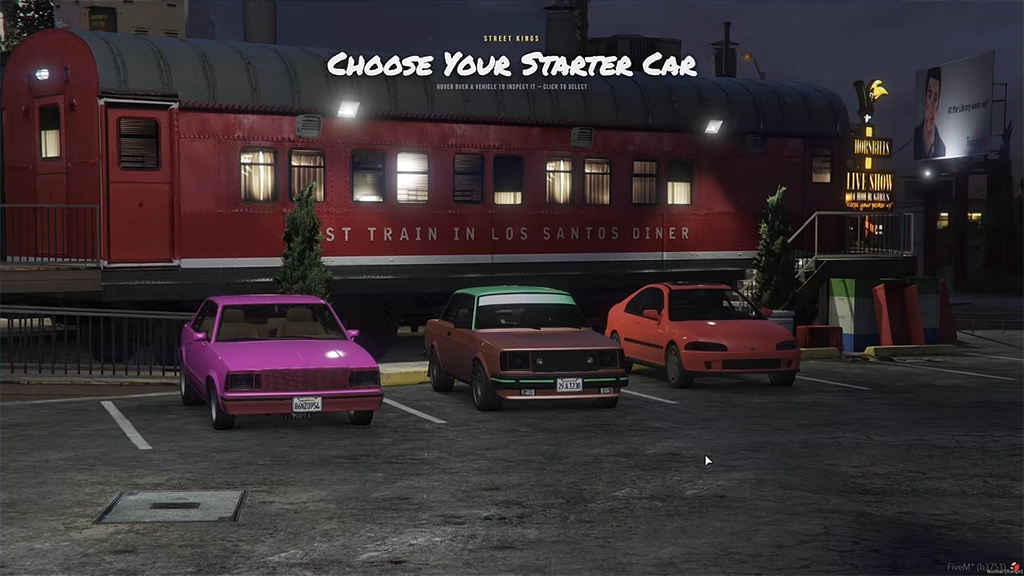
The first concrete example tied to this initiative is something called the StreetKings Framework — a progression-based experience drawing inspiration from Rockstar's own Midnight Club series and the broader "golden age" of arcade racing games. The core idea is that a player's car becomes an extension of their identity, with everything unlocked through actual play rather than handed out.
According to the report, the framework is built out with:
Custom cinematic racing camera angles
Full controller support
Dynamic, unscripted police chases
Global leaderboards
Events players can discover organically in the world
A custom in-game phone system
Vehicle upgrades, achievements, multiple race types, and tuning shops
The goal, per the outlet, was to build a fast-paced arcade racing experience that stands apart from anything else currently on FiveM.
Who Made It
StreetKings was built by two established FiveM creators, Envi-Scripts and 919Design, who have each been producing FiveM content for several years. The two reportedly spent months developing the framework before pitching it directly to Rockstar and Cfx.re, receiving an enthusiastic response.
From there, Rockstar backed the project's development, and it has since been made an official txAdmin Recipe, now sitting in FiveM's "Popular Recipes" section. The FiveM team also gave the pair a platform to launch a companion project — the official StreetKings server — which has been added to the "Featured Servers" list on the FiveM homepage. A launch trailer for the server has also been released.
What It Signals
If accurate, this marks a notable shift: rather than simply tolerating third-party mods, Rockstar and Cfx.re seem willing to actively promote and platform them through official channels like txAdmin Recipes and the Featured Servers list. For a modding scene that has historically operated somewhat at arm's length from its parent studio, official backing — and homepage placement — is a meaningful vote of confidence, and could encourage more non-RP creators to pitch original concepts rather than working in the shadow of GTA Online.
Recommended Comments