




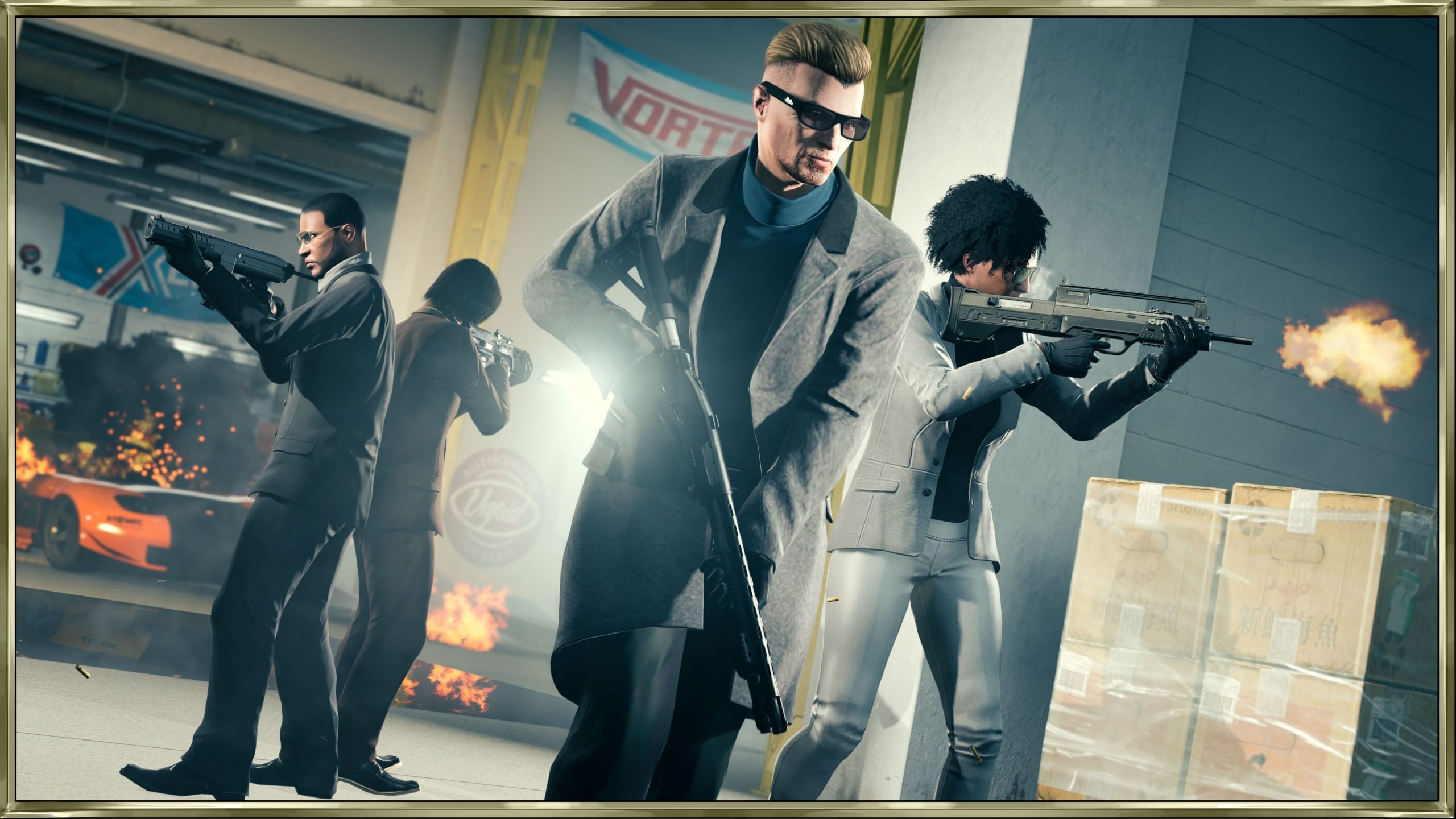

Rockstar Games has released a significant new downloadable patch for GTA Online, aimed at smoothing out the experience following the recent "A Safehouse in the Hills" DLC. Released on January 27, 2026, this update serves as the second major patch since the content drop, targeting a wide array of bugs ranging from Mission Creator glitches to odd visual errors in the new Mansions.
Update Overview & Download Sizes
The update is available across all major platforms, with file sizes indicating a reasonably substantial patch for a maintenance release. PC users will see the largest download, while console players have a smaller footprint:
PC Enhanced (Steam & Rockstar Launcher): ~1.60 GB
PlayStation 5: 718.6 MB
PlayStation 4: 520.2 MB
Xbox Series X|S: Size varies by region/console
Key Fixes: Mission Creator and Mansions
A major focus of this patch is the Mission Creator. Rockstar has addressed several frustration points for creators, including a critical bug that caused testing missions with teams of 2, 3, or 4 to fail instantly. Additionally, the update fixes issues with object placement when using Override Position options and ensures the model memory bar displays correctly.
Perhaps the most requested addition for creators is the new Wanted Level Options. Players can now set wanted levels per objective limit, as well as block specific wanted levels and dispatch zones, allowing for more controlled custom mission scenarios.
For the newly added Mansions, the patch polishes up the "Safehouse" experience:
Tow Truck Service: Fixed a bug where the target vehicle would fail to appear.
Entry Scenes: Players will no longer encounter an issue where the mansion entry scene fails to trigger upon exiting the property.
Pet Interactions: A humorous but immersion-breaking bug where the pet dog would float—and the "pet" prompt would stay stuck on screen—has been resolved.
General Stability & "The Cayo Perico Heist"
Long-time players will appreciate a fix for a legacy issue in The Cayo Perico Heist where players would inexplicably spawn in the ocean when trying to exit El Rubio’s compound. Other general fixes include restoring movement controls that were lost after Junk Energy Skydiving and preventing players from getting stuck in the "KnoWay Out – Tunnel Vision" mission if the train moved prematurely.
Background Updates
In addition to the downloadable patch, Rockstar pushed a background update (requiring no download) to address immediate exploits and logic errors. Notably, this hotfix patches a Facility Money Glitch and fixes a soft-lock issue where players could get stuck in the interrogation room during the "A Clean Break" mission.
With new "Odd Jobs" content expected to drop in just a few days, this cleanup update paves the way for a smoother experience in Los Santos. Players are encouraged to download the patch immediately to ensure compatibility with online sessions.
Recommended Comments