




.webp.a462ad53f507d586a209092c94cdc58c.webp)

Even with Grand Theft Auto VI still months away from launch, Rockstar Games is continuing to expand Grand Theft Auto Online with another major update. According to a newly published report, Rockstar has officially confirmed fresh content, gameplay additions, and several “big changes” coming to the online experience in the near future.
The announcement reinforces Rockstar’s long-term commitment to GTA Online, despite the growing focus on GTA 6. Over the last several months, the studio has rolled out frequent updates, community-driven content, and gameplay improvements aimed at keeping Los Santos active ahead of the next era of Grand Theft Auto.
Rockstar Teases Big Changes for GTA Online
The newly confirmed update is expected to introduce a mix of new activities, gameplay adjustments, and quality-of-life improvements. While Rockstar has not revealed every detail yet, the company described the upcoming release as a substantial evolution for the current version of GTA Online.
Recent Rockstar updates have already begun shifting GTA Online toward more community-focused experiences. The recently introduced “Community Mission Series” allows creators to design official-style missions using the upgraded Mission Creator tools, with Rockstar directly promoting selected creations inside the game.
That initiative appears to be only the beginning. Rockstar reportedly plans to expand creator integration further while continuing to deliver traditional Rockstar-made content updates throughout 2026.
GTA Online Isn’t Slowing Down Before GTA 6
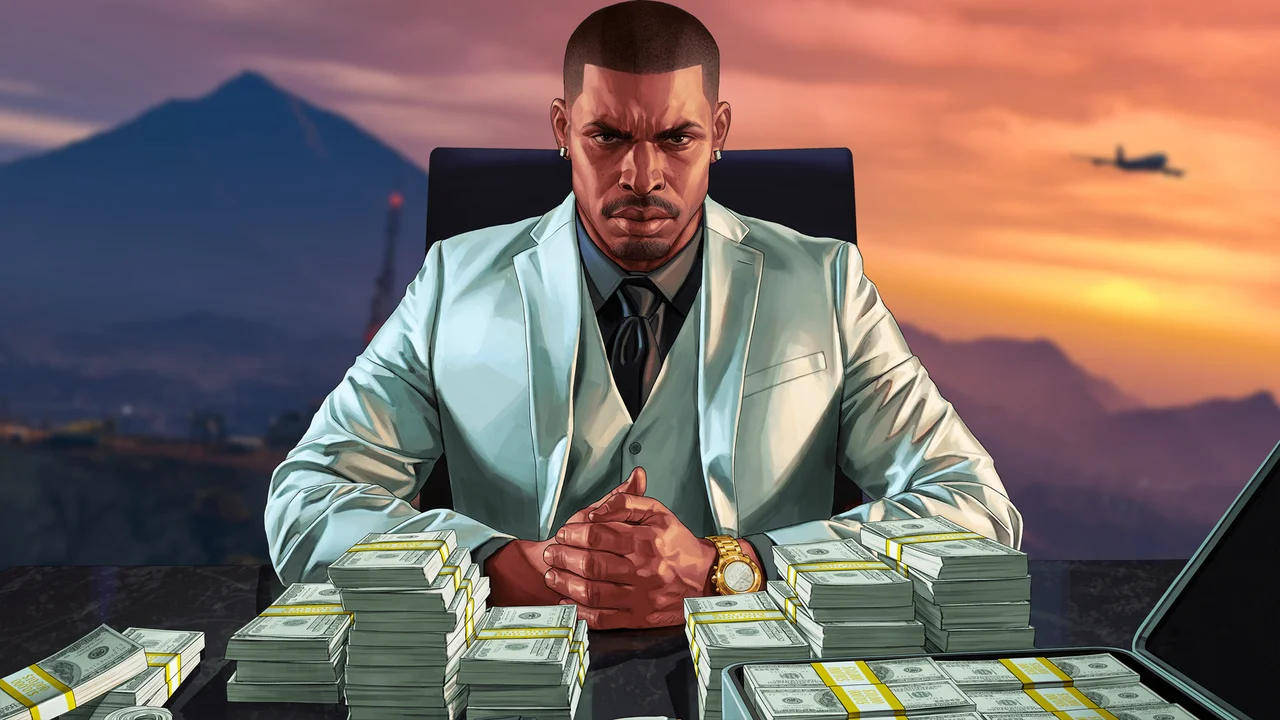
Many players expected Rockstar to gradually phase out support for GTA Online as GTA 6 approaches release. Instead, the publisher appears to be doubling down on the live-service title.
Take-Two and Rockstar have repeatedly signaled that GTA Online will continue receiving support even after GTA 6 launches. Community discussions around the game’s future have intensified in recent months, especially following reports that Rockstar still sees strong engagement across console platforms.
The strategy makes sense financially. GTA Online remains one of Rockstar’s biggest ongoing revenue drivers more than a decade after launch, helped by regular events, GTA+, and consistent content drops.
Community Features Continue Expanding
One of the most notable trends in recent updates is Rockstar’s growing emphasis on user-created content.
The latest creator-focused rollout included “Old School Hits,” a mission experience inspired by classic Grand Theft Auto games and built using GTA Online’s enhanced creator tools. Rockstar confirmed more community missions and racing content are planned later this year.
This direction could represent a major shift in how GTA Online evolves moving forward, giving players more influence over the game’s long-term content ecosystem while Rockstar focuses resources on GTA 6 development.
Some fans have even speculated that Rockstar’s increasing interest in creator tools and modding support could eventually connect to larger online ambitions for the future of the franchise.
What’s Next?
Rockstar has not announced an exact release date for the new update yet, but more information is expected soon through the official Rockstar Newswire.
With GTA 6 now officially scheduled for November 2026, Rockstar appears determined to keep GTA Online thriving throughout the transition into the next generation of Grand Theft Auto.
Recommended Comments