




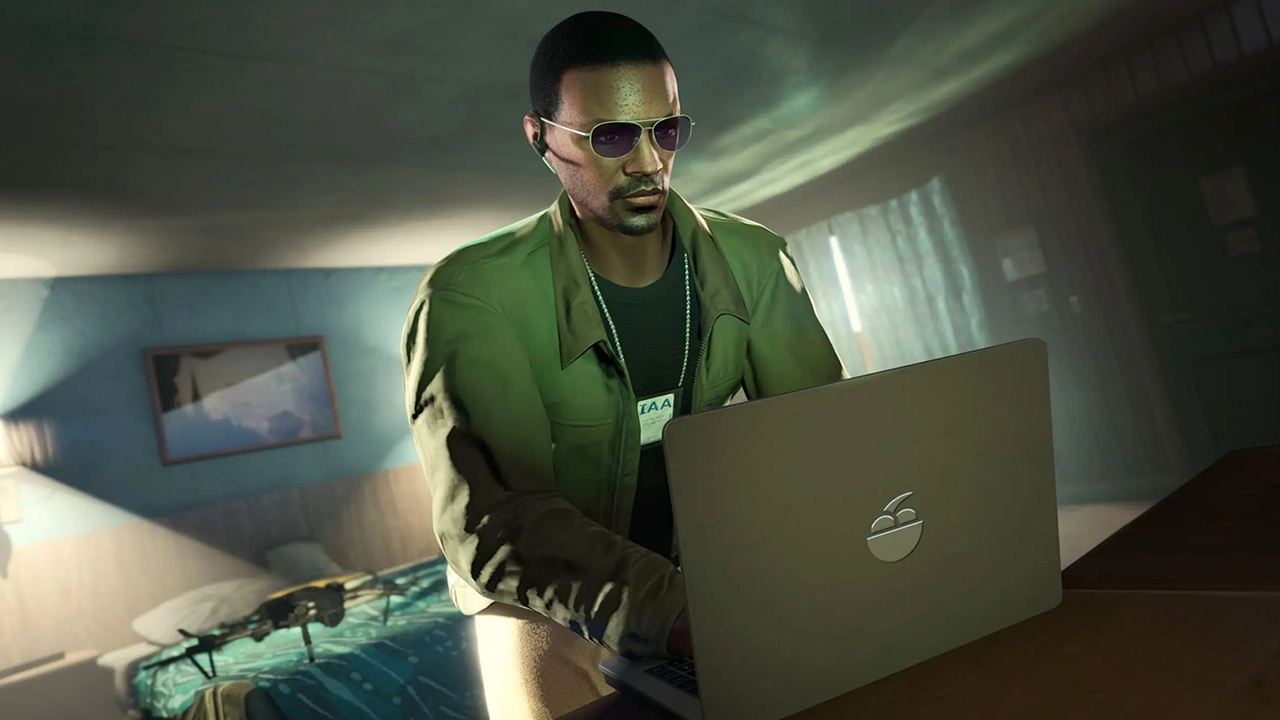

In a striking twist of digital irony, players who sought an unfair advantage in Grand Theft Auto Online are now finding themselves on the losing end. "Atlas Menu," a prominent and paid mod menu used for cheating in the popular multiplayer game, has suffered a massive data breach, exposing the sensitive personal information of thousands of its users to the public.
A Breach of "Trust" Among Cheaters
Atlas Menu built its reputation as a premium cheat service, heavily favored by exploiters for its ability to bypass BattlEye, the anti-cheat software that normally deters most other mod menus. However, the service's robust in-game defenses did not extend to its own backend security.
First reported by The Register, the Atlas Menu database was breached last month. In a catastrophic failure of data protection, the entirety of the stolen information was dumped in plain text on GitHub, making it freely accessible to anyone on the internet.
The Fallout: What Was Exposed?
According to data breach tracking platform Have I Been Pwned, the leak is extensive, compromising over 63,900 accounts. For a userbase that typically relies on anonymity to grief other players or manipulate the game’s economy without facing bans, the exposed data is a worst-case scenario.
The leaked database contains a treasure trove of sensitive information, including:
Email addresses and passwords
Real names and usernames
IP addresses
Rockstar Games Social Club usernames
Mod menu activation keys and signup dates
Support tickets and reseller logs
Additionally, the leak reportedly includes admin logs, lists of banned users, and various other internal records, laying bare the entire operational structure of the illicit service.
Revenge and Spyware Allegations

The individual claiming responsibility for the cyberattack stated that the hack was an act of revenge stemming from a scam. But the hacker's claims didn't stop at vigilantism.
In a concerning revelation for Atlas Menu users, the hacker alleged that the cheat software actually functions as spyware. According to these claims, the mod menu possesses the capability to secretly capture screenshots of a user's computer without their knowledge or permission. While players installed the software to ruin the experience of others in Los Santos, they may have unknowingly compromised their own digital privacy in the process.
The Aftermath
Following the severe security breach, the Atlas Menu website has been taken offline.
This incident adds another chapter to the ongoing battle against GTA Online exploiters. Last year, Rockstar Games' parent company, Take-Two Interactive, successfully issued takedowns against several mod menus, aggressively pursuing platforms that violate their terms of service. Now, it seems that even when the developers don't take down a cheat service, the volatile and unregulated nature of the cheating community might do the job for them.
For the tens of thousands of exposed cheaters, the consequences will likely extend far beyond a banned Rockstar account. With their plain-text passwords and IP addresses out in the wild, the price for an unfair advantage in Los Santos has suddenly become much steeper.
Recommended Comments