




Gaming News
Video Game Industry News
731 articles in this category
-
Rockstar Games, the developer behind the decade's most anticipated title, Grand Theft Auto 6, is at the center of a massive labor scandal this week. The studio has reportedly fired 30 to 40 employees across its offices in the United Kingdom and Canada, in a move that a prominent trade union is calling "one of the most blatant and ruthless acts of union busting in the history of the games industry." The controversy erupted after reports from outlets like Bloomberg, PCMag, and Eurogamer confirmed
-
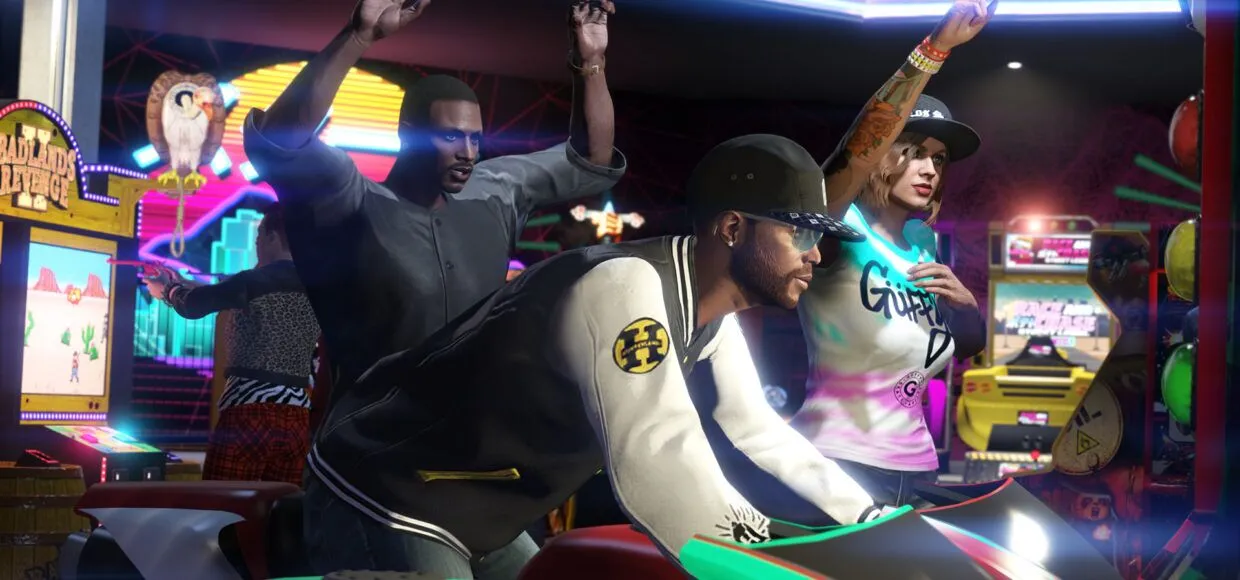
The Diamond Casino & Resort in GTA Online is one of the most spectacular and lucrative locations in the virtual world of Los Santos . For some, it's merely an aesthetic addition to the game, but for others, it's a treasure trove of opportunities, both financial and social. For years, players have been searching for ways to maximize the casino's potential, not only for entertainment but also for real-world benefits. Below, we present secrets that can significantly increase your chances of suc
-
This week in GTA Online brings significant GTA$ and RP bonuses , a new visual variation for the Money Fronts supercar, free Oktoberfest -themed cosmetics, and a clear signal that Halloween is on its way . Below, you'll find everything in one place, without any unnecessary frills. If you're looking to quickly plan your GTA$ farming , start with Gerald's Missions and Special Vehicle Races, then drop by the LS Car Club to collect your activity rewards and check out the Vehicles of the Week. Överfl
-
This week in GTA Online is all about Neighborhood Watch . Vincent Effenburger needs players' help to curb the filth and corruption in Los Angeles . Plus, there's a fresh Police Summer Uniform , double bonuses on Police Calls , a free Enus Deity to collect from the Junkyard mission , and a final call for up to GTA$2,000,000 before summer ends. We also have steep discounts on retired police cars, GTA+ bonuses , new cosmetics, and dealership rotations. Everything's explained step-by-step below. Ne
-
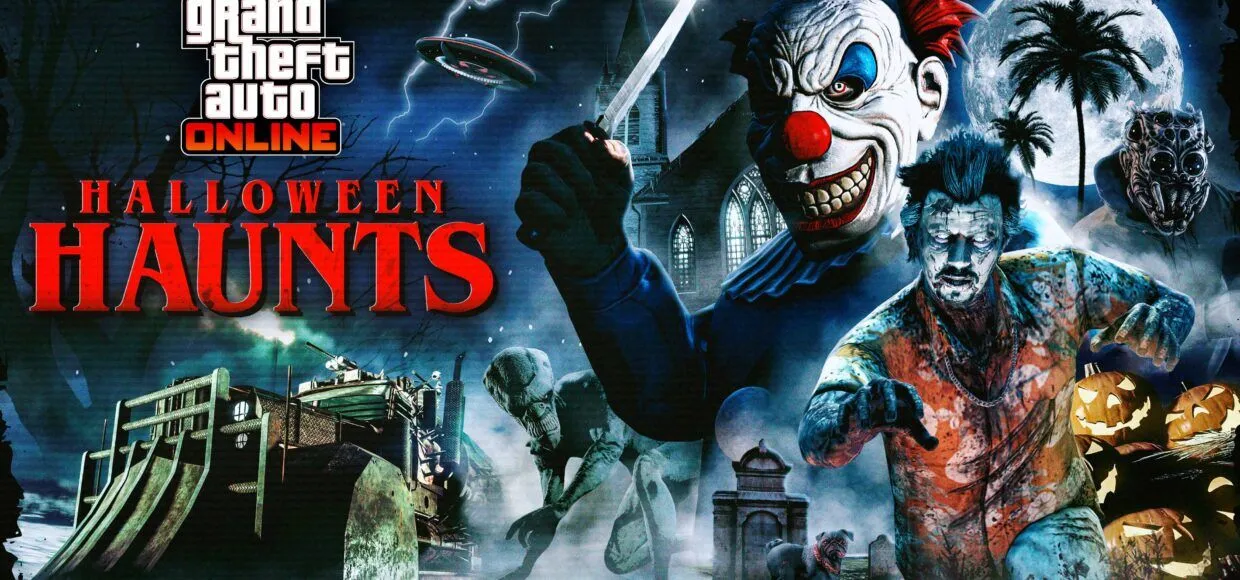
Halloween in GTA Online always causes quite a stir in Los Santos . October 2025 is no exception, with Rockstar throwing players into a whirlwind of strange events, atmospheric missions, and the return of favorite modes for the entire month. This year, GTA is filled with zombies, aliens, familiar adversaries, and plenty of opportunities to win big with GTA$ and tons of rewards. The entire month of October is a celebration for horror fans, so if you're looking to get into the Halloween spirit, GTA
-
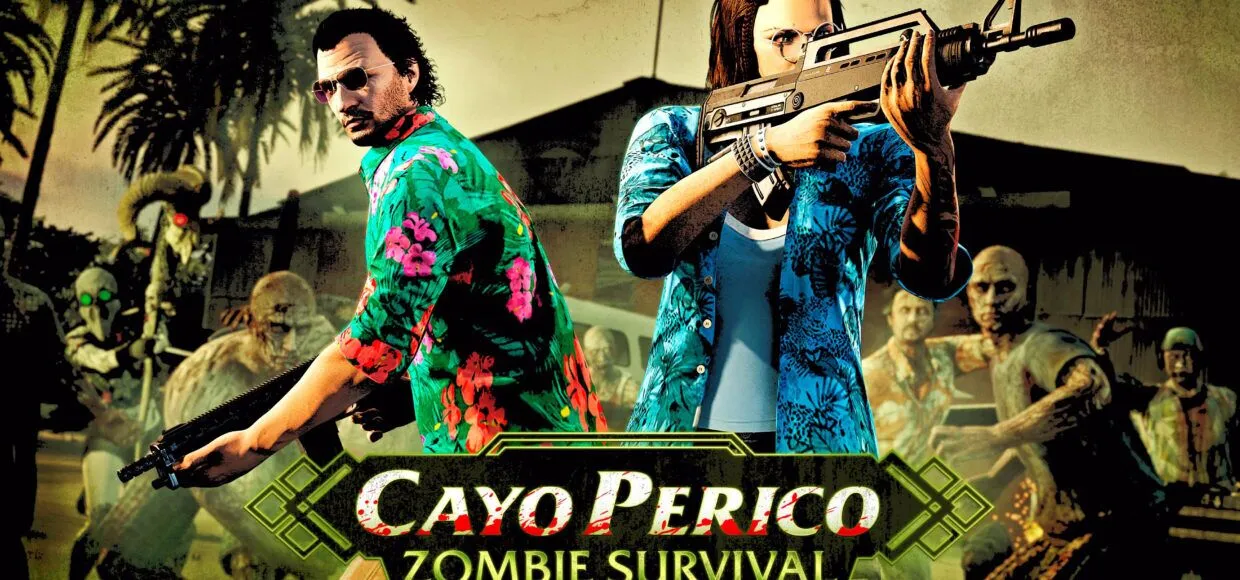
If you thought Cayo Perico had long since ceased to surprise, the latest week in GTA Online will quickly bring you back down to earth. Something's happening on the island that's more suited to a nightmare than the idyllic El Rubio retreat . Waves of the undead are storming the beaches, jungle, and airport, and we're getting a brand new Survival mode with special enemies, new rewards, and significant GTA$ and RP bonuses . Plus, there are some sweet freebies just for logging in, a daily stash bonu




Forum Statistics
- Total Topics 1.1k
- Total Posts 1.5k