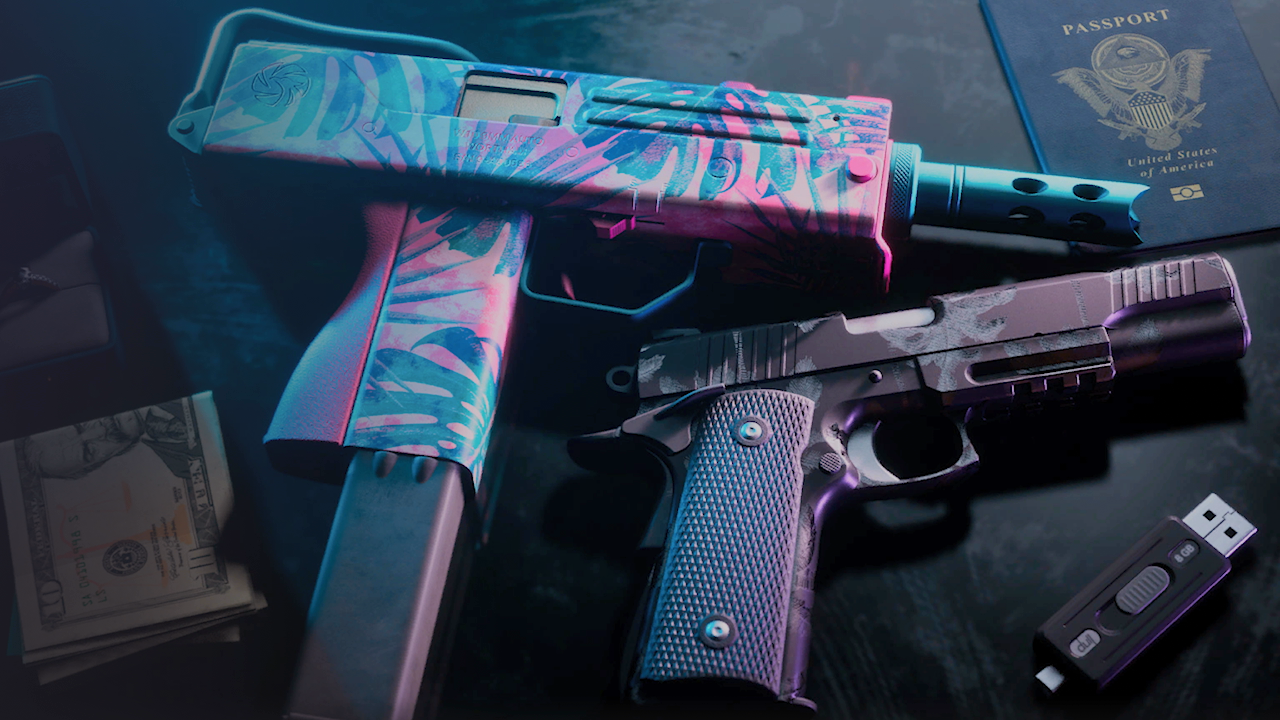
Grand Theft Auto VI is out, and one of the first cosmetic perks players are hunting for is the tropical weapon pattern. It's a Vice City-flavored finish that puts a palm-tree design on your guns. The skins are tied to your Rockstar Games account, so you need to set a couple of things up before they appear in Leonida.
What are the tropical weapon patterns?
Rockstar has described the finish as inspired by Tommy Vercetti's palm-tree button-up from Grand Theft Auto: Vice City. It is part of the Vintage Vice City Pack, the bonus for anyone who pre-ordered before November 20, 2026. The pack also includes the '55 Vapid Stanier with a Shore Court Personal Garage, plus retro outfits and hairstyles for Jason and Lucia.
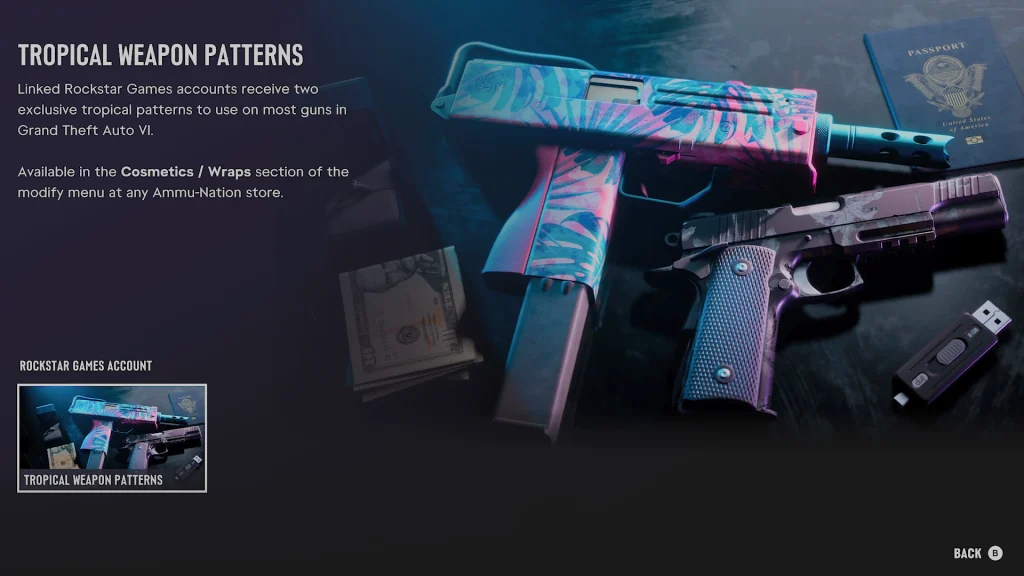
There are two designs to choose from. An in-game menu screenshot shared by data-miner Tex2 shows a pink and blue palm-leaf pattern on a submachine gun, and a more subdued tropical look on a pistol. Rockstar says the patterns work on most weapons, not every one.
How to unlock them
Link your accounts. Your Rockstar Games account has to be connected to the Xbox or PlayStation account you play on. Sign in on the Rockstar Games website, then go to Account > Manage Account > Connections and link your platform account.
Restart the game. Relaunch GTA VI after linking. If the patterns don't show up right away, give it a little time before assuming something is wrong.
Visit Ammu-Nation. Go to any Ammu-Nation store in Leonida and open the weapon modify menu.
Equip the pattern. Check the Cosmetics / Wraps section. Both tropical patterns should be listed there once your accounts are linked.
A note on eligibility
Rockstar's official line is that the pattern comes with the Vintage Vice City Pack, which was a pre-order bonus. Some outlets also say you need to have claimed that pack. RockstarINTEL's guide and the Tex2 menu screenshot point to account linking as the key step. If the patterns are missing after linking, check that your pre-order or purchase counts toward the pack. Rockstar's Support page is the place to confirm the latest eligibility details.
Unlike most weapon cosmetics in the series, these are tied to your account rather than something you earn in the world.
Recommended Comments