




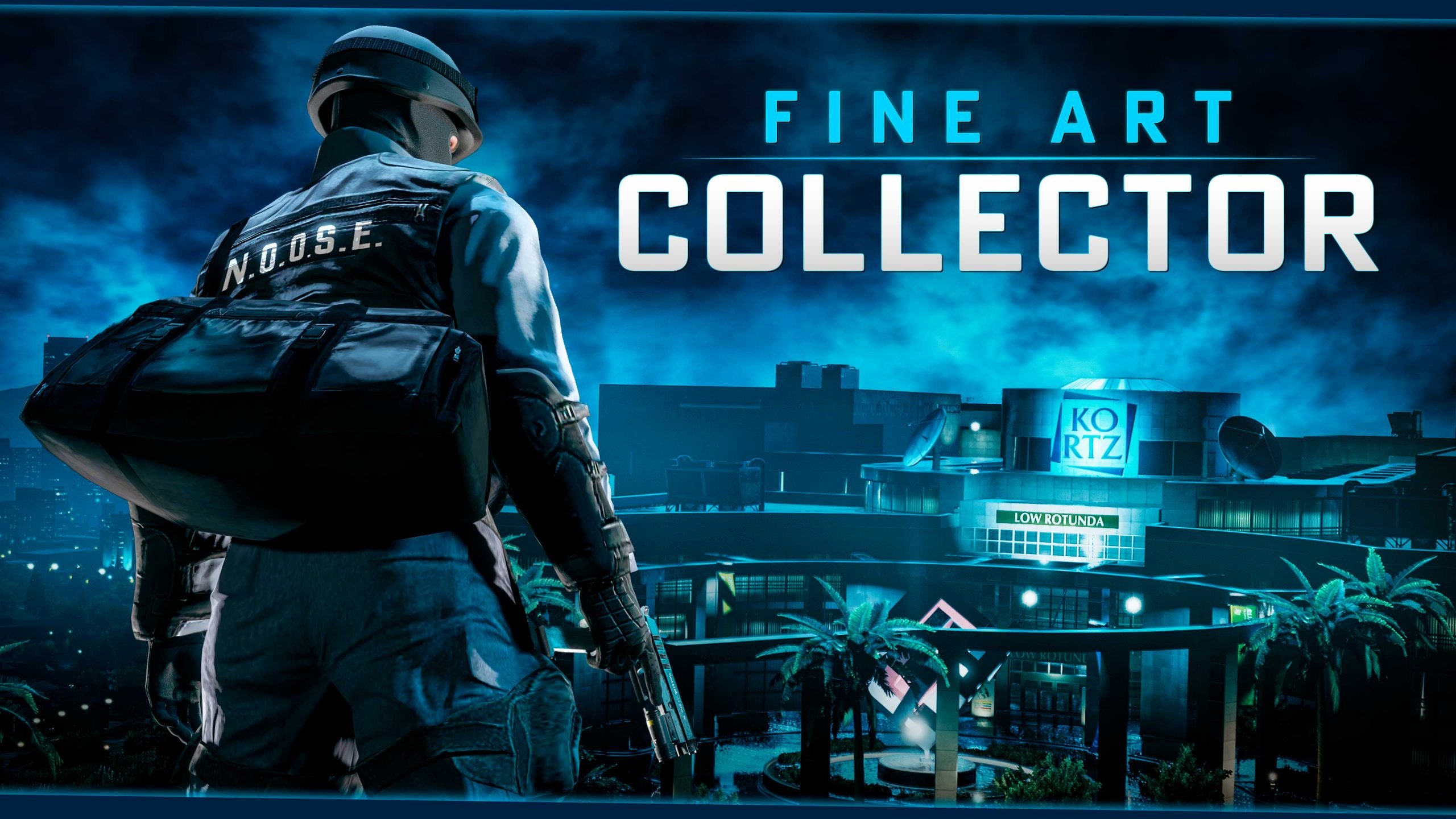

Rockstar Games has officially unveiled the Fine Art Collector Program, a new incentive initiative launching in GTA Online on June 18, 2026. Designed to build hype and reward players in the lead-up to the major July update The Kortz Center Heist, the program offers tiered rewards ranging from cash bonuses and free vehicles to exclusive mansion upgrades and decorative art pieces.
What Is the Fine Art Collector Program?
The program ties directly into the upcoming Kortz Center Heist, which lets players pull off a high-stakes robbery at a prestigious art gallery. Successful heists will yield substantial cash payouts and valuable art pieces. To store and showcase these acquisitions, Rockstar is introducing a brand-new Art Studio upgrade for player-owned mansions.
The Fine Art Collector Program serves as a preparatory event. It runs from June 18 to July 13, 2026, giving players nearly a full month to climb the tiers before the heist DLC drops on July 14, 2026.
Tiered Rewards Breakdown
Tier 1: Enthusiast

Requirement: Simply log into GTA Online at least once during the program period (June 18 – July 13).
Rewards:
GTA$500,000 (credited within 72 hours)
Free Benefactor Turreted Limo (claim from Warstock and deliver via Pegasus through the Interaction Menu)
This entry-level tier ensures even casual players can get a head start with easy cash and a powerful armored vehicle.
Tier 2: Patron

Requirement: Complete any GTA Online Heist between June 18 and July 13.
Rewards:
GTA$1,000,000
NOOSE Outfit (if not already unlocked)
This tier encourages players to dive into heist content, offering a significant cash boost perfect for funding future criminal enterprises.
Tier 3: Elitist

Requirement: Own a mansion and log into GTA Online during the program window.
Rewards (unlocked with the July 14 update):
GTA$1,000,000 discount on the new Art Studio mansion upgrade (essential for starting the Kortz Center Heist)
Free Annihilator Stealth Helicopter from Warstock
A free Sculpture for your mansion
Opportunity to unlock a unique Painting to decorate your property
Mansion owners stand to benefit the most, with major savings on the new heist-related property upgrade and high-value cosmetic/functional items.
Why This Matters for GTA Online Players
The Fine Art Collector Program is more than just freebies — it’s Rockstar’s way of onboarding players into the new art-themed criminal gameplay loop. By incentivizing logins, heist participation, and mansion ownership, Rockstar is ensuring the player base is prepared and excited for the Kortz Center Heist content.
Players without mansions may want to consider investing in one before the update, especially with the hefty discount available to Tier 3 participants. The program also coincides with a broader Event Week (June 18–24), promising even more activities and bonuses.
How to Participate
Launch GTA Online between June 18 and July 13, 2026.
Complete the simple requirements for each tier.
Keep an eye on your in-game notifications for reward claims (most process within 72 hours).
Recommended Comments