




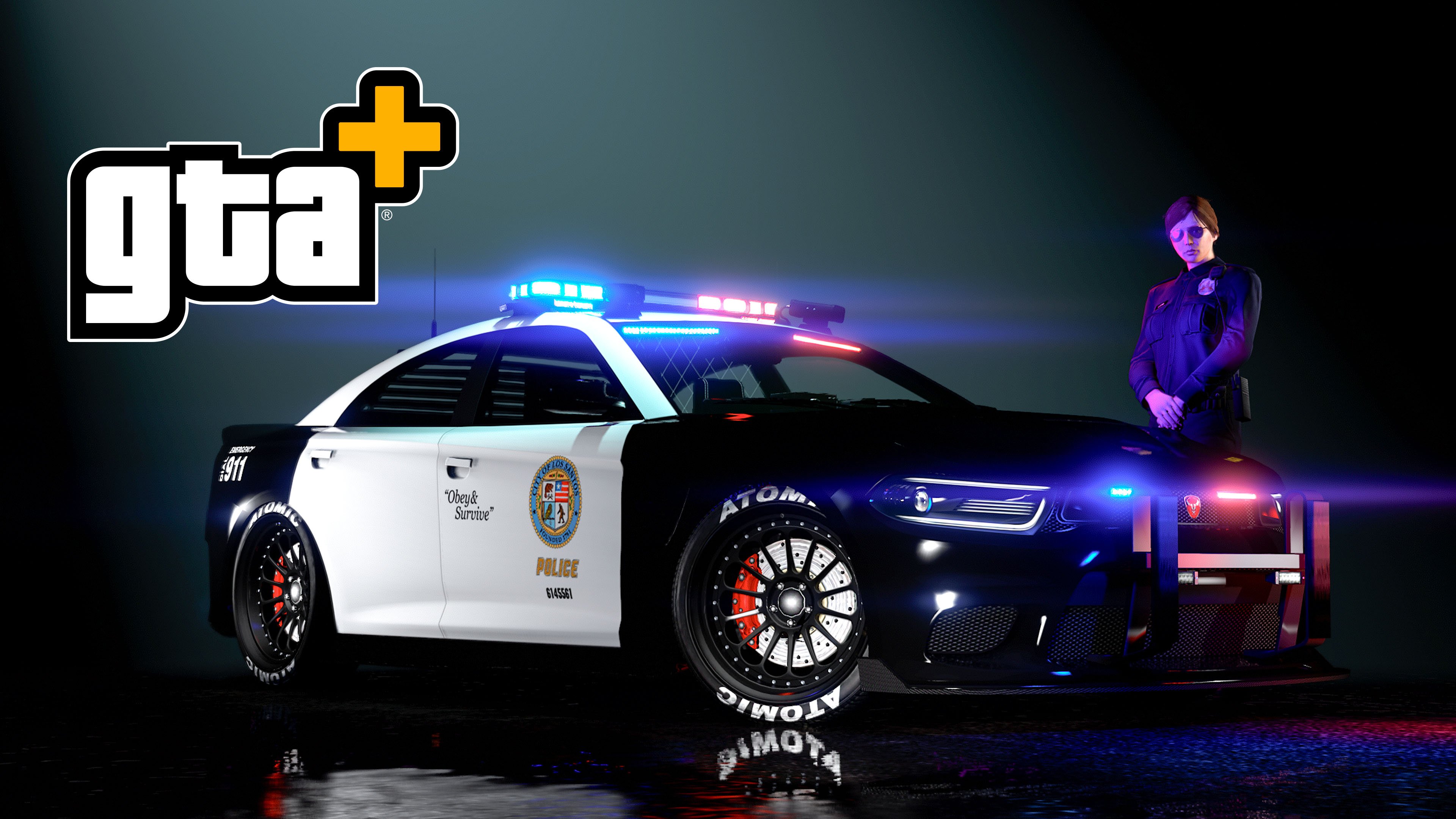

Rockstar Games is keeping the law enforcement theme rolling in GTA Online with another stacked Weekly Update. This Event Week, running April 9th through April 15th, brings fresh police vehicles, limited-time outfits, hefty discounts on emergency vehicles, and a host of double-and-triple reward opportunities. Whether you’re a dedicated bounty hunter or just love cruising in a fresh set of lights and sirens, there’s plenty to dive into this week.
Future Content Tease
Before we jump into this week’s lineup, Rockstar has already dropped a hint at what’s coming next: a 420-themed event kicking off April 16th and running for two full weeks. Dataminers have uncovered a “Stoner Survival” mode on the horizon, along with a special outfit reward for players subscribed to the Rockstar Propaganda email list. Stay tuned—things are about to get a lot more… relaxed in Los Santos.
New Vehicles Released
The biggest headline this week is the full public release of the Bravado Buffalo STX Pursuit. GTA+ members had a one-week head start and could claim it for free during April; now everyone can head to Warstock Cache & Carry to pick one up for $5,370,000 (or $4,027,500 at the trade price). This high-performance law-enforcement sedan is ready to dominate Pursuit Races and Bail Office work alike.
Neighborhood Watch Event Continues
The popular Neighborhood Watch event is still live and better than ever. Complete the Weekly Challenge—secure two Bail Office Bounties—to unlock the Winter LSPD Officer Outfit plus $100,000 in GTA$.
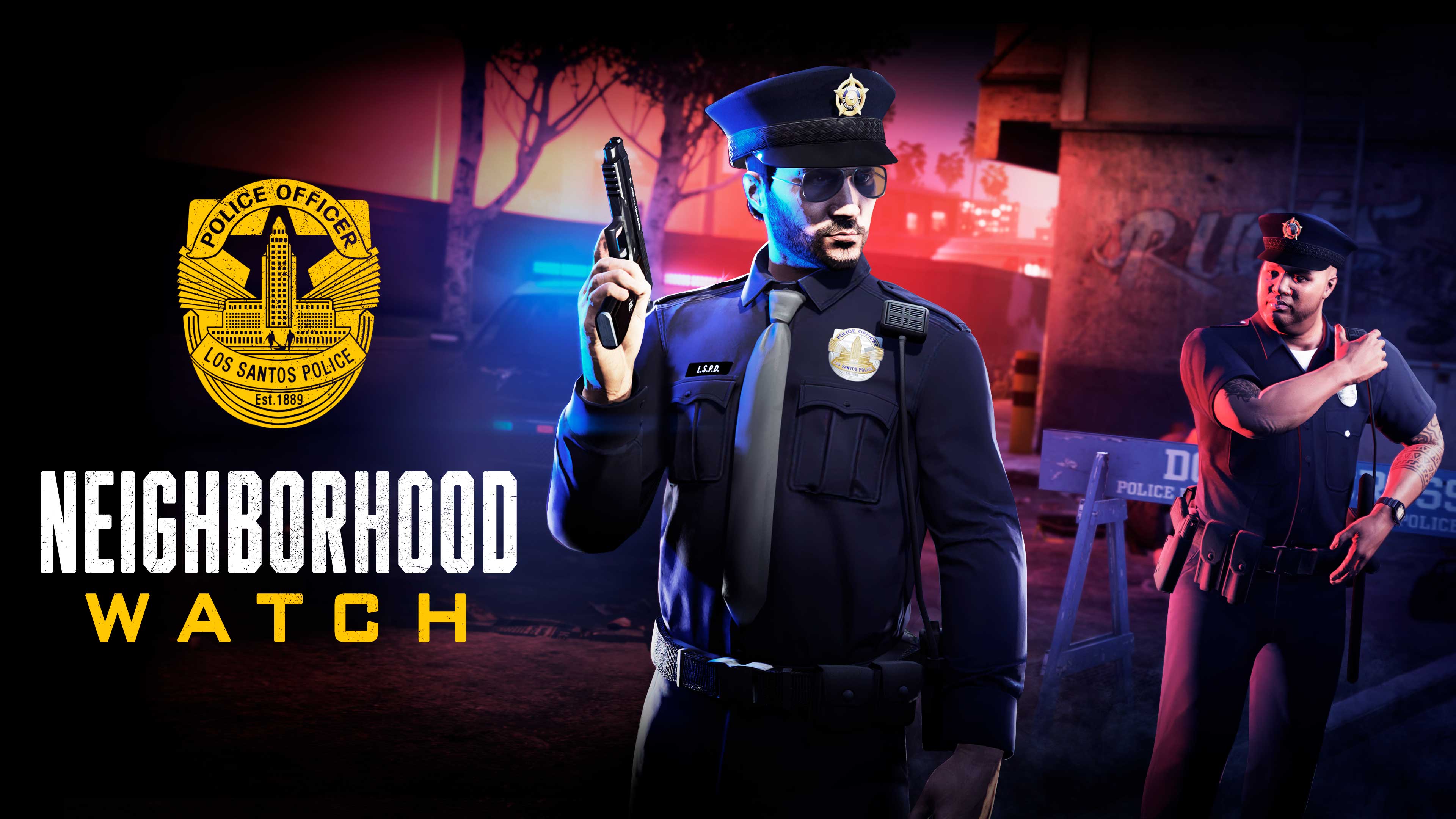
The Neighborhood Watch Event Continues: Get the Winter LSPD Officer Uniform and More - Rockstar Games
Additionally, purchasing (or already owning) the Declasse Park Ranger will grant the Summer Park Ranger with Tie Outfit within 72 hours. This reward is exclusive to Xbox Series X|S, PS5, and PC Enhanced versions of the game. Current owners don’t need to repurchase—they’ll receive the outfit automatically. For the Winter Highway Patrol Outfit, keep an eye on Twitch Drops this month.
GTA Online How to Unlock NEW POLICE OUTFITS Summer LSPD Officer Outfit & Winter Park Ranger Outfit
This Week’s Other Highlights
FIB Priority File: “The Project Breakaway File” – double payouts all week.
Salvage Yard Robberies: The Gangbanger (Ocelot Swinger), The Duggan (Dinka Kanjo SJ), The Podium (Pegassi Zentorno).
Casino Podium Vehicle: Spin the Lucky Wheel for a chance at the Pfister Growler ($1,627,000 at Legendary Motorsport). GTA+ members get two spins per day.
Prize Ride Challenge: Finish in the top 5 of LS Car Meet Series races for three days straight to earn the Annis 300R.
Premium Test Ride: The Karin Vivanite (next-gen platforms only).
Test Track Vehicles: Enus Cognoscenti, Declasse Tornado Rat Rod, Benefactor Streiter.
Luxury Autos Showroom: Pfister Astrale and Übermacht Sentinel GTS.
Premium Deluxe Motorsport: Grotti Itali Classic, Dinka Jester Classic, Grotti Stinger, Dewbauchee JB 700W, Albany Hermes.
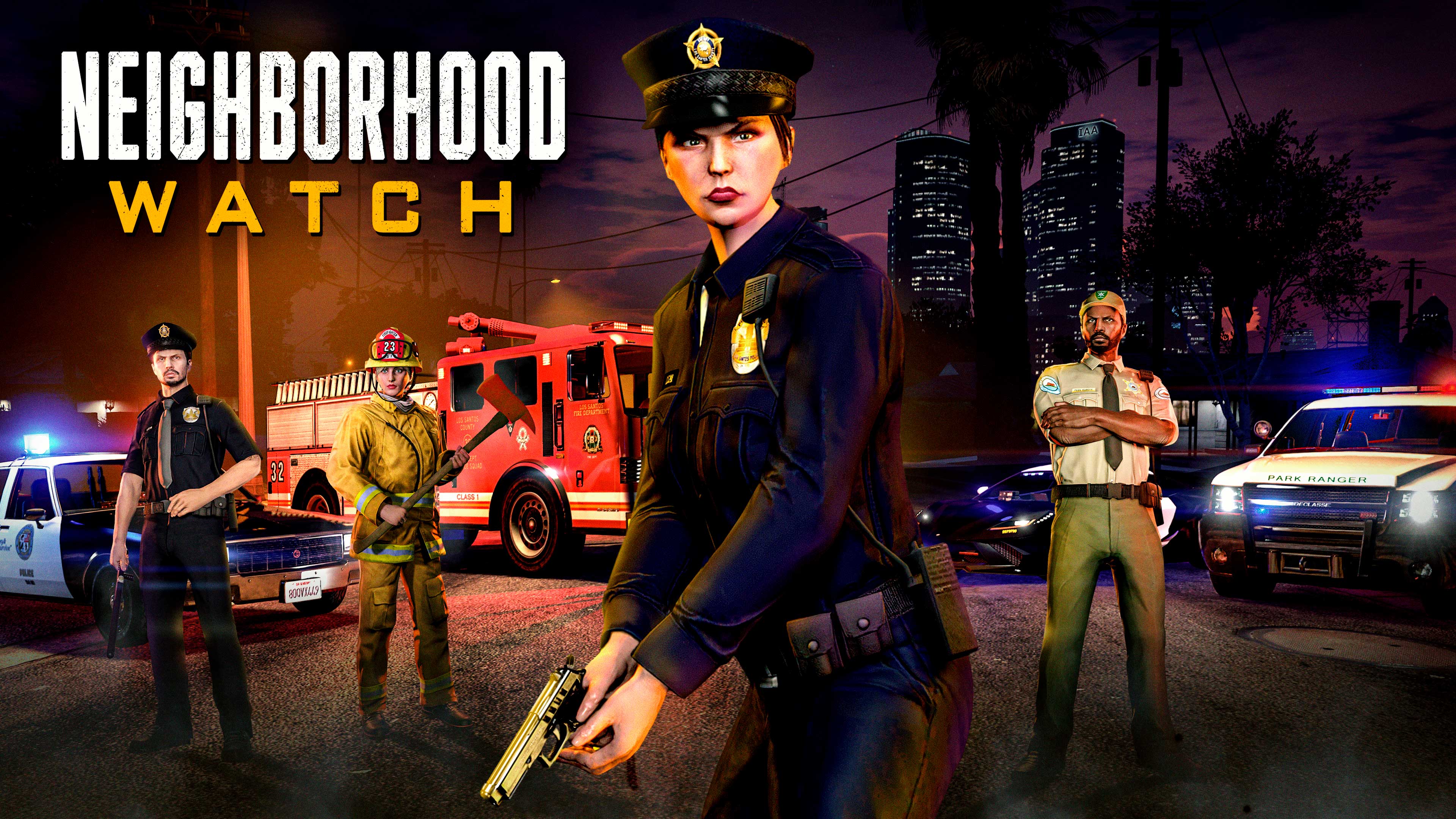
Protect Los Santos and Acquire New Law Enforcement Vehicles During the Latest Neighborhood Watch Event - Rockstar Games
Rewards & Bonuses
This week’s Weekly Challenge is once again “Secure two Bail Office Bounties” for the Winter LSPD Officer Outfit and $100,000.
Discounts (all this week):
35% off a huge list of police and emergency vehicles, including the Bravado Dorado Cruiser, Gauntlet Interceptor, Greenwood Cruiser, Canis Terminus Patrol, multiple Impaler variants, Park Ranger, Coquette D10 Pursuit, Caracara Pursuit, Dominator FX Interceptor, Stanier LE Cruiser, Unmarked Cruiser, Police Bike, and more.
40% off Bail Office properties and upgrades.
30% off select performance and classic cars plus various weaponized vehicles.
Bonuses:
2x GTA$ & RP on Bail Office Most Wanted Bounties (4x for GTA+ members)
2x GTA$ & RP on Bail Office Staff Income
2x GTA$ & RP on The Vespucci Job (Remix) and Community Combat Series
2x GTA$ & RP on Dispatch Work
3x GTA$, RP & LS Car Meet Rep on Pursuit Races
GTA+ Members
GTA+ subscribers continue to enjoy extra perks this month, including the free Buffalo STX Pursuit earlier in April and double spins on the Lucky Wheel. Full details on April’s GTA+ rewards are available on the Rockstar Newswire.
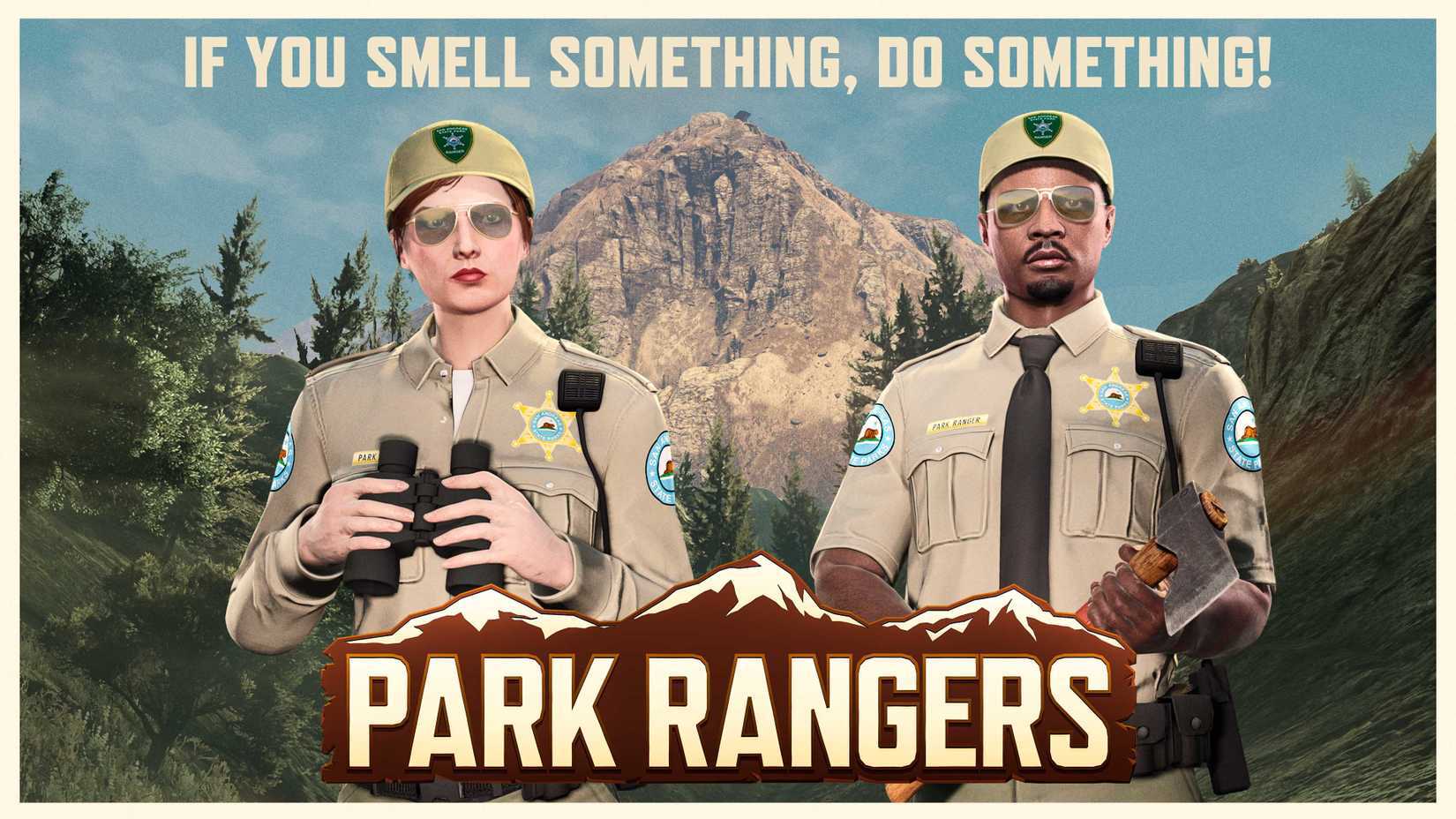
Whether you’re patrolling the streets in a brand-new Pursuit vehicle, unlocking fresh LSPD and Park Ranger looks, or stacking cash from tripled Pursuit Races, this is a prime week to log in and protect (or profit from) Los Santos. The Neighborhood Watch event is still going strong, and the new law-enforcement content makes it the perfect time to build your ultimate police fleet.
Load up GTA Online starting tomorrow, April 9th, and get ready to hit the beat in style. Stay safe out there, officers!
Recommended Comments