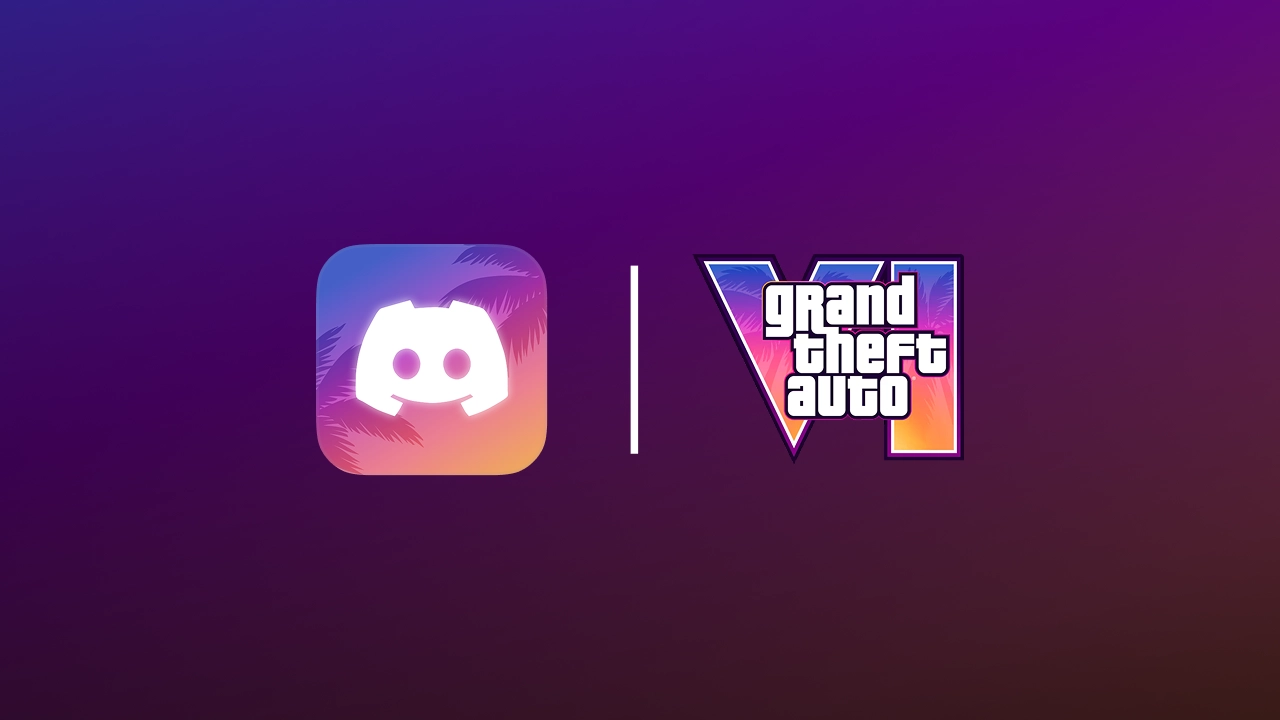
Rockstar's launch-week marketing blitz is heading for Discord. After weeks of leaks, Discord appears to have teased the collaboration itself on November 14 with a "Coming Soon" post, and the rollout looks set to begin tomorrow.
What's reportedly included
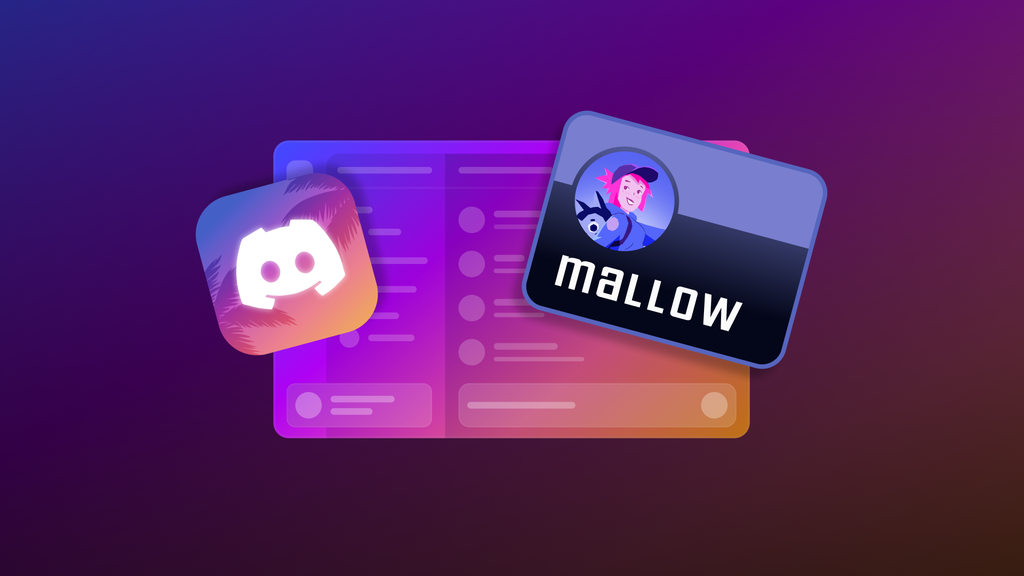
The campaign, internally codenamed "Hexagon," surfaced on October 6 when dataminer Wumpus Central found references in a Discord Canary build. The leak points to a GTA VI-themed app icon, a GTA VI app theme, a GTA VI-style custom display name font, and potentially a Quest with an unknown reward.
The theme reportedly uses a pink, yellow and purple Vice City gradient, and the display-name font is widely expected to be Pricedown, the blocky typeface the series has used for years. Wumpus Central also shared a desktop preview showing the gradient styling applied to the app.
Later code and Quest data analysis suggests more detail. It lists an in-app event page with an enrolment option, a campaign card in Nitro settings, and temporary perks that revert to your previous settings when they expire. That fits with the makeover being cosmetic and time-limited rather than permanent.
Dates
The leaked timeline, runs as follows:
The campaign starts November 17, 2026 at 18:00 UTC, which is 11 a.m. in Phoenix and 1 p.m. Eastern.
It ends for free users on December 8, 2026.
It ends for Nitro users on February 15, 2027.
If those dates hold, the extended window is the main perk of a Nitro subscription here. Free users get just over three weeks with the theme, while Nitro members keep it into next year. These dates come from code, and neither Rockstar nor Discord has published them.
A mystery Quest
The leak also references a Discord Quest, but its requirements and reward remain unknown. Discord and Rockstar have used Quests before. Watching the second GTA VI trailer through Discord earned one day of Nitro. A GTA Online Quest, which required 15 minutes of play, handed out an animated Los Santos avatar decoration. Whether this one pays out Orbs, a profile decoration or something else is anyone's guess.
Part of a bigger launch-week push
The Discord tie-in lands in the middle of a packed run-up to launch. The Miami Heat's Vice City-themed game against the Bucks on November 18 comes the day after the Discord campaign begins, and GTA VI launches the day after that. Rockstar has also wrapped a building on the Paris ring road, painted a New York mural and leaned on YouTube to court creators.
Discord's PC-heavy audience has sparked some speculation about a PC version of GTA VI. There's no evidence for that. GTA VI is currently confirmed only for PlayStation 5 and Xbox Series X|S. As one fan quipped, you may get a GTA VI theme on your PC but still need a console to play it.
What to watch for
Discord scrubbed the GTA VI references from its code shortly after the October leak, which is routine before a reveal. With an official teaser now out, expect the full announcement, including Quest details, to land at or before the 18:00 UTC start tomorrow. We'll update as soon as Discord or Rockstar confirm specifics.
Recommended Comments