





Rockstar
Administrators
-
Joined
-
Last visited
-
Currently
Viewing GTA 6 Pre-Orders Are Running 148% Ahead of Any Major Game in Six Years in category Articles: Gaming News
Everything posted by Rockstar
-
 Speculation about a secret GTA 6 preview event has just gone from rumor to reality. Earlier this month, multiple leakers claimed Rockstar Games had quietly given select content creators and press a hands-off look at Grand Theft Auto VI sometime in July. The claims were vague and unverified, and no one stepped forward to confirm they'd actually attended — until now. On Wednesday, GTA YouTuber TGG posted on X that he'd been flown out to Rockstar North, the studio's Edinburgh office, and shown exclusive GTA 6 material while there. He said he's been sitting on that information for roughly a month and a half, waiting for clearance to talk. That clearance, he says, arrives the moment Rockstar's "Extended Look" trailer premieres on Netflix. TGG wrote that the trip happened last month and that he'd learned things about the game he's been unable to discuss until now, thanking Rockstar Games for making the visit possible and saying he can't wait to share what he saw. He followed up with a video reflecting on the experience, telling viewers that what they think they know about GTA 6 so far barely scratches the surface — and that it'll take more than a single video to get through everything he learned. Rockstar's official account responded to TGG's tweet with a gorilla and yellow heart emoji, a small but telling gesture that all but confirms the studio's involvement and validates the earlier leak reports. As of now, TGG is the only person who has publicly acknowledged attending the preview. Whether other creators or outlets who were reportedly present will come forward remains to be seen — but with the Extended Look trailer set to drop, that silence likely won't last much longer. View full article
 -
 After a week dominated by unauthorized Grand Theft Auto VI gameplay footage flooding social media, Rockstar Games has finally addressed the situation directly — and the tone is more emotional than defensive. In a statement posted to social media, Rockstar acknowledged what fans already suspected: the leaked clips are real, and the studio is not happy about how they got out. The developer said it is heartbroken that players have had to see the first GTA 6 gameplay through leaks, adding that this is not how it intended for fans to experience the game after all this time. "Nearly There"Beyond addressing the leaks themselves, Rockstar used the statement to apologize for the sheer length of the wait. The studio said it's sorry that everything — from finishing the game to sharing official details and gameplay — has taken as long as it has, while confirming that development is close to done. That "nearly there" framing is notable. It's the clearest signal yet from Rockstar that GTA 6 is in its final stretch, even as leaks have chipped away at the surprise factor the studio spent years protecting. Spoilers Acknowledged, Release Date UnmovedRockstar also addressed the elephant in the room: with hours of gameplay already circulating, some of what fans will see officially has already been spoiled. The studio didn't dodge that reality, but it asked players to hold out a little longer so they can experience GTA 6 properly when it releases on November 19. Importantly, there's no indication in the statement that the leaks have pushed the release date — November 19 stands. The Netflix Extended Look Is Still HappeningThe timing of the statement isn't a coincidence. It arrives just one day before Rockstar's GTA 6: An Extended Look debuts on Netflix. Rockstar confirmed the extended look is still going ahead as planned, saying the team is excited for everyone to finally see it, while admitting it took longer to put together than they wanted. That last line matters — it's Rockstar tacitly conceding that even its own official reveal has been running behind schedule, separate from the leak drama entirely. What Rockstar Didn't SayJust as telling as what's in the statement is what's missing from it. The company did not name Cyberleek, the individual behind the wave of leaks, nor did it respond to any of the demands or grievances the leaker has publicly aired over the past several weeks. There's no mention of legal action, investigations, or consequences — that side of the situation has reportedly been left to Take-Two to handle separately. By keeping the statement focused squarely on the development team, the fans, and the upcoming Extended Look, Rockstar appears to be making a deliberate choice: acknowledge the leaks, express genuine regret, and then pivot the conversation back toward GTA 6 itself — right as it's about to hand fans the real, official look they've been waiting years for. GTA 6 launches November 19. Rockstar's Extended Look premieres on Netflix August 27.
 -
After a week dominated by unauthorized Grand Theft Auto VI gameplay footage flooding social media, Rockstar Games has finally addressed the situation directly — and the tone is more emotional than defensive. In a statement posted to social media, Rockstar acknowledged what fans already suspected: the leaked clips are real, and the studio is not happy about how they got out. The developer said it is heartbroken that players have had to see the first GTA 6 gameplay through leaks, adding that this is not how it intended for fans to experience the game after all this time. "Nearly There"Beyond addressing the leaks themselves, Rockstar used the statement to apologize for the sheer length of the wait. The studio said it's sorry that everything — from finishing the game to sharing official details and gameplay — has taken as long as it has, while confirming that development is close to done. That "nearly there" framing is notable. It's the clearest signal yet from Rockstar that GTA 6 is in its final stretch, even as leaks have chipped away at the surprise factor the studio spent years protecting. Spoilers Acknowledged, Release Date UnmovedRockstar also addressed the elephant in the room: with hours of gameplay already circulating, some of what fans will see officially has already been spoiled. The studio didn't dodge that reality, but it asked players to hold out a little longer so they can experience GTA 6 properly when it releases on November 19. Importantly, there's no indication in the statement that the leaks have pushed the release date — November 19 stands. The Netflix Extended Look Is Still HappeningThe timing of the statement isn't a coincidence. It arrives just one day before Rockstar's GTA 6: An Extended Look debuts on Netflix. Rockstar confirmed the extended look is still going ahead as planned, saying the team is excited for everyone to finally see it, while admitting it took longer to put together than they wanted. That last line matters — it's Rockstar tacitly conceding that even its own official reveal has been running behind schedule, separate from the leak drama entirely. What Rockstar Didn't SayJust as telling as what's in the statement is what's missing from it. The company did not name Cyberleek, the individual behind the wave of leaks, nor did it respond to any of the demands or grievances the leaker has publicly aired over the past several weeks. There's no mention of legal action, investigations, or consequences — that side of the situation has reportedly been left to Take-Two to handle separately. By keeping the statement focused squarely on the development team, the fans, and the upcoming Extended Look, Rockstar appears to be making a deliberate choice: acknowledge the leaks, express genuine regret, and then pivot the conversation back toward GTA 6 itself — right as it's about to hand fans the real, official look they've been waiting years for. GTA 6 launches November 19. Rockstar's Extended Look premieres on Netflix August 27. View full article
-
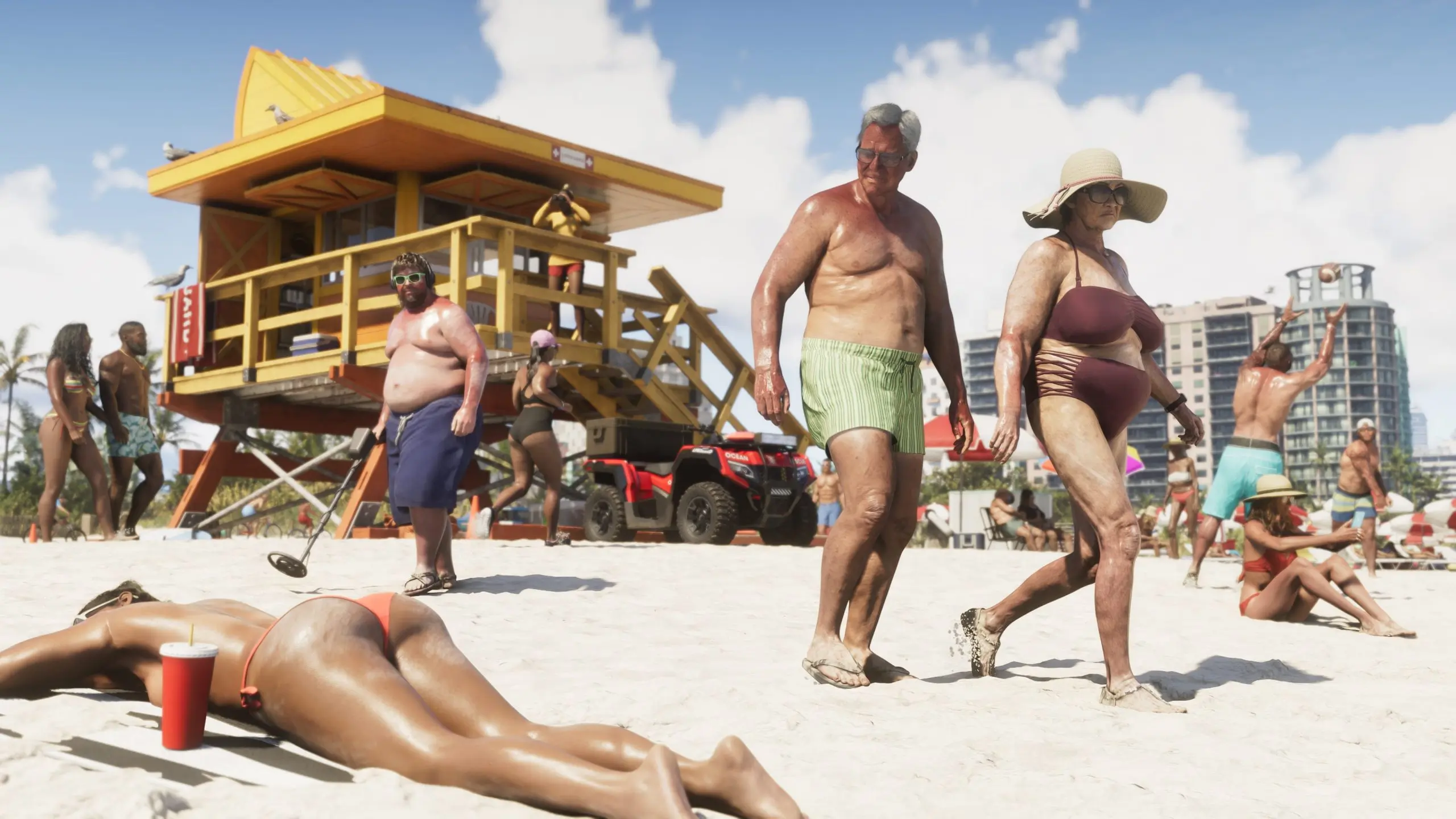 The daily drip of unauthorized GTA 6 footage has officially run a full week, and today's haul may be the one fans were waiting for most. Leaker Cyberleek's 13th clip takes players away from nightclubs and gas stations and drops them onto a stretch of Vice City beach — the exact kind of scene Rockstar has been teasing with dense, wall-to-wall crowds since the first trailer dropped back in 2023. The clip shows protagonist Jason cycling along the sand at sunset, weaving between clusters of NPCs going about a lazy beach day. Some are scrolling on their phones, others are swimming, and plenty are simply lounging under rows of umbrellas and cabanas that stretch toward the horizon. An NPC pilots a speedboat offshore while several more idle nearby, parked vehicles dot the sand, and lifeguard cabins are visible further down the beach. At one point a bird — apparently a seagull with poor judgment — flies directly into Jason's bike wheel. The clip ends with Jason dismounting and walking toward the water. It's worth noting how this location got picked. Cyberleek had polled followers on what to leak next, offering a choice between a nudist town, a strip club, and a beach. The nudist town technically won that vote and was leaked separately, but the beach was widely seen as the real test — the scene fans have pointed to for years as the benchmark for whether Rockstar's promised NPC density would actually survive into a shipped, optimized game. Prior trailers showed packed beaches, but pre-rendered marketing footage and live gameplay are two very different things. By most accounts, it holds up. NPCs can be heard chatting in small groups as Jason rides past, and the crowd doesn't thin out into the usual open-world haze at a distance — the mass of people is still visible stretching down the shoreline. Water reflections reportedly render the NPCs standing in the surf accurately as well, a small but telling detail for a scene built almost entirely around ambient crowd behavior rather than a scripted mission. Today's drop also included a companion clip from Vice City's "Nine1Nine" nightclub, showing Jason walking the entrance queue before heading inside past a packed dance floor — some of which reportedly echoes scenes already seen in the earlier strip club leak. Together, the two clips mark one full week since the leaks began on August 18, a run that has now taken fans through gas stations, strip clubs, a nudist colony, a nightclub, and now the beach. The leaks show no sign of slowing down. Cyberleek is already running a new poll asking followers whether they want Lucia's prologue leaked next — a request that, if granted, would cross a very different line than ambient beach crowds. Rockstar and Take-Two have reportedly responded to the ongoing leaks with subpoenas aimed at identifying the source, though so far that effort hasn't stopped the daily uploads.
 -
The daily drip of unauthorized GTA 6 footage has officially run a full week, and today's haul may be the one fans were waiting for most. Leaker Cyberleek's 13th clip takes players away from nightclubs and gas stations and drops them onto a stretch of Vice City beach — the exact kind of scene Rockstar has been teasing with dense, wall-to-wall crowds since the first trailer dropped back in 2023. The clip shows protagonist Jason cycling along the sand at sunset, weaving between clusters of NPCs going about a lazy beach day. Some are scrolling on their phones, others are swimming, and plenty are simply lounging under rows of umbrellas and cabanas that stretch toward the horizon. An NPC pilots a speedboat offshore while several more idle nearby, parked vehicles dot the sand, and lifeguard cabins are visible further down the beach. At one point a bird — apparently a seagull with poor judgment — flies directly into Jason's bike wheel. The clip ends with Jason dismounting and walking toward the water. It's worth noting how this location got picked. Cyberleek had polled followers on what to leak next, offering a choice between a nudist town, a strip club, and a beach. The nudist town technically won that vote and was leaked separately, but the beach was widely seen as the real test — the scene fans have pointed to for years as the benchmark for whether Rockstar's promised NPC density would actually survive into a shipped, optimized game. Prior trailers showed packed beaches, but pre-rendered marketing footage and live gameplay are two very different things. By most accounts, it holds up. NPCs can be heard chatting in small groups as Jason rides past, and the crowd doesn't thin out into the usual open-world haze at a distance — the mass of people is still visible stretching down the shoreline. Water reflections reportedly render the NPCs standing in the surf accurately as well, a small but telling detail for a scene built almost entirely around ambient crowd behavior rather than a scripted mission. Today's drop also included a companion clip from Vice City's "Nine1Nine" nightclub, showing Jason walking the entrance queue before heading inside past a packed dance floor — some of which reportedly echoes scenes already seen in the earlier strip club leak. Together, the two clips mark one full week since the leaks began on August 18, a run that has now taken fans through gas stations, strip clubs, a nudist colony, a nightclub, and now the beach. The leaks show no sign of slowing down. Cyberleek is already running a new poll asking followers whether they want Lucia's prologue leaked next — a request that, if granted, would cross a very different line than ambient beach crowds. Rockstar and Take-Two have reportedly responded to the ongoing leaks with subpoenas aimed at identifying the source, though so far that effort hasn't stopped the daily uploads. View full article
-
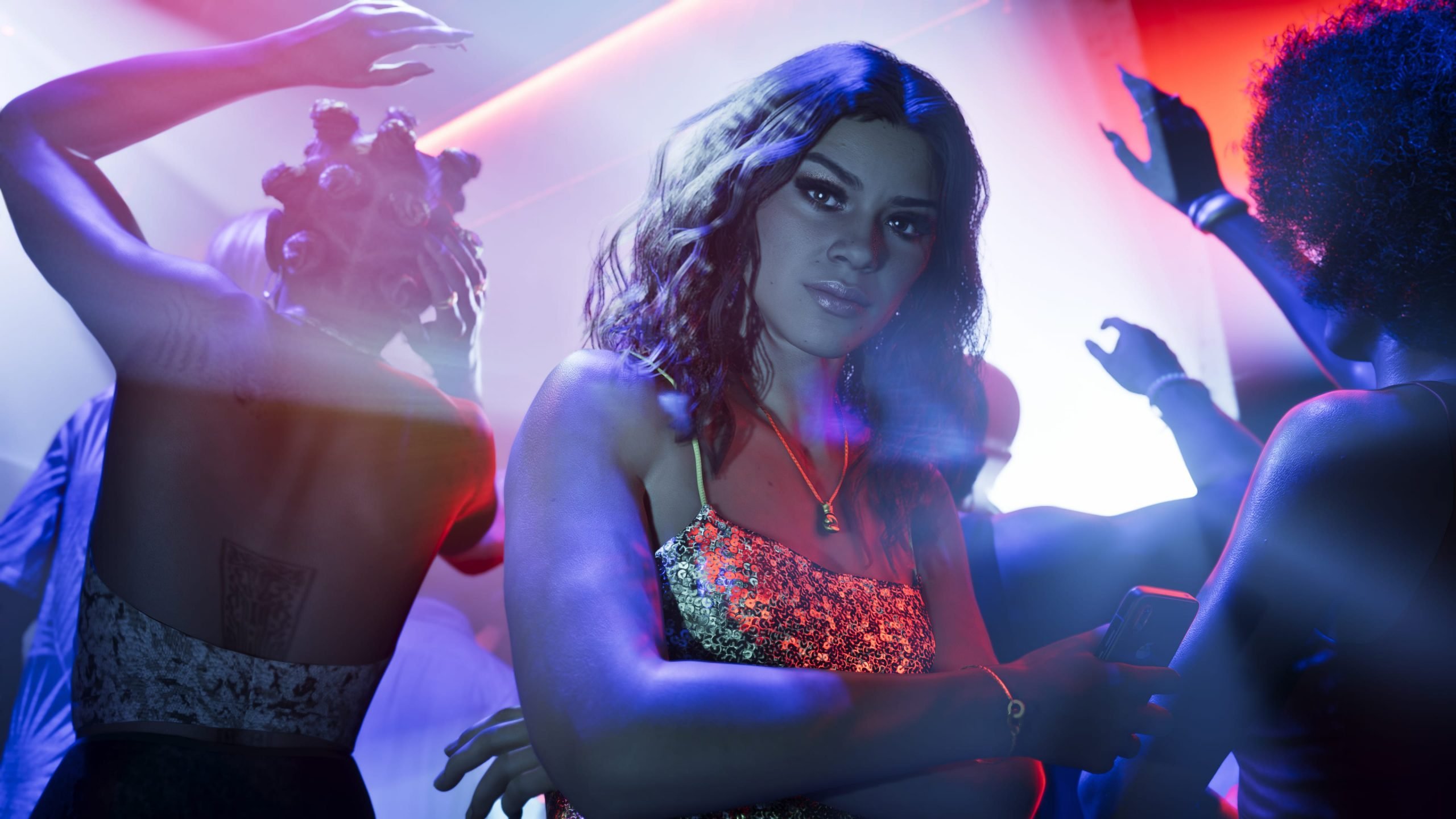 A new Grand Theft Auto VI gameplay leak has surfaced — the twelfth to come from the source known as "the cryptobro" — and it's the longest one to date, running three minutes and fifteen seconds. This time, the footage drops protagonist Jason into the middle of a Vice City nightclub. Unlike the previous leak, which came stamped with an offer to trade story spoilers involving Lucia, this clip's watermark carries a different message entirely. Rather than baiting fans with plot details, it urges viewers to "stop the hate" and redirect that energy into protest, framing the leaks as a costly and risky endeavor that donations help sustain. As for the footage itself: Jason is shown approaching the entrance of NINE1NINE, a Vice City nightclub, where a line of NPCs waits under purple lighting. Once inside, the venue's interior comes into view — chandeliers, glimmering walls, red-tinted lighting, and curtains, along with a statue and suggestive black-and-white artwork lining the walls. The Weeknd's "Wanderlust" plays as Jason makes his way toward the club's main floor. That main area houses a bar and a crowd of NPCs going about typical nightclub behavior — drinking, dancing, vaping, and scrolling on their phones. Jason is able to take a seat at the bar, and NPCs approach him just as he can approach them. On the dance floor, one NPC is shown reacting animatedly at a table before Jason himself joins the crowd to dance, with a DJ visible on a raised platform nearby. The clip wraps up with Jason heading to an elevated platform overlooking the dance floor, where Tove Lo and SG Lewis's "Heat" takes over the soundtrack. There, he's shown greeting two separate women through button-prompt interactions. As always, RockstarINTEL is not hosting or linking to the leaked footage itself — this write-up is a description only. More GTA VI coverage is on the way as additional leaks continue to surface.
 -
A new Grand Theft Auto VI gameplay leak has surfaced — the twelfth to come from the source known as "the cryptobro" — and it's the longest one to date, running three minutes and fifteen seconds. This time, the footage drops protagonist Jason into the middle of a Vice City nightclub. Unlike the previous leak, which came stamped with an offer to trade story spoilers involving Lucia, this clip's watermark carries a different message entirely. Rather than baiting fans with plot details, it urges viewers to "stop the hate" and redirect that energy into protest, framing the leaks as a costly and risky endeavor that donations help sustain. As for the footage itself: Jason is shown approaching the entrance of NINE1NINE, a Vice City nightclub, where a line of NPCs waits under purple lighting. Once inside, the venue's interior comes into view — chandeliers, glimmering walls, red-tinted lighting, and curtains, along with a statue and suggestive black-and-white artwork lining the walls. The Weeknd's "Wanderlust" plays as Jason makes his way toward the club's main floor. That main area houses a bar and a crowd of NPCs going about typical nightclub behavior — drinking, dancing, vaping, and scrolling on their phones. Jason is able to take a seat at the bar, and NPCs approach him just as he can approach them. On the dance floor, one NPC is shown reacting animatedly at a table before Jason himself joins the crowd to dance, with a DJ visible on a raised platform nearby. The clip wraps up with Jason heading to an elevated platform overlooking the dance floor, where Tove Lo and SG Lewis's "Heat" takes over the soundtrack. There, he's shown greeting two separate women through button-prompt interactions. As always, RockstarINTEL is not hosting or linking to the leaked footage itself — this write-up is a description only. More GTA VI coverage is on the way as additional leaks continue to surface. View full article
-
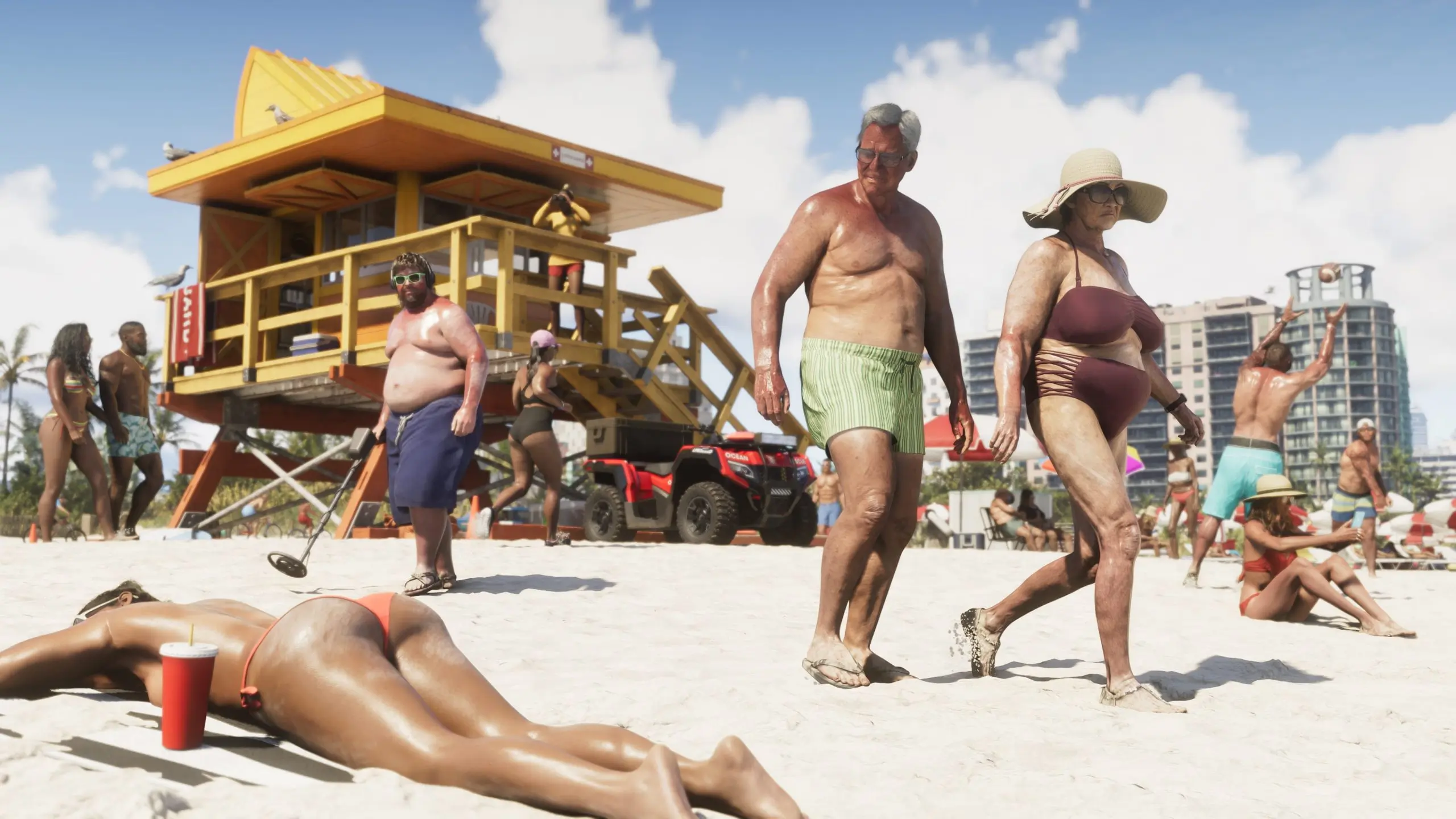 Grand Theft Auto 6's most prolific leaker just topped every previous release. The mysterious figure known as Cyberleek, who has been drip-feeding gameplay footage from the game for weeks, has now published a clip from a location fans are calling "Nudist Town" — and it's by far the most explicit material to surface from the game so far. What the Leak ShowsThe clip, which runs a little over two minutes, drops protagonist Jason Duval into a pool-and-bar complex populated almost entirely by nude and semi-nude NPCs. Dozens of characters can be seen lounging, dancing, and drinking around the pool, with saunas and full-body nudity rendered in a level of detail that multiple outlets have called unprecedented for the series. At one point Jason uses a pair of binoculars to look around the area, drawing reactions from the NPCs he watches. Later, a confrontation breaks out: a naked NPC picks a fight with Jason, who knocks her into the pool before opening fire on the crowd — a reminder that even Rockstar's most eyebrow-raising location isn't exempt from the series' trademark chaos. The footage marks the eleventh gameplay clip Cyberleek has leaked from GTA 6, following earlier releases showing a strip club, a gas station random encounter, plane travel over Leonida, and glimpses of the game's weapon wheel and combat systems. How the Location Was Chosen Notably, this leak wasn't random. Cyberleek ran a public poll asking followers to choose the next location to be leaked, with "Nudist Town" beating out a beach setting and a second strip club reveal. It's a format the leaker has leaned into throughout the campaign, turning what would normally be a straightforward act of piracy into an ongoing, audience-driven event — complete with a meme coin tied to the leaks that has reportedly ballooned to a multimillion-dollar market cap. The watermark on this latest clip has drawn particular attention. According to reports, Cyberleek used it to tease that Lucia gameplay could be next, but only under a strange set of conditions: a follower poll to approve a Lucia-led prologue reveal, plus a demand that ten fans show up dressed as leeks outside Take-Two or Rockstar's offices during business hours holding physical copies of a game. Why the Timing MattersThe leak's timing is what stings most for Rockstar. It landed just days before the debut of "Grand Theft Auto VI: An Extended Look," the new gameplay trailer set to premiere on Netflix this week. That presentation is reportedly set to run around 30 minutes and include cast reveals alongside a deeper look at mechanics and activities — exactly the kind of moment Rockstar has spent months building anticipation for. With Cyberleek having now leaked location after location on their own timeline, some of that surprise has already been chipped away before Rockstar gets to control the narrative itself. Take-Two has moved to pull down earlier leaked clips as they've surfaced, but so far that hasn't stopped new ones from replacing them almost as quickly. Whether legal pressure escalates further — or whether Cyberleek's next release actually delivers on the Lucia tease — remains to be seen.
 -
Grand Theft Auto 6's most prolific leaker just topped every previous release. The mysterious figure known as Cyberleek, who has been drip-feeding gameplay footage from the game for weeks, has now published a clip from a location fans are calling "Nudist Town" — and it's by far the most explicit material to surface from the game so far. What the Leak ShowsThe clip, which runs a little over two minutes, drops protagonist Jason Duval into a pool-and-bar complex populated almost entirely by nude and semi-nude NPCs. Dozens of characters can be seen lounging, dancing, and drinking around the pool, with saunas and full-body nudity rendered in a level of detail that multiple outlets have called unprecedented for the series. At one point Jason uses a pair of binoculars to look around the area, drawing reactions from the NPCs he watches. Later, a confrontation breaks out: a naked NPC picks a fight with Jason, who knocks her into the pool before opening fire on the crowd — a reminder that even Rockstar's most eyebrow-raising location isn't exempt from the series' trademark chaos. The footage marks the eleventh gameplay clip Cyberleek has leaked from GTA 6, following earlier releases showing a strip club, a gas station random encounter, plane travel over Leonida, and glimpses of the game's weapon wheel and combat systems. How the Location Was Chosen Notably, this leak wasn't random. Cyberleek ran a public poll asking followers to choose the next location to be leaked, with "Nudist Town" beating out a beach setting and a second strip club reveal. It's a format the leaker has leaned into throughout the campaign, turning what would normally be a straightforward act of piracy into an ongoing, audience-driven event — complete with a meme coin tied to the leaks that has reportedly ballooned to a multimillion-dollar market cap. The watermark on this latest clip has drawn particular attention. According to reports, Cyberleek used it to tease that Lucia gameplay could be next, but only under a strange set of conditions: a follower poll to approve a Lucia-led prologue reveal, plus a demand that ten fans show up dressed as leeks outside Take-Two or Rockstar's offices during business hours holding physical copies of a game. Why the Timing MattersThe leak's timing is what stings most for Rockstar. It landed just days before the debut of "Grand Theft Auto VI: An Extended Look," the new gameplay trailer set to premiere on Netflix this week. That presentation is reportedly set to run around 30 minutes and include cast reveals alongside a deeper look at mechanics and activities — exactly the kind of moment Rockstar has spent months building anticipation for. With Cyberleek having now leaked location after location on their own timeline, some of that surprise has already been chipped away before Rockstar gets to control the narrative itself. Take-Two has moved to pull down earlier leaked clips as they've surfaced, but so far that hasn't stopped new ones from replacing them almost as quickly. Whether legal pressure escalates further — or whether Cyberleek's next release actually delivers on the Lucia tease — remains to be seen. View full article
-
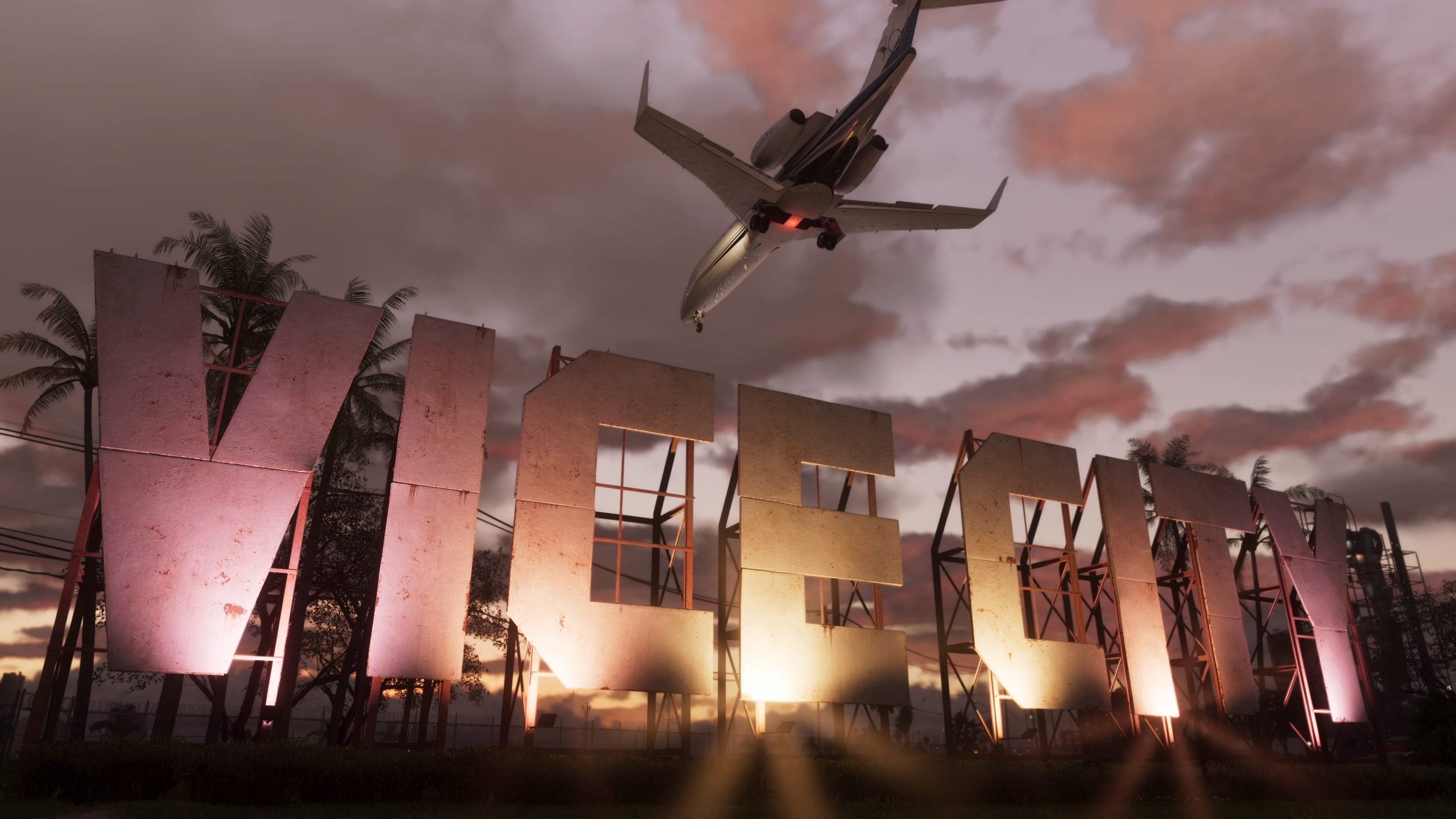 The leaks keep coming. Just hours after the ninth clip surfaced showing Jason getting "wasted" at a gas station, a tenth piece of leaked Grand Theft Auto VI gameplay has hit the internet — and this one takes us into the sky. Posted by the leaker known as Cyberleek, the new footage is titled "Plane (Night)" and runs roughly one minute and 49 seconds. It picks up with Jason piloting a stunt plane — the same type of aircraft seen doing crop-dusting runs in an earlier daytime leak — soaring over Vice City International Airport and out toward the coastline after dark. The scale is the storyWhat's grabbing fans' attention isn't just the airport itself, but everything visible around it. Flying above the city at night reveals just how sprawling Vice City's metropolitan area really is, with traffic still visibly dense even from high altitude. Leak trackers have called the skyline "extremely beautiful at night," with buildings fully lit up across the map. The flyover also seems to confirm a returning Red Dead Redemption 2-style feature: location-specific wildlife encounters. As Jason flies over a body of water, an on-screen prompt reportedly reads "Fishing spot for large Common Snook" — a detail that may finally explain the mysterious crocodile icon spotted on the leaked map in earlier clips. More music, more radio stationsTrue to form, this leak — like most of the nine before it — plays out with the radio running, and it's added a solid handful of new tracks to the growing, unofficial GTA 6 in-game playlist. Songs reportedly heard in this clip include: "Go Insane" – Lindsey Buckingham "The Fireman" – George Strait "Million Dollar Baby" – Tommy Richman "Skylarking" – Horace Andy "Devil Woman" – Cliff Richard "Girl" – Myke Towers "Smile" – Jamiroquai "Herz Aus Glas" – Marianne Rosenberg The clip also appears to catch a radio talk segment called "The Wipe," and briefly shows the full in-game radio menu, listing station names including CircoLoco Records, V-Rock, Symphony FM, Stockyard FM, Backcountry Radio, Radio ON.U, Emotion, Dirty South Classics, and Honey FM. Several of those — V-Rock and Emotion among them — are returning names from the original GTA: Vice City, a nod longtime fans will appreciate. Ten leaks and countingThis marks the tenth unofficial gameplay clip to leak in the space of just over a week, following footage that has already shown off the weapon wheel, NPC combat, a strip club encounter, a gas station random encounter, and Jason's first leaked death screen. Rockstar Games and Take-Two have not commented on the authenticity of any of the clips, though the two companies have continued issuing copyright takedowns against posts sharing the footage — something many fans point to as tacit confirmation that the material is real. Grand Theft Auto VI is currently set to release on November 19, 2026, on PlayStation 5 and Xbox Series X|S.
 -
The leaks keep coming. Just hours after the ninth clip surfaced showing Jason getting "wasted" at a gas station, a tenth piece of leaked Grand Theft Auto VI gameplay has hit the internet — and this one takes us into the sky. Posted by the leaker known as Cyberleek, the new footage is titled "Plane (Night)" and runs roughly one minute and 49 seconds. It picks up with Jason piloting a stunt plane — the same type of aircraft seen doing crop-dusting runs in an earlier daytime leak — soaring over Vice City International Airport and out toward the coastline after dark. The scale is the storyWhat's grabbing fans' attention isn't just the airport itself, but everything visible around it. Flying above the city at night reveals just how sprawling Vice City's metropolitan area really is, with traffic still visibly dense even from high altitude. Leak trackers have called the skyline "extremely beautiful at night," with buildings fully lit up across the map. The flyover also seems to confirm a returning Red Dead Redemption 2-style feature: location-specific wildlife encounters. As Jason flies over a body of water, an on-screen prompt reportedly reads "Fishing spot for large Common Snook" — a detail that may finally explain the mysterious crocodile icon spotted on the leaked map in earlier clips. More music, more radio stationsTrue to form, this leak — like most of the nine before it — plays out with the radio running, and it's added a solid handful of new tracks to the growing, unofficial GTA 6 in-game playlist. Songs reportedly heard in this clip include: "Go Insane" – Lindsey Buckingham "The Fireman" – George Strait "Million Dollar Baby" – Tommy Richman "Skylarking" – Horace Andy "Devil Woman" – Cliff Richard "Girl" – Myke Towers "Smile" – Jamiroquai "Herz Aus Glas" – Marianne Rosenberg The clip also appears to catch a radio talk segment called "The Wipe," and briefly shows the full in-game radio menu, listing station names including CircoLoco Records, V-Rock, Symphony FM, Stockyard FM, Backcountry Radio, Radio ON.U, Emotion, Dirty South Classics, and Honey FM. Several of those — V-Rock and Emotion among them — are returning names from the original GTA: Vice City, a nod longtime fans will appreciate. Ten leaks and countingThis marks the tenth unofficial gameplay clip to leak in the space of just over a week, following footage that has already shown off the weapon wheel, NPC combat, a strip club encounter, a gas station random encounter, and Jason's first leaked death screen. Rockstar Games and Take-Two have not commented on the authenticity of any of the clips, though the two companies have continued issuing copyright takedowns against posts sharing the footage — something many fans point to as tacit confirmation that the material is real. Grand Theft Auto VI is currently set to release on November 19, 2026, on PlayStation 5 and Xbox Series X|S. View full article
-
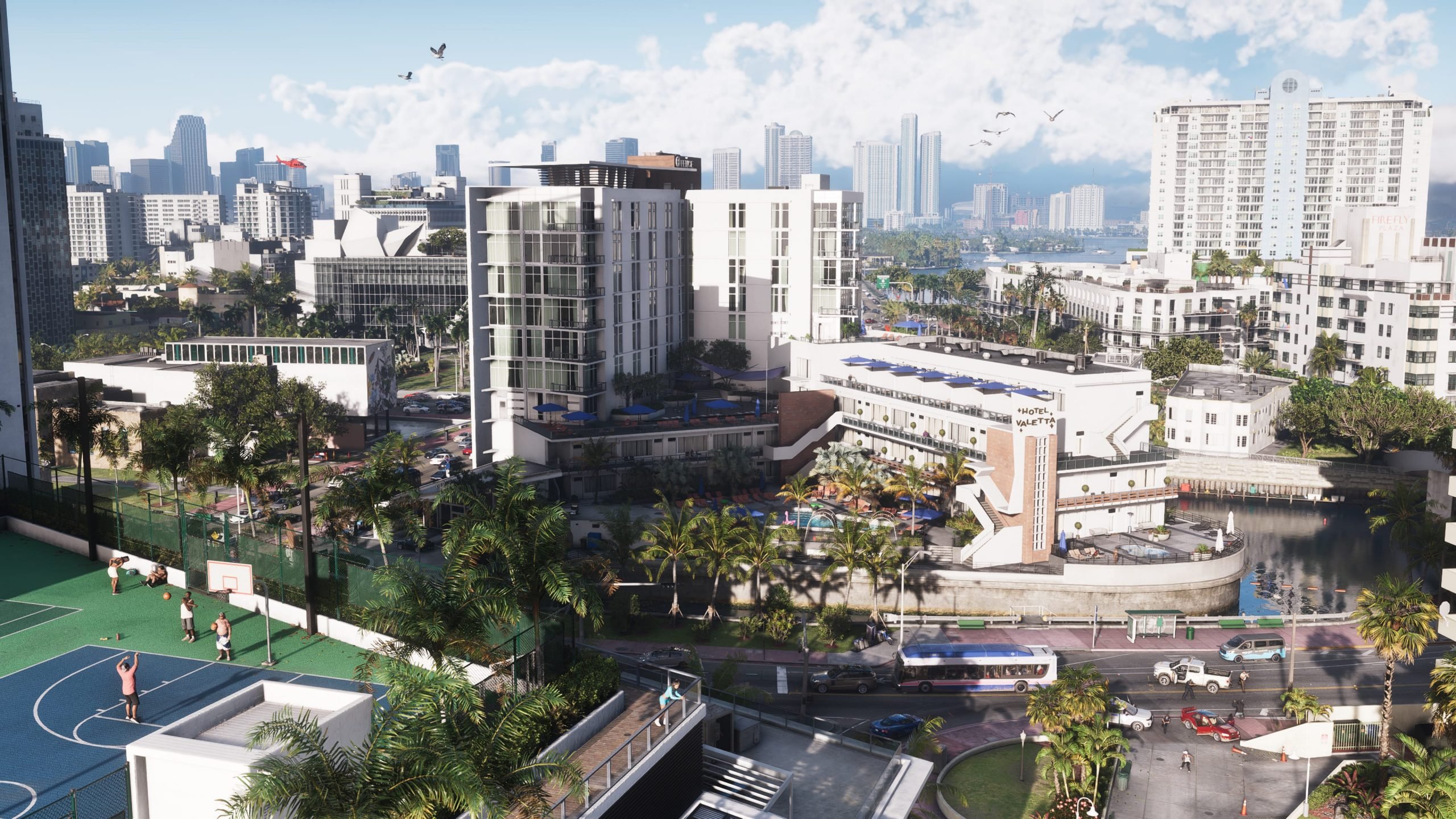 A ninth gameplay clip from Grand Theft Auto VI hit the internet earlier today, courtesy of the leaker known as Cyberleek. The stated motive this time is a protest against Sony and Rockstar dropping physical discs — though the timing lines up suspiciously well with a promotional push for the leaker's own meme coin. This clip picks up where the last one left off. When that previous video surfaced, Cyberleek promised the rest of the strip club footage once their coin's market cap hit $3 million — a threshold that's apparently now been cleared, thanks to a wave of donations from people eager to see more. The new footage runs 2 minutes and 12 seconds, covering a random encounter at a gas station, GTA 6's very first look at the "Wasted" death screen, and the remainder of the strip club cutscene teased in the prior leak. That cutscene is the more significant reveal here — it's the first of the nine leaked clips to confirm the leaker has footage involving Lucia. As always, we won't be hosting or linking to the leaked video or screenshots. If you go looking, you'll find it. Everything below is a written account of what happens in the clip. Continue Reading for Spoilers The video opens with Jason pulling into a 24/7 gas station in his personal car, a Vapid Ganado. While he's there, the camera catches a random encounter playing out nearby: a man fueling his pickup truck directly onto the ground, prompting the station's cashier to get on the tannoy and ask him to actually put the gas in the tank. The man doesn't take it well. He launches into a rant about regulations and mind control before Jason simply steals the truck out from under him and drives off — running the man over in the process. Moments later, Jason plows into another car, both vehicles go up in flames, and the screen cuts to GTA 6's Wasted screen for the first time in any leaked footage. Back to the Strip ClubFrom there, the video jumps back to the cutscene teased in yesterday's leak, continuing the strip club bathroom scene where Jason watches another man at the urinals. A prompt tells Jason to "Return to Lucia" — the first time she's been referenced by name across any of the nine clips, suggesting the leaker's build now includes content tied to her. We won't be sharing images or video of any of this, but if you want to track it down yourself, it's out there. Alternatively, GTA 6 is 87 days from release if you'd rather wait and go in unspoiled. The Music Leak Count Climbs to 18Another track surfaced in the background of this clip, bringing the running tally of songs confirmed or leaked from GTA 6's soundtrack to 18. Today's addition is "La Cartera" by Junior Gonzalez, Orquesta Harlow, and Larry Harlow. The full list of confirmed and leaked tracks is available in our ongoing roundup.
 -
A ninth gameplay clip from Grand Theft Auto VI hit the internet earlier today, courtesy of the leaker known as Cyberleek. The stated motive this time is a protest against Sony and Rockstar dropping physical discs — though the timing lines up suspiciously well with a promotional push for the leaker's own meme coin. This clip picks up where the last one left off. When that previous video surfaced, Cyberleek promised the rest of the strip club footage once their coin's market cap hit $3 million — a threshold that's apparently now been cleared, thanks to a wave of donations from people eager to see more. The new footage runs 2 minutes and 12 seconds, covering a random encounter at a gas station, GTA 6's very first look at the "Wasted" death screen, and the remainder of the strip club cutscene teased in the prior leak. That cutscene is the more significant reveal here — it's the first of the nine leaked clips to confirm the leaker has footage involving Lucia. As always, we won't be hosting or linking to the leaked video or screenshots. If you go looking, you'll find it. Everything below is a written account of what happens in the clip. Continue Reading for Spoilers The video opens with Jason pulling into a 24/7 gas station in his personal car, a Vapid Ganado. While he's there, the camera catches a random encounter playing out nearby: a man fueling his pickup truck directly onto the ground, prompting the station's cashier to get on the tannoy and ask him to actually put the gas in the tank. The man doesn't take it well. He launches into a rant about regulations and mind control before Jason simply steals the truck out from under him and drives off — running the man over in the process. Moments later, Jason plows into another car, both vehicles go up in flames, and the screen cuts to GTA 6's Wasted screen for the first time in any leaked footage. Back to the Strip ClubFrom there, the video jumps back to the cutscene teased in yesterday's leak, continuing the strip club bathroom scene where Jason watches another man at the urinals. A prompt tells Jason to "Return to Lucia" — the first time she's been referenced by name across any of the nine clips, suggesting the leaker's build now includes content tied to her. We won't be sharing images or video of any of this, but if you want to track it down yourself, it's out there. Alternatively, GTA 6 is 87 days from release if you'd rather wait and go in unspoiled. The Music Leak Count Climbs to 18Another track surfaced in the background of this clip, bringing the running tally of songs confirmed or leaked from GTA 6's soundtrack to 18. Today's addition is "La Cartera" by Junior Gonzalez, Orquesta Harlow, and Larry Harlow. The full list of confirmed and leaked tracks is available in our ongoing roundup. View full article
-
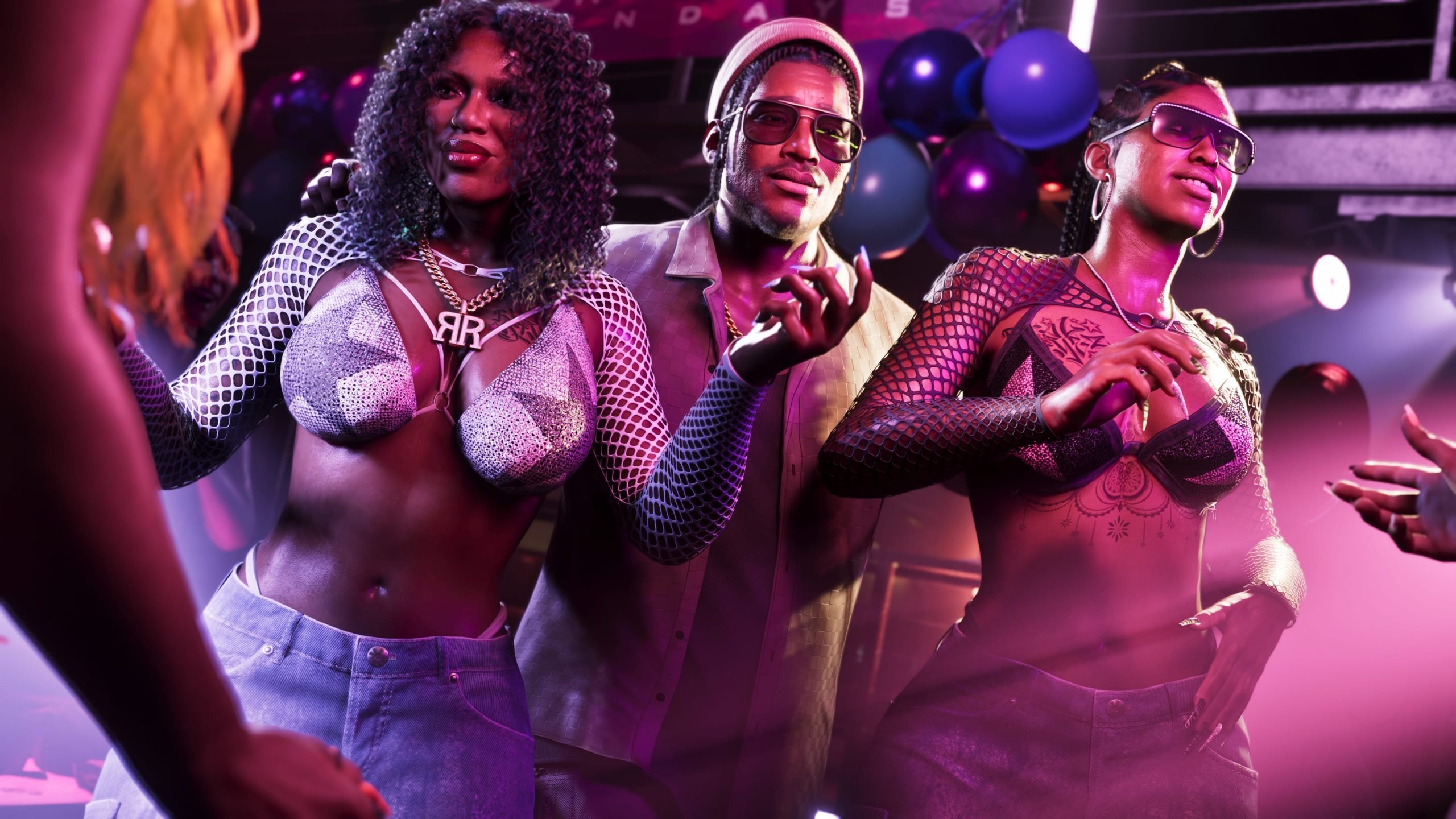 The wave of unauthorized Grand Theft Auto VI footage shows no sign of slowing, with an eighth clip now circulating online just days ahead of Rockstar's official Netflix reveal. The video, sourced from the same leaker behind the ongoing "Cyberleek" spree, gives the first real look at one of the game's most anticipated locations: a strip club in Vice City. The leaker had previously teased the footage as a reward tied to the market cap of an associated memecoin, and once that threshold was reportedly hit, the clip made its way online. Running past the two-minute mark, the video is mostly confined to the club's interior, giving fans an extended look at protagonist Jason Duggan moving through the space. The clip doesn't stop there. In its closing moments, the footage cuts to a previously unseen cutscene. Jason is shown stepping outside a beachside bar, telling another character he needs to use the restroom. The scene then shifts into the men's room, where an unnamed NPC strikes up an odd, meandering conversation with him at the urinals — capped off by a blunt, distinctly Rockstar-style exchange. It marks the second standalone cutscene to surface during the leaker's ongoing run, reinforcing speculation that whoever is behind the leaks has access to footage spanning multiple points in the game rather than a single continuous playthrough. This is now the third leak clip in a matter of days following gameplay showing Jason driving and a separate clip depicting a gas station robbery. Take-Two has continued pushing back against the leaks through legal channels, filing a subpoena against Microsoft and Discord last week in an effort to help track down the source. Microsoft has reportedly cooperated with the investigation so far. The strip club leak also lines up with a broader pattern fans have noticed throughout the Cyberleek clips: adult-oriented content, drawn largely from crypto-fueled "unlocks," continues to be positioned as the leaker's biggest draw for engagement. It's a strategy that's kept the clips spreading rapidly across social platforms and gaming forums even as Rockstar and Take-Two work to get them taken down. With Rockstar's official "Grand Theft Auto VI: An Extended Look" set to premiere on Netflix on August 27, the timing of this leak — and the seven that came before it — raises the question of just how much the leaker plans to reveal before Rockstar gets the chance to unveil it on its own terms.
 -
The wave of unauthorized Grand Theft Auto VI footage shows no sign of slowing, with an eighth clip now circulating online just days ahead of Rockstar's official Netflix reveal. The video, sourced from the same leaker behind the ongoing "Cyberleek" spree, gives the first real look at one of the game's most anticipated locations: a strip club in Vice City. The leaker had previously teased the footage as a reward tied to the market cap of an associated memecoin, and once that threshold was reportedly hit, the clip made its way online. Running past the two-minute mark, the video is mostly confined to the club's interior, giving fans an extended look at protagonist Jason Duggan moving through the space. The clip doesn't stop there. In its closing moments, the footage cuts to a previously unseen cutscene. Jason is shown stepping outside a beachside bar, telling another character he needs to use the restroom. The scene then shifts into the men's room, where an unnamed NPC strikes up an odd, meandering conversation with him at the urinals — capped off by a blunt, distinctly Rockstar-style exchange. It marks the second standalone cutscene to surface during the leaker's ongoing run, reinforcing speculation that whoever is behind the leaks has access to footage spanning multiple points in the game rather than a single continuous playthrough. This is now the third leak clip in a matter of days following gameplay showing Jason driving and a separate clip depicting a gas station robbery. Take-Two has continued pushing back against the leaks through legal channels, filing a subpoena against Microsoft and Discord last week in an effort to help track down the source. Microsoft has reportedly cooperated with the investigation so far. The strip club leak also lines up with a broader pattern fans have noticed throughout the Cyberleek clips: adult-oriented content, drawn largely from crypto-fueled "unlocks," continues to be positioned as the leaker's biggest draw for engagement. It's a strategy that's kept the clips spreading rapidly across social platforms and gaming forums even as Rockstar and Take-Two work to get them taken down. With Rockstar's official "Grand Theft Auto VI: An Extended Look" set to premiere on Netflix on August 27, the timing of this leak — and the seven that came before it — raises the question of just how much the leaker plans to reveal before Rockstar gets the chance to unveil it on its own terms. View full article
-
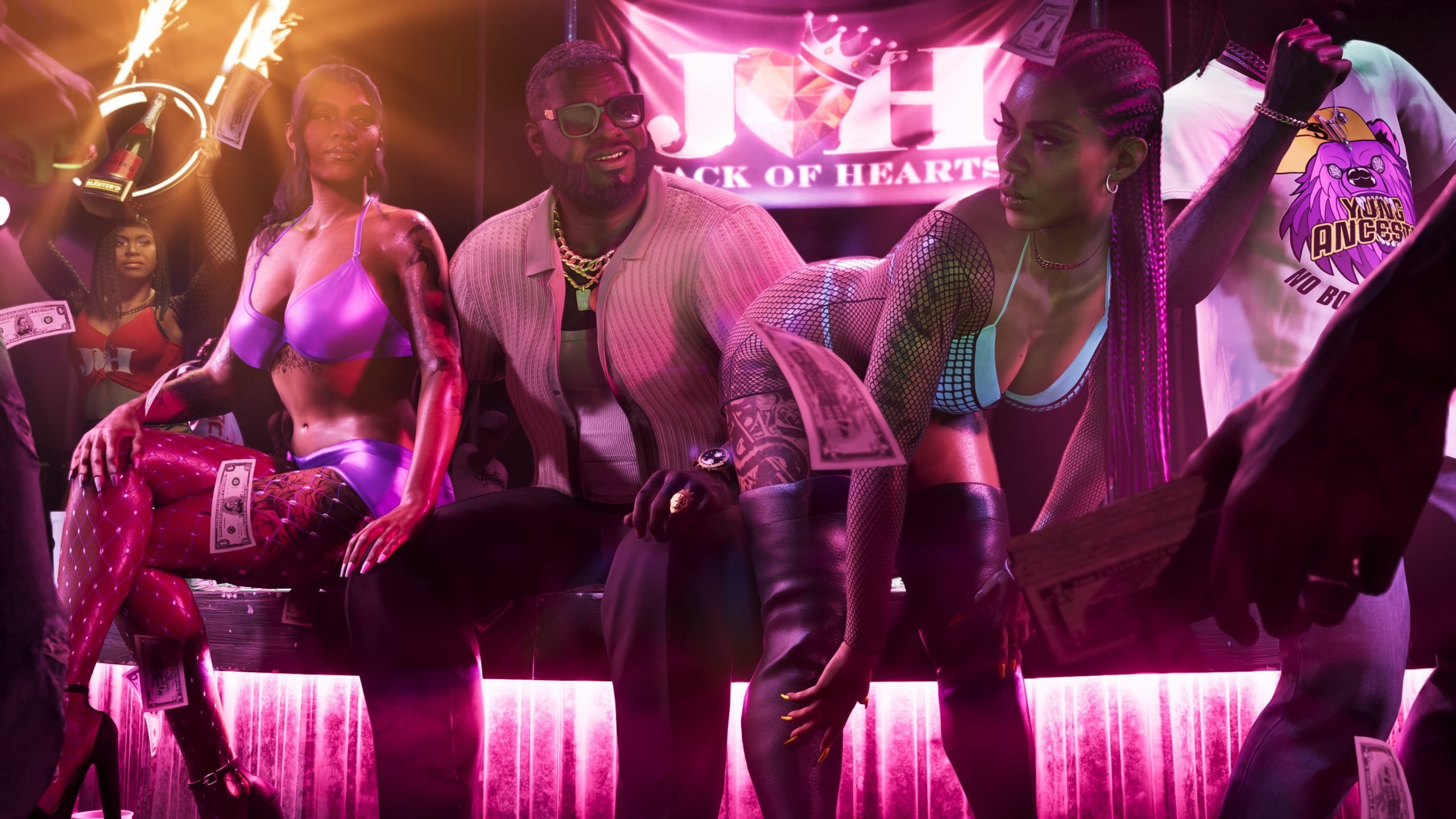 A seventh gameplay clip tied to the ongoing Grand Theft Auto VI leak spree has surfaced online, offering fans their first look inside one of the game's strip clubs alongside new details on vehicle refueling and repair mechanics. The footage arrives just five days ahead of Rockstar's official "Grand Theft Auto VI: An Extended Look" presentation on Netflix, scheduled for August 27. What the Clip ShowsThe roughly two-minute video, labeled "Hypercar Gameplay 2," picks up where the previous leak left off, with protagonist Jason Duval once again behind the wheel of the Truffade Thrax hypercar. Smoke pours from the rear tires and engine as Jason pulls into a gas station, where a new "Services" prompt appears near the pump. Players are given two choices: refuel for $32 or repair the vehicle for $2,429, with the car's health shown sitting at only 50% and its fuel gauge nearly empty. With no cash on hand, Jason heads inside and robs the station instead, roughing up the clerk before making off with the money. Police respond almost immediately, and Jason flees to a second gas station to rob it as well, this time making off with $1,321. While trying to escape down a highway, he clips a set of traffic cones, loses control, and slams into a truck in a dramatic slow-motion crash sequence, complete with a cinematic camera angle, flying bumper parts, and visible brake discs as the wheel comes apart. It's a level of destruction the series hasn't shown before. The clip closes with Jason approaching a strip club in Ambrosia. He steps through the double doors and only a few seconds pass, showing him deciding which way to walk, before the footage cuts off. The video carries a watermark reading "3MIL MARKETCAP = STRIPCLUB," suggesting the leaker — who goes by Cyberleek and has reportedly opened a section of their site for leak sponsorships — is tying a fuller strip club video to a memecoin hitting a $3 million market cap. The Bigger PictureThis marks the seventh clip Cyberleek has released despite Take-Two's efforts to shut down the leaker's access points, and it lands amid a broader scramble inside Rockstar as the studio heads into its Netflix showcase. Take-Two has reportedly obtained subpoenas for Microsoft and Discord in an attempt to identify who's behind the leaks, and outlets have cited FBI involvement in the investigation, though the company still doesn't appear to know the leaker's identity. Xbox CTO Scott Van Vliet said this week that the company is "working closely with Take-Two and Rockstar Games to support efforts to protect creative works and intellectual property." Despite the pressure, Rockstar has given no indication it plans to alter its Netflix event, and Netflix itself has continued teasing the reveal on social media. As with the previous six leaks, all footage so far has featured only Jason — none of the clips have shown co-protagonist Lucia Caminos in gameplay. That's fueled ongoing fan speculation that Lucia may not be unlocked until later in the story, though nothing from Cyberleek or Rockstar has confirmed that theory. Grand Theft Auto VI is currently set to release on November 19, 2026.
 -
A seventh gameplay clip tied to the ongoing Grand Theft Auto VI leak spree has surfaced online, offering fans their first look inside one of the game's strip clubs alongside new details on vehicle refueling and repair mechanics. The footage arrives just five days ahead of Rockstar's official "Grand Theft Auto VI: An Extended Look" presentation on Netflix, scheduled for August 27. What the Clip ShowsThe roughly two-minute video, labeled "Hypercar Gameplay 2," picks up where the previous leak left off, with protagonist Jason Duval once again behind the wheel of the Truffade Thrax hypercar. Smoke pours from the rear tires and engine as Jason pulls into a gas station, where a new "Services" prompt appears near the pump. Players are given two choices: refuel for $32 or repair the vehicle for $2,429, with the car's health shown sitting at only 50% and its fuel gauge nearly empty. With no cash on hand, Jason heads inside and robs the station instead, roughing up the clerk before making off with the money. Police respond almost immediately, and Jason flees to a second gas station to rob it as well, this time making off with $1,321. While trying to escape down a highway, he clips a set of traffic cones, loses control, and slams into a truck in a dramatic slow-motion crash sequence, complete with a cinematic camera angle, flying bumper parts, and visible brake discs as the wheel comes apart. It's a level of destruction the series hasn't shown before. The clip closes with Jason approaching a strip club in Ambrosia. He steps through the double doors and only a few seconds pass, showing him deciding which way to walk, before the footage cuts off. The video carries a watermark reading "3MIL MARKETCAP = STRIPCLUB," suggesting the leaker — who goes by Cyberleek and has reportedly opened a section of their site for leak sponsorships — is tying a fuller strip club video to a memecoin hitting a $3 million market cap. The Bigger PictureThis marks the seventh clip Cyberleek has released despite Take-Two's efforts to shut down the leaker's access points, and it lands amid a broader scramble inside Rockstar as the studio heads into its Netflix showcase. Take-Two has reportedly obtained subpoenas for Microsoft and Discord in an attempt to identify who's behind the leaks, and outlets have cited FBI involvement in the investigation, though the company still doesn't appear to know the leaker's identity. Xbox CTO Scott Van Vliet said this week that the company is "working closely with Take-Two and Rockstar Games to support efforts to protect creative works and intellectual property." Despite the pressure, Rockstar has given no indication it plans to alter its Netflix event, and Netflix itself has continued teasing the reveal on social media. As with the previous six leaks, all footage so far has featured only Jason — none of the clips have shown co-protagonist Lucia Caminos in gameplay. That's fueled ongoing fan speculation that Lucia may not be unlocked until later in the story, though nothing from Cyberleek or Rockstar has confirmed that theory. Grand Theft Auto VI is currently set to release on November 19, 2026. View full article
-
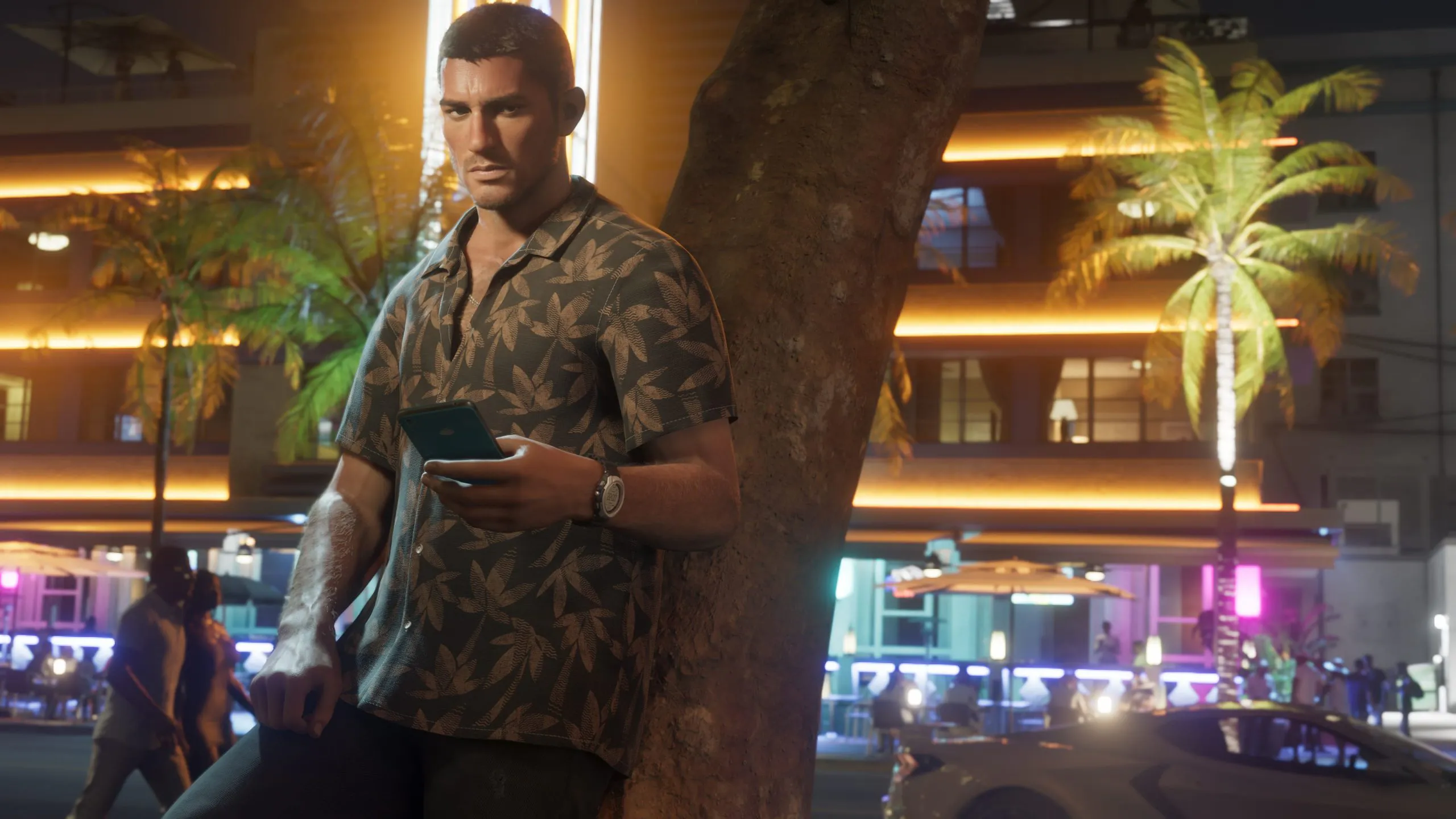 Rockstar Games and parent company Take-Two remain unable to pinpoint who is behind the ongoing wave of GTA 6 leaks, according to new reporting from Bloomberg's Jason Schreier. Sources close to the situation say the studio hasn't just failed to identify the leaker known as "cyberleek" — it also doesn't fully understand how the leaks are happening in the first place. A Company in Damage ControlThe report lands just as GTA fans grow increasingly sympathetic to Rockstar's staff, who've now watched a wave of unauthorized gameplay footage undercut their marketing plans for a second time. Sources describe the mood inside the studio as "all hands on deck," with leadership sending a company-wide email this week addressing the situation directly. According to Schreier's sources, executives told staff that the leaks would not overshadow the "excellent work" put into the game so far — and that development, while not finished, is "getting close." Emotions inside the building are reportedly running high. Sources describe both developers and leadership as angry, frustrated, and exhausted — a particularly bitter pill given that this leak arrived after Rockstar had already tightened its internal security measures following earlier incidents. No Timeline Changes — For NowDespite the pressure, Rockstar isn't blinking. There's been fan speculation that the studio might move up next week's extended gameplay reveal to get ahead of further leaks, but Schreier's sources say that's not the plan. The extended look is still set to premiere on August 27th as originally scheduled, and the wider marketing campaign isn't being altered either. It's full steam ahead, leaks or no leaks. That steady-course approach lines up with what we've reported previously: Take-Two has already taken the legal route, subpoenaing both Discord and Microsoft in an effort to unmask cyberleek's identity. So far, that effort hasn't produced a name — and per this latest report, Rockstar doesn't even have a clear picture of the leak's origin point within its own pipeline. What's NextWith the extended look just days away, and cyberleek having already put out multiple gameplay leaks in recent weeks, there's a real chance more footage surfaces before Rockstar gets to reveal anything on its own terms. We'll keep tracking this story as it develops.
 -
Rockstar Games and parent company Take-Two remain unable to pinpoint who is behind the ongoing wave of GTA 6 leaks, according to new reporting from Bloomberg's Jason Schreier. Sources close to the situation say the studio hasn't just failed to identify the leaker known as "cyberleek" — it also doesn't fully understand how the leaks are happening in the first place. A Company in Damage ControlThe report lands just as GTA fans grow increasingly sympathetic to Rockstar's staff, who've now watched a wave of unauthorized gameplay footage undercut their marketing plans for a second time. Sources describe the mood inside the studio as "all hands on deck," with leadership sending a company-wide email this week addressing the situation directly. According to Schreier's sources, executives told staff that the leaks would not overshadow the "excellent work" put into the game so far — and that development, while not finished, is "getting close." Emotions inside the building are reportedly running high. Sources describe both developers and leadership as angry, frustrated, and exhausted — a particularly bitter pill given that this leak arrived after Rockstar had already tightened its internal security measures following earlier incidents. No Timeline Changes — For NowDespite the pressure, Rockstar isn't blinking. There's been fan speculation that the studio might move up next week's extended gameplay reveal to get ahead of further leaks, but Schreier's sources say that's not the plan. The extended look is still set to premiere on August 27th as originally scheduled, and the wider marketing campaign isn't being altered either. It's full steam ahead, leaks or no leaks. That steady-course approach lines up with what we've reported previously: Take-Two has already taken the legal route, subpoenaing both Discord and Microsoft in an effort to unmask cyberleek's identity. So far, that effort hasn't produced a name — and per this latest report, Rockstar doesn't even have a clear picture of the leak's origin point within its own pipeline. What's NextWith the extended look just days away, and cyberleek having already put out multiple gameplay leaks in recent weeks, there's a real chance more footage surfaces before Rockstar gets to reveal anything on its own terms. We'll keep tracking this story as it develops. View full article
-
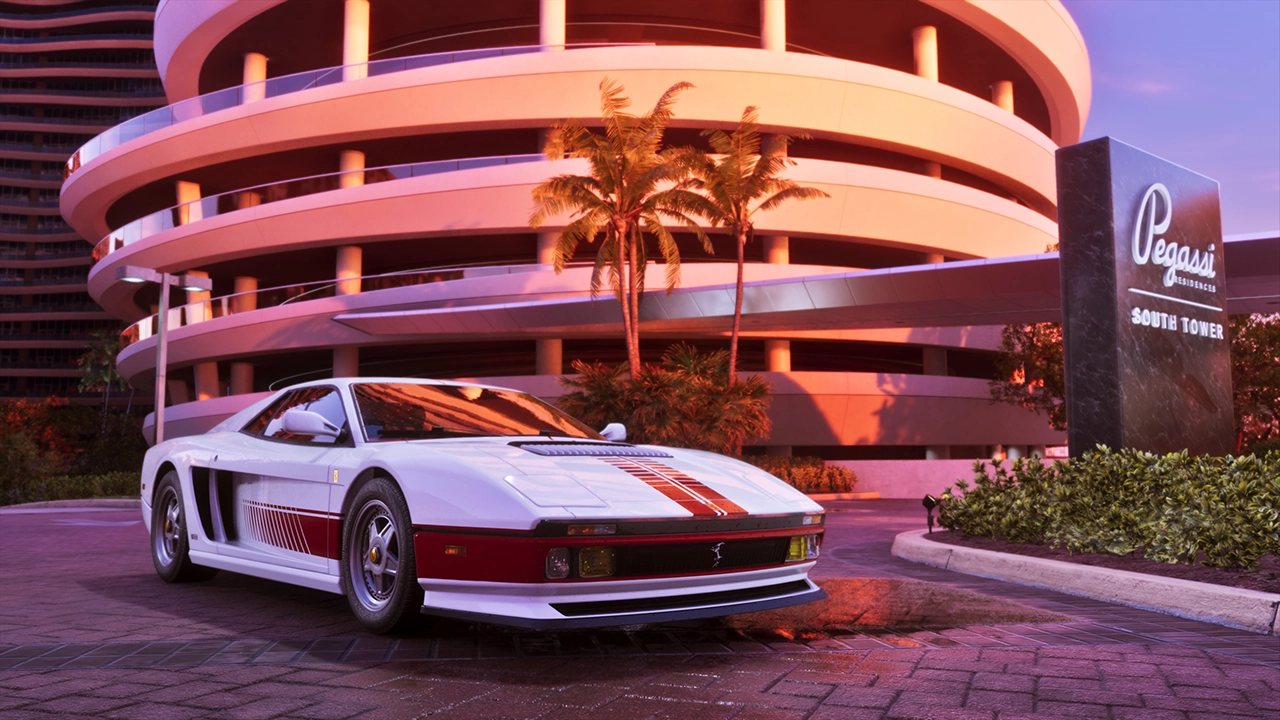 The wave of GTA 6 gameplay leaks that has been rolling out over the past several weeks has now moved from social media into federal court. With a sixth leaked clip — a lengthy look at supercar driving through Vice City — landing just today, Take-Two Interactive has escalated its search for the source, filing subpoenas demanding that Microsoft and Discord hand over identifying records tied to the leaker. Kotaku was first to report on the filings, submitted at the federal district court level in the Southern District of New York. The subpoenas target both companies because the individual or individuals behind the leaks are believed to have used Xbox and Discord accounts in the process of obtaining and distributing the material. In its filing, Take-Two's legal team describes the scope of what's been compromised in broad terms, stating that the copyrighted material at issue includes audiovisual content, artwork, images, dialogue, and other creative elements. The publisher has submitted a sworn declaration affirming that the subpoenas are meant solely to identify the alleged infringer(s) and that any information obtained will be used only to protect Take-Two's rights. What Take-Two is asking Microsoft for Microsoft has been given until September 4 — a two-week window — to turn over all internal business and investigative records tied to its own probe into a persona known as "cyberleek." Take-Two wants those records to be sufficient to identify the actual user or users, and any associated individuals or entities, behind that account. What Take-Two is asking Discord for Discord faces the same September 4 deadline. Take-Two has requested identifying information for every account that was a member of a specific list of Discord servers between June 1, 2026 and the present, along with associated device and telemetry data for any accounts where particular tool or file artifacts were detected. Specifically, for each account Discord identifies, Take-Two is asking for the account ID, registration email, registration and last-login IP addresses, phone number, any linked accounts such as Google or Xbox, associated device identifiers, and any GTA-, Rockstar-, or Cyberleek-related content pulled from that user's OneDrive. The servers and usernames named in the filing are: CYBERLEEK CINEMATICROCKSTAR Surfer24k™ cyberleek_west surwest Ødyssey.gg Odyssey (discord.gg/odyssey) DarkViperAU editors (discord.gg/darkviperau) DarkViper pushes back on being linked The inclusion of a server tied to YouTuber DarkViperAU's editing team prompted a swift denial from the content creator himself. Posting on X, DarkViper said he has no knowledge of the leaks and that the server named in the filing isn't actually his editors' Discord, adding that neither of his Discord servers contain any clips from the leaks. DarkViper offered a theory as to why he may have been pulled into the situation at all: he's speculated that the leaker joined one of his Discords after he repeatedly commented that the person behind "Cyberleek" can't drive. That taunt appears to have stuck — the leaker later scrawled "Cyberleek can't drive" onto the latest leaked clip. With more gameplay leaks apparently still to come and a legal paper trail now underway, this is shaping up to be a drawn-out fight. We'll continue tracking developments as they emerge.
 -
The wave of GTA 6 gameplay leaks that has been rolling out over the past several weeks has now moved from social media into federal court. With a sixth leaked clip — a lengthy look at supercar driving through Vice City — landing just today, Take-Two Interactive has escalated its search for the source, filing subpoenas demanding that Microsoft and Discord hand over identifying records tied to the leaker. Kotaku was first to report on the filings, submitted at the federal district court level in the Southern District of New York. The subpoenas target both companies because the individual or individuals behind the leaks are believed to have used Xbox and Discord accounts in the process of obtaining and distributing the material. In its filing, Take-Two's legal team describes the scope of what's been compromised in broad terms, stating that the copyrighted material at issue includes audiovisual content, artwork, images, dialogue, and other creative elements. The publisher has submitted a sworn declaration affirming that the subpoenas are meant solely to identify the alleged infringer(s) and that any information obtained will be used only to protect Take-Two's rights. What Take-Two is asking Microsoft for Microsoft has been given until September 4 — a two-week window — to turn over all internal business and investigative records tied to its own probe into a persona known as "cyberleek." Take-Two wants those records to be sufficient to identify the actual user or users, and any associated individuals or entities, behind that account. What Take-Two is asking Discord for Discord faces the same September 4 deadline. Take-Two has requested identifying information for every account that was a member of a specific list of Discord servers between June 1, 2026 and the present, along with associated device and telemetry data for any accounts where particular tool or file artifacts were detected. Specifically, for each account Discord identifies, Take-Two is asking for the account ID, registration email, registration and last-login IP addresses, phone number, any linked accounts such as Google or Xbox, associated device identifiers, and any GTA-, Rockstar-, or Cyberleek-related content pulled from that user's OneDrive. The servers and usernames named in the filing are: CYBERLEEK CINEMATICROCKSTAR Surfer24k™ cyberleek_west surwest Ødyssey.gg Odyssey (discord.gg/odyssey) DarkViperAU editors (discord.gg/darkviperau) DarkViper pushes back on being linked The inclusion of a server tied to YouTuber DarkViperAU's editing team prompted a swift denial from the content creator himself. Posting on X, DarkViper said he has no knowledge of the leaks and that the server named in the filing isn't actually his editors' Discord, adding that neither of his Discord servers contain any clips from the leaks. DarkViper offered a theory as to why he may have been pulled into the situation at all: he's speculated that the leaker joined one of his Discords after he repeatedly commented that the person behind "Cyberleek" can't drive. That taunt appears to have stuck — the leaker later scrawled "Cyberleek can't drive" onto the latest leaked clip. With more gameplay leaks apparently still to come and a legal paper trail now underway, this is shaping up to be a drawn-out fight. We'll continue tracking developments as they emerge. View full article
-
 The past week has been chaotic for anyone trying to avoid Grand Theft Auto VI spoilers. Following the wave of gameplay footage attributed to the leaker known as Cyberleek — which has already exposed the game's full map, its weapon wheel, taunt mechanics, and NPC combat — attention has now turned to something a little less dramatic but arguably just as exciting for longtime fans: the radio. Vehicles in the leaked clips have been caught playing unannounced songs, and a separate leak specifically showed off the in-game radio menu, revealing several station names for the first time. Here's a complete rundown of everything confirmed about GTA 6's soundtrack so far, combining what's surfaced in the recent leaks with what Rockstar had already officially confirmed through the game's first two trailers. Songs pulled from the leaked gameplayThe freshest additions to the tracklist come straight from vehicle radios caught on camera during the recent leaks: "For What It's Worth" – Stevie Nicks Symphony No. 5, III. Allegro Molto – Sibelius "Overpowered" – Róisín Murphy "Sports Car" – Tate McRae "Rhinestone Cowboy" – Glen Campbell "Impact" – SG Lewis, Robyn & Channel Tres "Get It Poppin'" – Fat Joe ft. Nelly It's a mix that says a lot about the tone Rockstar seems to be going for with Leonida's airwaves — classic rock and country staples sitting alongside recent pop and dance cuts, plus at least one classical piece, suggesting a station dedicated to orchestral music. What we already knew from the trailersBefore any of this leaked, Rockstar had already confirmed a handful of songs through GTA 6's first two trailers: "Love Is a Long Road" – Tom Petty "Talkin' to Myself Again" – Tammy Wynette "I Love Rock 'n' Roll" – Joan Jett "Hot Together" – The Pointer Sisters "Everybody Have Fun Tonight" – Wang Chung "Thunder Island" – Jay Ferguson "Child Support" – Zenglen The radio stations revealed so farThe bigger discovery might be the station names themselves. A separate leak showed off the actual radio menu in-game, and it confirmed that CircoLoco Records — the electronic music brand behind the Ibiza club night — has its own dedicated station in GTA 6. The stations spotted so far are: Circoloco Records Radio Dirty South Classics Honey FM Back Country Radio Emotion ON.U Stockyard FM Symphony FM V-Rock Between the names alone, it's already possible to sketch out a rough picture of Leonida's radio dial: Dirty South Classics and Stockyard FM point toward hip-hop and country leanings respectively, Symphony FM likely houses that Sibelius track, and V-Rock looks like a spiritual successor to the rock stations that have anchored past GTA soundtracks. Nothing here is official yet — this is all still leak territory, not a Rockstar announcement — but with the list growing by the day, it's becoming one of the clearer pictures we have of what GTA 6 will actually sound like at launch. Expect this list to keep expanding as more footage surfaces.
 -
The past week has been chaotic for anyone trying to avoid Grand Theft Auto VI spoilers. Following the wave of gameplay footage attributed to the leaker known as Cyberleek — which has already exposed the game's full map, its weapon wheel, taunt mechanics, and NPC combat — attention has now turned to something a little less dramatic but arguably just as exciting for longtime fans: the radio. Vehicles in the leaked clips have been caught playing unannounced songs, and a separate leak specifically showed off the in-game radio menu, revealing several station names for the first time. Here's a complete rundown of everything confirmed about GTA 6's soundtrack so far, combining what's surfaced in the recent leaks with what Rockstar had already officially confirmed through the game's first two trailers. Songs pulled from the leaked gameplayThe freshest additions to the tracklist come straight from vehicle radios caught on camera during the recent leaks: "For What It's Worth" – Stevie Nicks Symphony No. 5, III. Allegro Molto – Sibelius "Overpowered" – Róisín Murphy "Sports Car" – Tate McRae "Rhinestone Cowboy" – Glen Campbell "Impact" – SG Lewis, Robyn & Channel Tres "Get It Poppin'" – Fat Joe ft. Nelly It's a mix that says a lot about the tone Rockstar seems to be going for with Leonida's airwaves — classic rock and country staples sitting alongside recent pop and dance cuts, plus at least one classical piece, suggesting a station dedicated to orchestral music. What we already knew from the trailersBefore any of this leaked, Rockstar had already confirmed a handful of songs through GTA 6's first two trailers: "Love Is a Long Road" – Tom Petty "Talkin' to Myself Again" – Tammy Wynette "I Love Rock 'n' Roll" – Joan Jett "Hot Together" – The Pointer Sisters "Everybody Have Fun Tonight" – Wang Chung "Thunder Island" – Jay Ferguson "Child Support" – Zenglen The radio stations revealed so farThe bigger discovery might be the station names themselves. A separate leak showed off the actual radio menu in-game, and it confirmed that CircoLoco Records — the electronic music brand behind the Ibiza club night — has its own dedicated station in GTA 6. The stations spotted so far are: Circoloco Records Radio Dirty South Classics Honey FM Back Country Radio Emotion ON.U Stockyard FM Symphony FM V-Rock Between the names alone, it's already possible to sketch out a rough picture of Leonida's radio dial: Dirty South Classics and Stockyard FM point toward hip-hop and country leanings respectively, Symphony FM likely houses that Sibelius track, and V-Rock looks like a spiritual successor to the rock stations that have anchored past GTA soundtracks. Nothing here is official yet — this is all still leak territory, not a Rockstar announcement — but with the list growing by the day, it's becoming one of the clearer pictures we have of what GTA 6 will actually sound like at launch. Expect this list to keep expanding as more footage surfaces. View full article
-
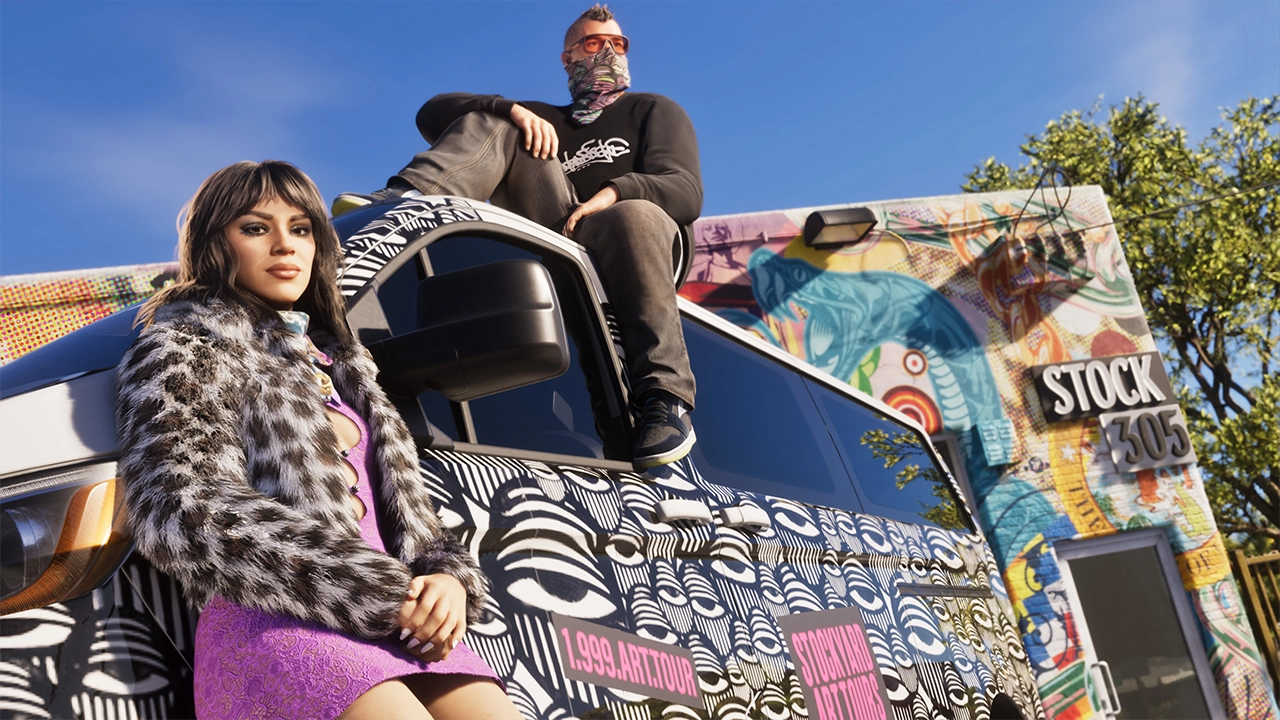 A group of former Rockstar Games developers currently locked in a legal battle with the studio has a message for players weighing whether to skip GTA 6 in protest: don't. In a video released through the Independent Workers' Union of Great Britain (IWGB), several of the more than 30 developers dismissed from Rockstar last October laid out exactly how they'd like fans to show support — and boycotting the biggest game of the year isn't on the list. "We're going to make this easy for you," the fired workers say in the video. "Don't boycott GTA 6. Win justice for the people who helped make it." "We Poured Years of Our Lives Into This"The dismissed developers say they spent years on GTA 6 before being let go, and they don't want that work — or the game itself — to become collateral damage in their fight with Rockstar. Jack Hoxby, an IWGB Game Workers branch member and one of the terminated employees, put it plainly: they poured years of their lives into helping build the game, and they don't want fans turning away from it. What they want instead is help fighting for justice. The group has been explicit that the request isn't a pass for Rockstar. "That doesn't mean we want you to let Rockstar off the hook," the developers said, pointing fans toward other ways to back their cause — including buying branded merchandise that helps fund the union's legal costs. The Backstory The dispute traces back to October 2025, when Rockstar abruptly dismissed more than 30 staff members who had been organizing and unionizing at the studio. The fired workers and the IWGB have called it one of the most blatant acts of union-busting in the games industry's history, alleging they were dismissed without warning, representation, or any real chance to respond to the accusations against them. Rockstar and parent company Take-Two have told a different story, maintaining that the terminations were the result of "gross misconduct" — specifically, leaking confidential company information in a public forum — and denying that union activity had anything to do with the firings. The fallout has included protests outside Rockstar's Edinburgh studio and Take-Two's London office, alongside a separate push by current Rockstar employees seeking formal union recognition and an end to crunch-heavy development cycles. Legally, the fired workers have already scored a win: a preliminary UK tribunal ruled they can bring their "blacklisting" allegations — accusing Rockstar of compiling and acting on information about workers' union involvement — to a full trial. That trial is set to begin September 10, just over two months before GTA 6 launches on November 19. Why Not Call for a Boycott?For a group suing its former employer over its treatment of workers, urging people to buy that employer's flagship product might seem counterintuitive. But the developers' logic is straightforward: the game itself is the product of their labor, and they don't want their fight with management to cost them credit for work they're proud of — or to be the reason fans miss out on a game some are already calling one of the most anticipated releases in entertainment history. It's also a practical calculation. Preorder numbers suggest a boycott movement, even a well-intentioned one, was never likely to make much of a dent — GTA 6 has already racked up enormous preorder demand ahead of launch. Rather than fight that tide, the fired developers are redirecting fan energy toward something that could actually move the needle: public pressure and financial support ahead of a trial that will decide whether Rockstar's version of events holds up in court. With the September 10 hearing now less than a month out — and GTA 6 arriving on PS5 and Xbox just over two months later — the case is shaping up to run in parallel with the biggest marketing push of Rockstar's history, keeping the labor dispute in the headlines right alongside the game itself.
 -
A group of former Rockstar Games developers currently locked in a legal battle with the studio has a message for players weighing whether to skip GTA 6 in protest: don't. In a video released through the Independent Workers' Union of Great Britain (IWGB), several of the more than 30 developers dismissed from Rockstar last October laid out exactly how they'd like fans to show support — and boycotting the biggest game of the year isn't on the list. "We're going to make this easy for you," the fired workers say in the video. "Don't boycott GTA 6. Win justice for the people who helped make it." "We Poured Years of Our Lives Into This"The dismissed developers say they spent years on GTA 6 before being let go, and they don't want that work — or the game itself — to become collateral damage in their fight with Rockstar. Jack Hoxby, an IWGB Game Workers branch member and one of the terminated employees, put it plainly: they poured years of their lives into helping build the game, and they don't want fans turning away from it. What they want instead is help fighting for justice. The group has been explicit that the request isn't a pass for Rockstar. "That doesn't mean we want you to let Rockstar off the hook," the developers said, pointing fans toward other ways to back their cause — including buying branded merchandise that helps fund the union's legal costs. The Backstory The dispute traces back to October 2025, when Rockstar abruptly dismissed more than 30 staff members who had been organizing and unionizing at the studio. The fired workers and the IWGB have called it one of the most blatant acts of union-busting in the games industry's history, alleging they were dismissed without warning, representation, or any real chance to respond to the accusations against them. Rockstar and parent company Take-Two have told a different story, maintaining that the terminations were the result of "gross misconduct" — specifically, leaking confidential company information in a public forum — and denying that union activity had anything to do with the firings. The fallout has included protests outside Rockstar's Edinburgh studio and Take-Two's London office, alongside a separate push by current Rockstar employees seeking formal union recognition and an end to crunch-heavy development cycles. Legally, the fired workers have already scored a win: a preliminary UK tribunal ruled they can bring their "blacklisting" allegations — accusing Rockstar of compiling and acting on information about workers' union involvement — to a full trial. That trial is set to begin September 10, just over two months before GTA 6 launches on November 19. Why Not Call for a Boycott?For a group suing its former employer over its treatment of workers, urging people to buy that employer's flagship product might seem counterintuitive. But the developers' logic is straightforward: the game itself is the product of their labor, and they don't want their fight with management to cost them credit for work they're proud of — or to be the reason fans miss out on a game some are already calling one of the most anticipated releases in entertainment history. It's also a practical calculation. Preorder numbers suggest a boycott movement, even a well-intentioned one, was never likely to make much of a dent — GTA 6 has already racked up enormous preorder demand ahead of launch. Rather than fight that tide, the fired developers are redirecting fan energy toward something that could actually move the needle: public pressure and financial support ahead of a trial that will decide whether Rockstar's version of events holds up in court. With the September 10 hearing now less than a month out — and GTA 6 arriving on PS5 and Xbox just over two months later — the case is shaping up to run in parallel with the biggest marketing push of Rockstar's history, keeping the labor dispute in the headlines right alongside the game itself. View full article