




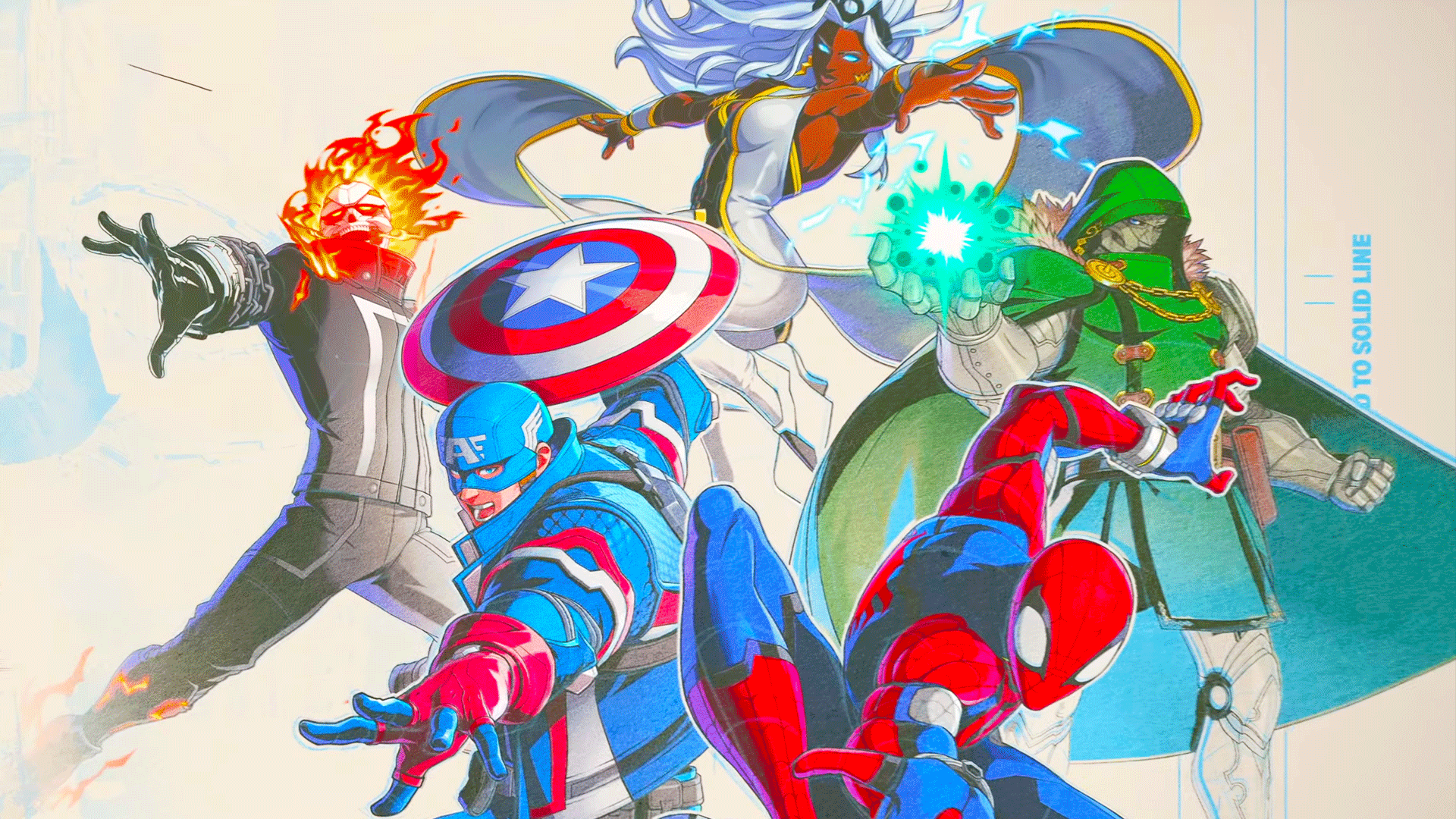

Marvel Tokon: Fighting Souls, Sony's superhero fighting game, comes out sometime in 2026, but fans will be able to give it a try very soon with the second closed beta test.
The closed beta will give you a chance to play the Arc System Works tag-team fighting game, but what are all the details? In this guide, we'll be going through everything you need to know, including start and end times, how to join, and plenty more.
What Time Does the Marvel Tokon: Fighting Souls Beta Start?
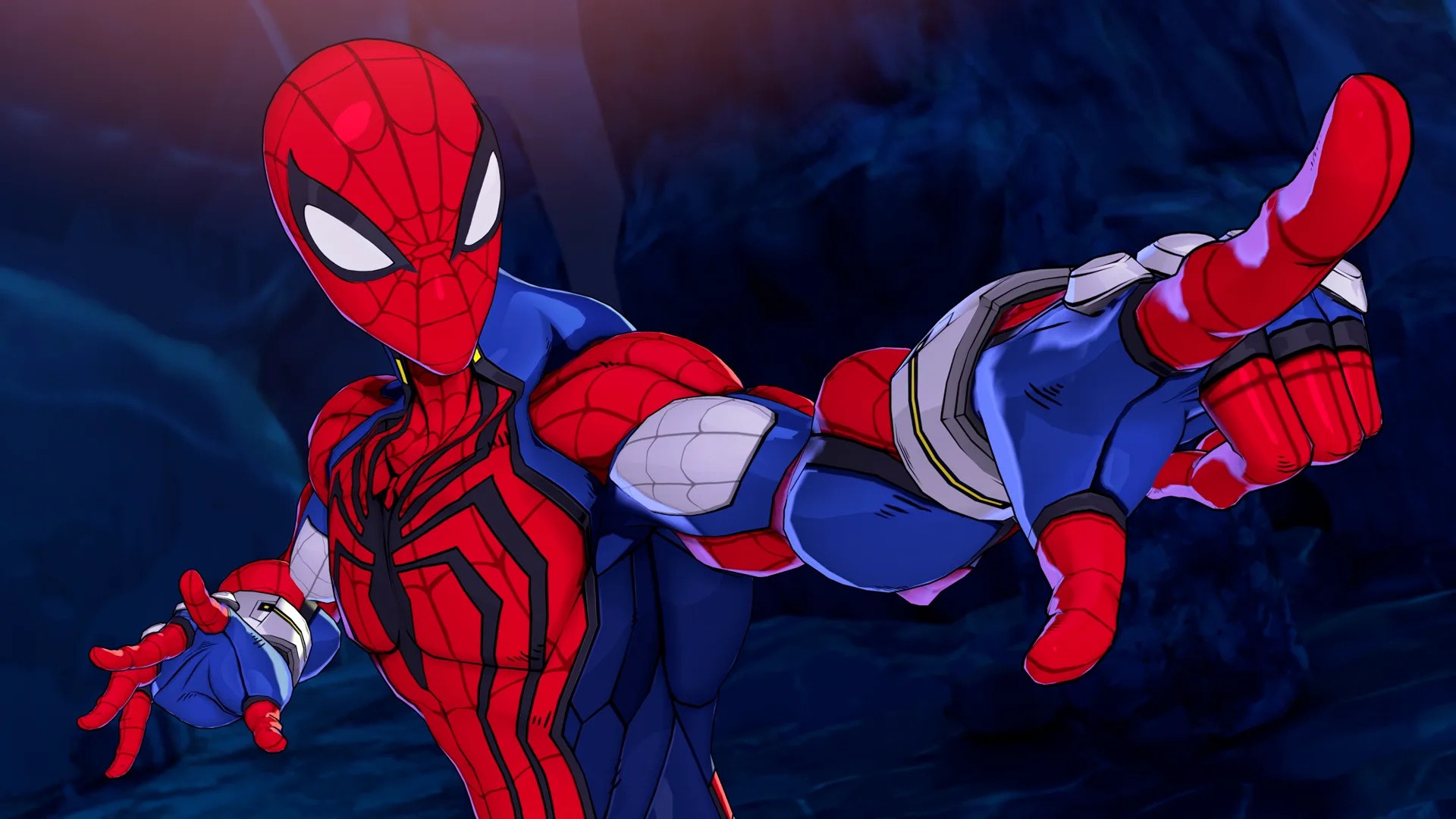
The Marvel Tokon: Fighting Souls closed beta test takes place over the course of three days, and users will be able to play continuously over that time.
Marvel Tokon: Fighting Souls' closed beta begins on Friday 5th December, and concludes on Sunday 7th December.
The closed beta period starts at the following times:
North America: 12am PST / 1am MST / 2am CST / 3am EST
UK/Ire: 8am GMT
Europe: 9am CET / 10am EET
Asia/Oceania: 5pm JST / 4pm AWST / 7pm AEDT
Your Local Time: 1am, Fri 5th Dec 2025 Mountain Standard Time
The closed beta period ends at the following times:
North America: 11:59pm (Sun) PST / 12:59am MST / 1:59am CST / 2:59am EST
UK/Ire: 7:59am GMT
Europe: 8:59am CET / 9:59am EET
Asia/Oceania: 4:59pm JST / 3:59pm AWST / 6:59pm AEDT
Your Local Time: 12:59am, Mon 8th Dec 2025 Mountain Standard Time
How Do You Join the Marvel Tokon: Fighting Souls Beta?
In order to get into the Marvel Tokon: Fighting Souls closed beta, you need to have signed up to the PlayStation Beta Program, accessible through the link.
Once you have registered, you may be invited to take part in beta tests, including Marvel Tokon: Fighting Souls.
Beta invites are being sent out in waves, but there's still a chance you may receive yours between now and the beta's start time, so keep checking your inbox for an invitation and further instructions.
On What Platforms Is the Marvel Tokon: Fighting Souls Beta Playable?
The Marvel Tokon: Fighting Souls closed beta is available to play exclusively on PS5.
What's Included in the Marvel Tokon: Fighting Souls Beta?
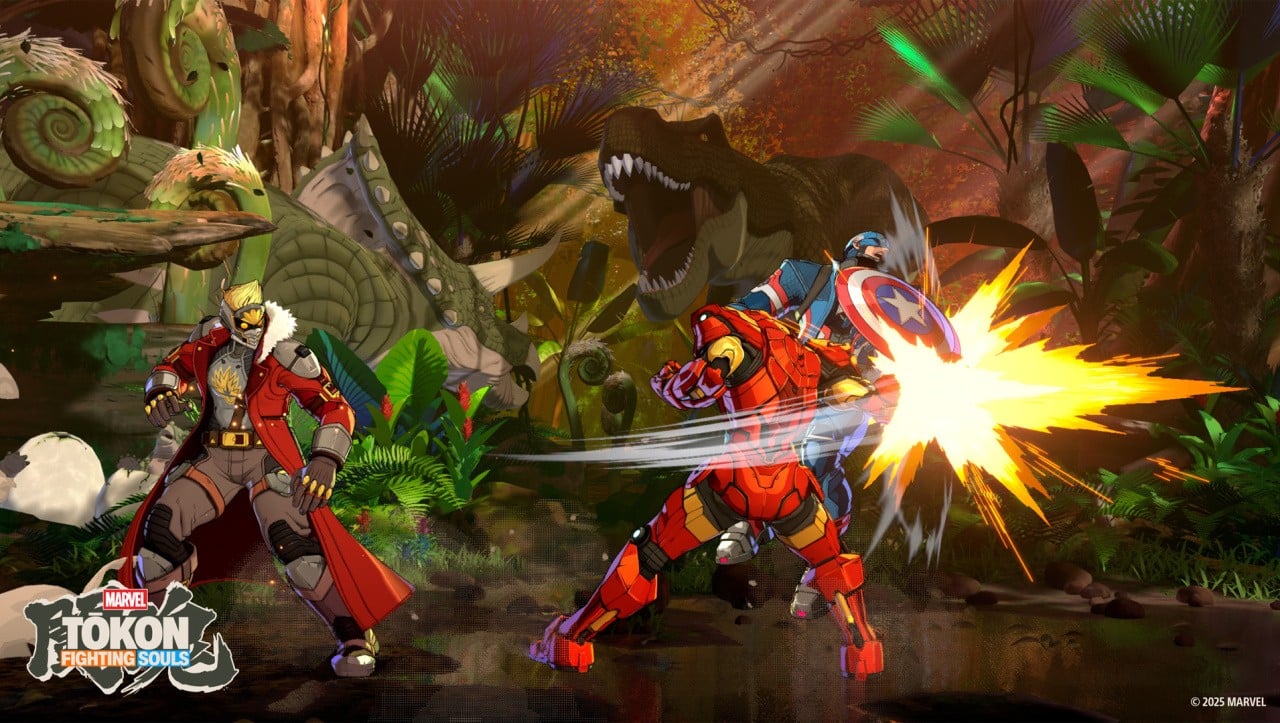
The Marvel Tokon: Fighting Souls closed beta features several playable characters to take into online and offline matches.
Characters
The following characters are available to play:
Captain America
Doctor Doom
Ghost Rider
Ms. Marvel
Iron Man
Spider-Man
Starlord
Storm
Stages
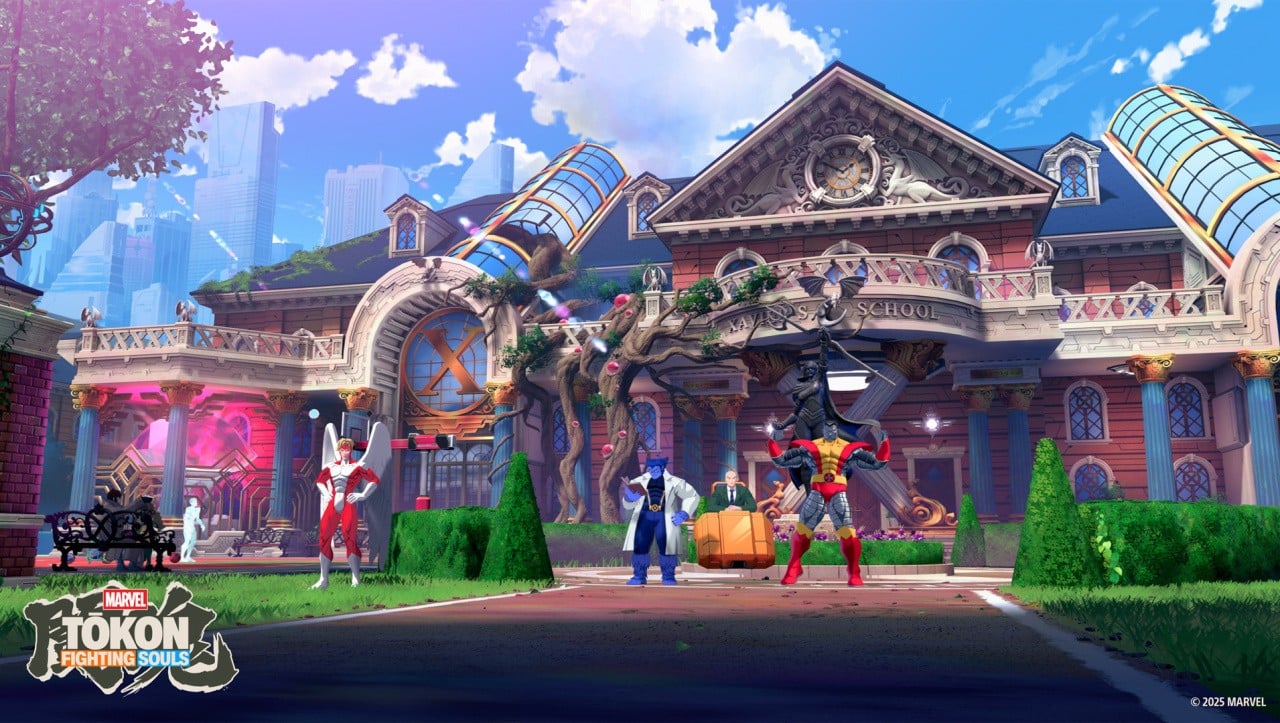
There are three stages available in the beta:
Marvel's New York
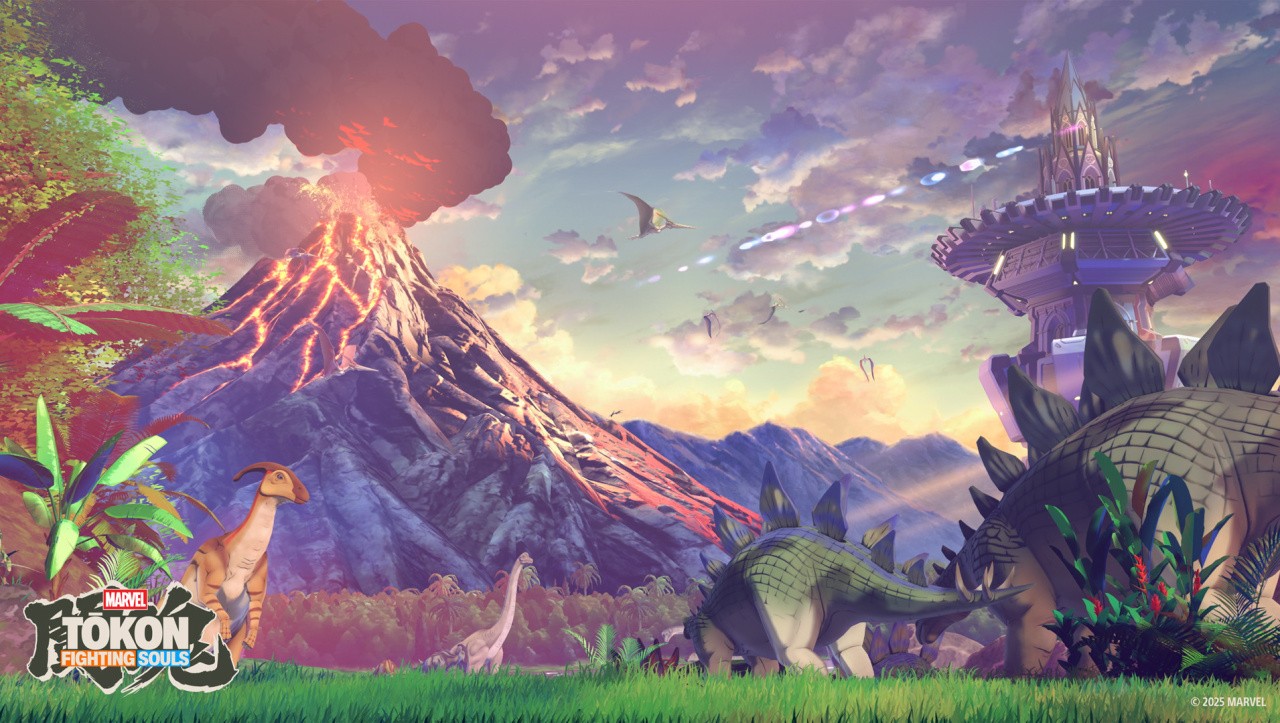
Savage Land
X-Mansion
Modes
Here's what you can get up to in the Marvel Tokon: Fighting Souls closed beta:
Online matches — available for the entire duration of the closed beta
Offline matches vs. CPU — available from 5th-6th December
Spectator mode
Training tutorials
Do You Need PS Plus to Play the Marvel Tokon: Fighting Souls Beta?
No, you do not need a PS Plus membership in order to play the Marvel Tokon: Fighting Souls closed beta test.
However, you will need an active PSN account and internet connection to play.
Recommended Comments