




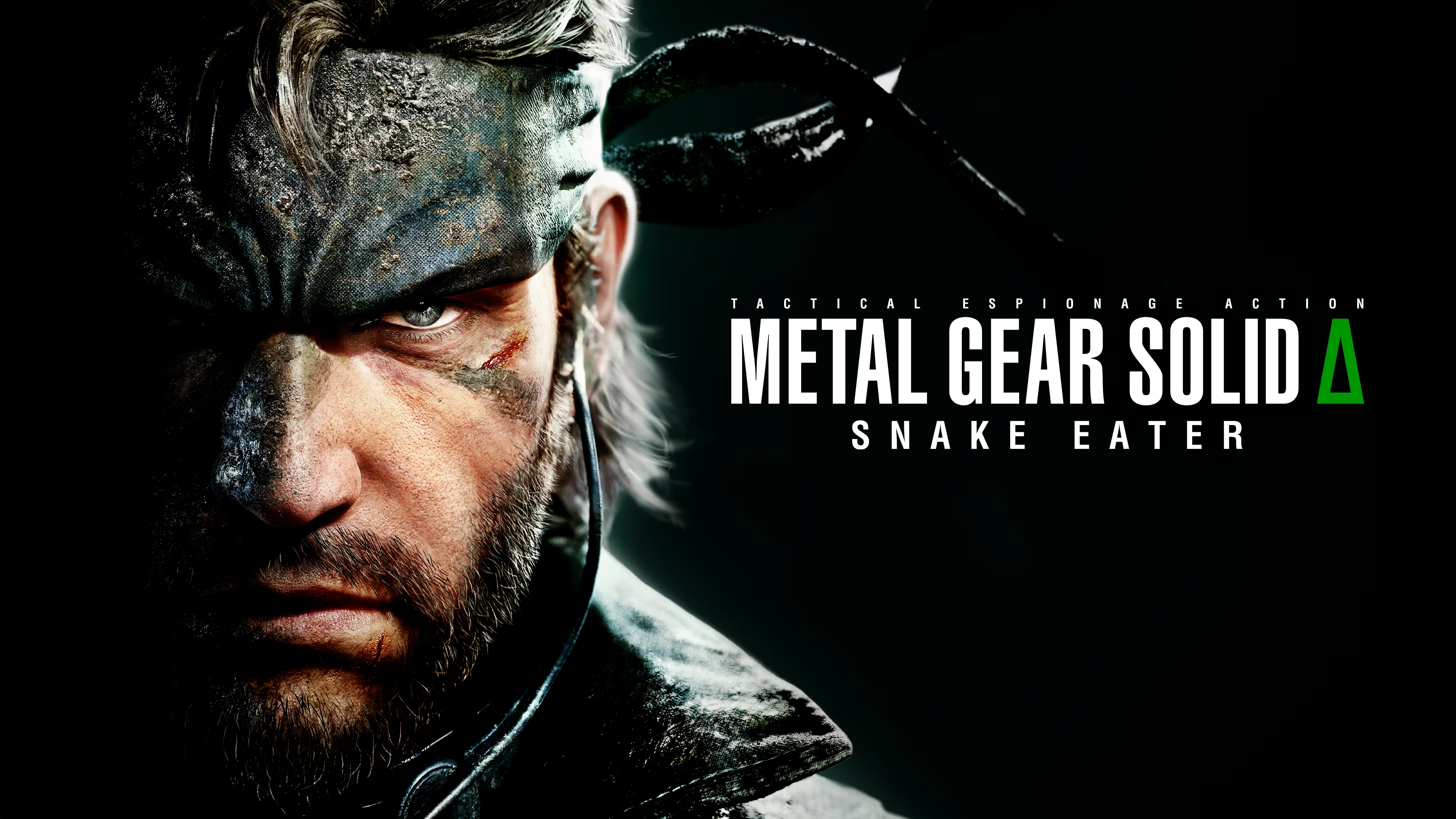

Eight months after its August 28, 2025 release on PS5, Xbox Series X|S, and PC, Metal Gear Solid Δ: Snake Eater stands tall as one of the best ways to experience Hideo Kojima’s 2004 masterpiece. Built in Unreal Engine 5, this isn’t a radical reimagining—it’s a loving, high-fidelity recreation that modernizes visuals, controls, and quality-of-life while keeping every iconic moment intact.
Graphics & Atmosphere: 9.5/10
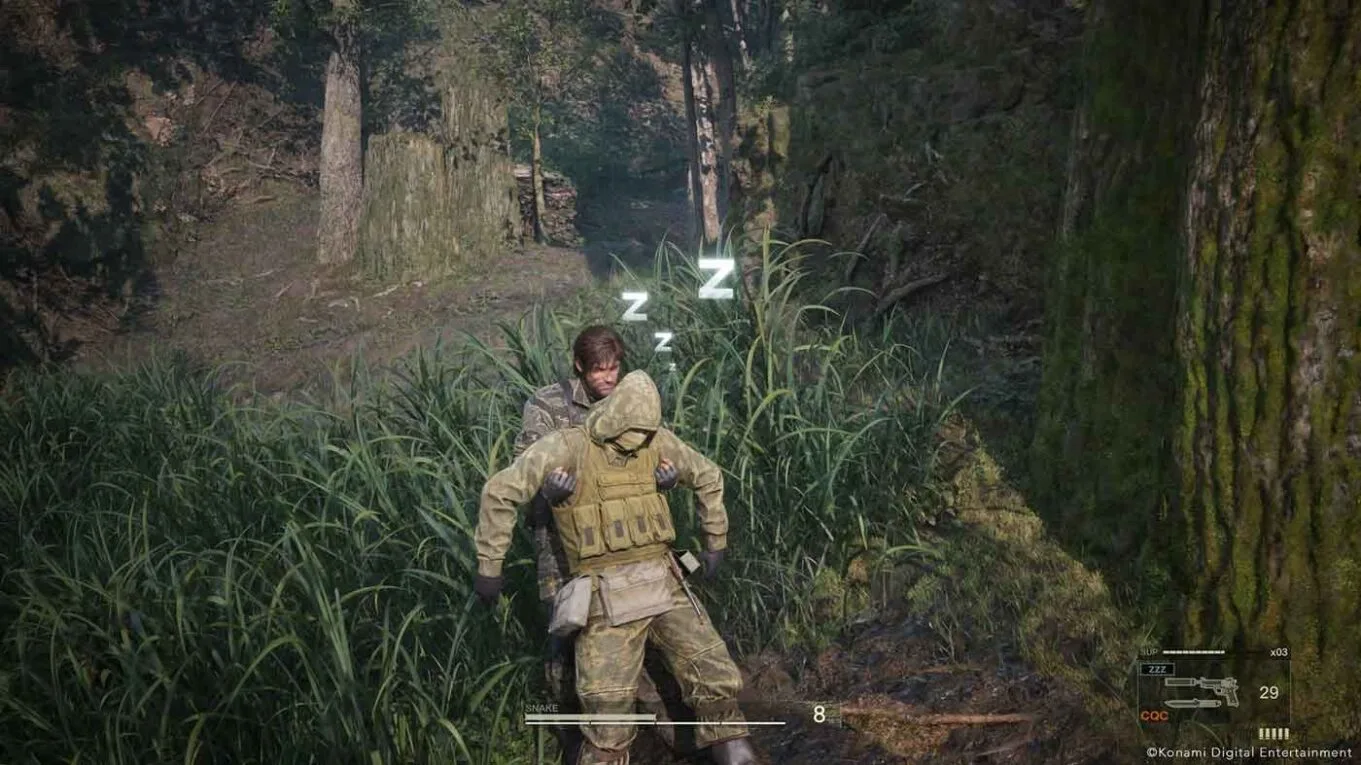
The Tselinoyarsk jungle has never felt more alive. Dense foliage sways realistically, volumetric lighting pierces the canopy with god rays, and dynamic weather (rain, fog, night cycles) actually impacts camouflage and gameplay. Character models are stunningly detailed—faces, scars, fabric physics—and cutscenes look like interactive movies. Post-launch photo mode is the cherry on top for capturing your stealth masterpieces.
METAL GEAR SOLID DELTA SNAKE EATER New Gameplay Demo 4K
Gameplay & Controls: 9/10
The timeless stealth-survival loop shines brighter than ever. Blend into the environment with the camouflage index, hunt and cook animals to survive, treat injuries in real-time, and take down guards with fluid Close Quarters Combat. You can toggle between classic top-down or modern over-the-shoulder camera, quick-select camo, and improved aiming. Boss fights (The End’s epic sniper duel, The Fury’s blazing inferno) still deliver tension and creativity. Minor cutscene hitching pops up occasionally, but 60 fps gameplay feels buttery smooth on current hardware.
Story & Characters: 10/10
Naked Snake’s tragic origin story during the Cold War remains gaming’s gold standard—betrayal, loyalty, philosophy, and heartbreak all wrapped in a spy-thriller masterpiece. The Boss, Ocelot, Volgin, and the Cobra Unit hit even harder with upgraded visuals and preserved (or enhanced) voice performances. That ladder climb, that final flower field… they still deliver the emotional gut-punch.
Metal Gear Solid Delta: Snake Eater - The Boss Final Boss Fight (PS5 Pro 4K 60FPS)
Audio: 9.5/10
Cynthia Harrell’s “Snake Eater” theme song sounds richer than ever. Jungle ambience (insects, rustling leaves, distant patrols) immerses you completely, and the radio codec banter is as charming and informative as 2004. New surround mixes make every gunshot and explosion pop.
Overall Score: 9/10 – Excellent
Pros:
Breathtaking Unreal Engine 5 visuals that respect the original’s art direction
Faithful story and gameplay with smart modern controls
Timeless stealth-survival mechanics that still feel fresh
Emotional masterpiece that new and veteran players will adore
Cons:
Occasional minor technical hiccups in cutscenes
Some old-school quirks (sparse enemies, deliberate pacing) remain unchanged
Veterans hoping for major new content may want a bit more
Whether you’re a first-timer discovering Big Boss’s tragic beginnings or a longtime fan revisiting an old friend with a fresh coat of paint, Metal Gear Solid Δ: Snake Eater is the definitive version of one of gaming’s greatest stories. In a year full of remakes, this one actually earns the hype.
Highly recommended. Grab your cardboard box, head into the jungle, and remember: this snake’s still got bite. What a thrill!
Recommended Comments