




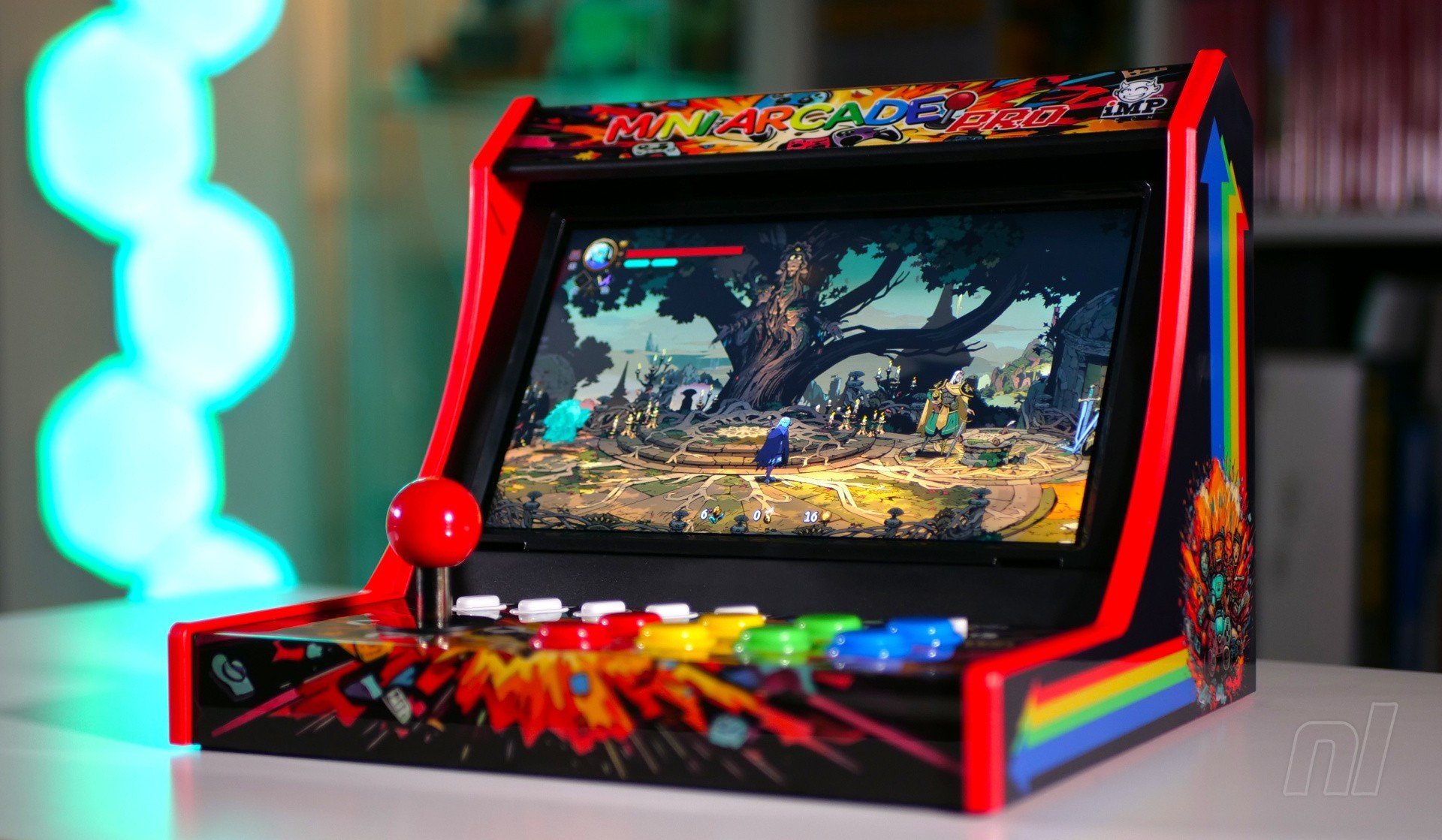

While we've all become accustomed to using fancy analogue controllers these days, there's still a large sector of the market which loves a good, old-fashioned eight-way digital arcade experience – and to that end, accessory company iMP has produced the Gaming Mini Arcade Pro for Switch and Switch 2.
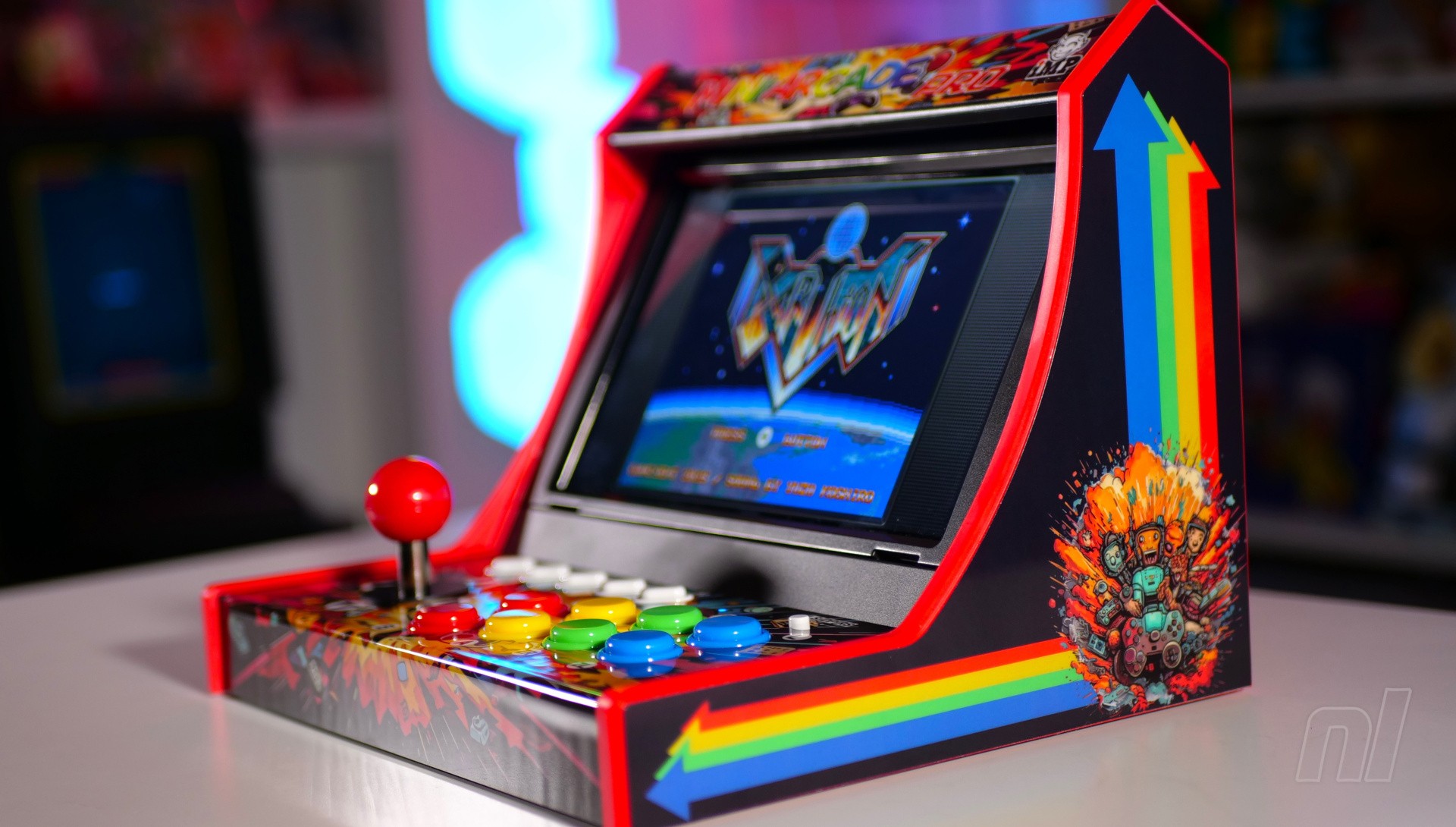
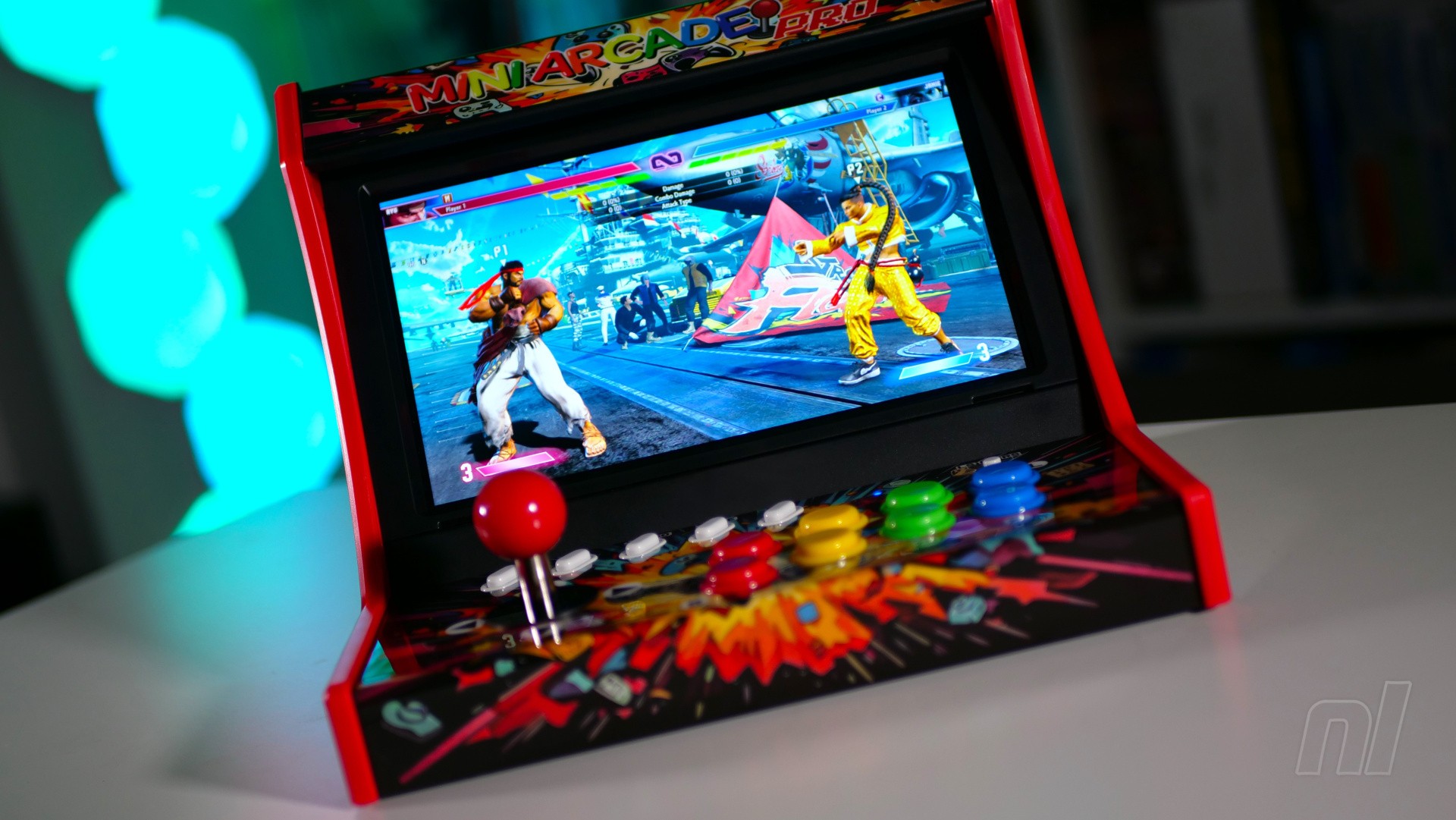
On the surface, this looks like a bartop arcade cabinet, but in reality, it's a cradle for your Switch console that allows you to use authentic arcade-style controls with games that benefit from digital input – such as old-school titles, shmups and fighting games.
The iMP Gaming Mini Arcade Pro doesn't come preassembled, but putting it together (and taking it apart) is a straightforward process. Two caddy sections are included, one for the original Switch / Switch OLED, and one for the Switch 2.
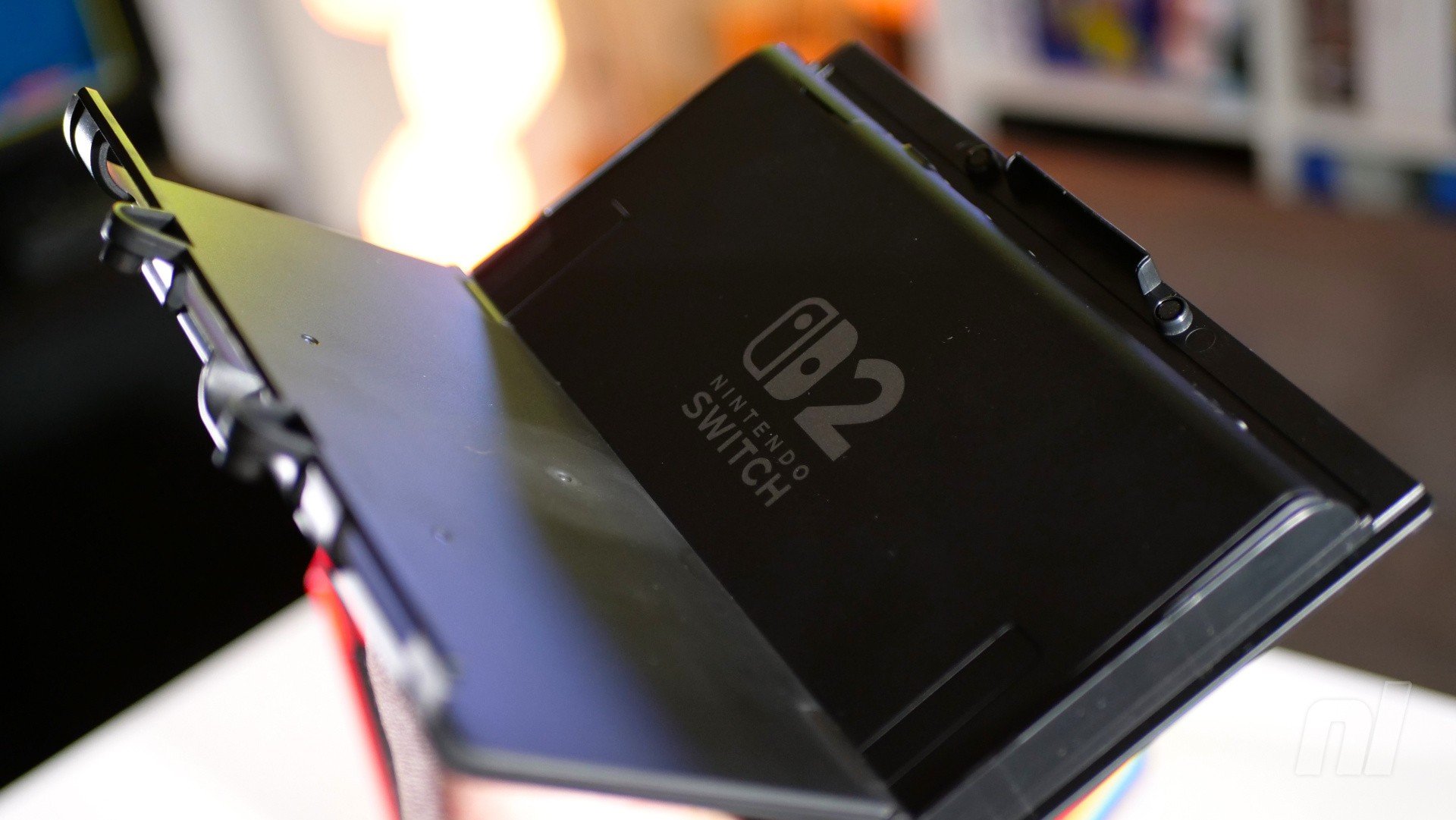
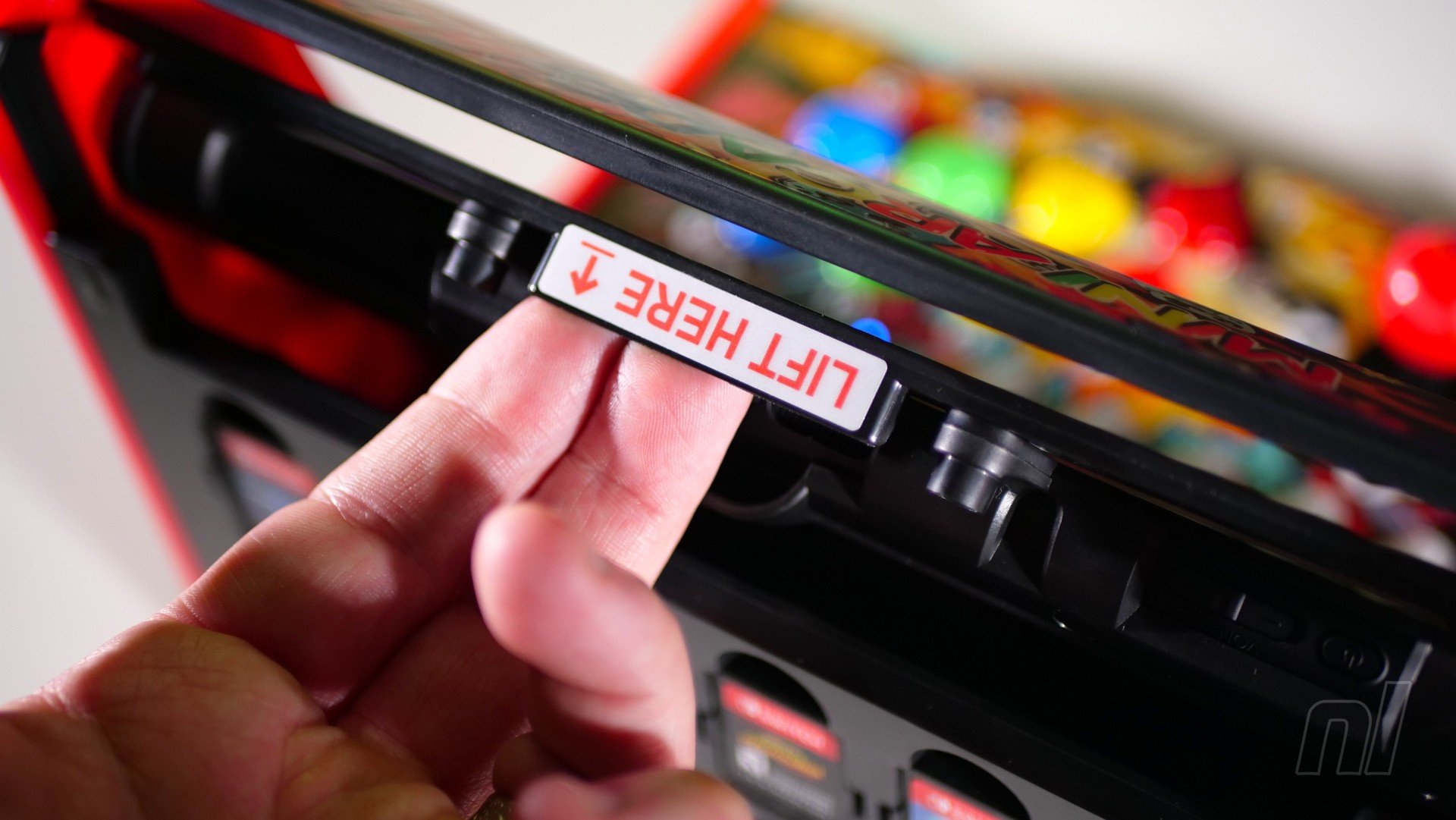
It comes with two caddies, one for Switch and one for Switch 2. It's easy to insert your console, and the caddy drops into the central unit with little effort, too — Images: Damien McFerran / Nintendo Life
Ensuring compatibility with both generations is a nice touch, but this really feels like it was designed for the newer variant; the cut-out for the screen is designed with Switch 2's larger display in mind, so the original Switch ends up looking like a toddler in a teenager's clothing.
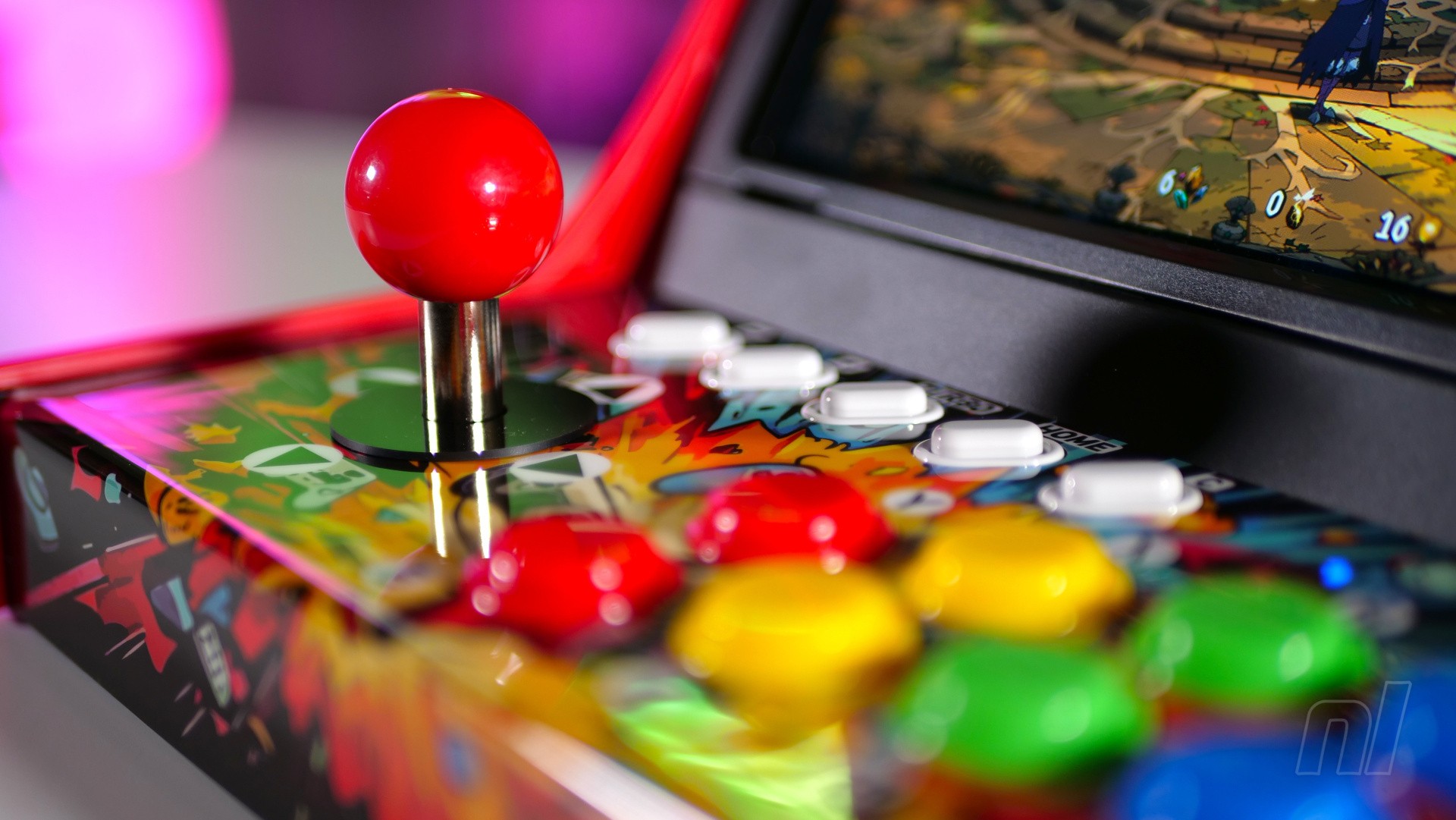
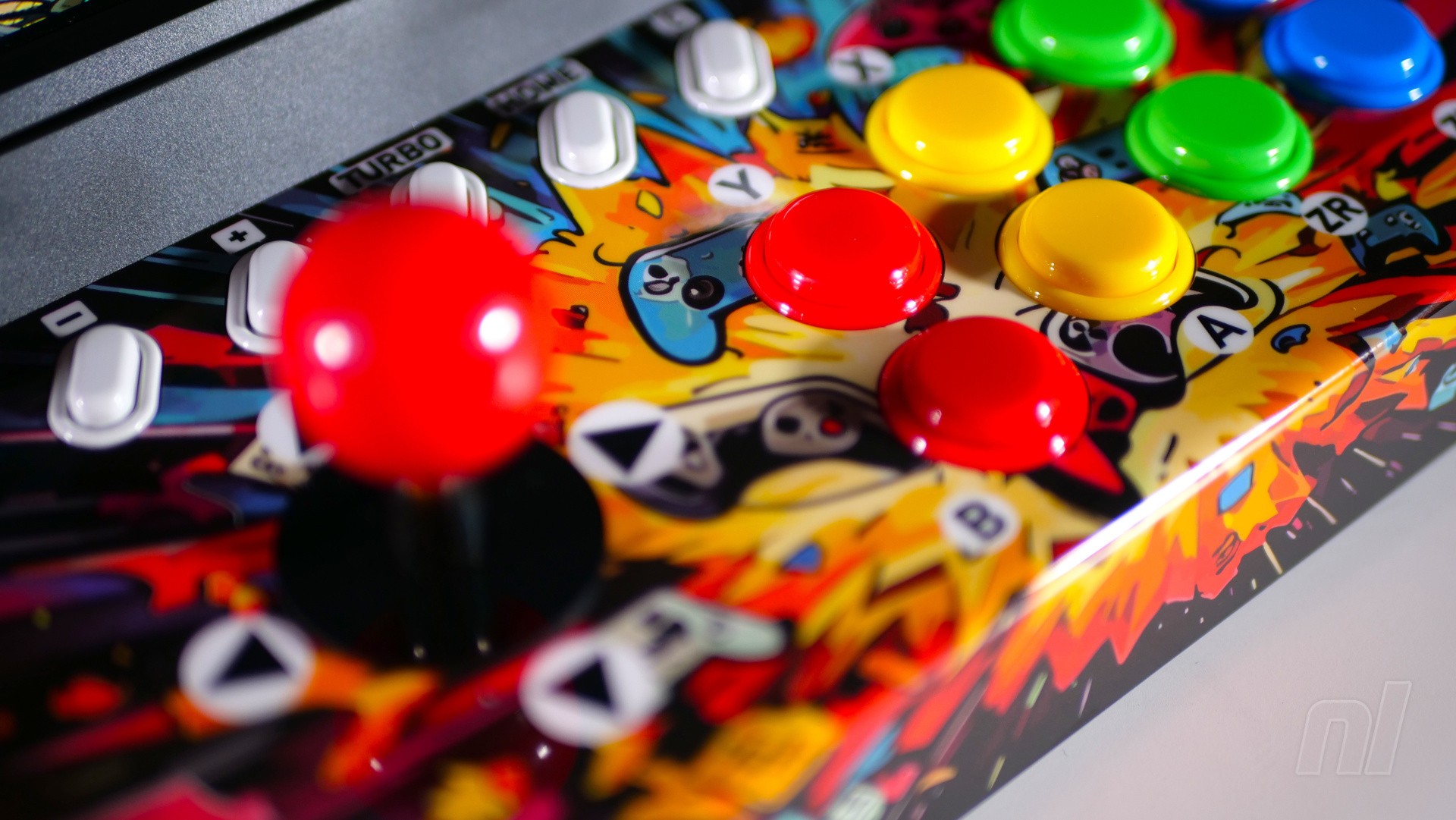
The good news is that the Mini Arcade Pro's arcade-style controls are excellent regardless of which system you own. The clicky stick and buttons are smaller than you'd find on your typical bartop arcade cabinet, but they're a joy to use; within moments of booting up Street Fighter 6, I was pulling off special moves with the minimum of effort.
Shmups also benefit massively from this accessory — R-Type Delta: HD Boosted is a particular joy to play — and I also enjoyed romping my way through Absolum.
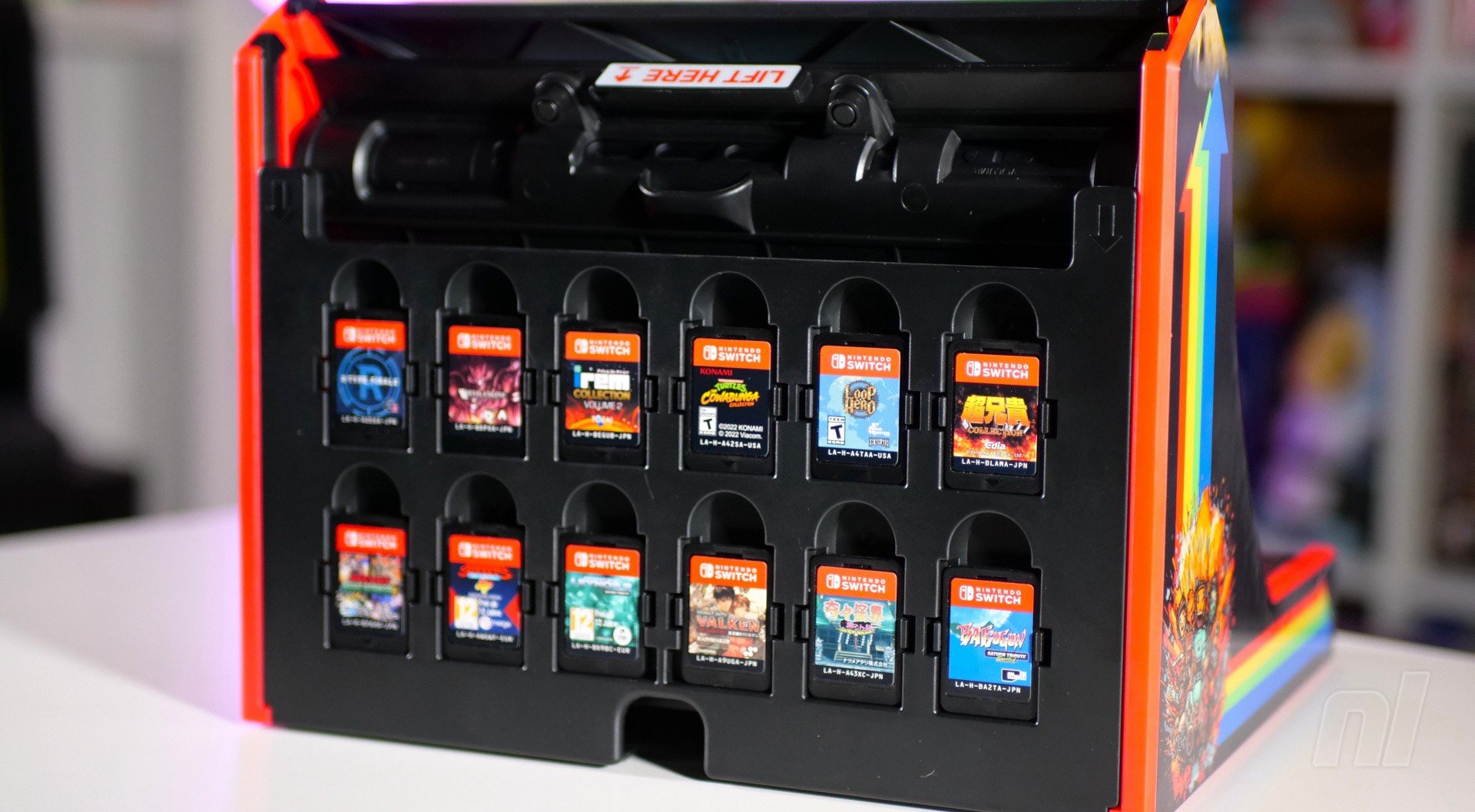
There's space on the rear of the unit for 12 Switch Game Cards and 12(!) MicroSD cards — Image: Damien McFerran / Nintendo Life
The central panel has all of the usual inputs (including a Home button which wakes your console from its sleep mode), as well as a switch which allows you to toggle the functionality of the stick – you can choose between the D-pad, left analogue stick, and right analogue stick. There's a 'C' button to bring up GameChat, but no 'Capture' button, oddly.
Spin it around, and there's space for you to clip in 12 Switch game cards and 12 MicroSD cards – a nice touch if you want to keep your software close at hand. My only reservation with this system is that the Game Card slots don't seem to grip all that well, and it doesn't take much to knock them out of the slots by accident.
My other major issue with the iMP Gaming Mini Arcade Pro is the artwork that has been printed onto the marquee, side panels, and the main control panel. The lettering is a little too childish for my liking, and while I'm not entirely sure, I think I detect the use of Generative AI to create the art itself. This obviously has no impact on the controller's performance, but it makes it look a little cheap, in my opinion.
Images: Damien McFerran / Nintendo Life
The Switch's recent firmware update actually broke the Mini Arcade Pro's ability to wake the console via the Home button and the functionality of the 'C' button, but, in a move which hopefully shows how committed the manufacturer is to making this device a success, it has received a firmware update to fix the problem.
While I think the iMP Gaming Mini Arcade Pro's cheap-looking artwork counts against it, I can't fault the controller when it comes to delivering that old-school arcade experience. At £45, it's not likely to break the bank, either (although it's $90 in the US).
Recommended Comments