




Reviews
Video Game Reviews
Subcategories
-
Nintendo Switch
Check out our latest Nintendo Switch reviews. -
Hardware
Check out our latest Hardware reviews. This category contains reviews about all sort of hardware: PC hardware (as in, computer parts), mobile and multimedia devices, and everything solid. -
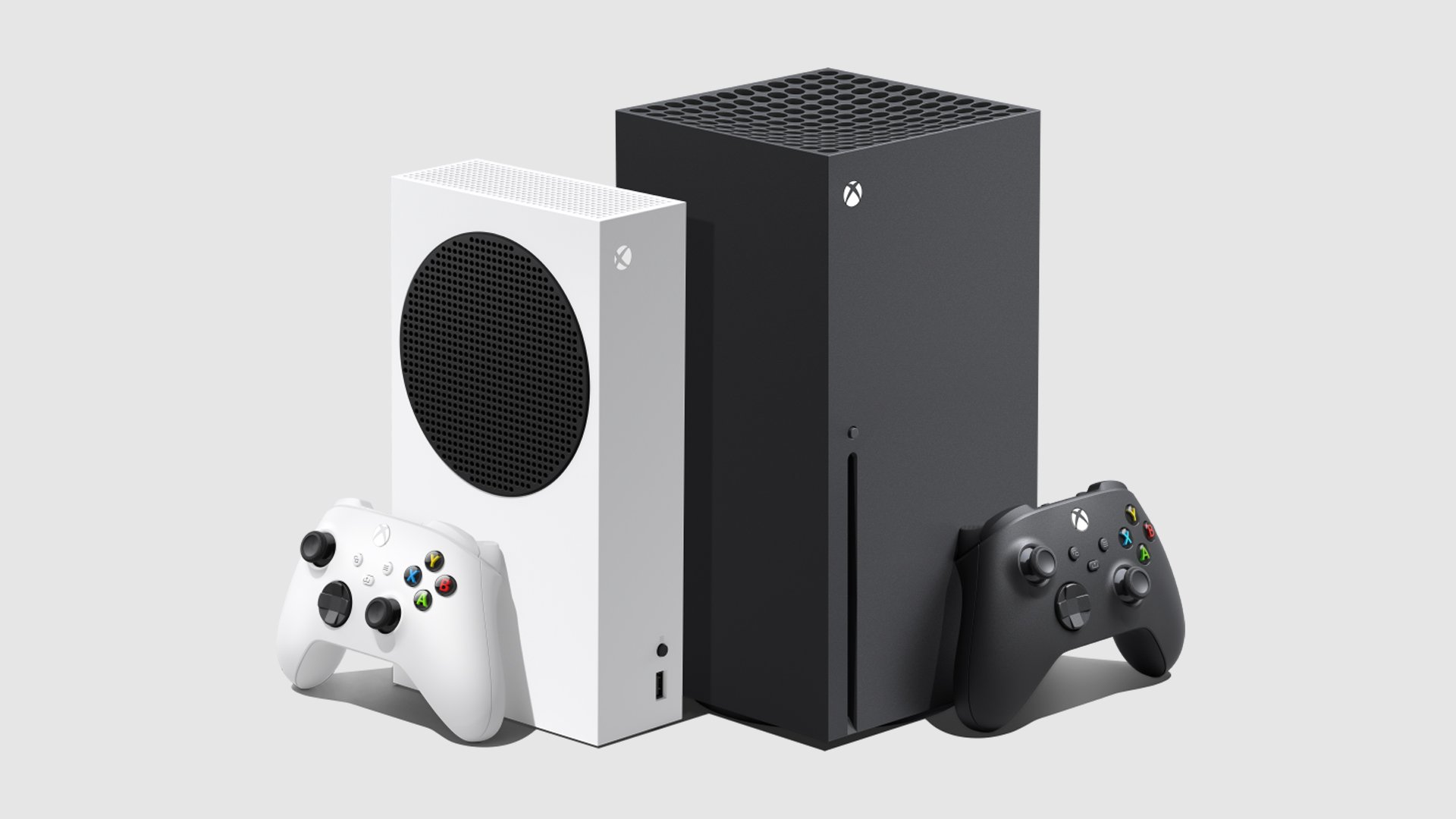
Xbox Series X|S
The Xbox Series X and the Xbox Series S (collectively, the Xbox Series X/S[a]) are home video game consoles developed by Microsoft. They were both released on November 10, 2020 as the fourth generation of the Xbox console family, succeeding the Xbox One family. -
PlayStation 5
The PlayStation 5 (PS5) is a home video game console developed by Sony Interactive Entertainment. Announced in 2019 as the successor to the PlayStation 4, the PS5 was released on November 12, 2020 in Australia, Japan, New Zealand, North America, Singapore, and South Korea, and November 19, 2020 in the rest of the world.- 14 articles
.jpg.1faa207d176e1b1a29d41427aeaedaae.jpg)



1 article in this category
-
Avatar: Frontiers of Pandora - From the Ashes is a bigger deal than we initially thought. The third paid DLC for Massive Entertainment’s 2023 movie tie-in offers up a 25-hour campaign, a new region, and the highly requested third-person mode. But what really struck us was a greater sense of what was described as “brand synergy”. That’s what Lightstorm Entertainment’s executive vice president of multimedia development, Joshua Izzo, said when we flew out to Lightstorm’s HQ in LA. There, we got a
.jpg.0d8df57b6289c01dbc8dc357ad791c41.jpg)
Forum Statistics
- Total Topics 646
- Total Posts 696