




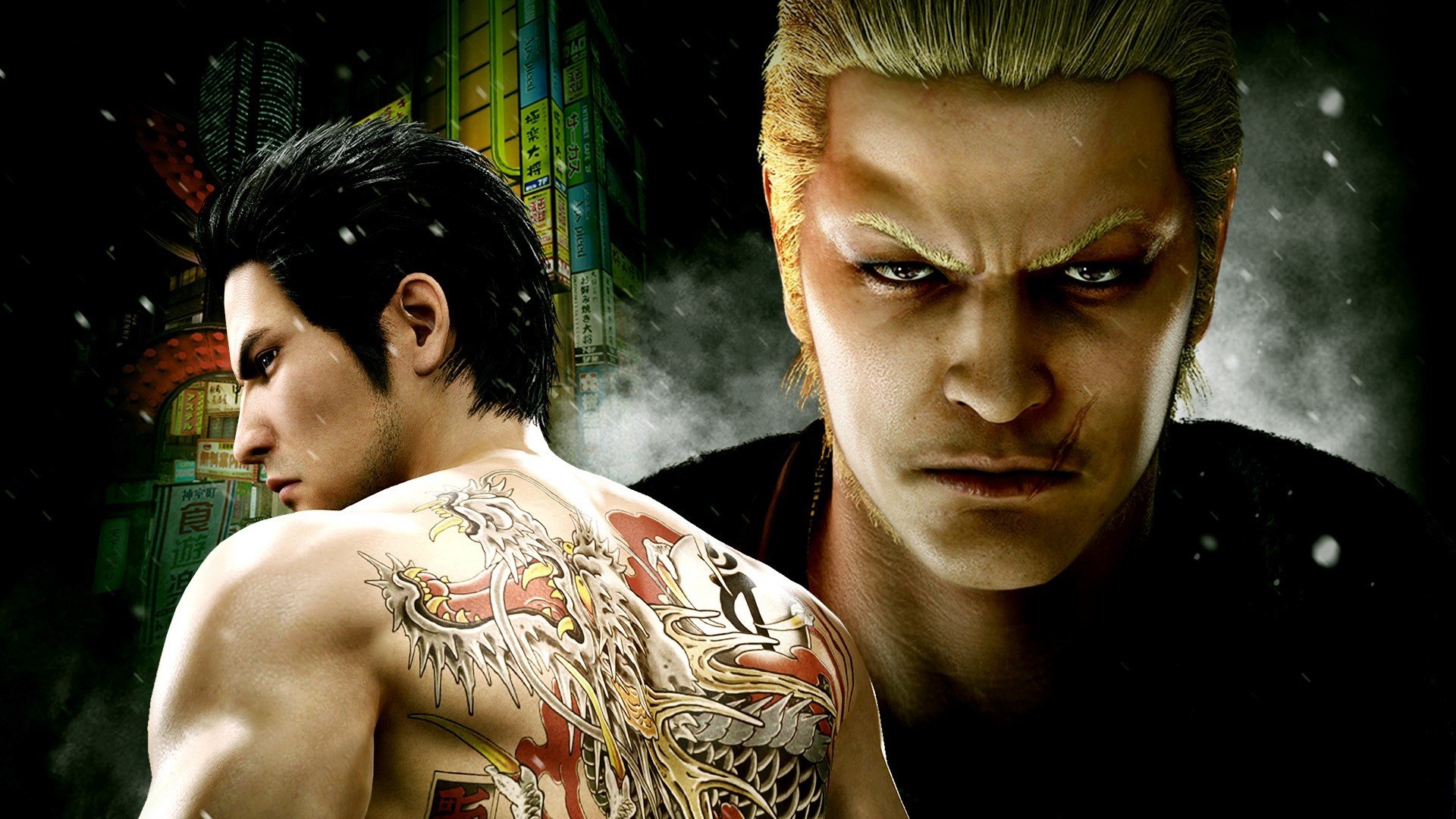

Bafflingly buried within the questions and answers section of SEGA's Japanese website, the publisher finally confirms that Yakuza Kiwami 2 will run at 60 frames-per-second on PS5.
The fantastic remake is being re-released for Sony's current-gen system on the 8th December, and it'll be a free upgrade for those who already own the PS4 version digitally.
However, up until now, we've had no mention of any technical improvements, leading fans to question the point of even having a PS5 version to begin with.
But 60fps performance is exactly what Kiwami 2 needs. The game's locked at 30fps on PS4, and it never received any kind of performance-boosting patch for PS5 when played via backwards compatibility.
For some, this won't seem like a big deal, but you've got to consider that the titles leading up to Kiwami 2 — that is, Yakuza 0 and Yakuza Kiwami — both run at a silky 60fps, even on PS4.
Jumping from those games to Kiwami 2 can be jarring to say the least, especially since the latter looks so much better, thanks to the Dragon Engine.
So, to recap, Kiwami 2 on PS5 will run at 60fps, it's a free upgrade (for PS4 digital owners), and because it's a new release, it'll have a separate Trophy list to its PS4 predecessor. However, you won't be able to carry over your save data from the PS4 version.
Have you been waiting for Yakuza Kiwami 2's 60fps ascendency? Keep it smooth in the comments section below.
Recommended Comments