




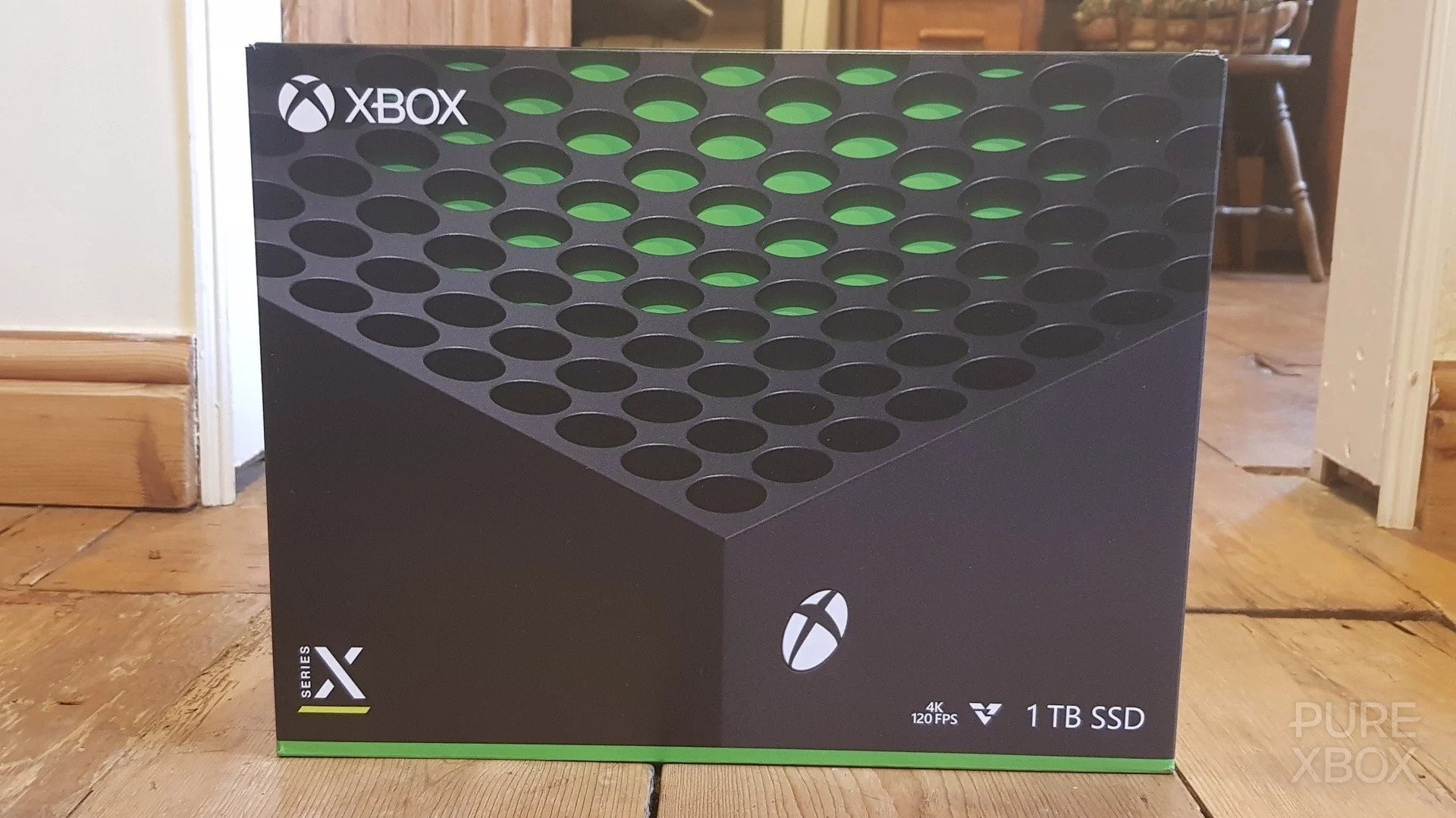

It's been quite an underwhelming Black Friday and Cyber Monday 2025 from a console perspective for Xbox fans, with just a few small discounts scattered around for the two systems, but that's still managed to make some people happy!
Over on the Xbox subreddit, there are a few people showing off their new Series X and Series S purchases, although it's unclear what specific deals they've taken advantage of here. As mentioned last week, many of the Black Friday deals were in the UK, although we spotted a handful (including refurbished models) in the US.
Here's a look at two of those posts from over the weekend:
Beyond consoles, we've also seen a lot of deals for Xbox controllers over the past few days, both directly on the Microsoft Store and at other retailers. As a result, it seems a fair few people have been picking up some new pads!
Xbox Design Lab seems to have been popular as well, especially thanks to its free engraving offer.
And of course, there are other deals dotted around for things like Xbox Expansion Cards (although nothing too impressive there) and physical games, as well as the big digital Xbox Black Friday Sale 2025 that ends later this week.
So, have you been grabbing anything in the Black Friday and Cyber Monday sales for 2025? Is it just games for you, or perhaps a controller or even a console? We'd love to hear about your purchases down in the comments.
Recommended Comments