




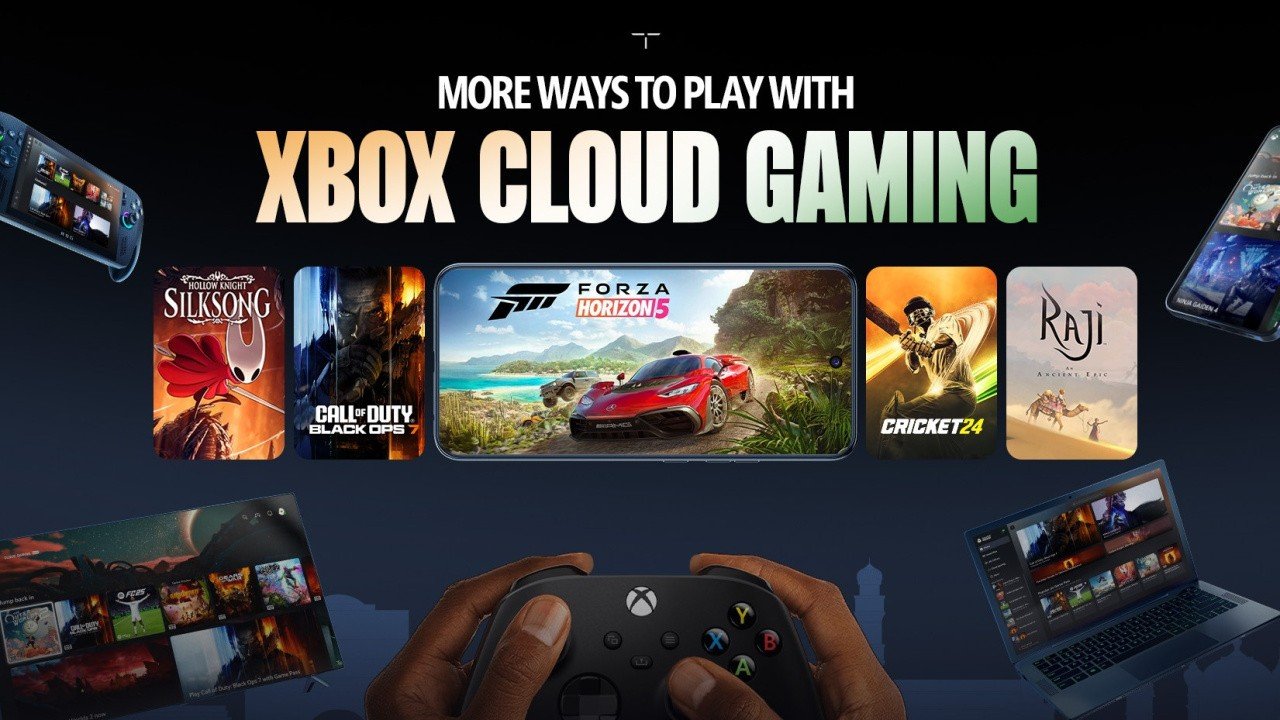

As part of today's November 2025 Update, Microsoft has announced new features for Xbox Cloud Gaming, including a new 'User-Selected Resolution' option that brings "enhanced stream quality for select titles".
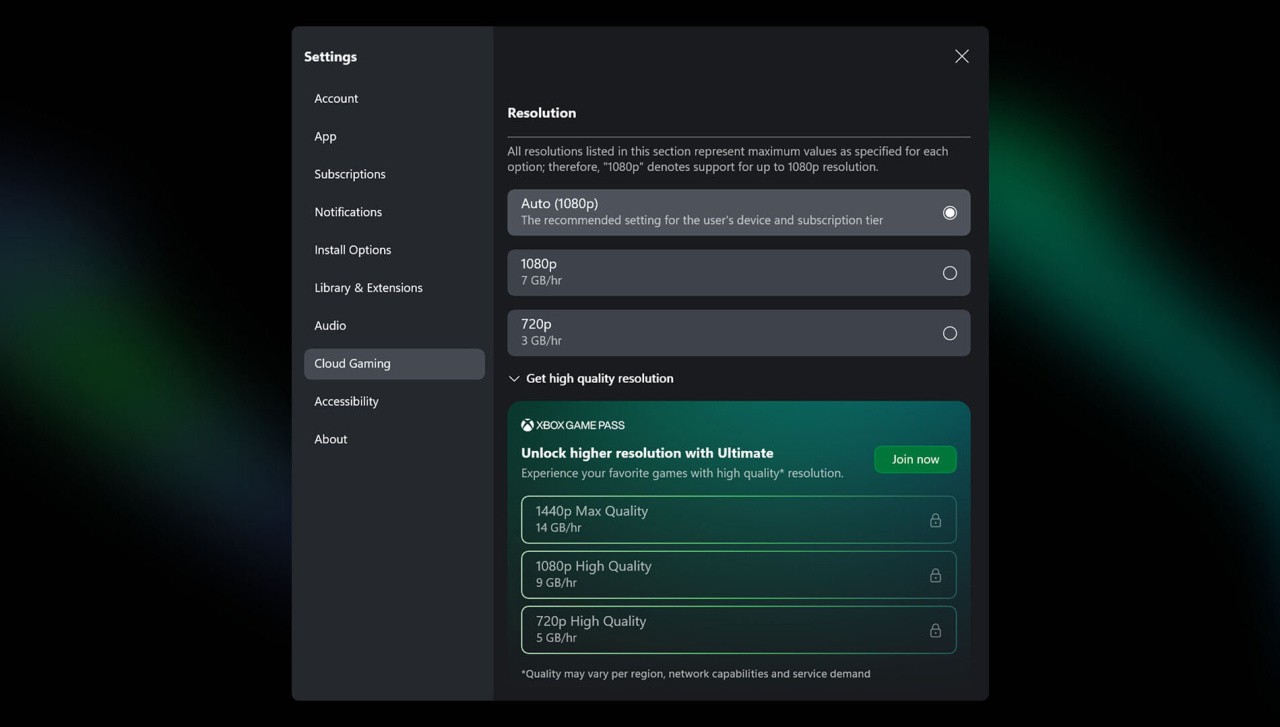
Yep, following on from the likes of Digital Foundry spotting that certain Xbox Cloud Gaming titles were now streaming at up to 1440p, Microsoft has confirmed the resolution bump; now adding the option to "choose your preferred video quality when streaming games".
"We’re excited to introduce enhanced stream quality for select titles, including support for up to 1440p. In line with this upgrade, we’re enabling you to choose your preferred video quality when streaming games by giving you more control over the experience. User Selected Resolution allows players to manually choose their preferred streaming resolution before launching a game. This has been a top player request, and we’re excited to roll it out in alignment with support for higher stream quality (up to 1440p for Xbox Game Pass Ultimate subscribers). This ensures players can tailor their subscription to match how and where they play."
As part of this November update to Xbox Cloud Gaming, the team has also announced that the program is now available in India - and on LG TV and Amazon Fire TV devices in Brazil and Argentina. These new options are available now, while Xbox Cloud Gaming will soon be available on more devices in general.
These devices will support cloud gaming via the Xbox app "soon":
Fire TV Stick 4K Plus
Fire TV Stick 4K Select
Fire TV 4-Series TVs
Fire TV Omni QLED TVs
Recommended Comments