




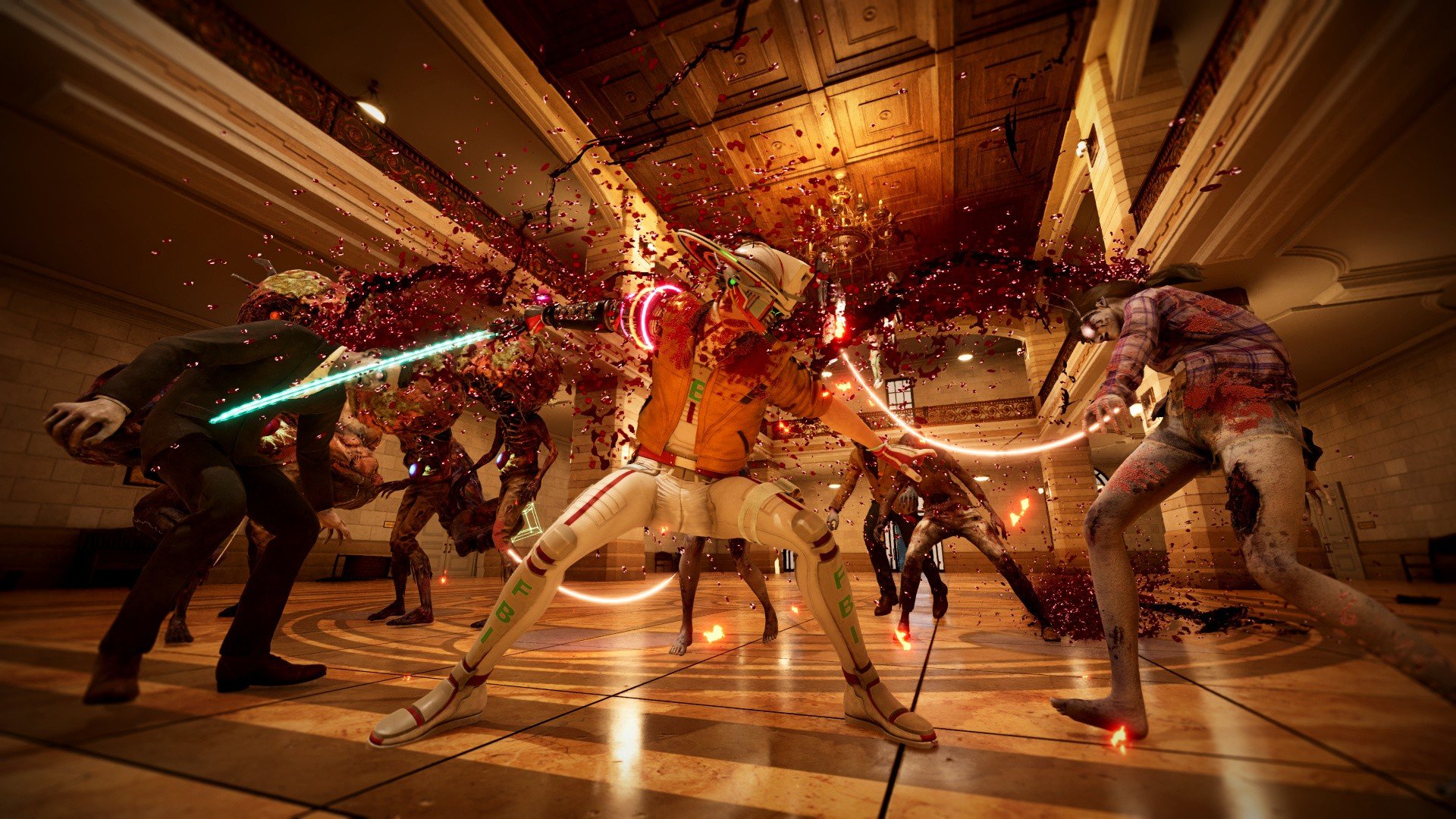

Developer Grasshopper Manufacture has announced its third ever Grasshopper Direct, this time with a focus on its upcoming madcap action game, Romeo Is a Dead Man.
Announced during a State of Play earlier this year, Romeo Is a Dead Man is a hyper-violent action title we've not seen a huge amount of yet, but our next glimpse at the game is coming very soon.
On 5th December, the next Grasshopper Direct will go live on the studio's YouTube channel at 10am JST (that's 1am GMT, 2am CET; Thursday 4th December, 5pm PST, 8pm EST).
"Among brand-new updates to pour over, next week’s Grasshopper Direct will showcase more of the studio’s upcoming, absolutely crazy, sci-fi action game, Romeo Is a Dead Man," reads the press release. "Set to launch on Steam, PlayStation 5, and Xbox Series X/S in 2026, the presentation will also share a behind-the-scenes look at the game’s development, together with never before seen gameplay."
With his life saved at the very last moment, the space-time continuum is split open, and player character Romeo becomes an interdimensional special agent who takes down wanted criminals.
He does so with a mixture of guns and swords, and the game is described as Grasshopper's "bloodiest
action game yet".
With a wild art style and bonkers premise, this is definitely one to watch out for in the new year, but in the meantime, we can check out the Grasshopper Direct in the coming days.
Recommended Comments