






As far as micro consoles go, The C64 Mini has been a resounding success, and, according to its manufacturer, is the best-selling 'mini computer' yet released.
I can certainly believe that – The C64 Mini was one of the first devices of its kind to hit the market, and the allure of the Commodore name carries significant weight among retro gamers.
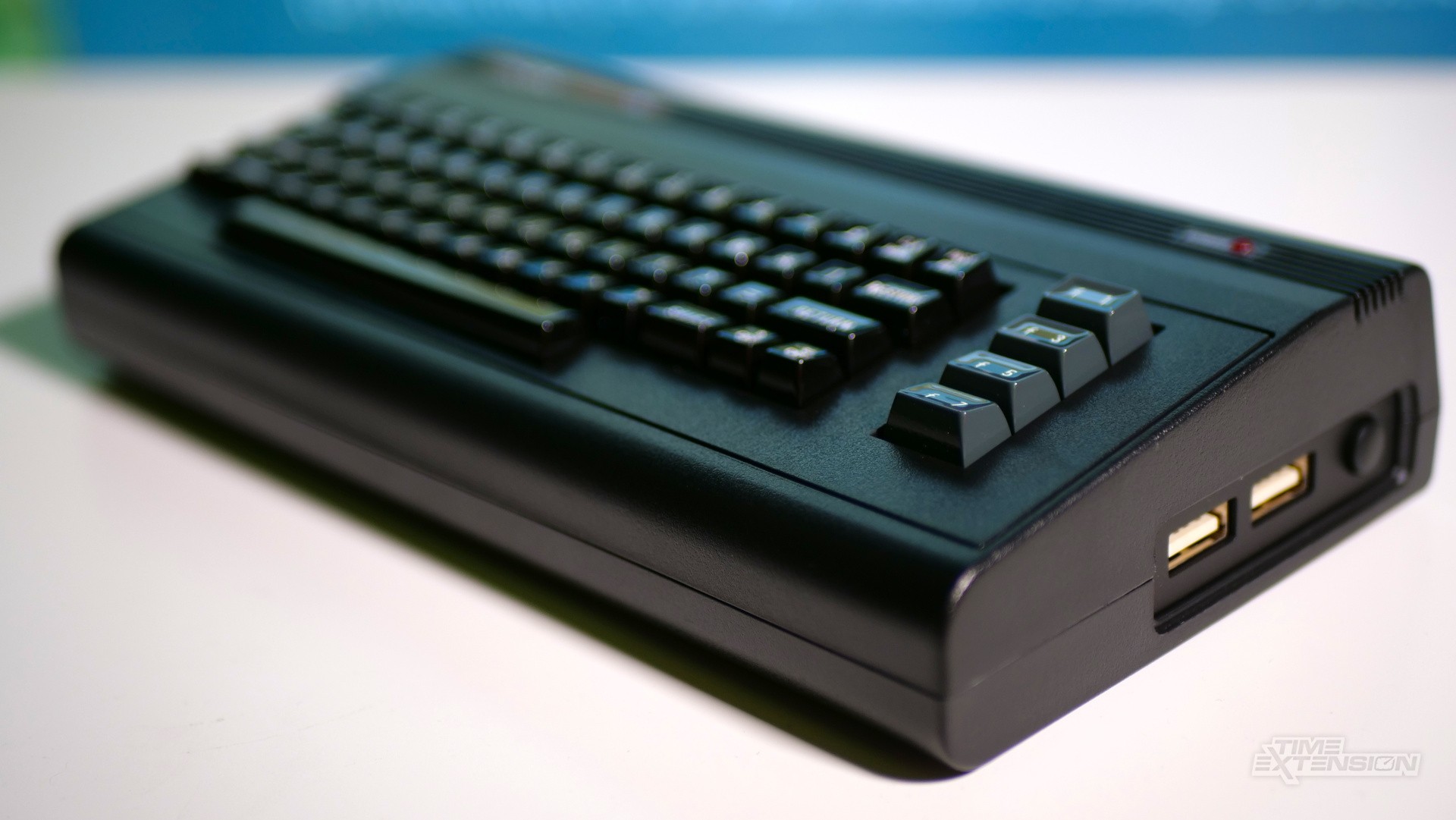
Now, Retro Games Ltd. is back with a new variant of the system that sports a new colour scheme and a totally new selection of pre-loaded games.
While the original beige model came with 64 titles that included the likes of Attack of the Mutant Camels, Boulder Dash, Impossible Mission, Monty Mole and Speedball 2, this new variant ships with a much smaller array of titles – and all of them are 'modern' classics that have been released in the past couple of decades.
Here's the full list of games:
Yeti Mountain
Spinning Image
Steel Ranger
A Pig Quest
Hessian
Joe Gunn: Gold Edition
Hunter's Moon Remastered
It's Magic 2
Runn 'N' Gunn
Guns 'N' Ghosts
Metal Warrior Ultra
Millie & Molly
Rocky Memphis: The Legend of Atlantis
Good Knight
Planet Golf
Nixy and the Seeds of Doom
PO Snake
Grid Pix
Caren and the Tangled Tentacles
Ooze: The Escape
Sam's Journey
Shadow Switcher
Pains 'N' Aches
Knight 'N' Grail
Galencia
To be fair, Retro Games Ltd. has been very clear on this point: the Black Edition is primarily about celebrating the efforts of modern-day homebrew coders, and the 25 pre-installed titles are all highly rated by the C64 community.
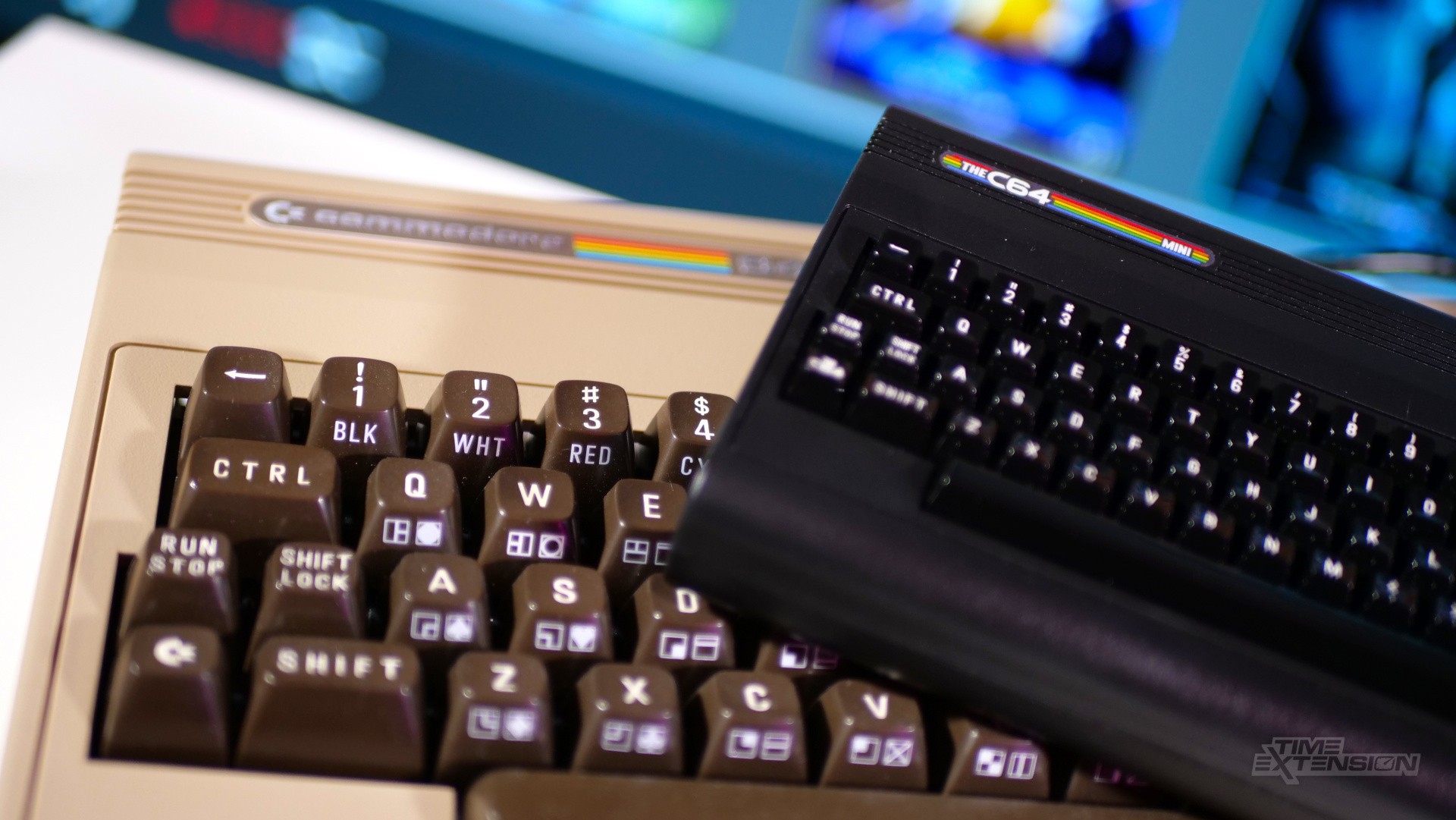
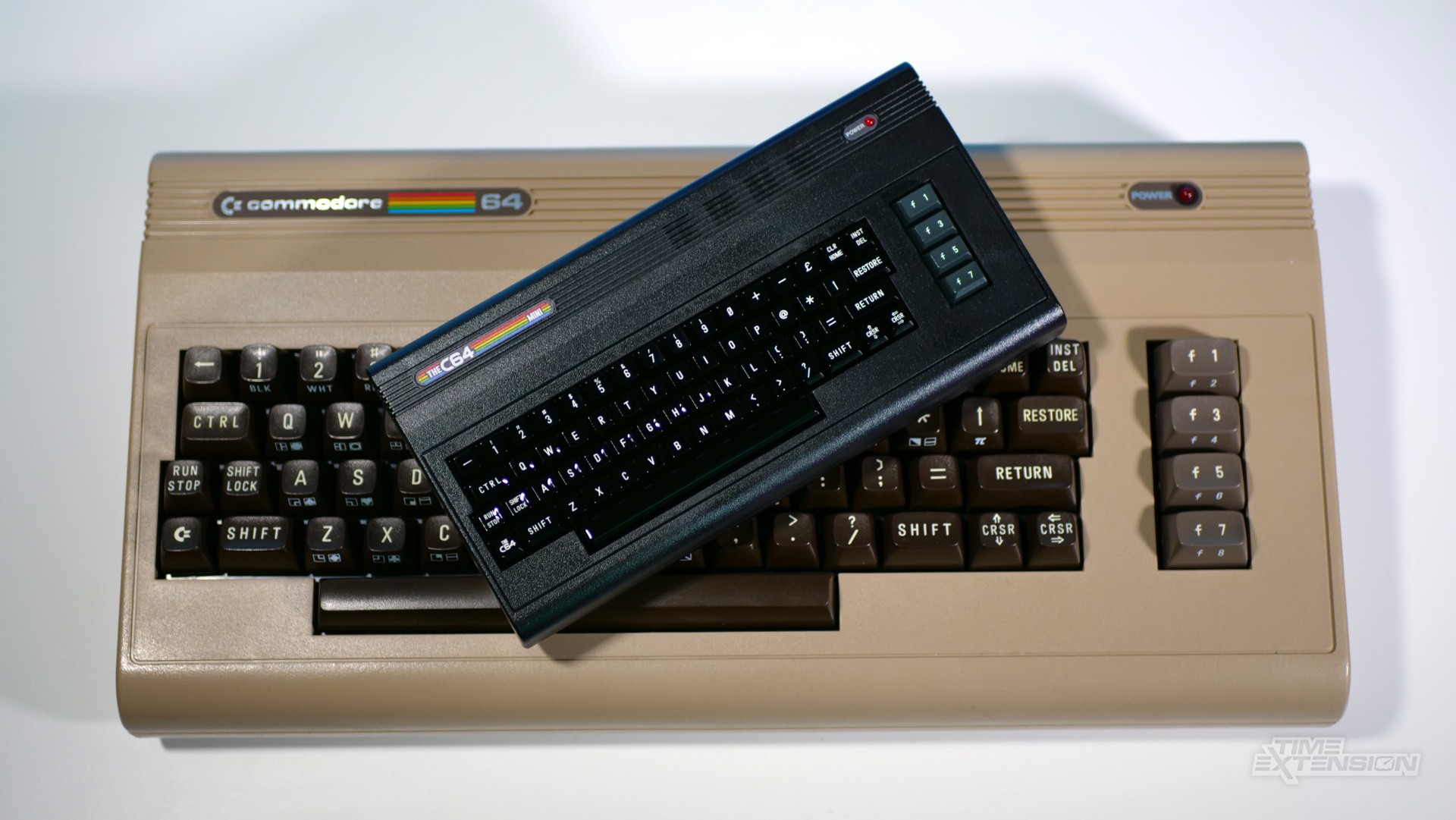
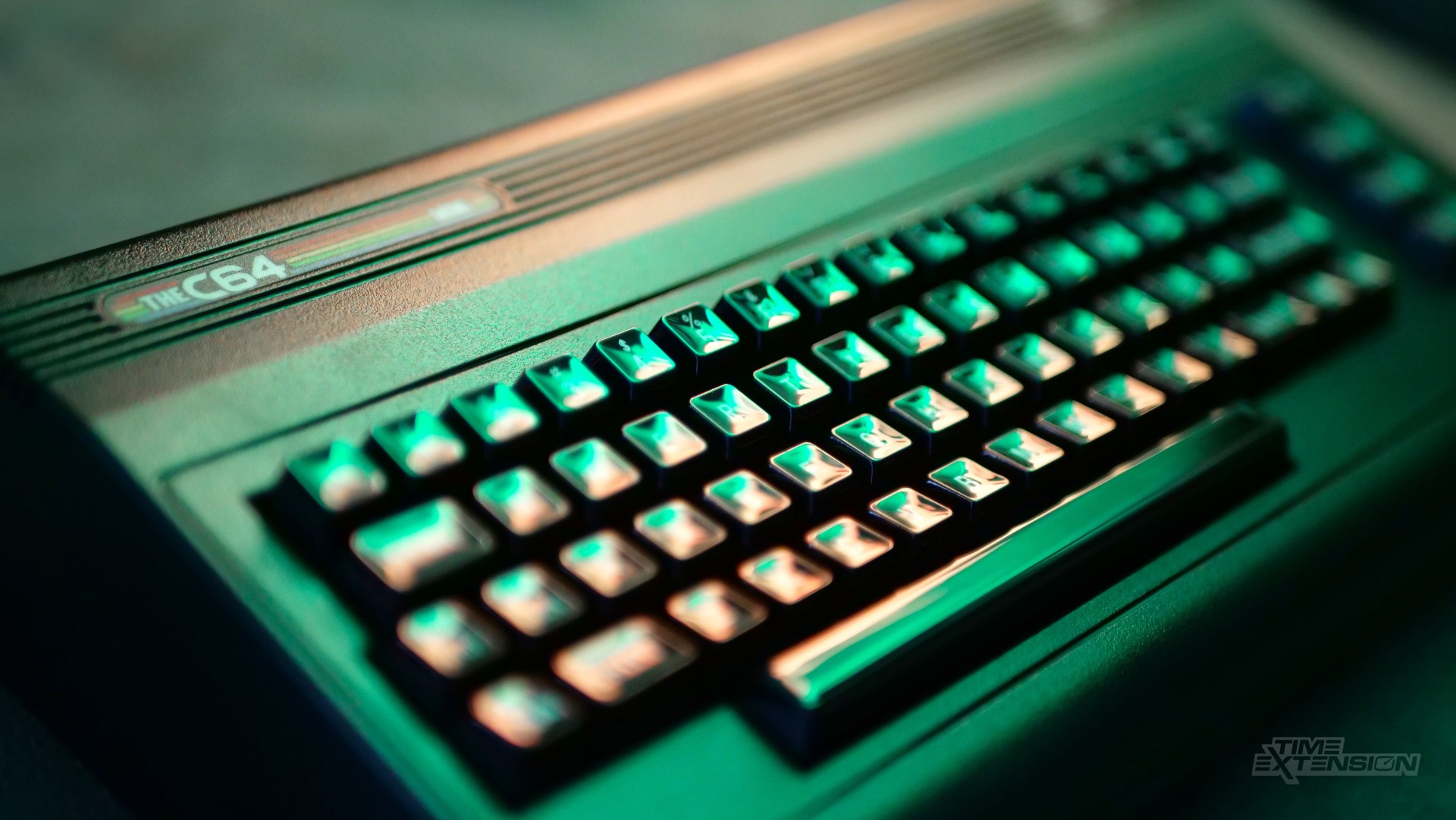
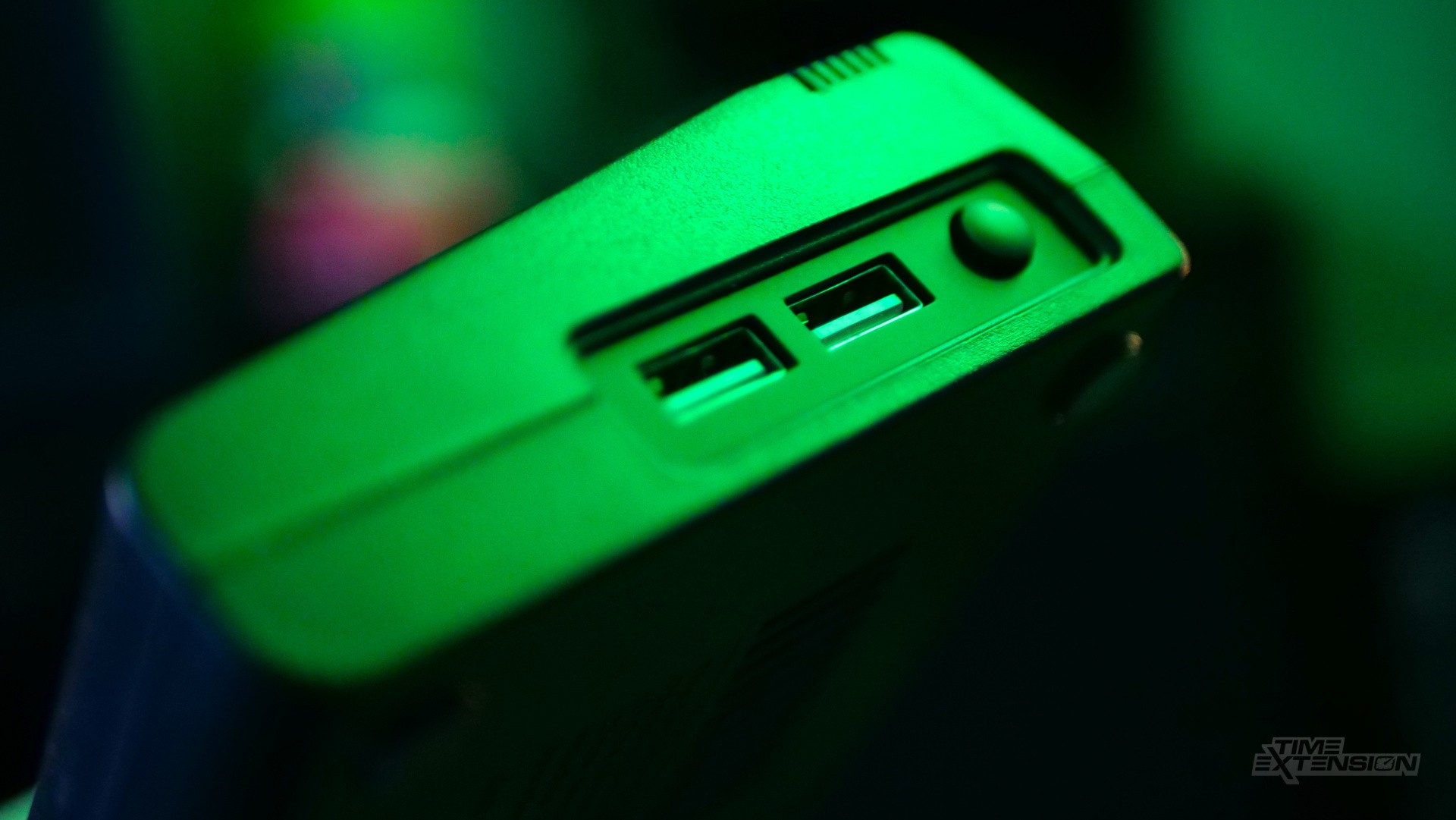
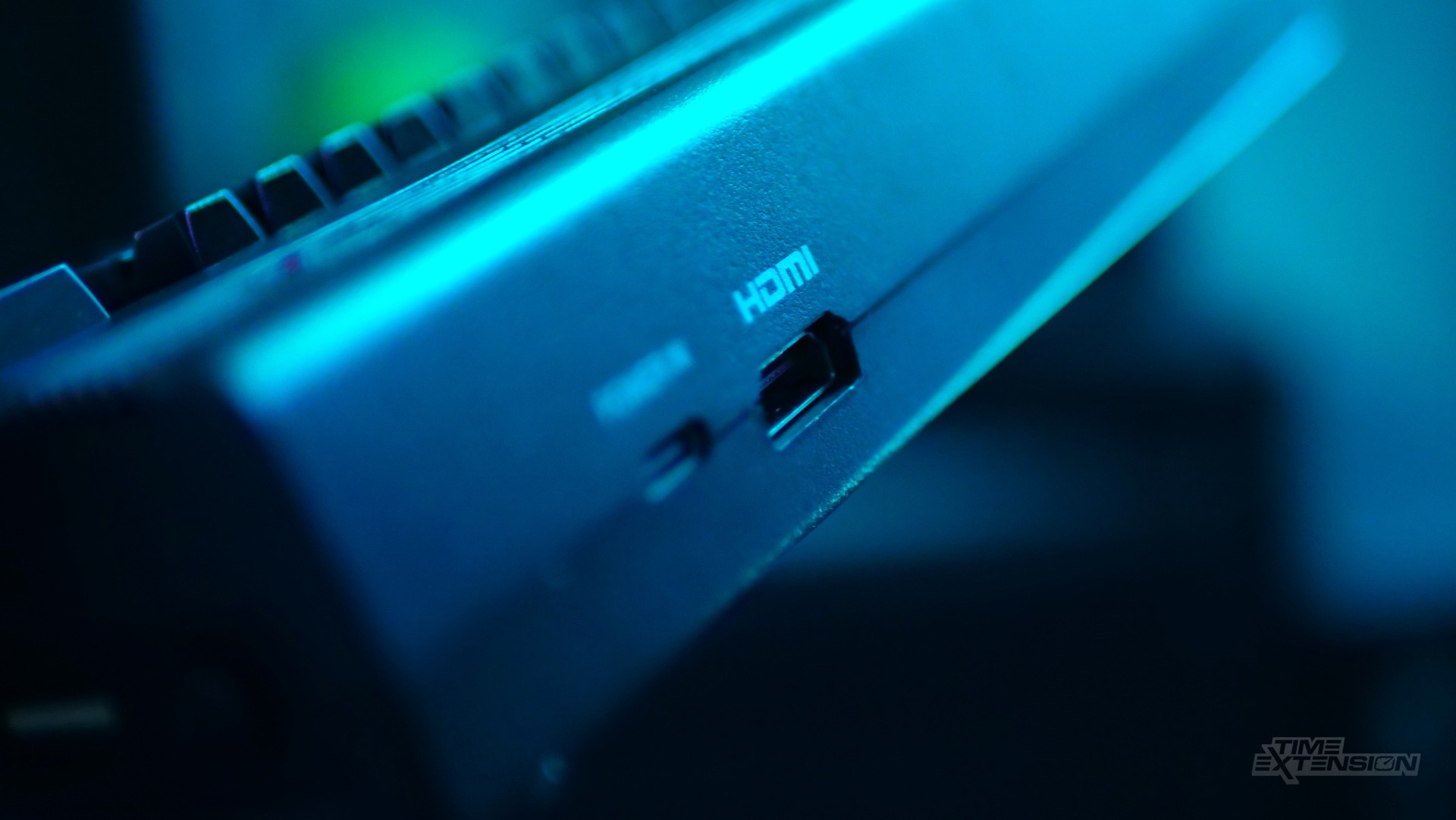
Outside of the colour change, the Black Edition is very much the same deal as the original machine – I noticed that the Micro USB port has been upgraded to a USB-C one, but that's about the only difference I could spot.
It features an HDMI output for 720p HD gaming, two USB-A ports and the welcome ability to load C64 ROMs from a USB flash drive. That latter point is essential, as it mitigates some of the sting of losing access to the 64 titles that came bundled with the original variant.
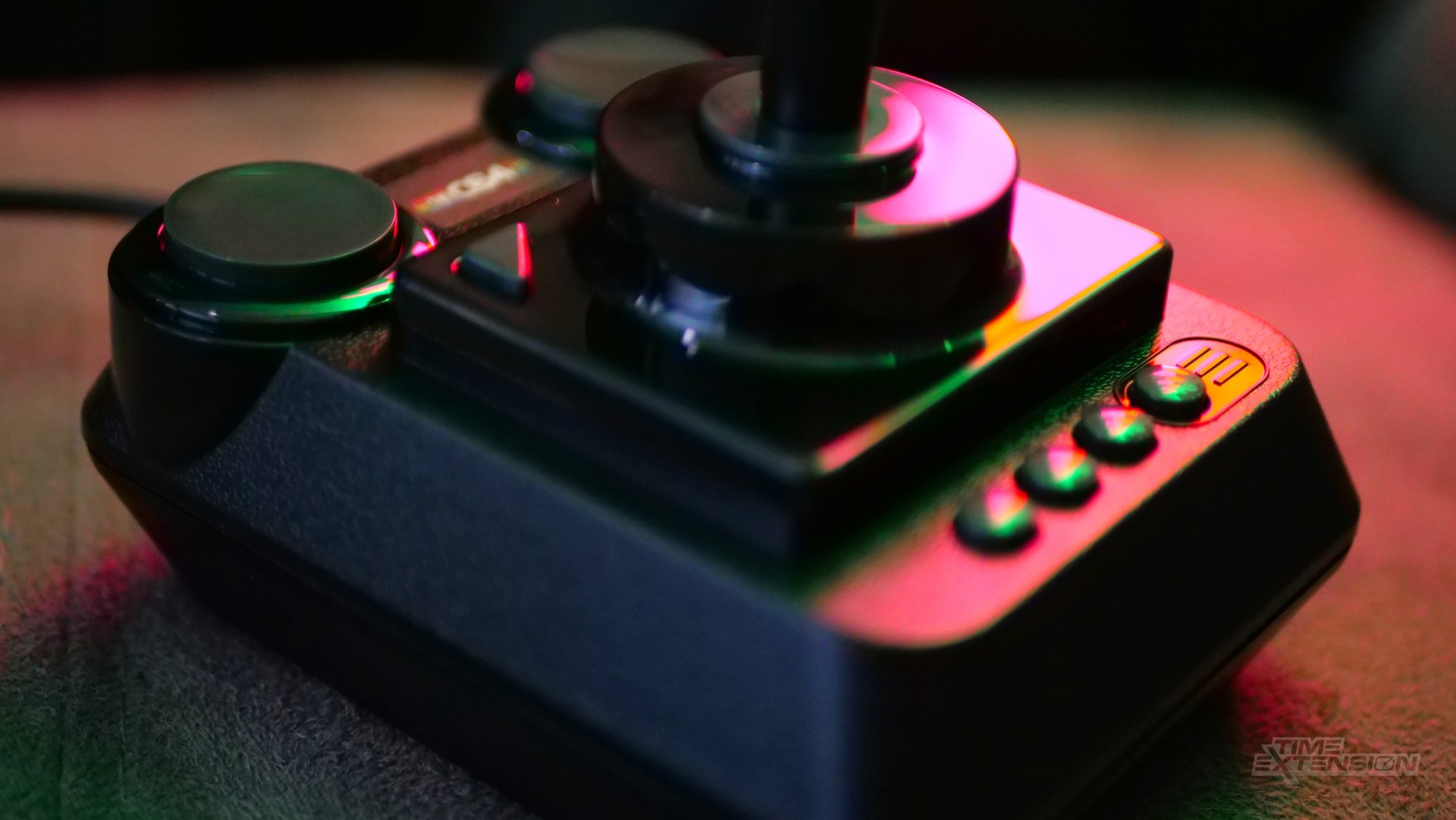
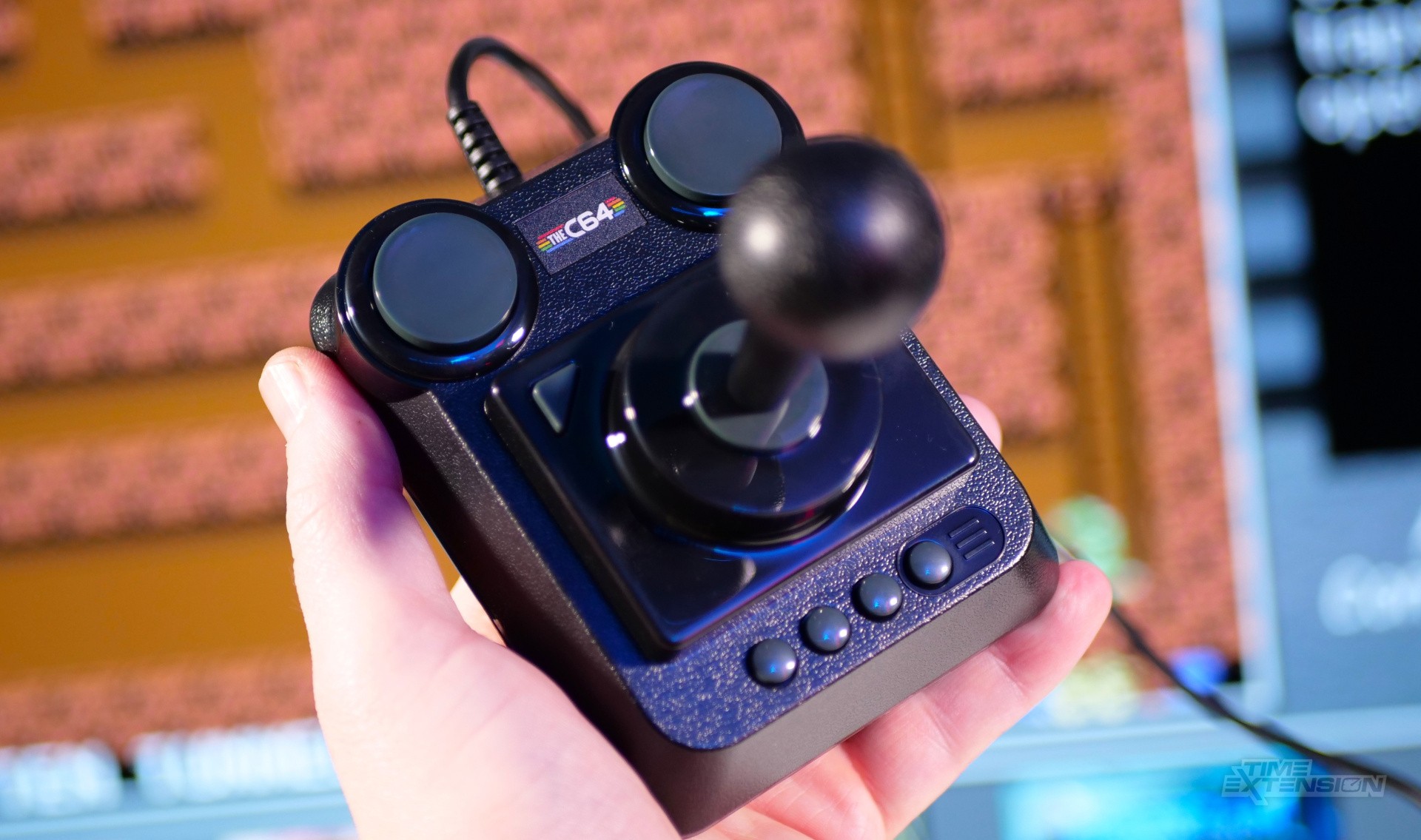
The joystick bundled with the system is insanely clicky, and while it works perfectly fine with most titles, it's pretty uncomfortable to use for prolonged periods. Fortunately, you can use an alternative USB controller with the C64 Mini.
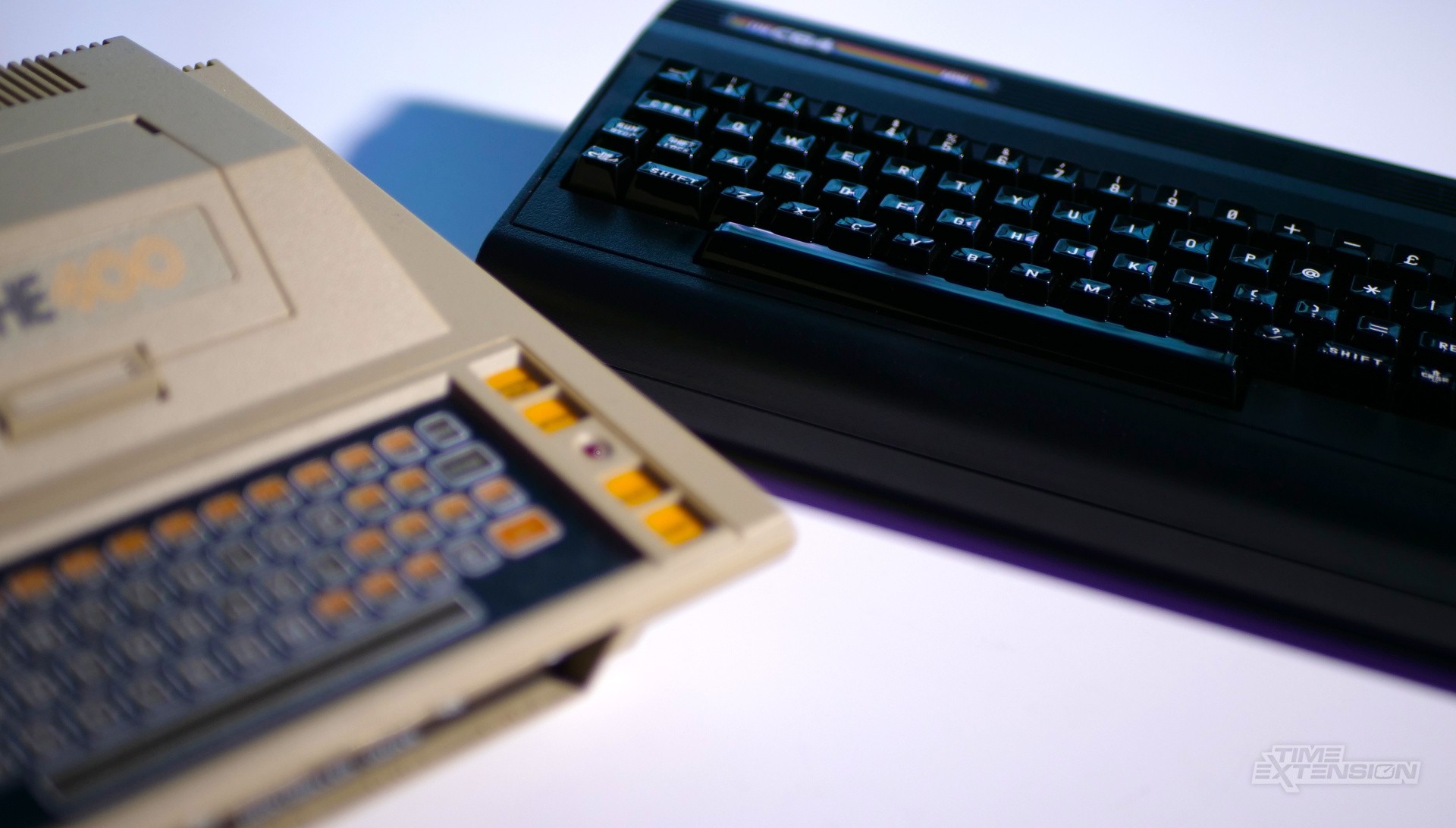
Given how small The C64 Mini is, it should come as little surprise that the keyboard is only for show, which is perhaps the biggest shortcoming of this particular venture; while most C64 games are perfectly playable with a joystick, the keyboard is a major inferface method for home micro computers, so you might encounter some problems when booting up ROMs (an on-screen keyboard is a button click away, but it's not as good as using a physical one, in my opinion).
If you already own the C64 Mini, then I'm not sure the Black Edition is worth a double dip – unless, of course, you really like the new colour and want to power it via USB-C. However, newcomers might want to give this a look if they haven't yet taken the plunge.
Recommended Comments