




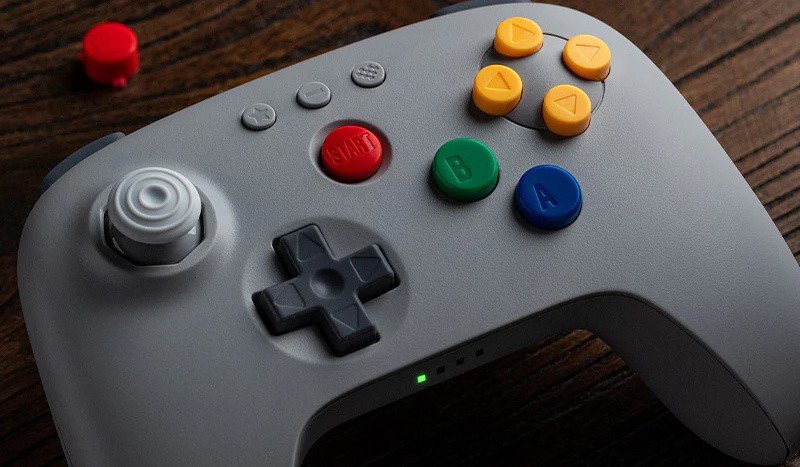

Not a fan of the 8BitDo 64 controller's rather simple black and white colour schemes? Then we have some good news to share with you.
8BitDo has just announced that it will be releasing a new colourway for the Bluetooth controller early next year, which more closely resembles the Nintendo 64 classic grey controller.
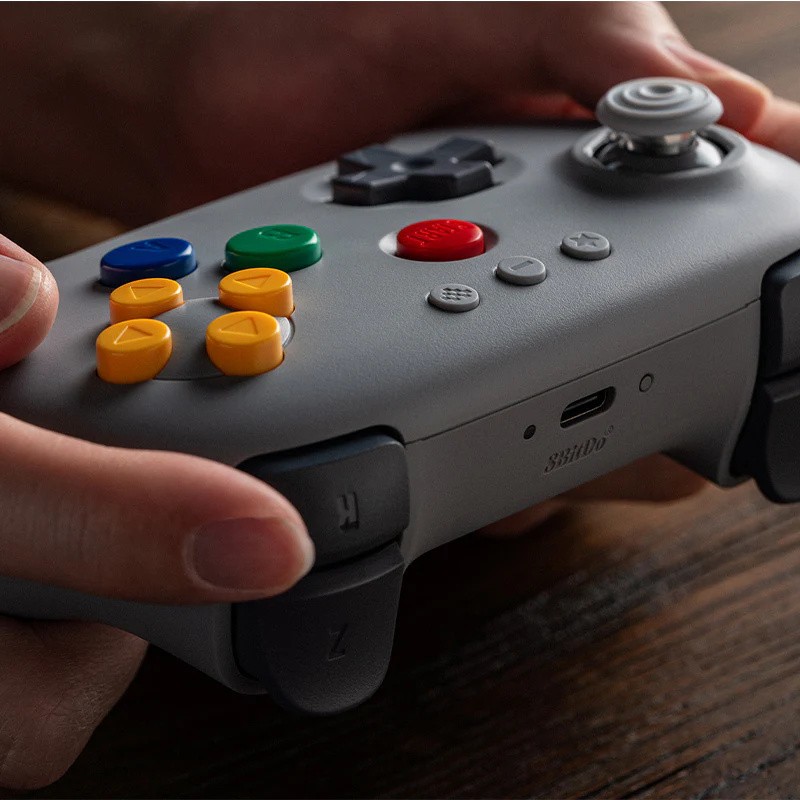
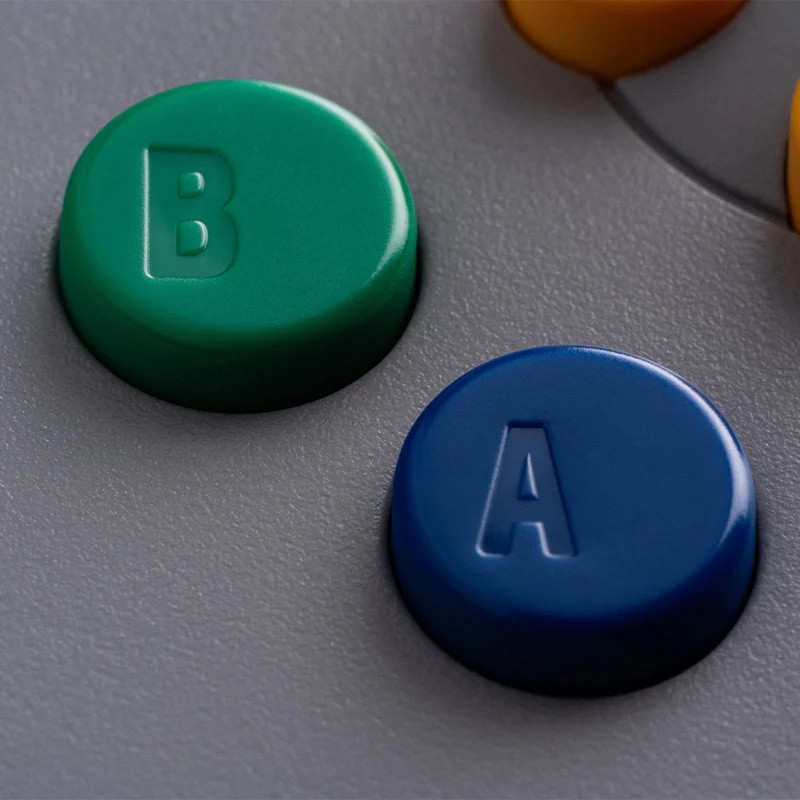
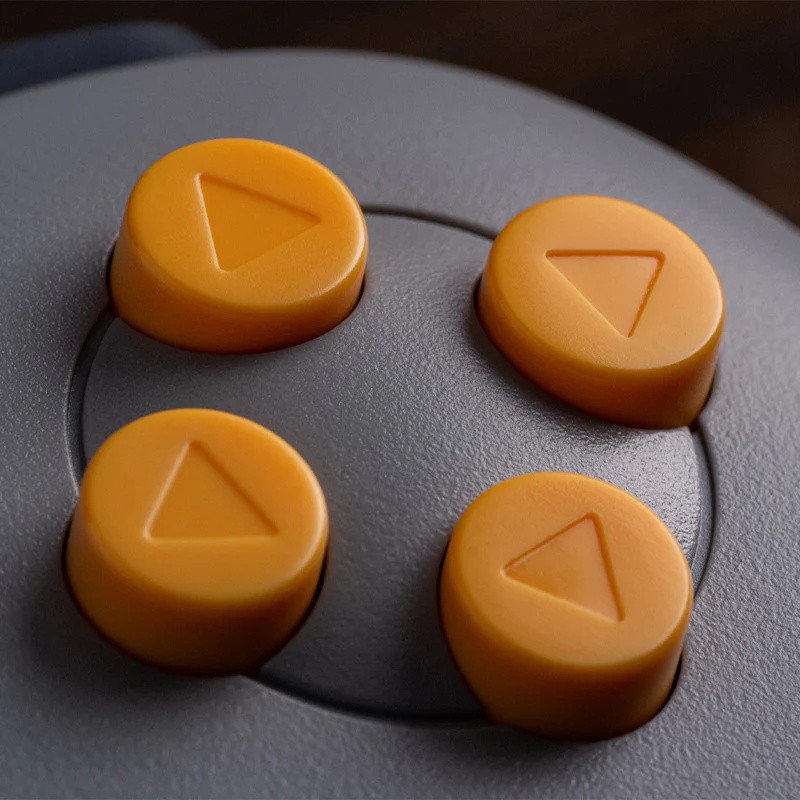
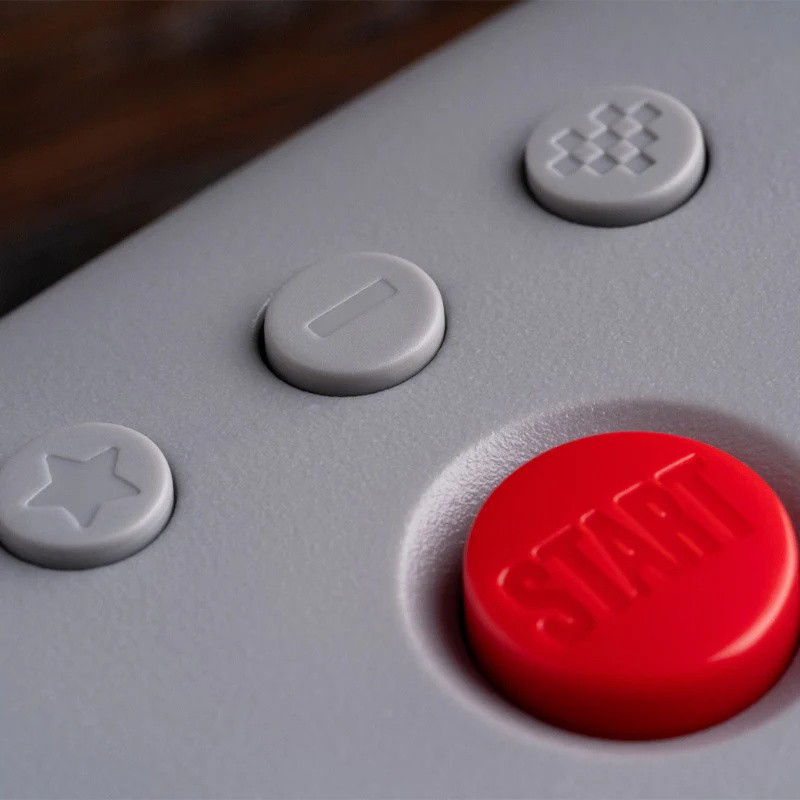
That means, instead of the buttons all being one colour, like on the black and white models released earlier this year, the new controller will instead line up a little more closely with what you remember from back in the day, boasting a red start button, blue and green A&B buttons, and an all-yellow C-pad.
This new controller will cost $44.99 ($5 more than the Black and White versions that are already available) and will reportedly ship near the beginning of next year, on January 30th, 2026.

Images: 8BitDo
The 8BitDo 64 controller was originally designed in conjunction with Analogue for its new 4K N64 console, the Analogue 3D, which was released earlier this month, and was based on the company's 'Ultimate' line of pads. However, it can also be used in conjunction with other platforms, too, including the Nintendo Switch, Nintendo Switch 2, Windows 10, and Android (9.0).
Noticeably, it does away with the three-pronged design of the original N64 controller (exchanging the gun-style Z-trigger from the middle prong for two new Z triggers positioned at the top of the pad), and also introduces three additional buttons on the face – Screenshot, Minus and Home – which offer different benefits.
In addition to this, it also switches out the original N64 Analogue "Wand" for a Hall Effect Joystick, incorporates a built-in vibration feature (for use with the Analogue 3D and Nintendo Switch N64 Online library), and includes a turbo feature.
Interested? You can pre-order the controller here.
Recommended Comments