





Jump to content
View in the app

A better way to browse. Learn more.

GTA Forum

A full-screen app on your home screen with push notifications, badges and more.

To install this app on iOS and iPadOS
  1. Tap the Share icon in Safari
  2. Scroll the menu and tap Add to Home Screen.
  3. Tap Add in the top-right corner.
To install this app on Android
  1. Tap the 3-dot menu (⋮) in the top-right corner of the browser.
  2. Tap Add to Home screen or Install app.
  3. Confirm by tapping Install.

Register

Interested in GTA ? Join our community on the GTA Forum ! Exchange knowledge, learn about new things, use guides, and stay up to date with GTA Online and FiveM.

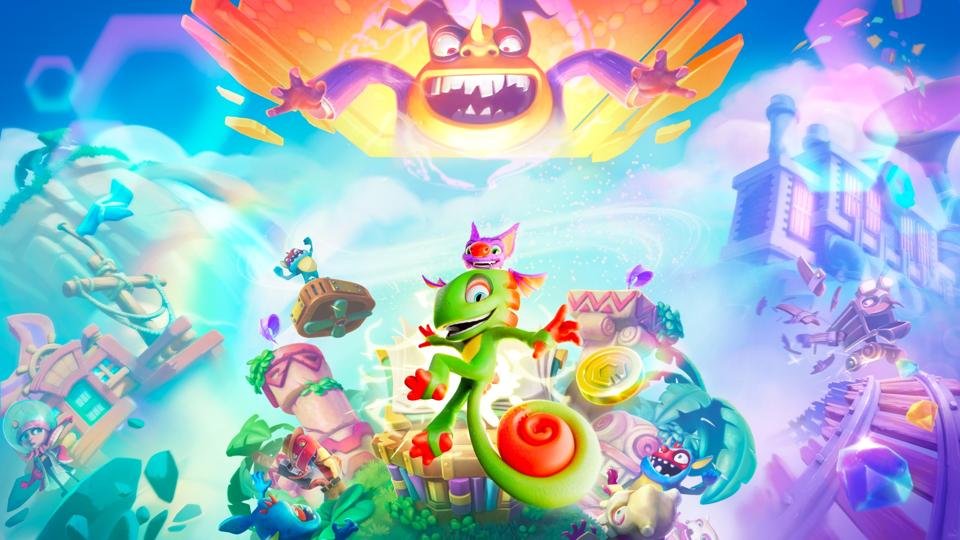
Playtonic and PM Studios have today released a free Switch 2 demo for the throwback platforming remake Yooka-Replaylee, giving you a chance to try before you buy.

You'll find the new demo on the Switch 2 eShop right now, and, you'll be pleased to hear, all the data carries over to the full game — so there's no time wasted if you choose to go all-in on the full release afterwards.

The demo announcement kicks off Playtonic's 10-day countdown to the release of the Yooka-Replaylee physical, which launches on 18th December. This boxed release bundles in a map and some stickers alongside the pièce de résistance, the full game on a cartridge.

User Feedback

Recommended Comments

There are no comments to display.

Forum Statistics

  • Total Topics 525
  • Total Posts 548

Configure browser push notifications

Chrome (Android)
  1. Tap the lock icon next to the address bar.
  2. Tap Permissions → Notifications.
  3. Adjust your preference.
Chrome (Desktop)
  1. Click the padlock icon in the address bar.
  2. Select Site settings.
  3. Find Notifications and adjust your preference.