




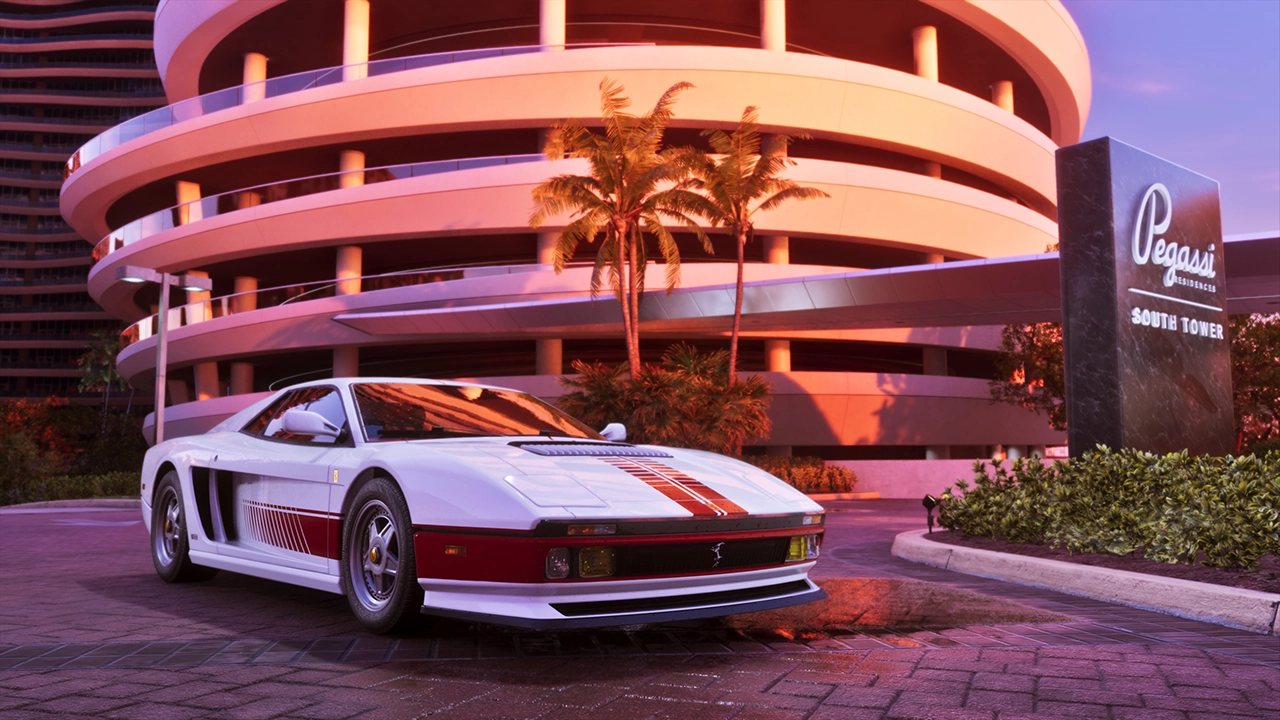

The wave of GTA 6 gameplay leaks that has been rolling out over the past several weeks has now moved from social media into federal court. With a sixth leaked clip — a lengthy look at supercar driving through Vice City — landing just today, Take-Two Interactive has escalated its search for the source, filing subpoenas demanding that Microsoft and Discord hand over identifying records tied to the leaker.
Kotaku was first to report on the filings, submitted at the federal district court level in the Southern District of New York. The subpoenas target both companies because the individual or individuals behind the leaks are believed to have used Xbox and Discord accounts in the process of obtaining and distributing the material.
In its filing, Take-Two's legal team describes the scope of what's been compromised in broad terms, stating that the copyrighted material at issue includes audiovisual content, artwork, images, dialogue, and other creative elements. The publisher has submitted a sworn declaration affirming that the subpoenas are meant solely to identify the alleged infringer(s) and that any information obtained will be used only to protect Take-Two's rights.
What Take-Two is asking Microsoft for
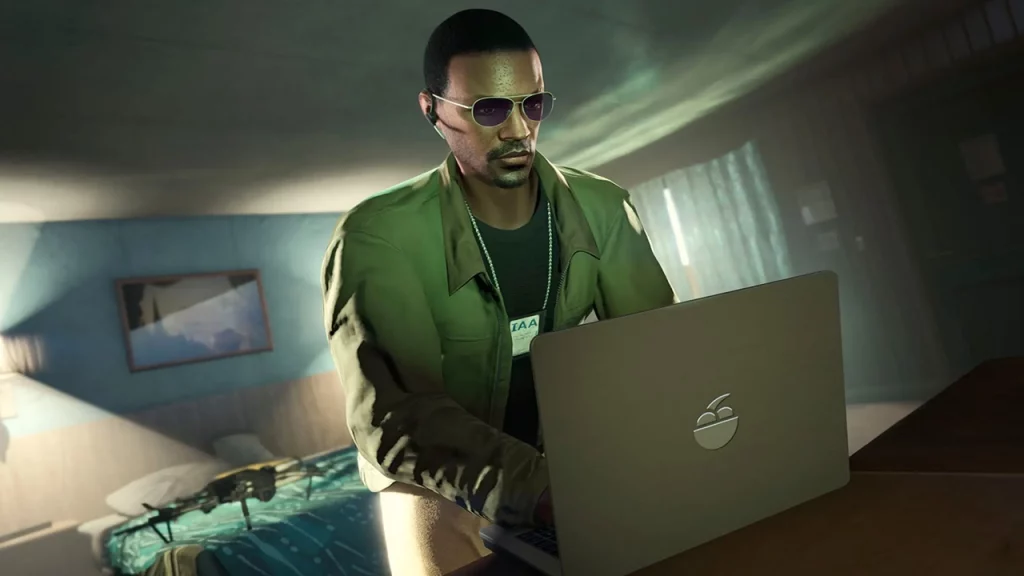
Microsoft has been given until September 4 — a two-week window — to turn over all internal business and investigative records tied to its own probe into a persona known as "cyberleek." Take-Two wants those records to be sufficient to identify the actual user or users, and any associated individuals or entities, behind that account.
What Take-Two is asking Discord for
Discord faces the same September 4 deadline. Take-Two has requested identifying information for every account that was a member of a specific list of Discord servers between June 1, 2026 and the present, along with associated device and telemetry data for any accounts where particular tool or file artifacts were detected.
Specifically, for each account Discord identifies, Take-Two is asking for the account ID, registration email, registration and last-login IP addresses, phone number, any linked accounts such as Google or Xbox, associated device identifiers, and any GTA-, Rockstar-, or Cyberleek-related content pulled from that user's OneDrive.
The servers and usernames named in the filing are:
CYBERLEEK
CINEMATICROCKSTAR
Surfer24k™
cyberleek_west
surwest
Odyssey (discord.gg/odyssey)
DarkViperAU editors (discord.gg/darkviperau)
DarkViper pushes back on being linked
The inclusion of a server tied to YouTuber DarkViperAU's editing team prompted a swift denial from the content creator himself. Posting on X, DarkViper said he has no knowledge of the leaks and that the server named in the filing isn't actually his editors' Discord, adding that neither of his Discord servers contain any clips from the leaks.
DarkViper offered a theory as to why he may have been pulled into the situation at all: he's speculated that the leaker joined one of his Discords after he repeatedly commented that the person behind "Cyberleek" can't drive. That taunt appears to have stuck — the leaker later scrawled "Cyberleek can't drive" onto the latest leaked clip.
With more gameplay leaks apparently still to come and a legal paper trail now underway, this is shaping up to be a drawn-out fight. We'll continue tracking developments as they emerge.
Recommended Comments