




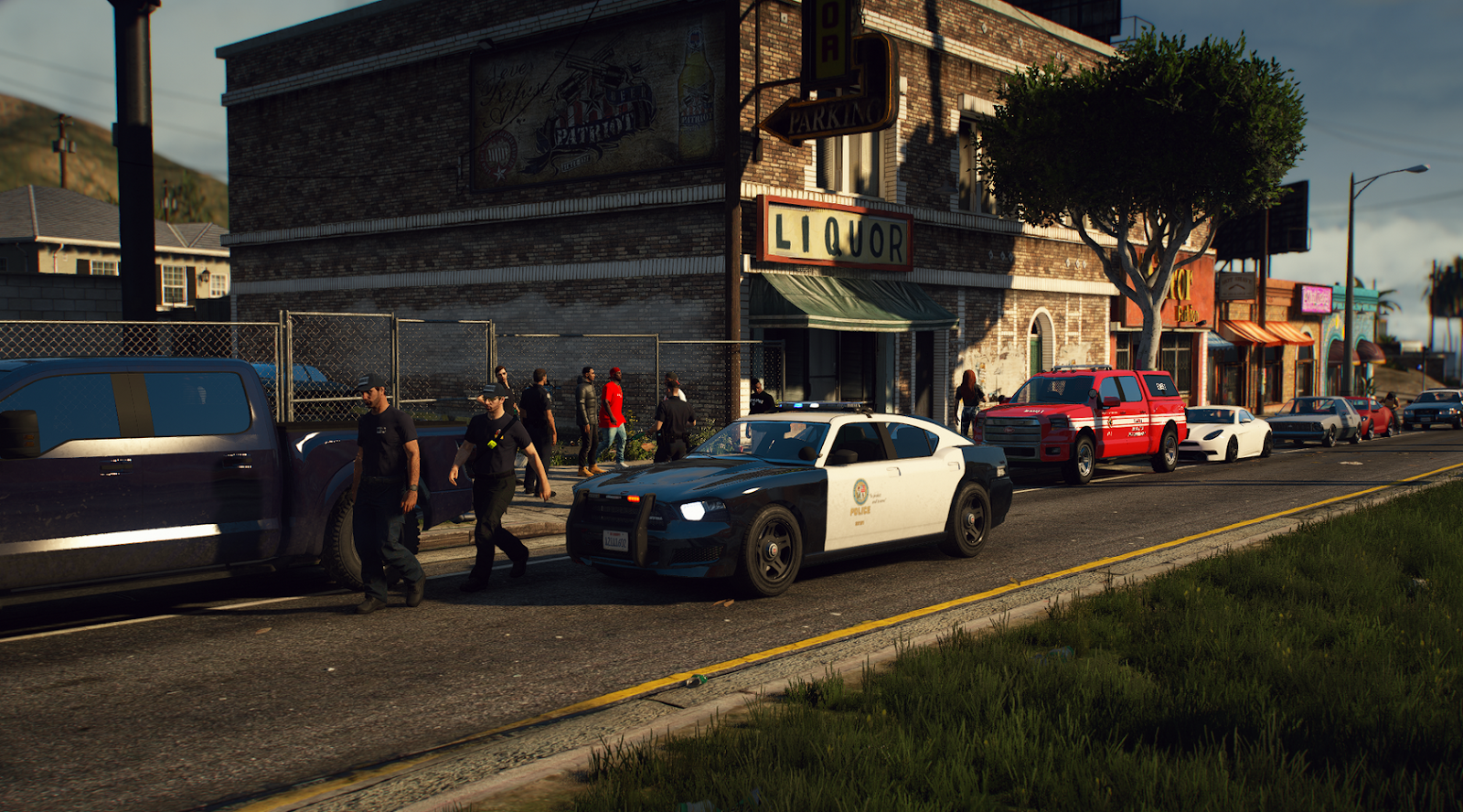

In a significant move reshaping the Grand Theft Auto V modding landscape, Take-Two Interactive has issued a shutdown order to alt:V, a popular multiplayer platform for GTA Online. The platform, known as a major alternative to FiveM, will cease operations entirely by July 2026, forcing thousands of players and server owners to migrate or face permanent closure.
The End of an Era for alt:V
The alt:V team announced that they have entered a "staged wind-down" agreement with the publisher. The decision stems from Take-Two and Rockstar Games enforcing their Platform License Agreement, which designates FiveM as the only authorized platform for GTA V multiplayer modding.
The developers behind alt:V addressed their community with a somber message:
"We know this is tough news for everyone – both developers and players. As FiveM is now Rockstar Games' official platform for modding-based experiences, we've done our best to give you extra time to move your servers to their new home."
Critical Dates for the Shutdown
To facilitate a transition to FiveM, the shutdown will occur in three distinct phases over the coming months:
March 2, 2026: The creation of new Community Servers on alt:V will be disabled.
May 4, 2026: The public server listing will go offline. Current server owners must log into the Server Manager before this date to retain access to the latest builds during the transition period.
July 6, 2026: The platform will become fully inoperable. Any servers that have not migrated to FiveM by this date will be permanently lost.
Allegations of Monopolization
The shutdown has sparked immediate controversy, particularly following statements from Disquse, a former lead developer for FiveM. Speaking to members of the community, Disquse heavily criticized Rockstar Games and Take-Two, alleging that the move is driven purely by profit and a desire to dismantle competition.
While Rockstar acquired Cfx.re (the team behind FiveM) in 2023, allegedly promising improved relations with the modding community, critics argue that the reality has been different. Since alt:V is an independent platform, Rockstar and Take-Two cannot monetize it. In contrast, their ownership of FiveM allows them to generate revenue from the modding ecosystem—a point underscored by FiveM's recent launch of a creator marketplace.
Disquse went further, raising concerns about the security of the official platforms, claiming that FiveM and RedM (the Red Dead Redemption 2 equivalent) have become vulnerable to cyberattacks, with RedM allegedly being "left to die."
The Future of GTA Modding
This shutdown solidifies FiveM's monopoly on GTA V roleplay and multiplayer modding. While the alt:V team expressed gratitude to their community for years of support, the forced consolidation raises questions about the future of independent modding projects.
For now, server owners on alt:V have a short window to migrate their communities before the platform goes dark for good this summer.
Recommended Comments