





Jump to content
View in the app

A better way to browse. Learn more.

GTA Forum

A full-screen app on your home screen with push notifications, badges and more.

To install this app on iOS and iPadOS
  1. Tap the Share icon in Safari
  2. Scroll the menu and tap Add to Home Screen.
  3. Tap Add in the top-right corner.
To install this app on Android
  1. Tap the 3-dot menu (⋮) in the top-right corner of the browser.
  2. Tap Add to Home screen or Install app.
  3. Confirm by tapping Install.

Register

Interested in GTA ? Join our community on the GTA Forum ! Exchange knowledge, learn about new things, use guides, and stay up to date with GTA Online and FiveM.

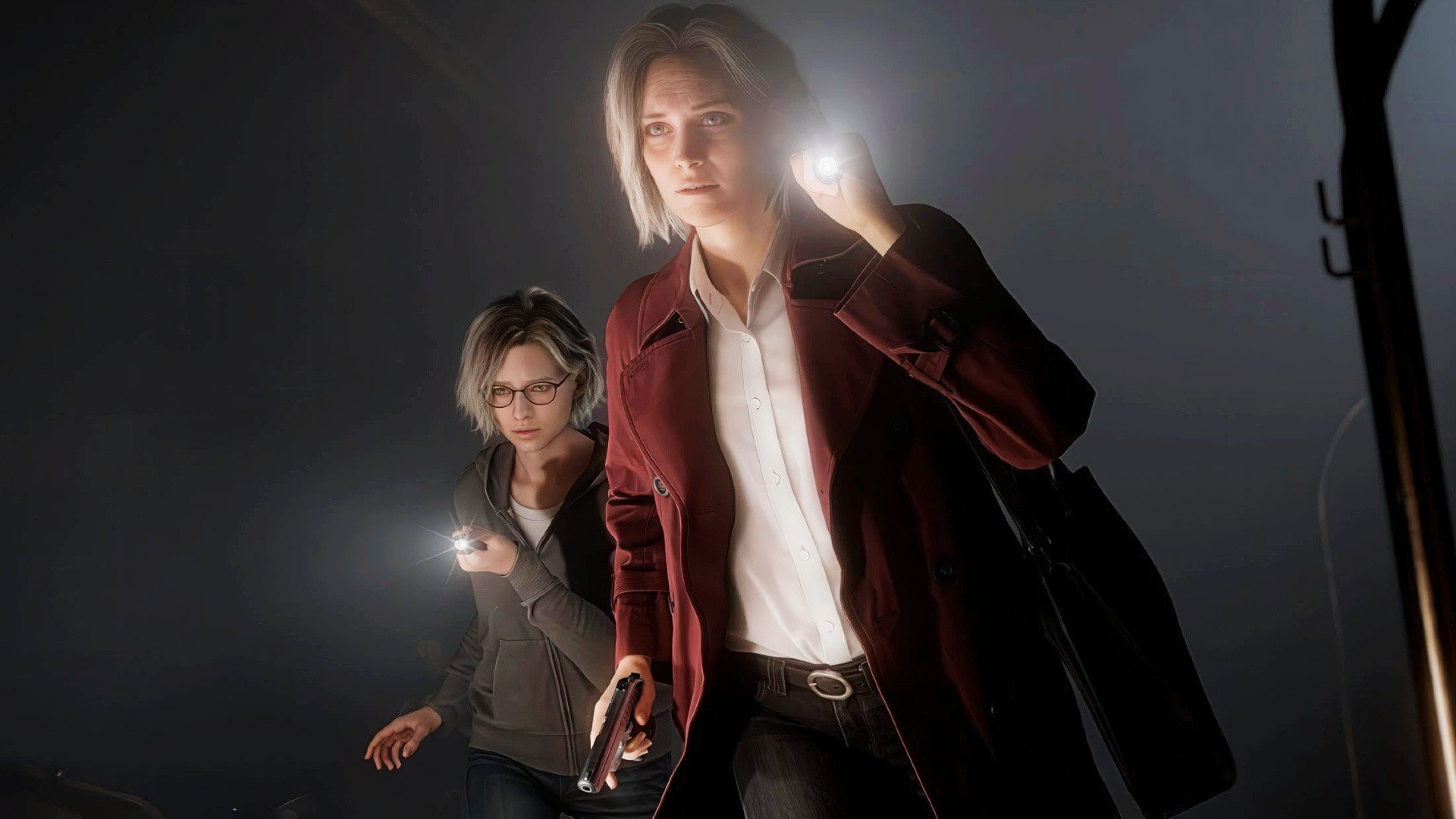
Some very brief — but new — clips from Resident Evil Requiem have been made public by way of a Japanese television show about the series.

In the footage, we see protagonist Grace shooting a zombie on a staircase, only for it to attack her and reveal there is a second undead man nearby. Based on the decor, this scene looks to be taken from the hotel location that shall play an important part in the campaign.

Catch the new gameplay below:

The footage falls in line with virtually everything else we've seen of Resident Evil Requiem up until now, which is to say not a lot. The game is out for PS5 on 27th February 2026, meaning it's already only three months away. In a surprising move — as all recent Resident Evil titles have received one — it's been said Requiem won't be getting a demo prior to launch.

Is Resident Evil Requiem one of your most anticipated games for 2026? Let us know in the comments below.

User Feedback

Recommended Comments

There are no comments to display.

Forum Statistics

  • Total Topics 576
  • Total Posts 608

Configure browser push notifications

Chrome (Android)
  1. Tap the lock icon next to the address bar.
  2. Tap Permissions → Notifications.
  3. Adjust your preference.
Chrome (Desktop)
  1. Click the padlock icon in the address bar.
  2. Select Site settings.
  3. Find Notifications and adjust your preference.