





Jump to content
View in the app

A better way to browse. Learn more.

GTA Forum

A full-screen app on your home screen with push notifications, badges and more.

To install this app on iOS and iPadOS
  1. Tap the Share icon in Safari
  2. Scroll the menu and tap Add to Home Screen.
  3. Tap Add in the top-right corner.
To install this app on Android
  1. Tap the 3-dot menu (⋮) in the top-right corner of the browser.
  2. Tap Add to Home screen or Install app.
  3. Confirm by tapping Install.

Register

Interested in GTA ? Join our community on the GTA Forum ! Exchange knowledge, learn about new things, use guides, and stay up to date with GTA Online and FiveM.

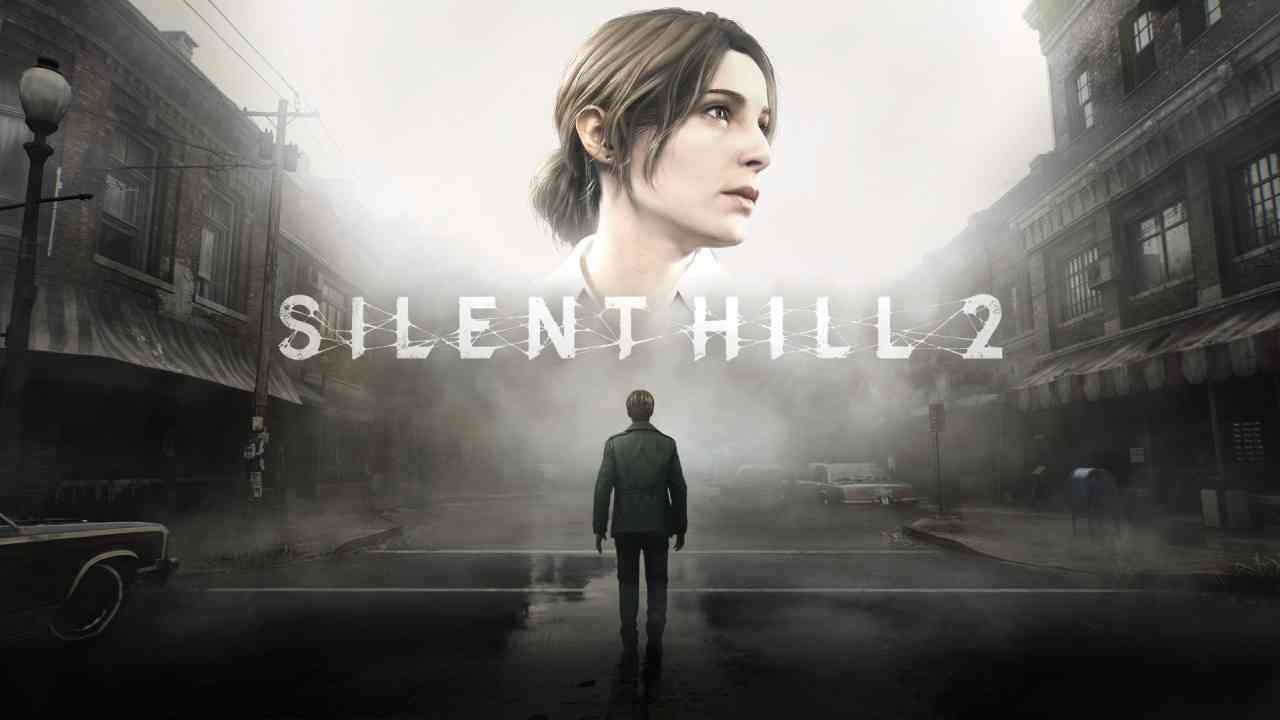
"Silent Hill 2 Remake" shadowdrops for Xbox Series consoles on the Xbox store today

Without any previous notice and out of nowhere, an Xbox Series version of the Silent Hill 2 Remake has appeared online through the official Microsoft Xbox Store in various regions.

Right now, the game has an entry for US stores, but without an actual price tag and only showing the message "Not available separately". However, the Australian store does include a price tag for the base game, being at $49.97 AU, while the Deluxe Edition of the game goes for $57.47 AU. The game is also available for purchase in a bundle alongside "Silent Hill f", with both bundles offering a standard Dual Pack and a Deluxe Dual Pack as well.

1763675899112.pngShadowOne333 · Nov 20, 2025 at 3:09 PM

1763675915579.pngShadowOne333 · Nov 20, 2025 at 3:09 PM

Many considered the game would have been unveiled in the recent Xbox Partner Preview from today, but it wasn't featured.
It's still unknown if the game will be properly announced by Microsoft or any of the official Xbox accounts later today, or in the spawn of the weekend.

This also seemed to have fueled some rumours about a plausible upcoming Silent Hill 2: Born From A Wish DLC, but there has been no official word from Konami about any potential DLC for the game.

Source

User Feedback

Recommended Comments

There are no comments to display.

Forum Statistics

  • Total Topics 576
  • Total Posts 608

Configure browser push notifications

Chrome (Android)
  1. Tap the lock icon next to the address bar.
  2. Tap Permissions → Notifications.
  3. Adjust your preference.
Chrome (Desktop)
  1. Click the padlock icon in the address bar.
  2. Select Site settings.
  3. Find Notifications and adjust your preference.