




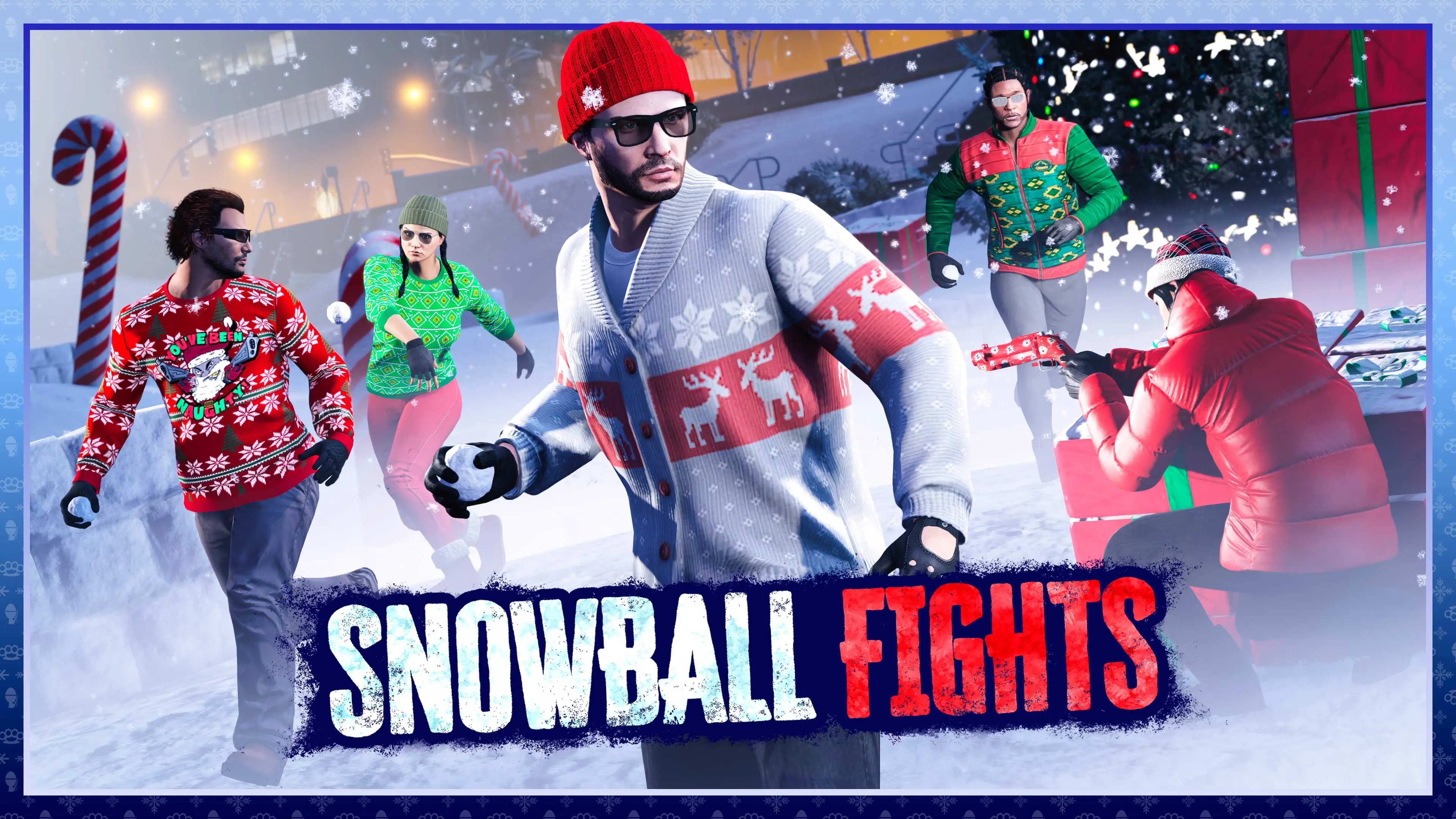

If you logged into GTA Online today, April 1, 2026, and thought your eyes were playing tricks on you... nope, it's real. Rockstar Games just dropped a full-on winter wonderland across Los Santos and Blaine County as their latest April Fools prank—and it's the first time they've brought back the snow in over half a decade.
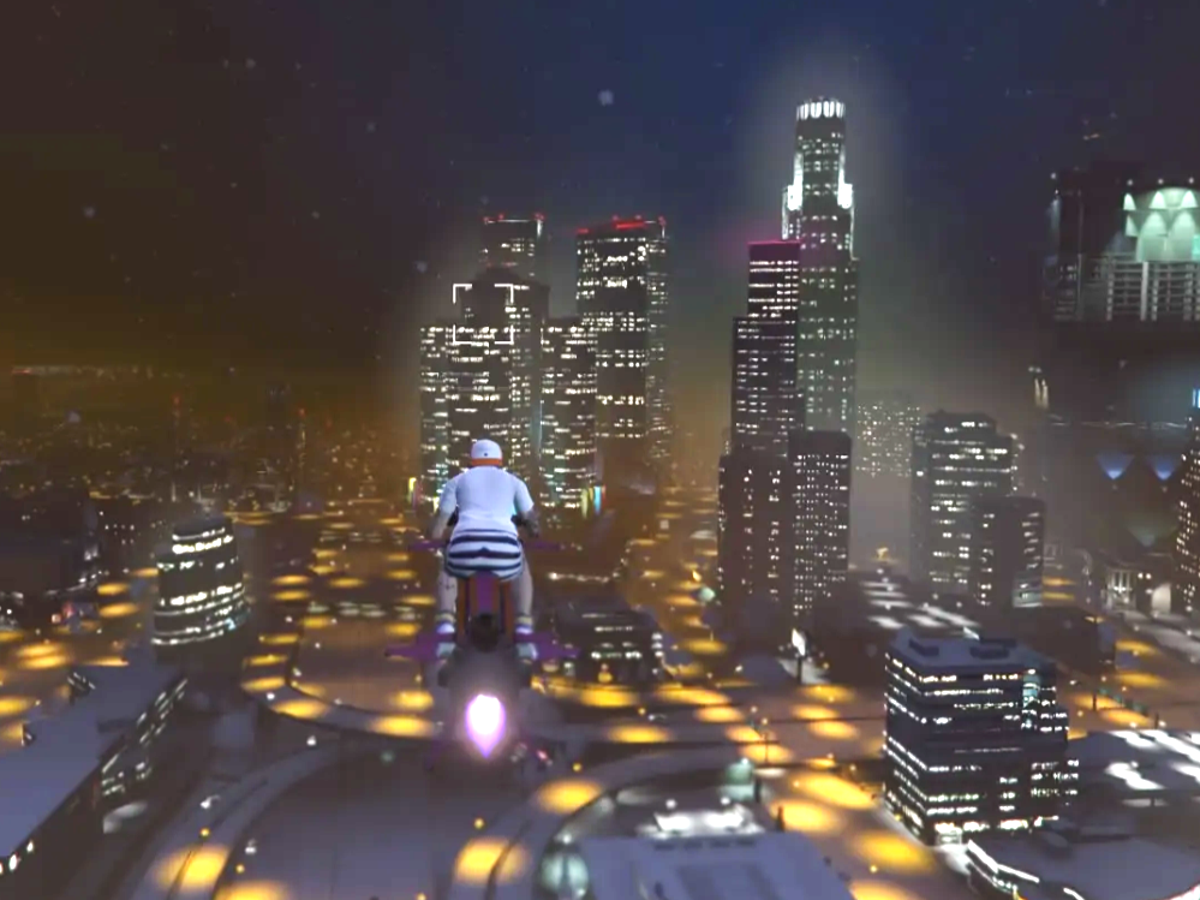
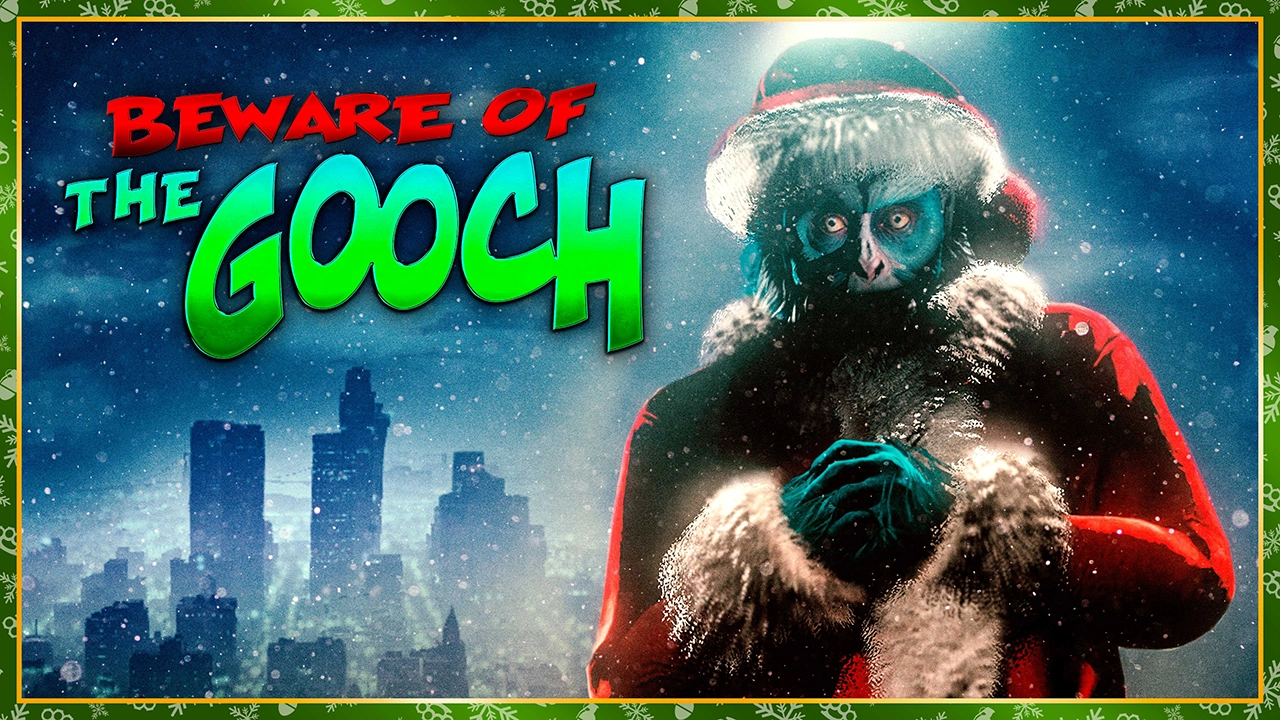
Snowflakes are drifting down everywhere, turning the sunny streets of Vinewood and the dusty trails of the countryside into a temporary Christmas card. You can actually scoop up snowballs and chuck them at your friends (or enemies) mid-session. And if that wasn't chaotic enough, they've also flipped the switch on The Gooch random event—the creepy blue ape in the Santa suit that loves to mug players for their cash and outfits. No extra payouts or bonuses this time; it's pure chaotic fun in the spirit of the day.
For longtime players, this feels like a nostalgic blast from the past. The last time Rockstar pulled this off was back in 2020, when snow blanketed both GTA Online and Red Dead Online for the holidays. This year? Just GTA Online gets the festive treatment, and only for a single day. Most players expect the wintery vibes to vanish tomorrow, April 2, when the next regular Event Week rolls in.
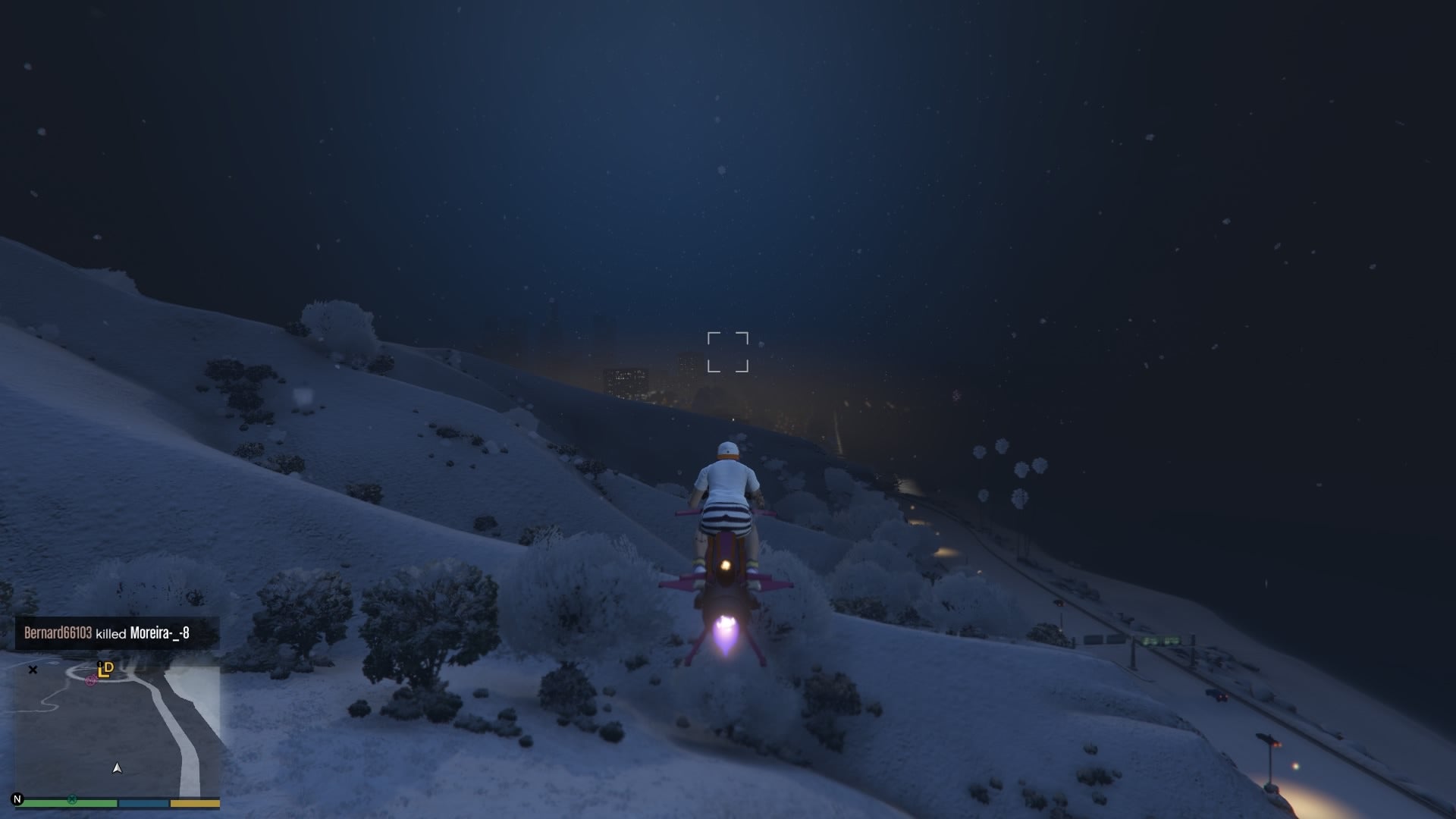
The community is split right down the middle. Some are loving the absurdity—hopping on bikes or flying around in the snow-covered hills, screenshotting the glowing city lights through the flurries, and dodging The Gooch like it's a holiday horror movie. Others are straight-up annoyed, grumbling that their perfect clear-weather heists and races now feel like they're driving through a blizzard in April. Social media is flooded with clips of snowball fights in ugly Christmas sweaters and players getting jumped by The Gooch in broad (well, snowy) daylight.
Of course, the GTA rumor mill is already spinning. With GTA 6 marketing ramping up this summer and the game still on track for a fall release, some fans are jokingly (or seriously?) wondering if this is some sneaky teaser. Real talk: it's almost certainly just Rockstar's way of having a little fun after years of skipping the gag. No new trailers, no massive updates—just a cheeky one-day weather tweak to remind everyone they're still out there watching the calendar.
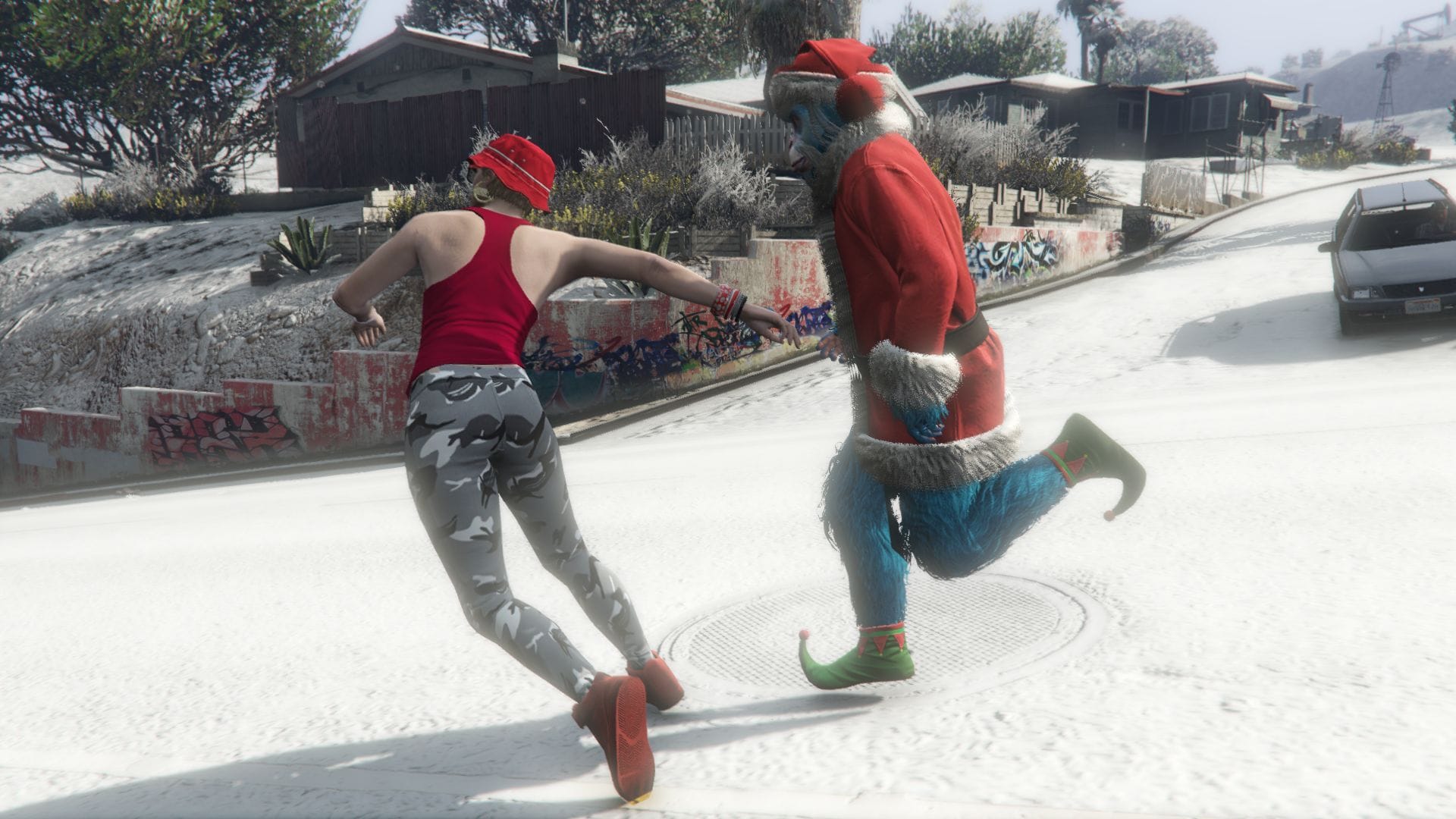
GTA Online April Fools 2026 update brings back snow and Gooch event
So if you're online right now, grab a snowball, hunt down The Gooch, and enjoy the rare white Christmas in the middle of spring. It won't last long, but for one glorious April Fools Day, Los Santos is looking a whole lot more festive. Check the game yourself—Rockstar really did it. What's your favorite snowy moment so far? Drop it in the comments.
Recommended Comments