




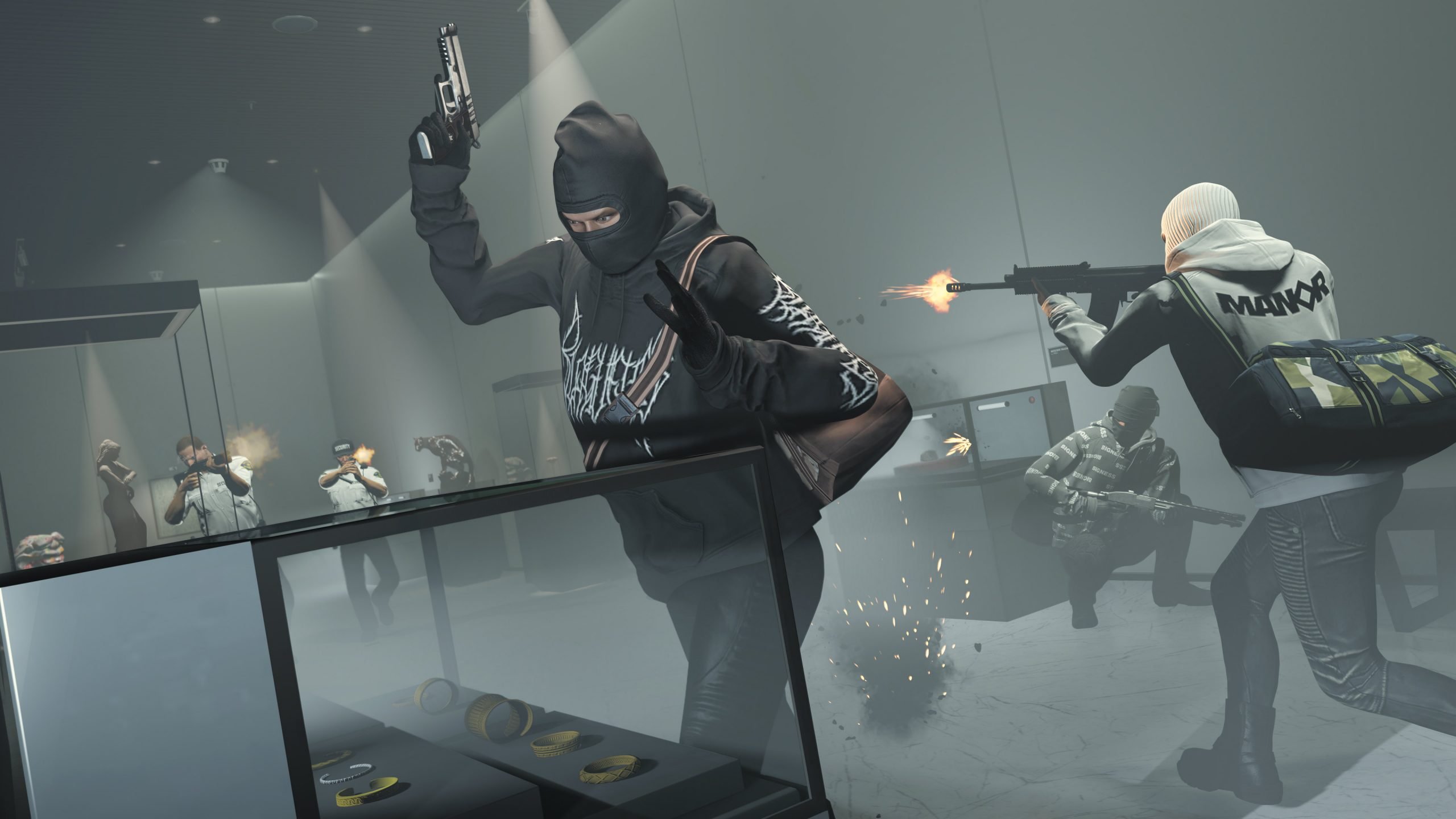

Rockstar Games isn't done with GTA Online yet. In the wake of The Kortz Center Heist update, the studio used its latest Newswire post to drop a string of hints about what's still to come for the nine-year-old online mode — including a fresh seasonal Mission Series, more dripfed vehicles, and a Halloween refresh that's arriving within weeks.
A Heist Update That Wasn't the Finale
Plenty of fans assumed The Kortz Center Heist would be the last major content drop before GTA 6 arrives. That theory made sense on paper: last year's mansions-focused update already felt like a natural sendoff, and Rockstar has spent months signaling that its attention is shifting toward its next release. But the studio's own newest post makes clear that GTA Online's road doesn't end here.
Reception to The Kortz Center Heist itself has been mixed. The new heist missions are being well received, but changes bundled in alongside them — including nerfed heist payouts and a handful of bugs — have left some players feeling the update went out more with a whimper than a bang. That disconnect between the quality of the new content and the state it launched in is likely part of why Rockstar felt the need to reassure players that more is on the way.
What's Actually Coming
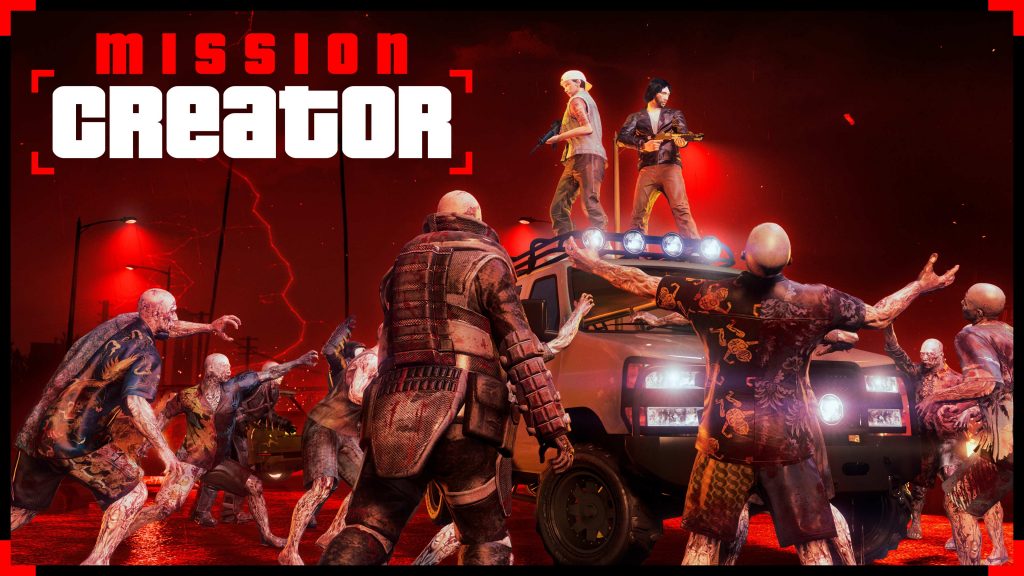
Buried at the bottom of the newswire post, Rockstar laid out a rough roadmap for the next few months:
Community Mission Series expansion — Rockstar says it will keep adding "quality creations" to the Community Mission Series on a regular basis. The Kortz Center Heist update already overhauled the Mission Creator tools, and this is where that investment starts to pay off for player-made content.
A Halloween refresh, arriving soon — More zombies, ghosts, and ghouls are planned for later this month, continuing Rockstar's tradition of giving Los Santos a seasonal makeover around Halloween.
A seasonal Mission Series this fall — Rockstar confirmed a dedicated seasonal Mission Series is planned for autumn, though specifics haven't been shared yet.
More vehicles on the way — Additional cars will be dripfed into the game over the coming weeks and months, with an emphasis on drift-capable vehicles joining the existing lineup of datamined rides players have been tracking.
Why Rockstar Keeps Feeding a Game It's Trying to Move On From
GTA 6 has already been delayed multiple times, and that's forced Rockstar into an unusual position: keeping GTA Online's live-service engine running far longer than it likely intended to. The mode is still one of the most reliable revenue generators in gaming, so letting it go quiet isn't really an option — even as development and marketing attention increasingly point toward the next title.
That tension is likely to define GTA Online's final stretch. Rockstar isn't treating any single update as the send-off; instead, it's continuing to drip-feed community content, seasonal events, and vehicles for as long as the game remains the primary Grand Theft Auto experience players have access to. Whether the fall Mission Series ends up being the actual last hurrah — or just another chapter in a game that keeps finding reasons to stick around — remains to be seen.
Recommended Comments