




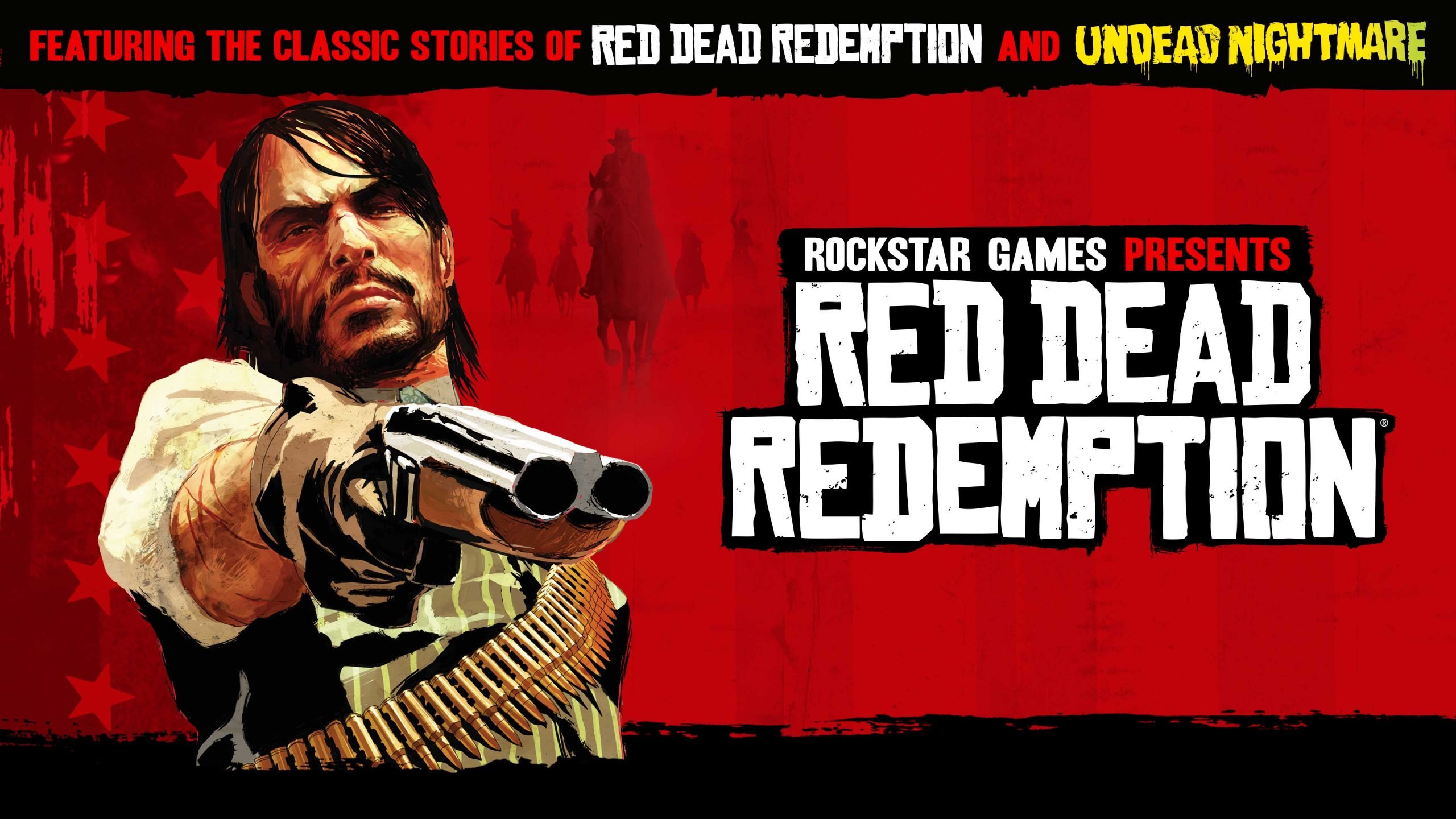

Rockstar Games has quietly rolled out a new software update for the original Red Dead Redemption, targeting frustrating audio problems that have annoyed players since the native current-generation ports launched in December 2025.
The patch, which began deploying on February 24, 2026 (listed as version 1.06 officially and 1.002 on consoles), applies primarily to PlayStation 5 and Xbox Series X|S. Although Rockstar’s support page mentions PC in the notes, no update has appeared for that platform yet.
What the Patch Actually Fixes
Rockstar’s official changelog is as vague as ever: “General bug fixes and improvements.” Thankfully, the dedicated community stepped in immediately. Players on Reddit (first spotted by user InspiredNitemares in r/rdr1) and confirmed across social media quickly identified the real changes:
Loud, overpowering music during cutscenes (most notably the game’s dramatic intro sequence) has been properly balanced so it no longer drowns out dialogue and sound effects.
Music now correctly plays on the main game selection/title screen.
These issues were especially irritating because they did not exist in the last-generation versions on PS4 and Xbox One, creating a clear regression in what was otherwise a welcome 4K/60 FPS-enhanced port.
First Patch Since Launch
The current-gen re-release of Red Dead Redemption (including the full Undead Nightmare expansion) arrived on December 2, 2025, bringing native enhancements, HDR, improved visuals, and smoother performance to modern hardware. While largely praised, the audio mixing problems quickly became a common complaint in reviews and player forums.
This marks the first post-launch patch for the PS5 and Xbox Series versions. In contrast, the mobile ports (iOS, Android, and Netflix versions) have already received several updates in recent months.
Player Reactions
Feedback has been overwhelmingly positive. One popular X post summed it up: “Red Dead Redemption on PS5 and Xbox has received an update addressing the audio mixing issues in cutscenes. The intro cutscene audio now matches correctly.”
Fans are relieved to see Rockstar addressing quality-of-life issues even for an older title. Many hope this small patch signals ongoing support for the franchise while the community continues to speculate about next-gen upgrades for Red Dead Redemption 2 or future projects.
How to Get the Update
If you own Red Dead Redemption on PS5 or Xbox Series X|S, the update should download automatically. Otherwise, check your console’s game library or library settings to trigger it manually. The file size is reported as small, so installation is quick.
Whether you’re revisiting John Marston’s story for the first time in years or replaying it in stunning 4K, the experience is now that much more polished. Saddle up, partner — the frontier sounds better than ever.
Stay tuned to gaming news outlets (and Rockstar’s official support page) for any future updates. What do you think — is this enough to keep the original Red Dead Redemption feeling fresh in 2026? Let us know in the comments!
Recommended Comments