
Jump to content
View in the app

A better way to browse. Learn more.

GTA Forum

A full-screen app on your home screen with push notifications, badges and more.

To install this app on iOS and iPadOS
  1. Tap the Share icon in Safari
  2. Scroll the menu and tap Add to Home Screen.
  3. Tap Add in the top-right corner.
To install this app on Android
  1. Tap the 3-dot menu (⋮) in the top-right corner of the browser.
  2. Tap Add to Home screen or Install app.
  3. Confirm by tapping Install.

Register

Interested in GTA ? Join our community on the GTA Forum ! Exchange knowledge, learn about new things, use guides, and stay up to date with GTA Online and FiveM.

Rockstar Drops Over 20 New GTA 6 Screenshots Following Netflix Extended Look

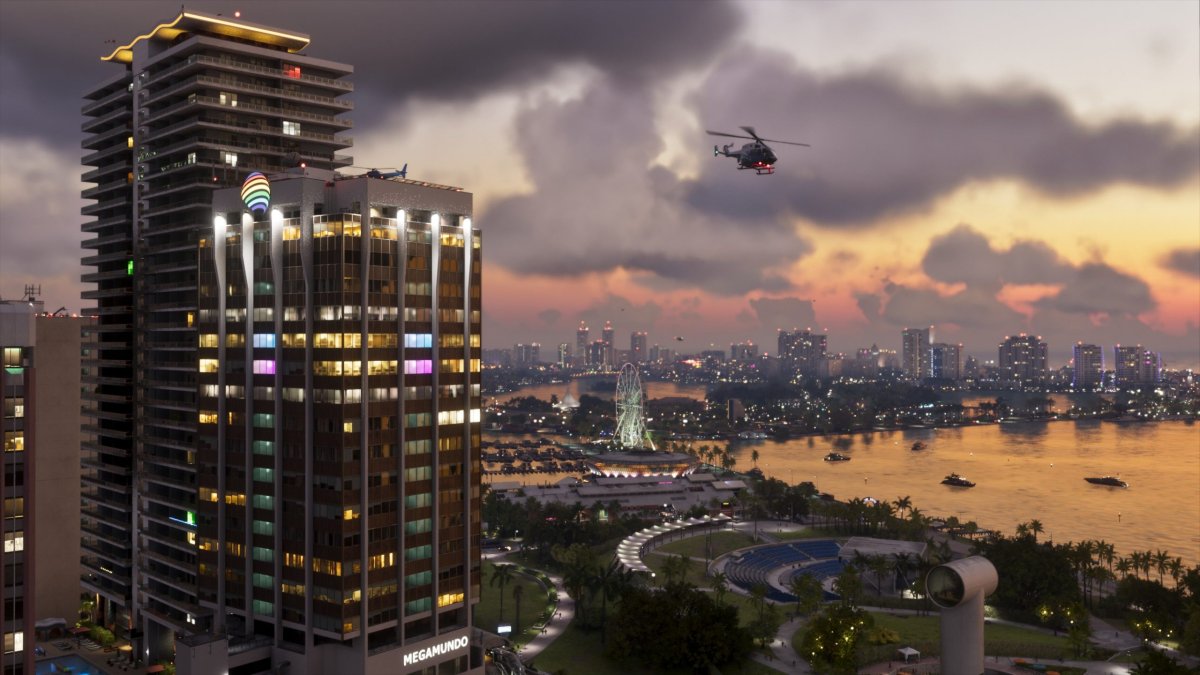
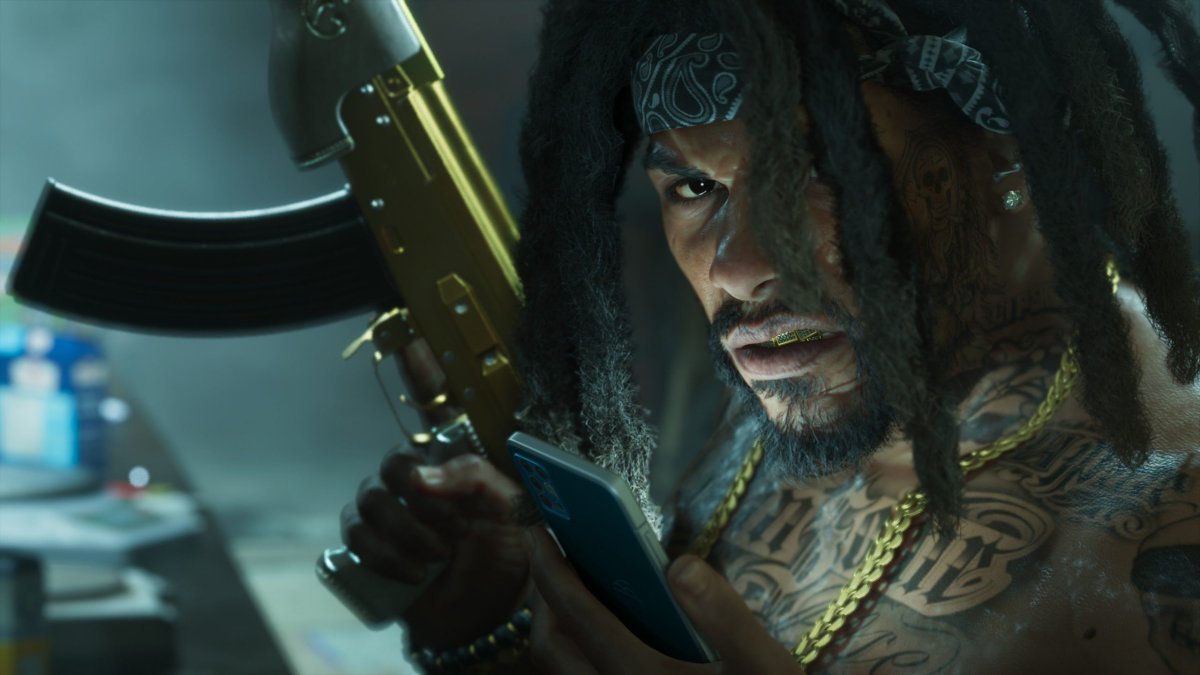
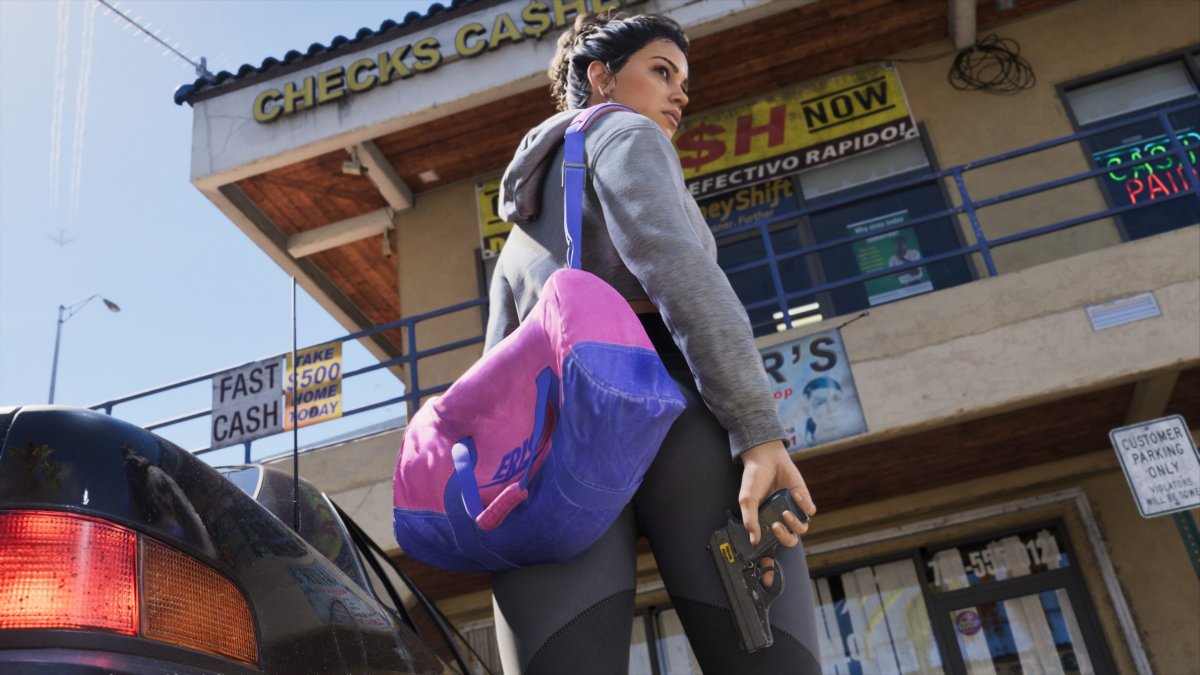
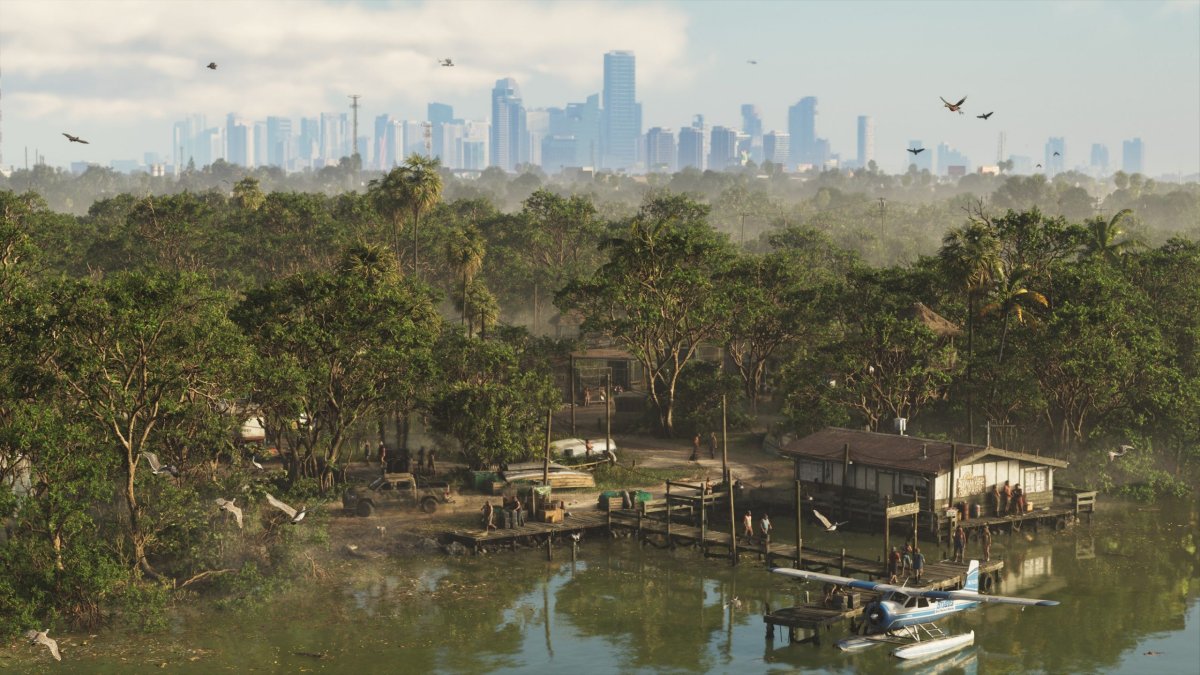
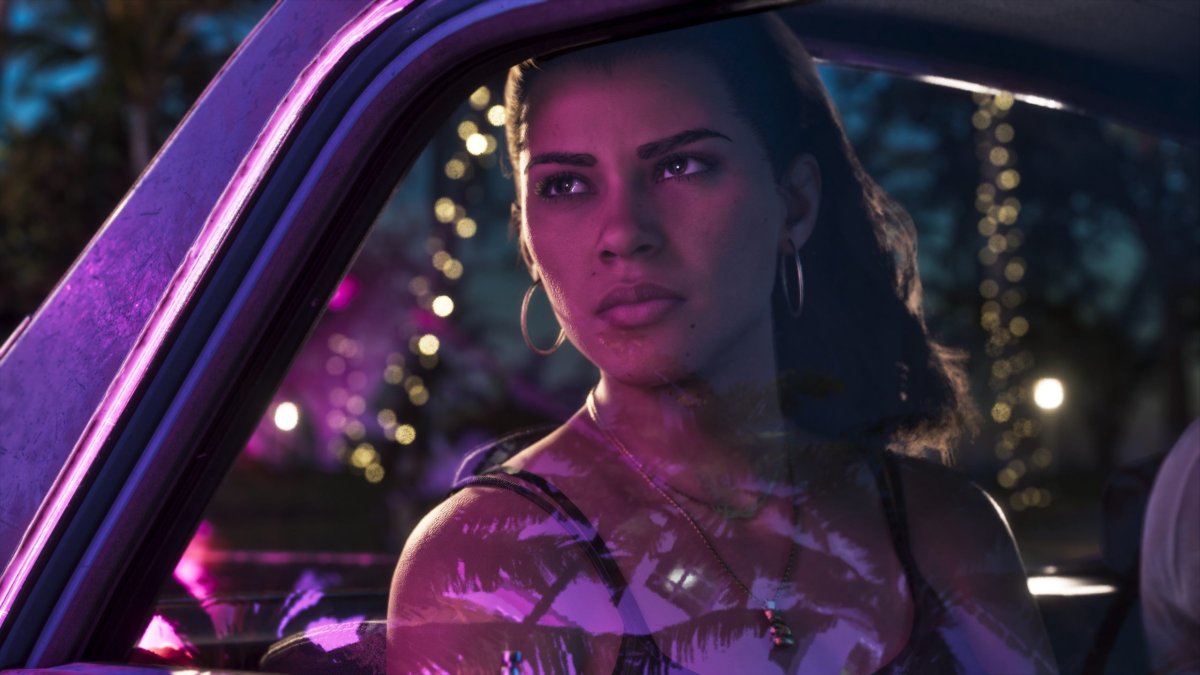
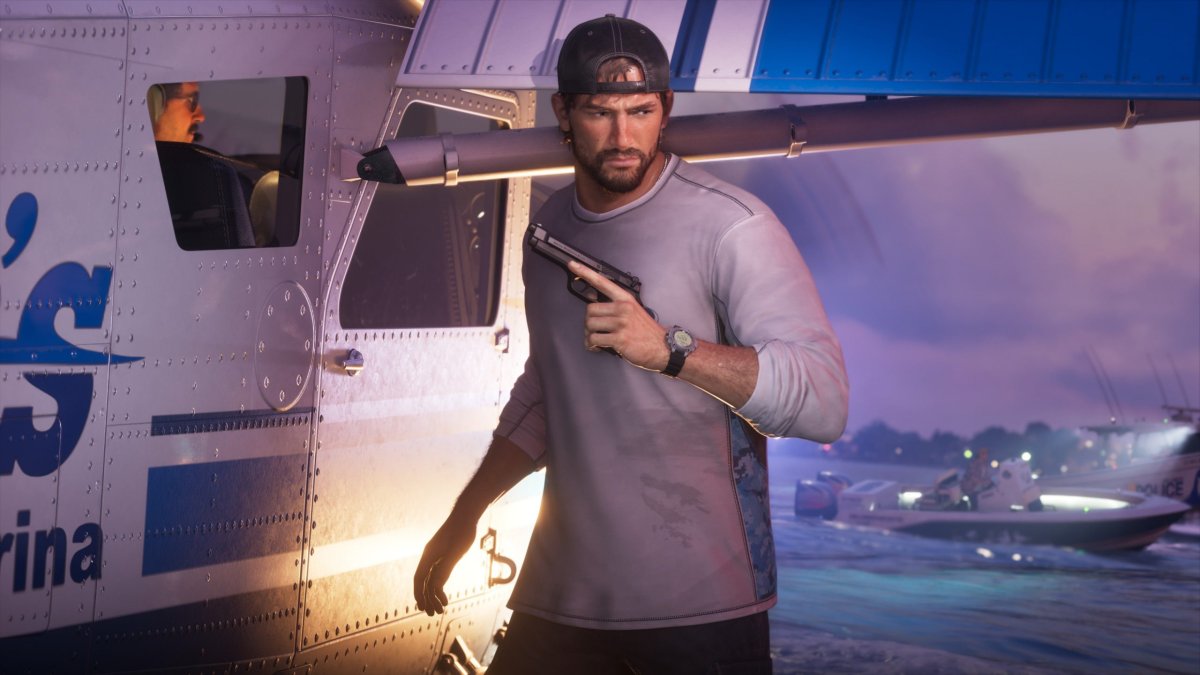
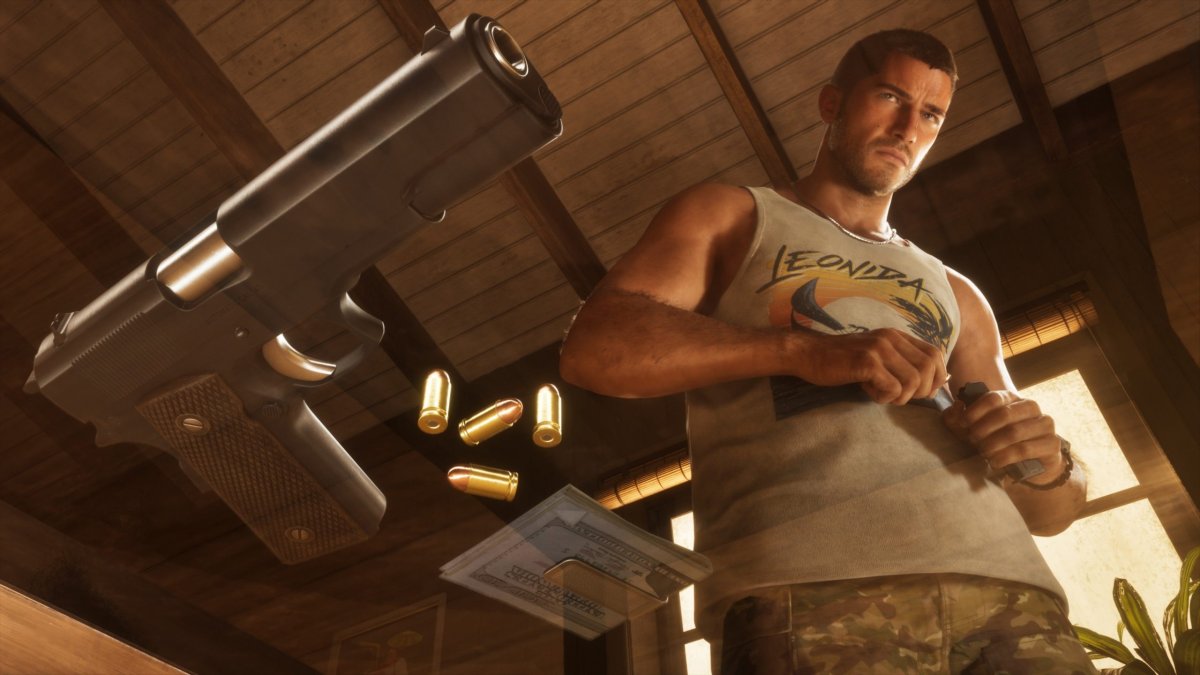
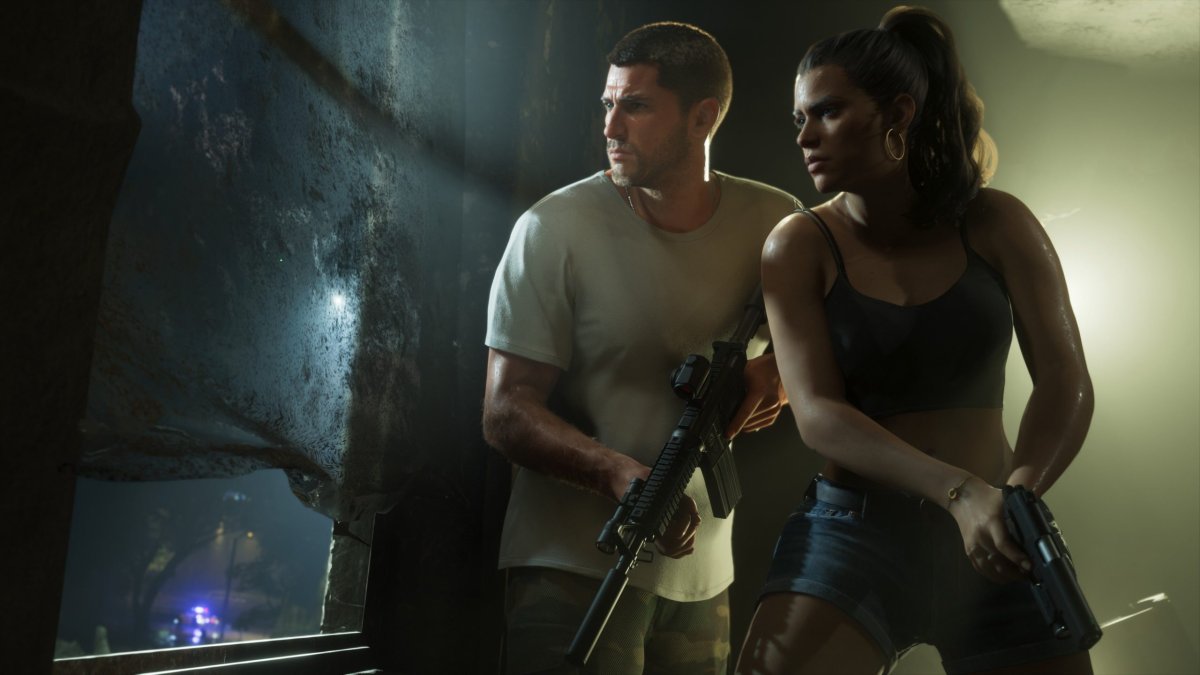
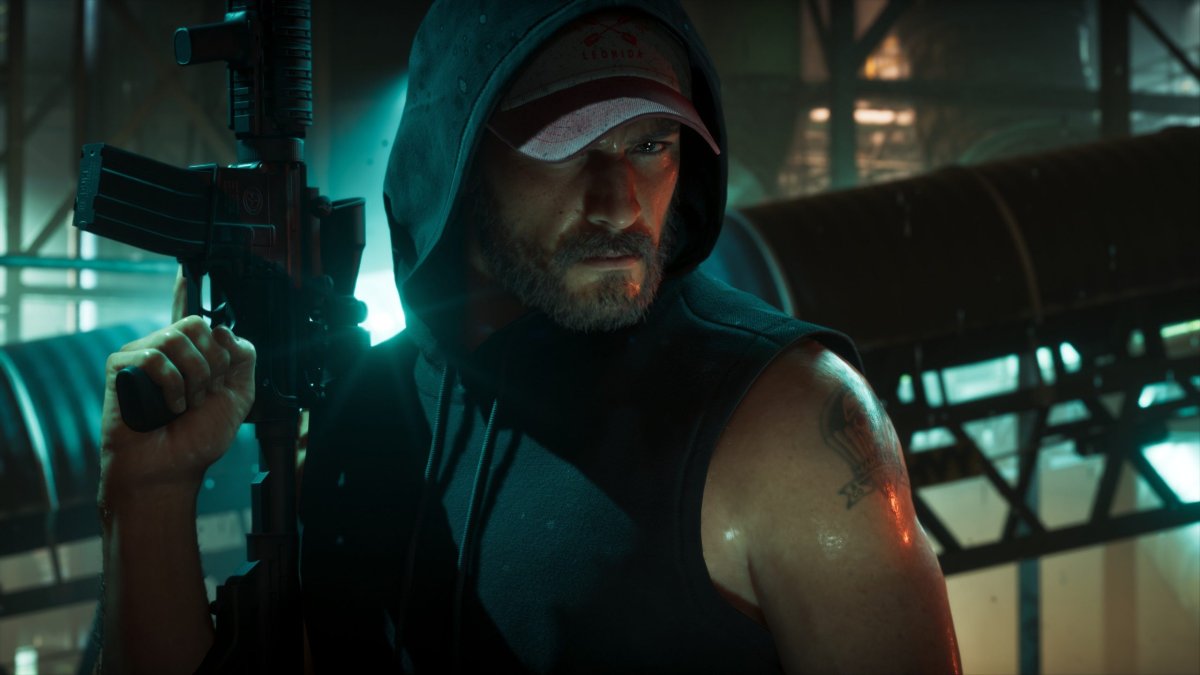
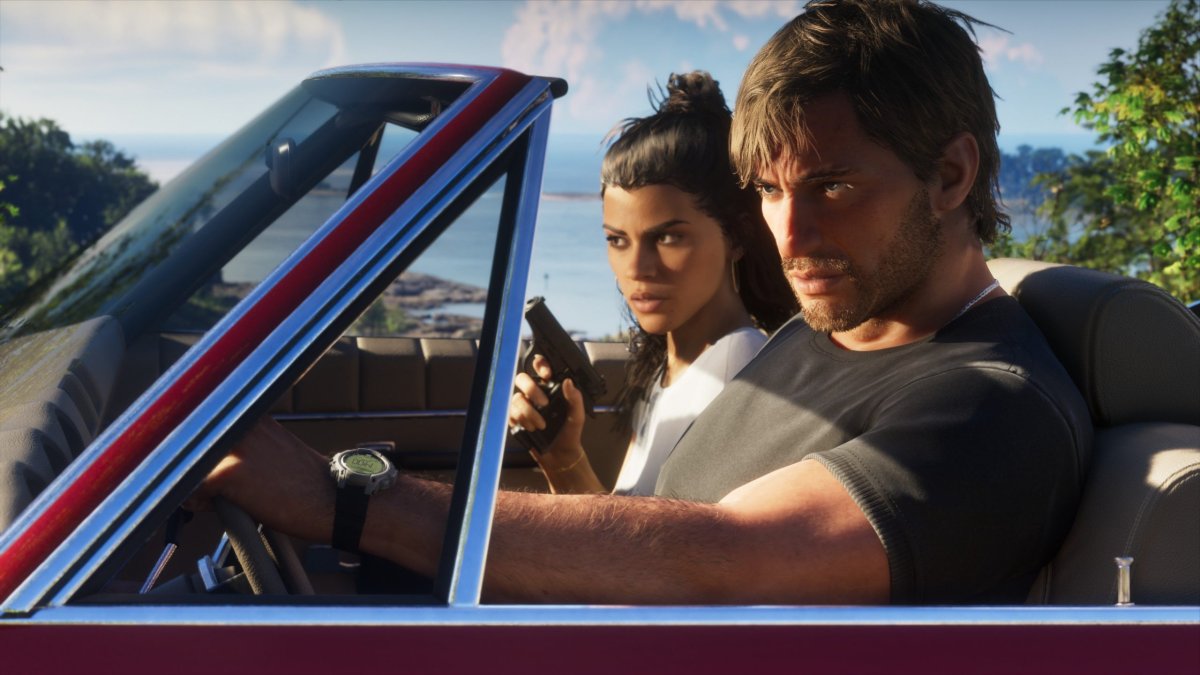
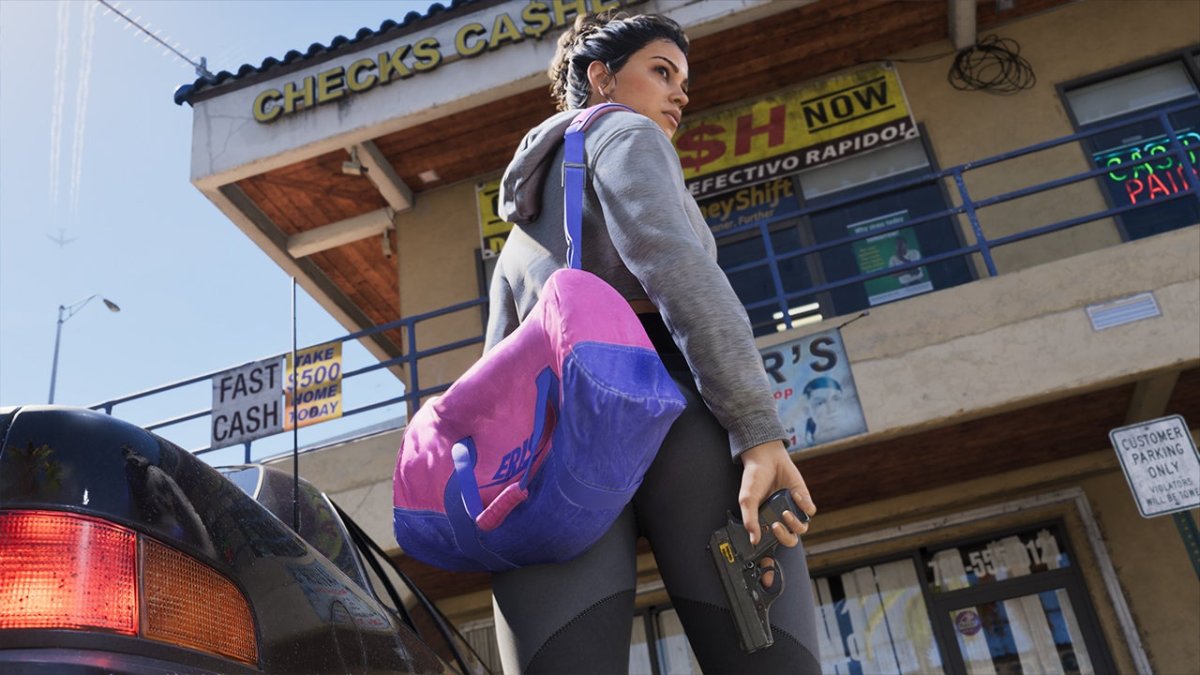
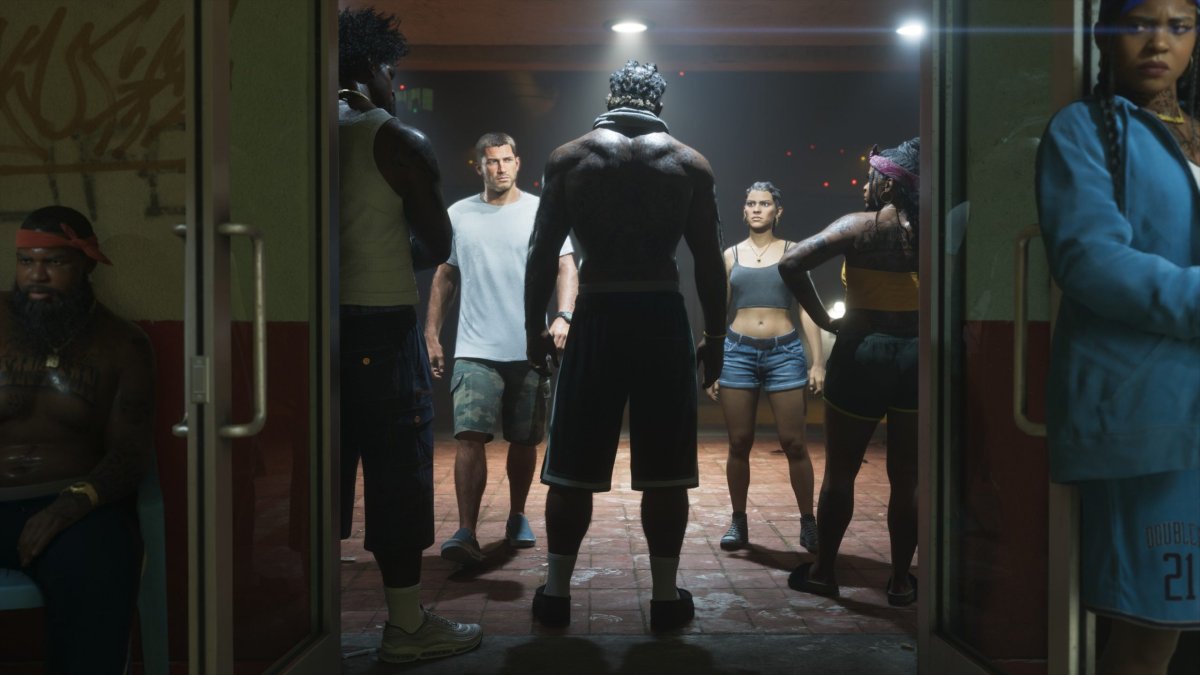
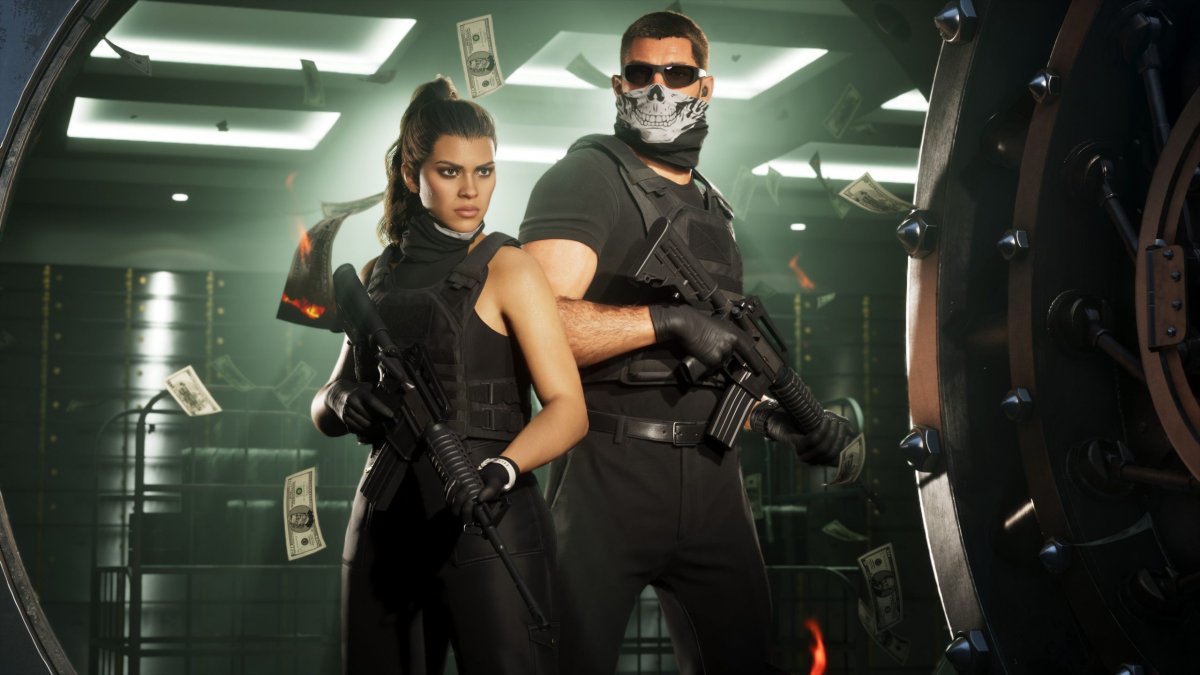
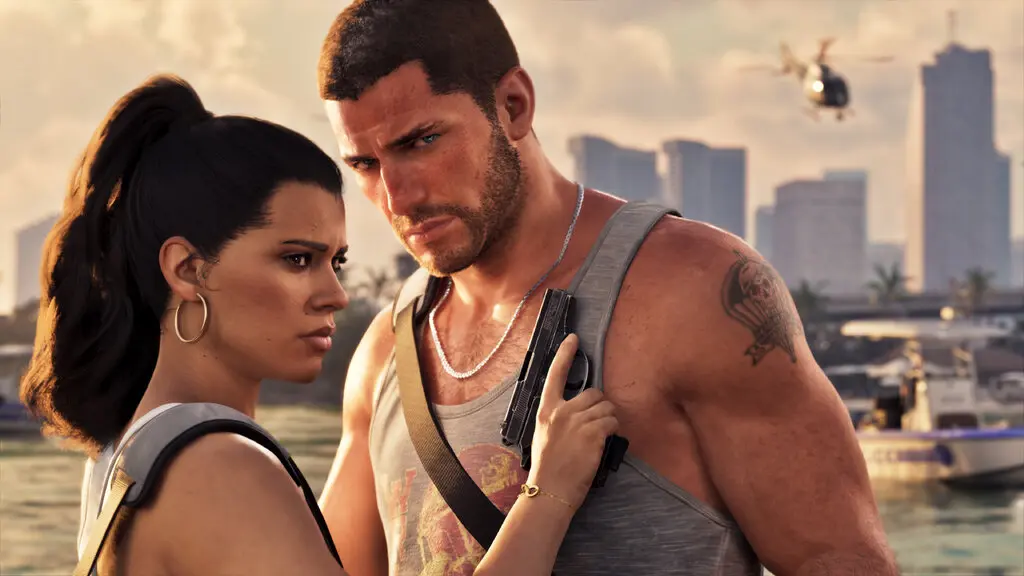
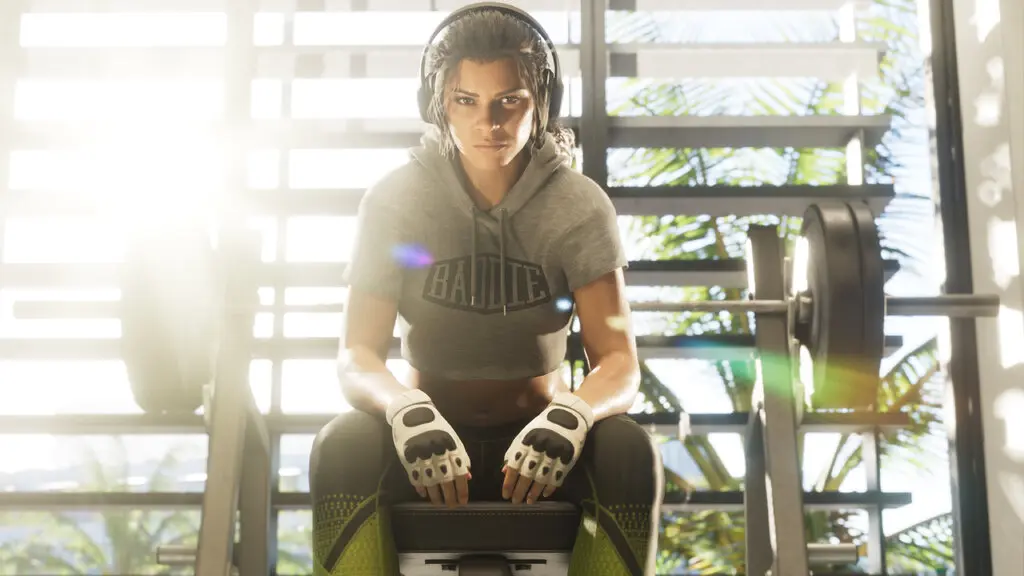
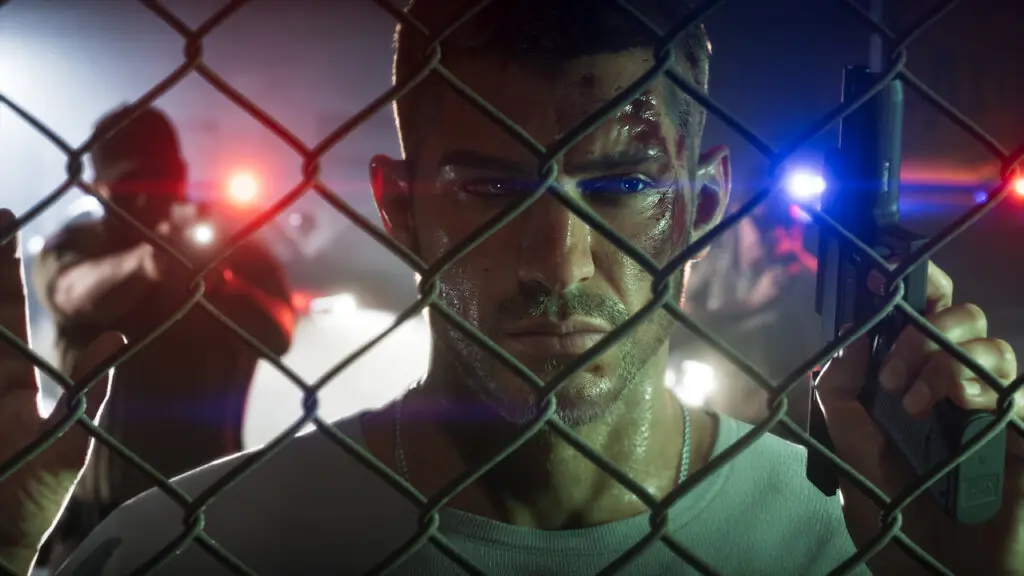
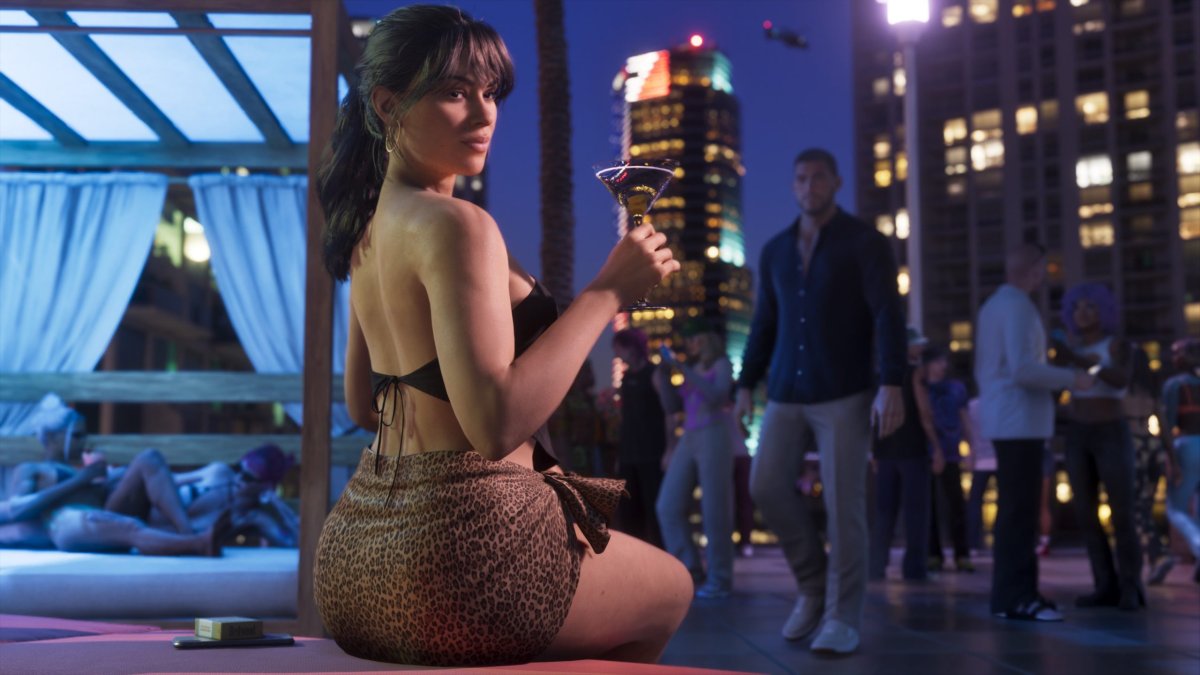
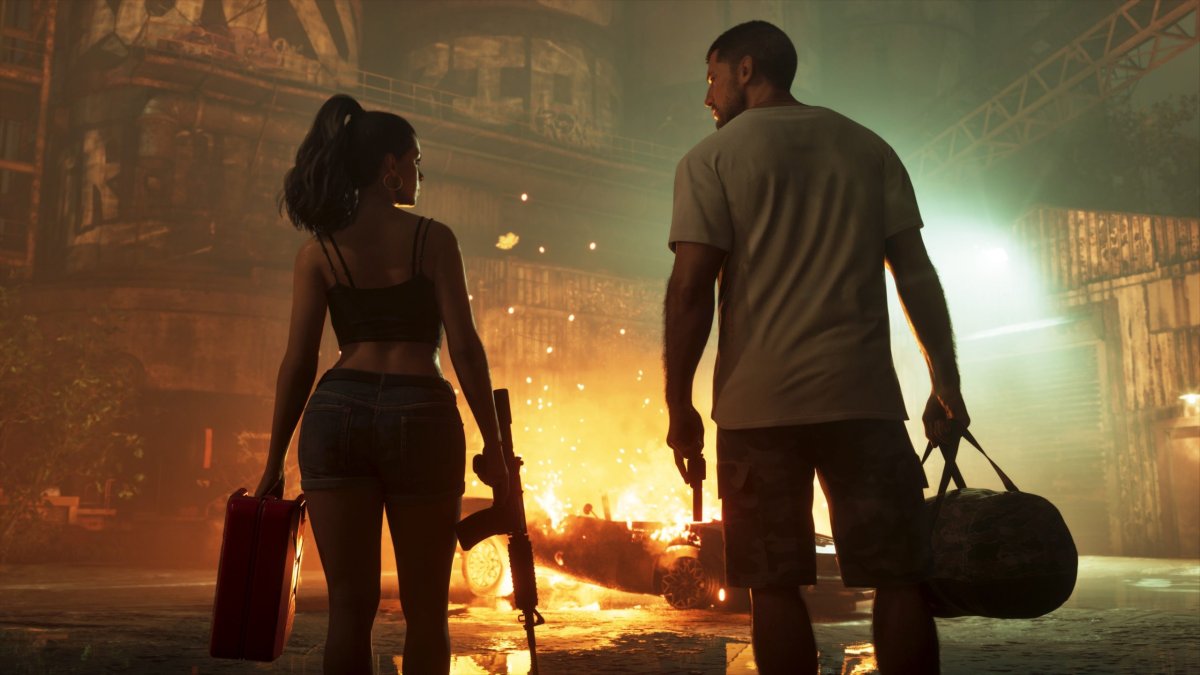
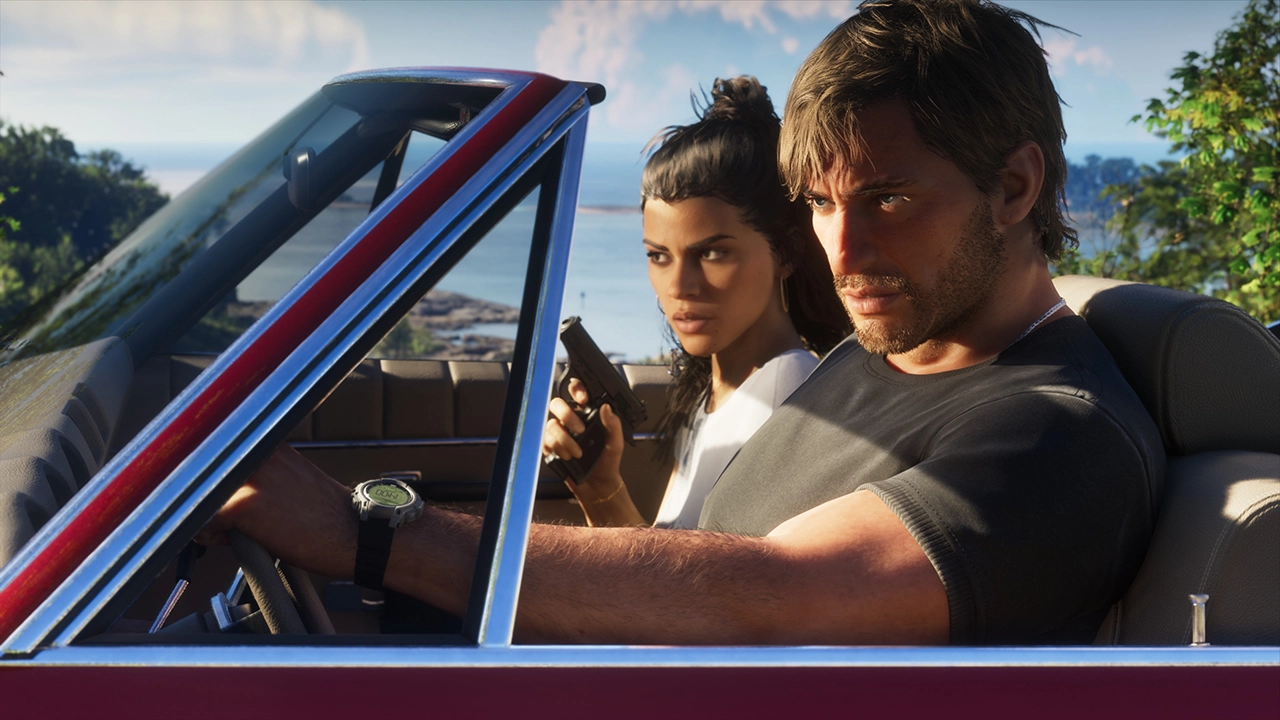
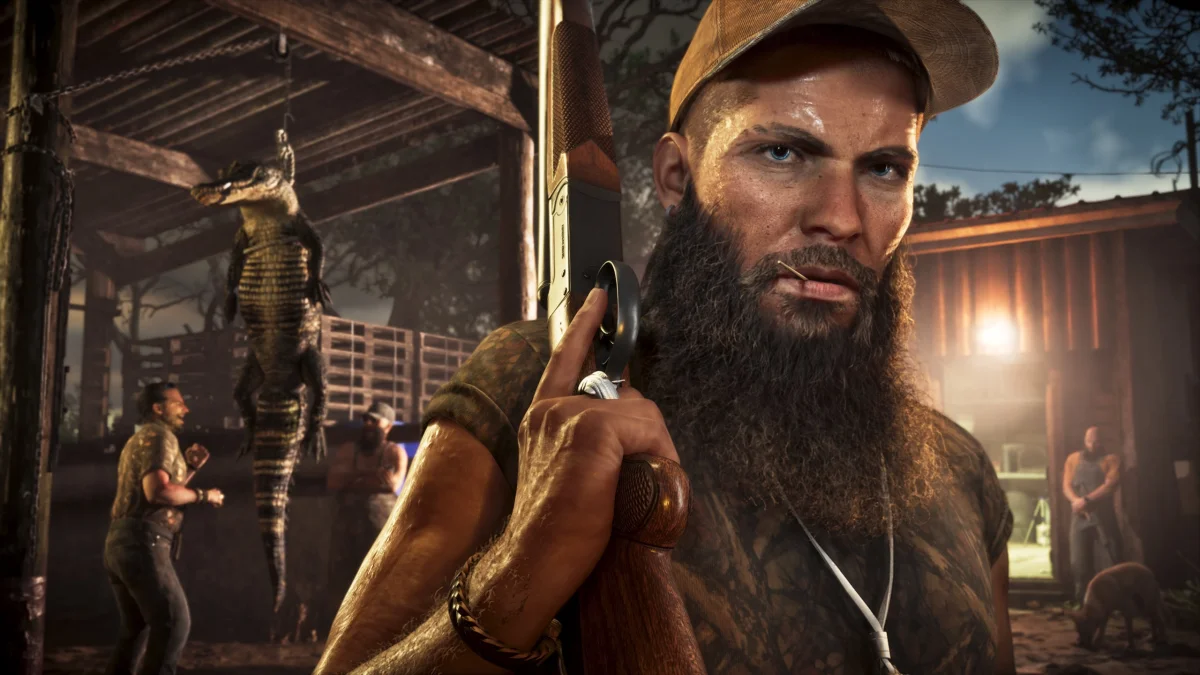
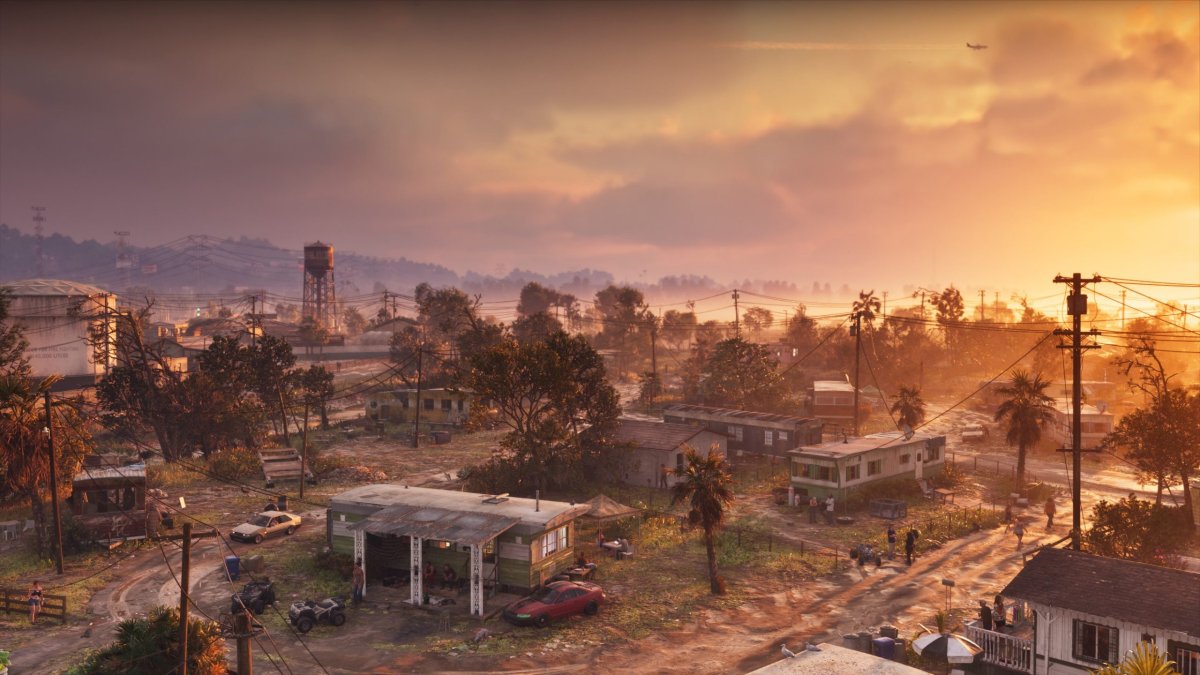
Rockstar Games has released more than 20 new screenshots for Grand Theft Auto VI, arriving alongside the Grand Theft Auto VI Extended Look that premiered on Netflix this past Thursday. The 26-minute gameplay deep dive gave fans far more than most were expecting, and this fresh batch of imagery builds on that momentum with a direct look at the game itself.

Unlike footage pulled from the Extended Look, these screenshots were captured straight from the game. The focus lands squarely on protagonists Jason and Lucia as they move through a range of situations across Leonida, with several shots also pulling back to showcase the sheer scale and detail of the state itself.

The images didn't all come from a single source. Rockstar distributed them across a mix of outlets, including YouTuber TGG, who was given roughly three hours of hands-on time with the game, along with The New York Times, Flow Games, Die Zeit, and IGN, which published its own exclusive alongside the rest. Between them, the outlets have put together a gallery that offers one of the clearest visual pictures of GTA 6 to date.

The response so far has centered on just how far the fidelity has come, both in terms of raw visuals and the interactive systems on display. With Grand Theft Auto VI set to launch on November 19, these screenshots reinforce the idea that Rockstar is aiming to set a new bar for the genre. Notably, this isn't the first screenshot release of the week either — Rockstar had already put out a smaller batch just days earlier.

Whether more screenshots or footage will surface between now and launch remains to be seen, but with less than three months to go, all signs point to Rockstar continuing to drip-feed material as anticipation builds toward release.
HQs4pv-bkAACQSB-copy.webp

mega-2-1787856672031-scaled.jpg

mega-12-1787856672033-scaled.jpg

mega-11-1787856672033-scaled.jpg

mega-10-1787856672033-scaled.jpg

mega-13-1787856672033-scaled.jpg

mega-1-1787856672031-scaled.jpg

mega-4-1787856672032-scaled.jpg

mega-5-1787856672032-scaled.jpg

mega-6-1787856672032-scaled.jpg

mega-7-1787856672032-scaled.jpg

mega-3-1787856672032-scaled.jpg

gta6-10-blogroll-1787855575840.jpg

mega-14-1787856672033-scaled.jpg

megax-1787856672033-scaled.jpg

658564798567959.webp

41d3e0a24da564f867d26b170c4c6abea7e04f2f.webp

5c09b5c1eb712a1458e14b86f7fb9f81a603d9b8.webp

mega-9-1787855280117-scaled.jpeg

mega-8-1787854424207-scaled.jpeg

User Feedback

Recommended Comments

There are no comments to display.

Forum Statistics

  • Total Topics 918
  • Total Posts 1.2k

Configure browser push notifications

Chrome (Android)
  1. Tap the lock icon next to the address bar.
  2. Tap Permissions → Notifications.
  3. Adjust your preference.
Chrome (Desktop)
  1. Click the padlock icon in the address bar.
  2. Select Site settings.
  3. Find Notifications and adjust your preference.