




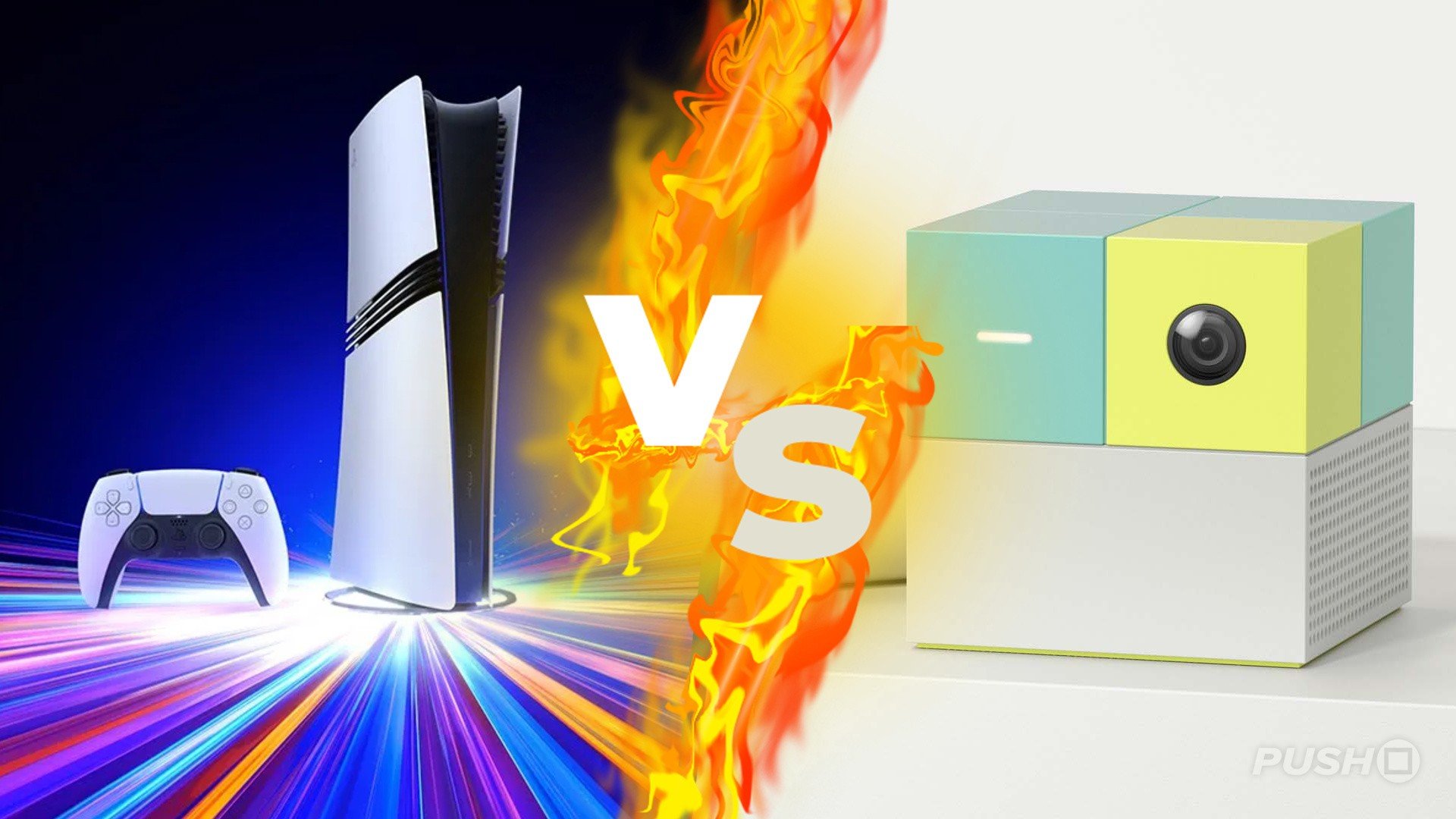

An interesting datapoint from Circana analyst Mat Piscatella reveals the PS5 was outsold by an unexpected US-based rival in the run up to Black Friday last week.
While the Switch 2 being top-selling hardware SKU for the week ending 22nd November won’t come as a massive surprise, the NEX Playground Interactive Gaming System coming second is a bit of a shock.
If you’ve never heard of this product, it’s effectively a standalone reimagining of the Kinect – or the EyeToy, if you remember the classic PS2 peripheral.
Primarily aimed at families and kids, the NEX Playground allows you to enjoy a variety of minigames on your TV using your body as the controller. Options include a simple platformer, kart racer, and more.
Piscatella is breaking up SKUs in this chart, so it’s possible the PS5 performed better overall when you combine all of its different SKUs, including Disc and Digital options as well as the PS5 Pro.
We’d also, obviously, have expected it to perform better during Thanksgiving week, as the console was discounted and appeared to sell out on Black Friday weekend.
But it’s still quite interesting to see a product like the NEX Playground seemingly come out of nowhere and perform so well. At $249 it’s not cheap either – although we’re assuming it was on sale in order to achieve these kinds of numbers.
Nevertheless, we told you it was an unexpected rival. Bet you didn’t guess it before you clicked on the article, eh? Have any of you got one of these?
Recommended Comments